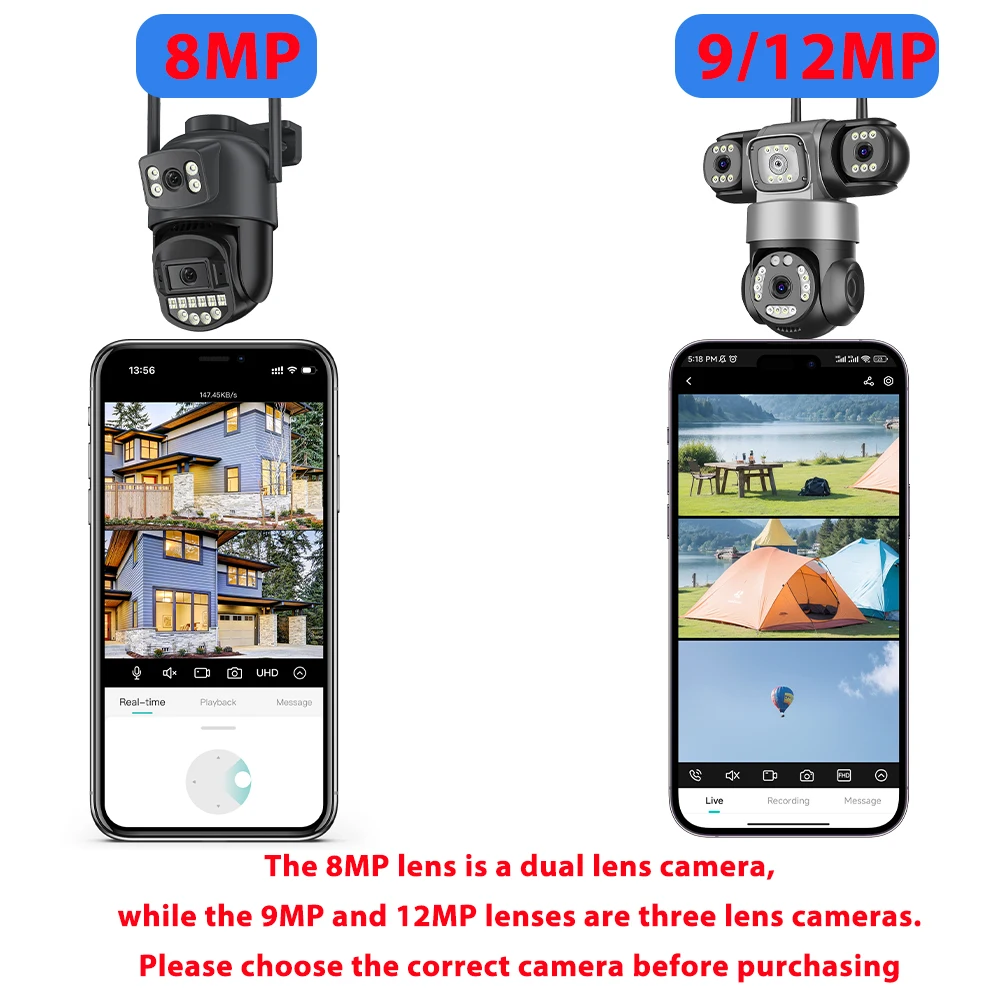
Purchase Notice:
The 8MP Camera has 2 lenses and 2 screens,the bottom camera support PTZ.the top len is Fixed
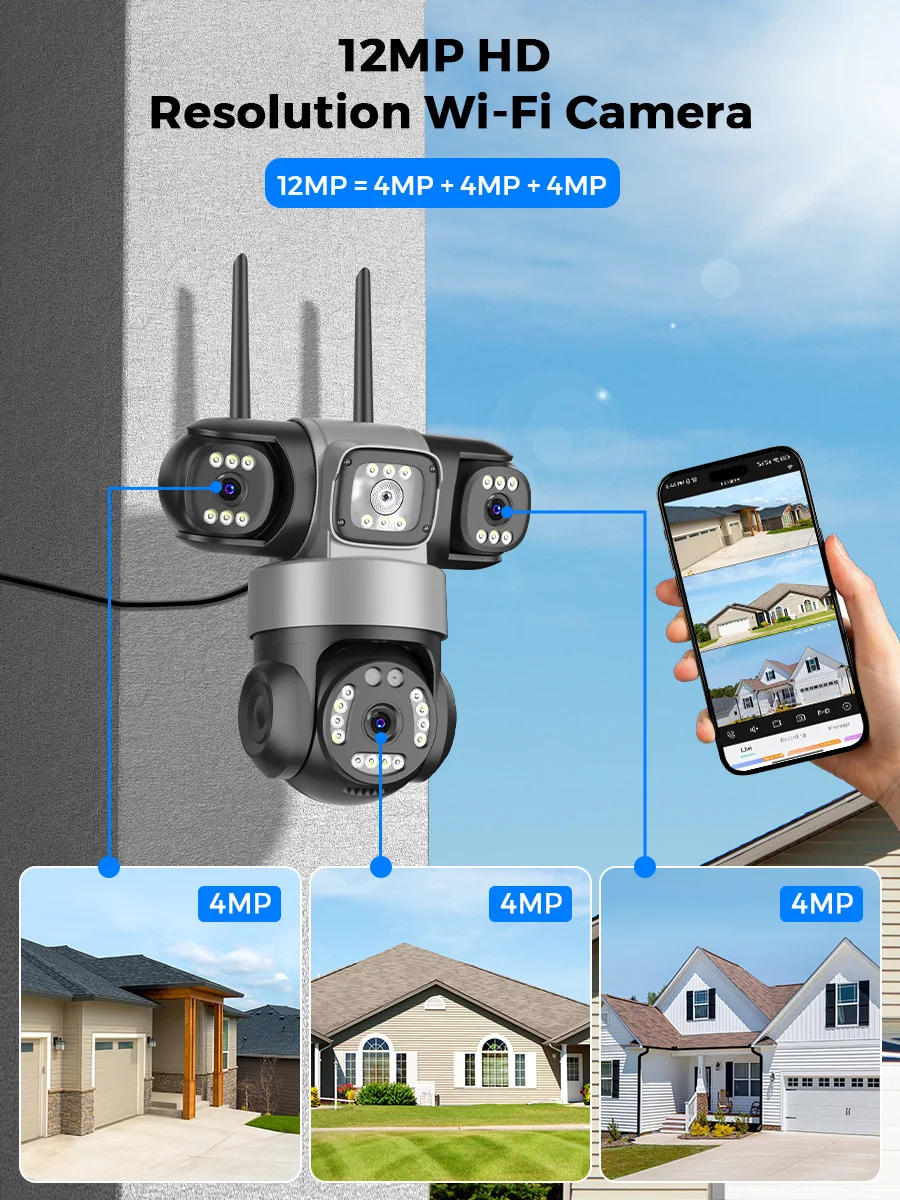
The 9MP /12MP camera has 3 lenses and 3 screens, with the LED light in the middle, not the lens
The lenses on the left and right sides above do not support PTZ and only support manual rotation
The bottom camera supports PTZ
We recommend that you purchase a camera with the option of a memory card
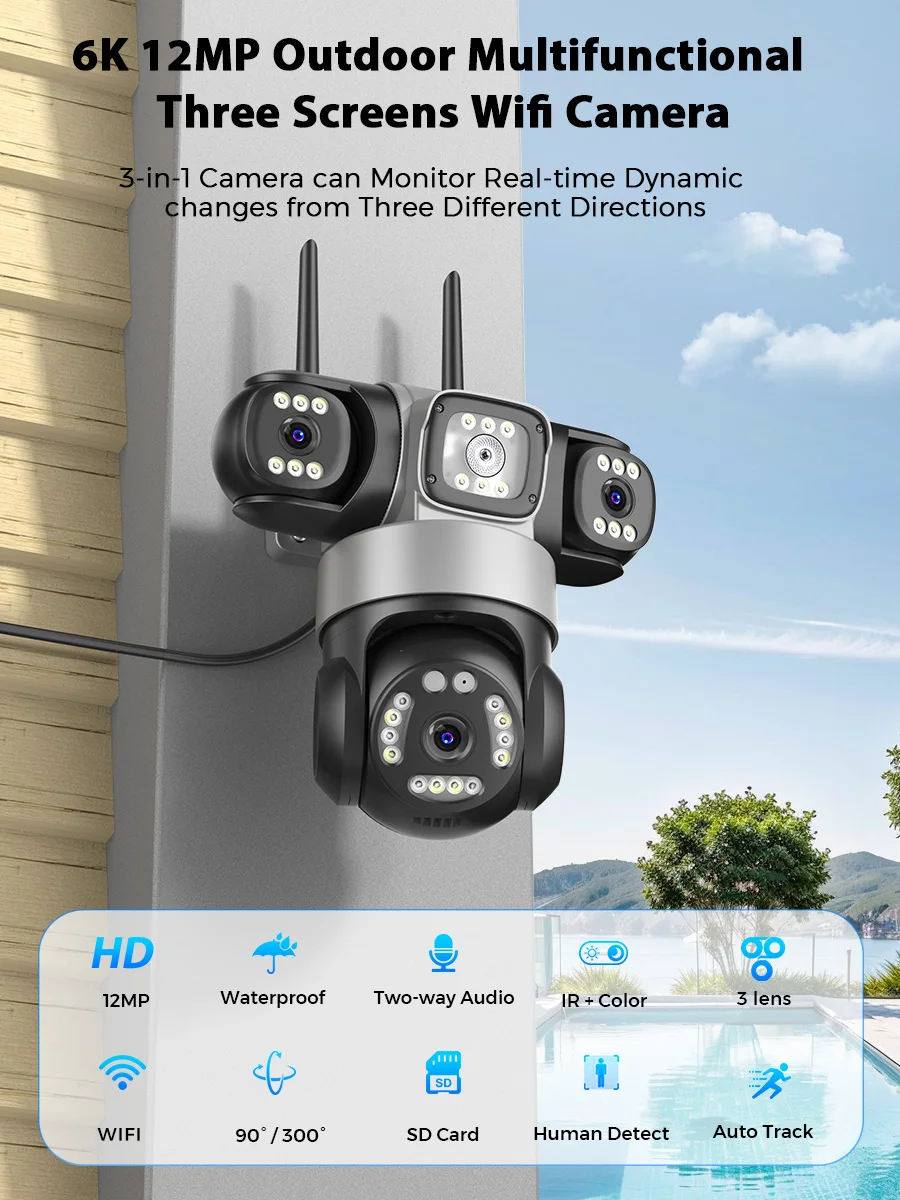
Three Lens Three Screens Wifi Security Camera Outdoor Waterproof ICSEE APP Video Surveillance Camera
① The camera has 3 lenses and 3 screens, with the middle one being an LED light
② The bottom camera can support PTZ rotation, while the cameras on the left and right sides above can only be rotated by hand and do not support PTZ
③ The camera uses the ICSEE app
④ We recommend purchasing a camera with the option of a memory card for your purchase
⑤ If you have any questions about the camera, please feel free to contact us and we will provide you with answers
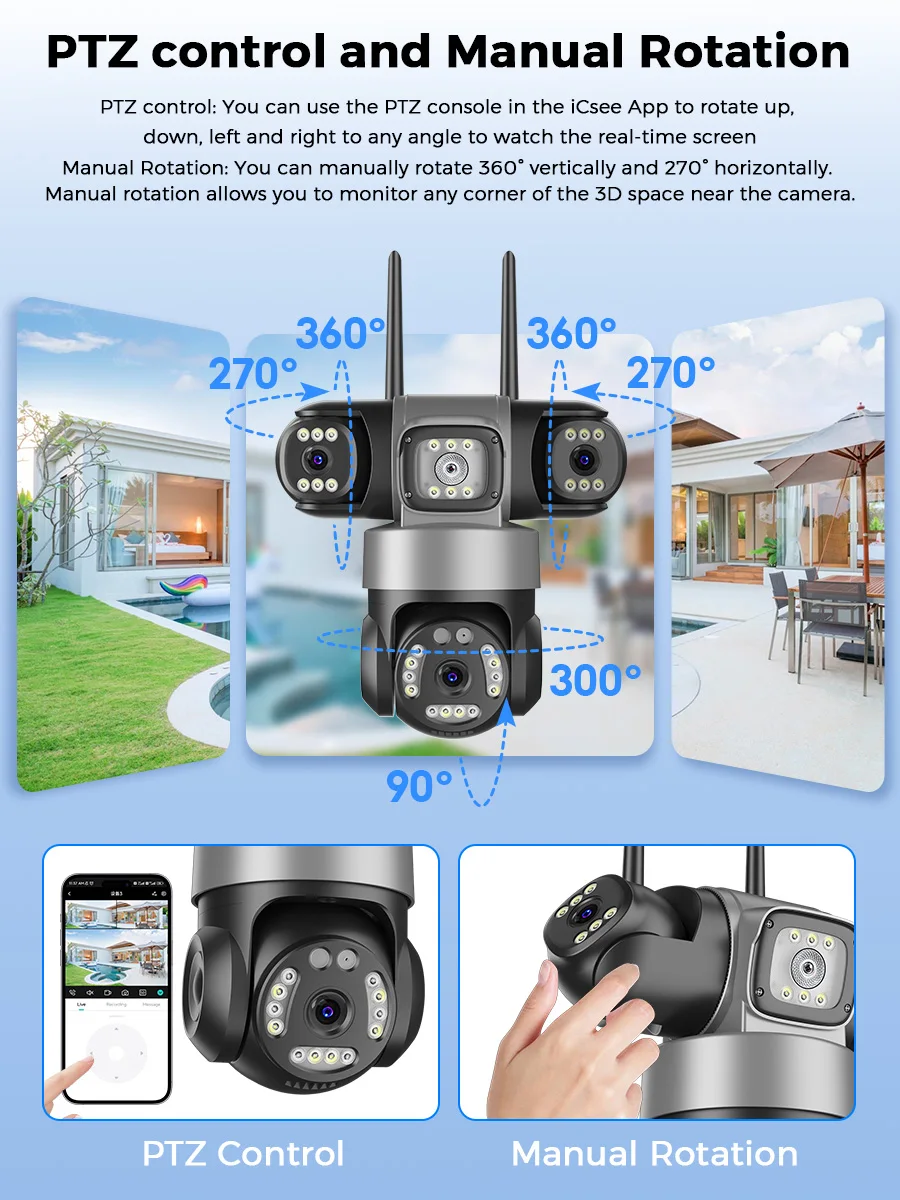
PTZ Function Display
The bottom camera can support PTZ rotation, while the cameras on the left and right sides above can only be rotated by hand and do not support PTZ
Main Features:
● 12MP 6K Three Lens Three Screens Camera
Three Lens with Three Screen, the lower camera supports PTZ, while the left and right cameras in the upper part do not support PTZ and only support manual rotation
●The 8MP Camera has 2 lenses and 2 screens,the bottom camera support PTZ.the top len is Fixed
● AI human detection Alarm
●Smart Auto Tracking
● 3.6mm lens camerasystem
● 2.4Ghz WiFi & Wired Connection
● 20~25 meters Colorful/Black White Night Vision
● Enhanced dual antenna penetration ability
● Pan 355 degree / Tilt 90 degree
● Two-Way Audio Talk Speak Real Time
● Motion Detection and Alarm Tone Function
● Waterproof IP66 Use for Outdoor
● TF Card Slot Support Max 128 GB.
● Encryption security cloud storage
● Remotely View via the ICSEE App on Smartphone
Main Features
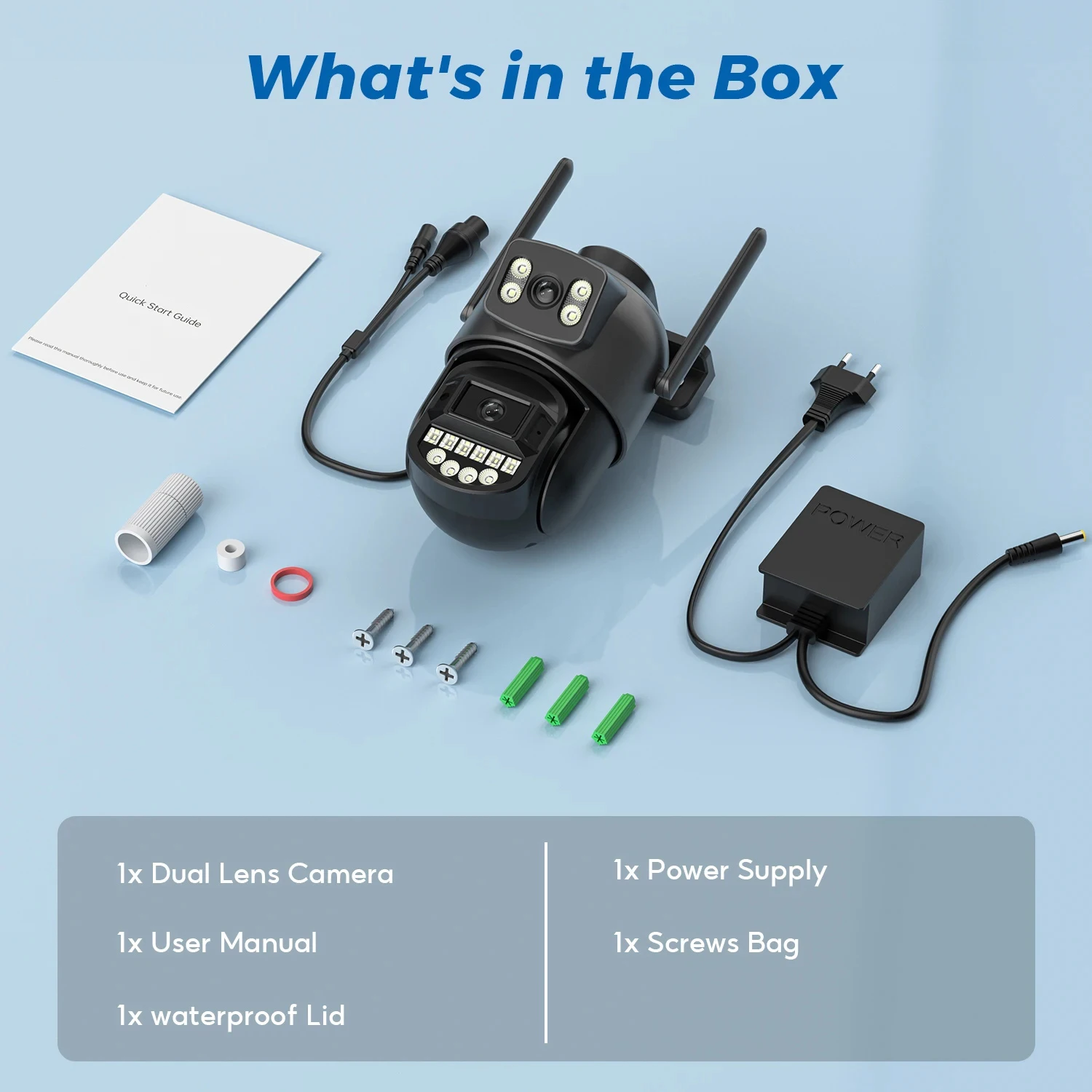
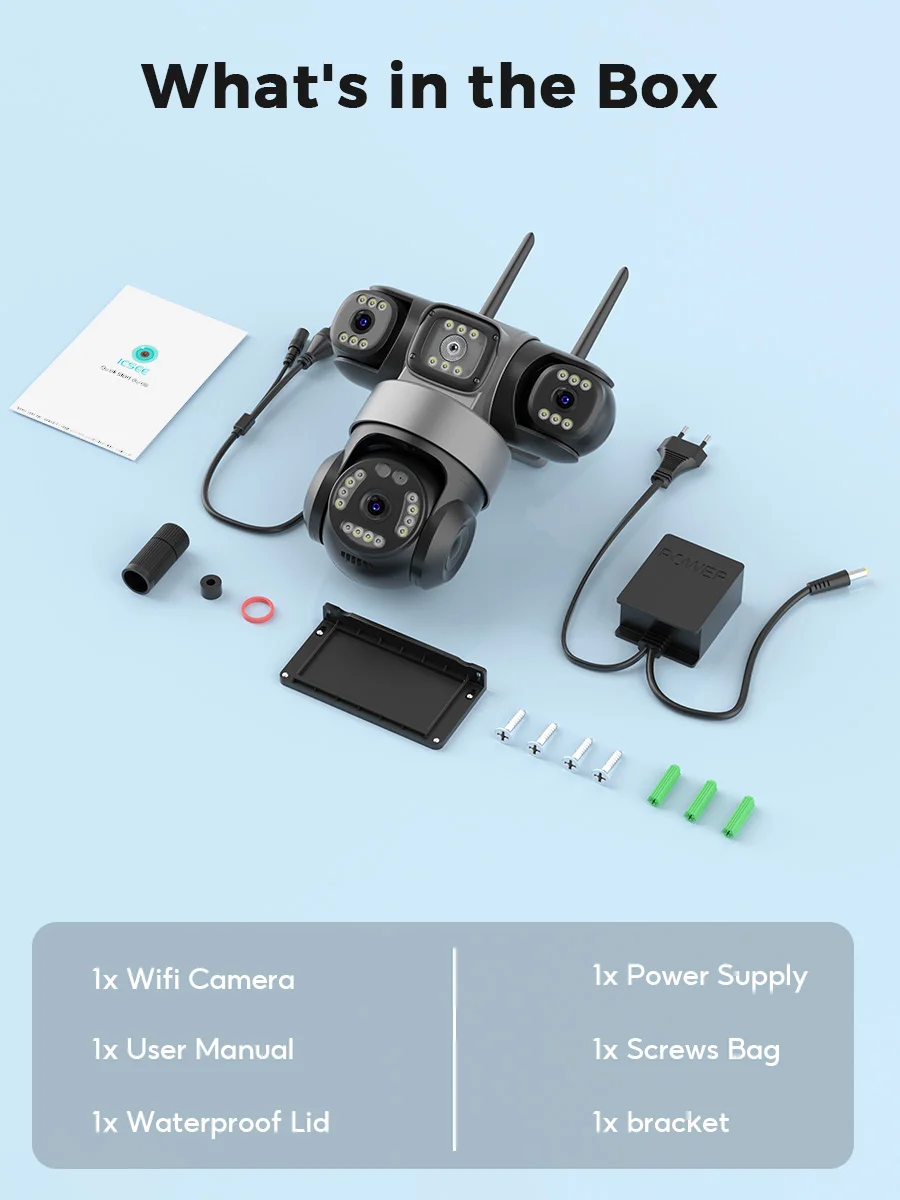
1x Camera(Dual lens and triple lens cameras are available for selection)
1x User Manual
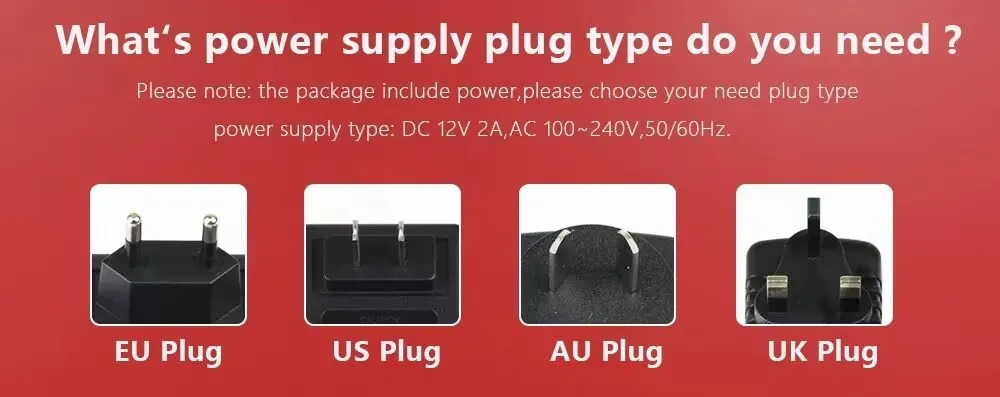
1x Power Supply
1x Screws Bag
1x Waterproof Lid
Warm tips: the SD Card is optional 🙂
12MP HD Wifi Camera
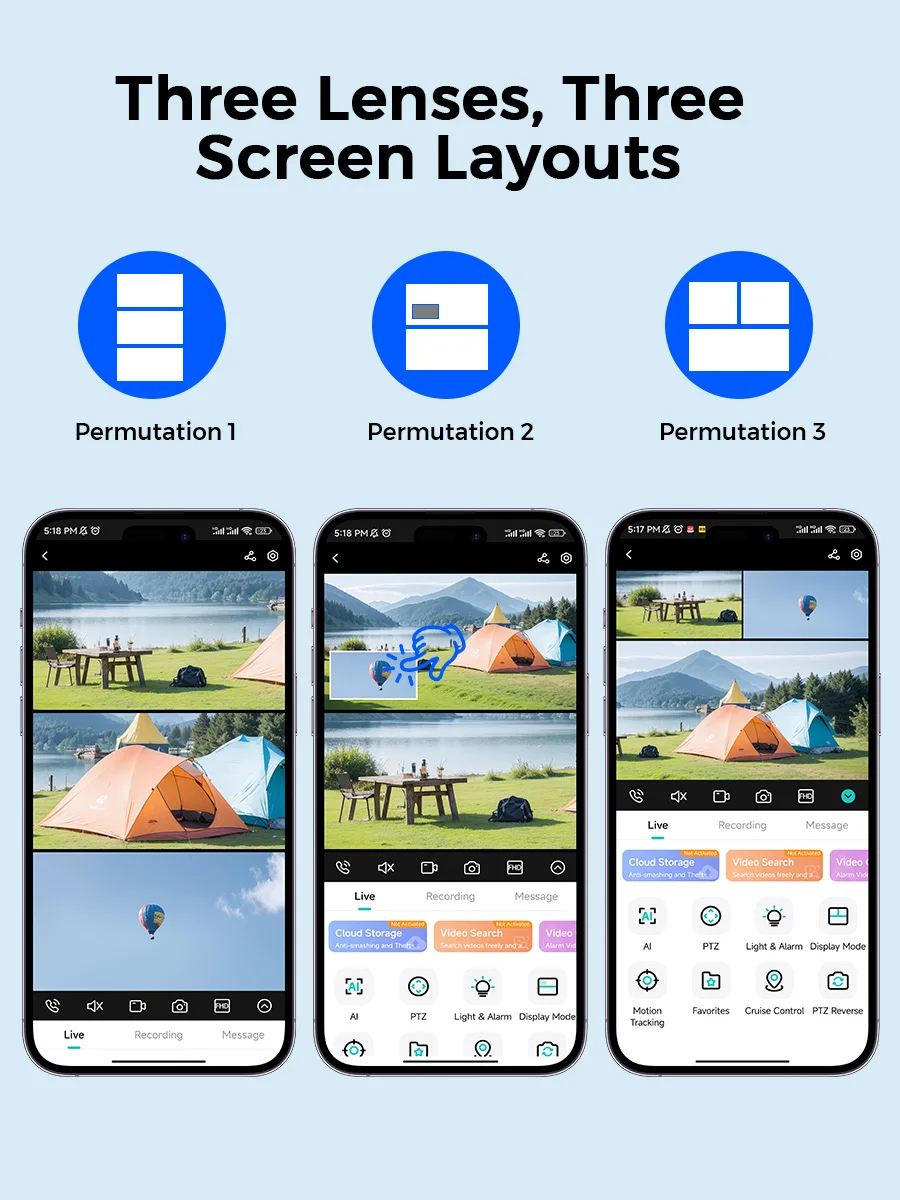
Three Lens Three Screens,There are 3 display modes on the phone
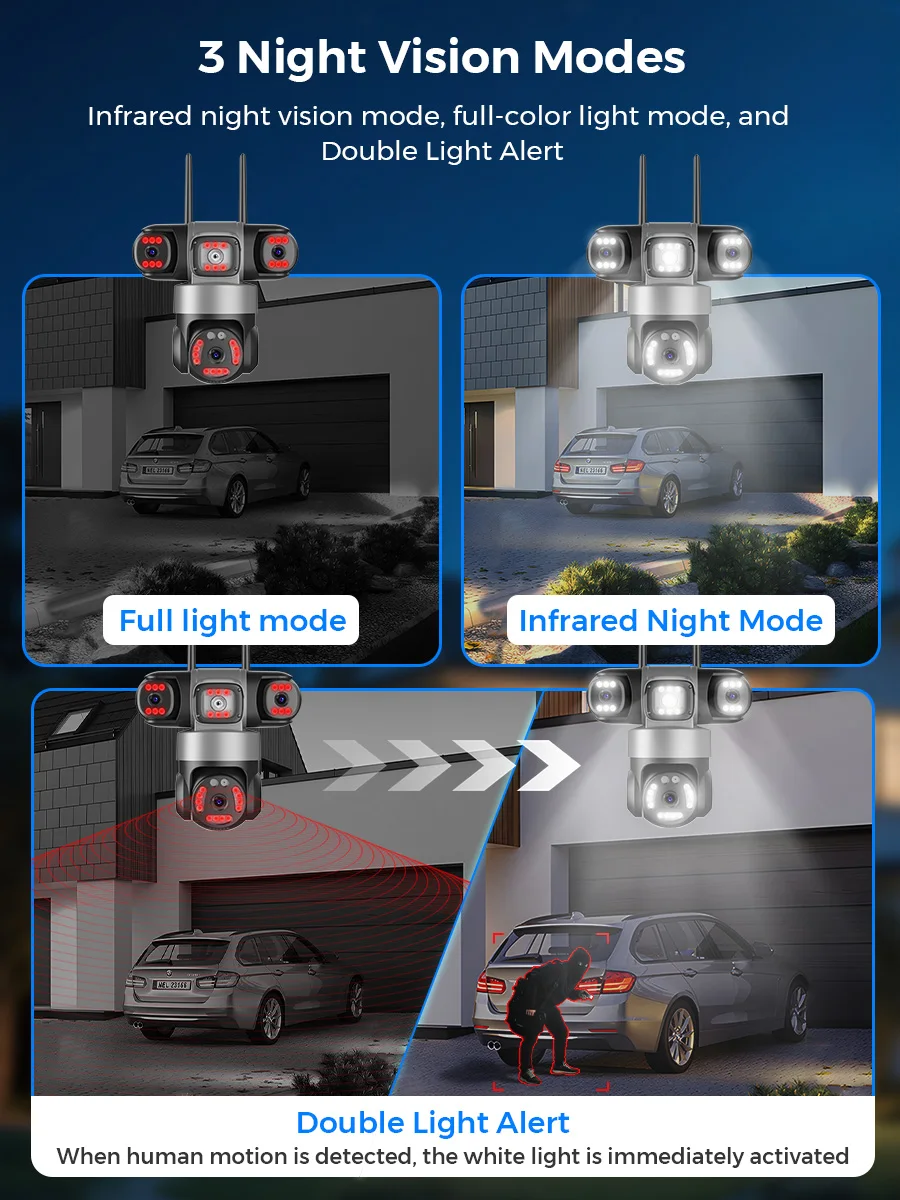
Infrared night vision + Full color night vision
Infrared night vision mode can provide clear black and white picture even in complete darkness, full color night vision is only automatically awakened in the dark night after APP setting.
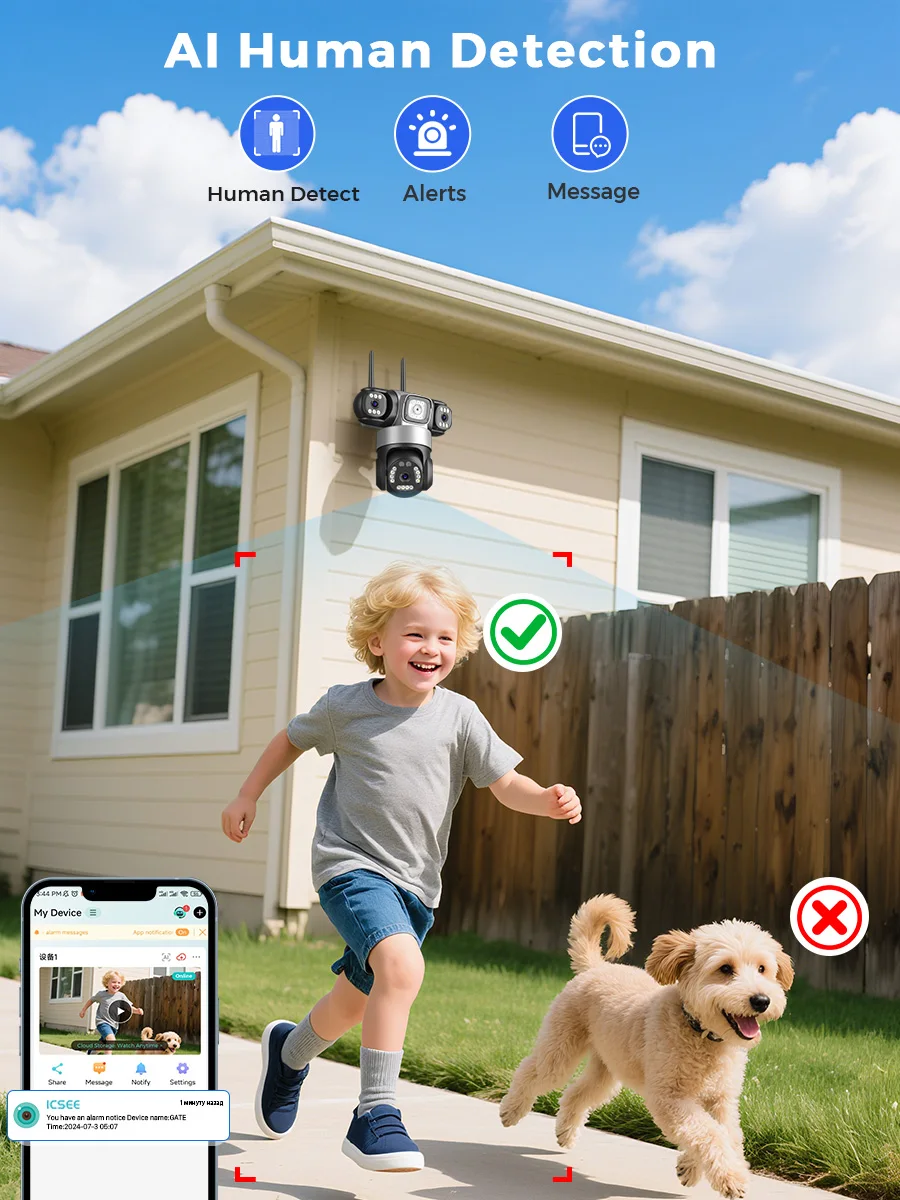
Ai Human Detection & Motion Detection Alarm
The Wifi camera supports human detection, if it detects a person it will automatically alarm you and push a message to your cell phone through the APP to protect your safety. The Wifi camera also supports email alerts
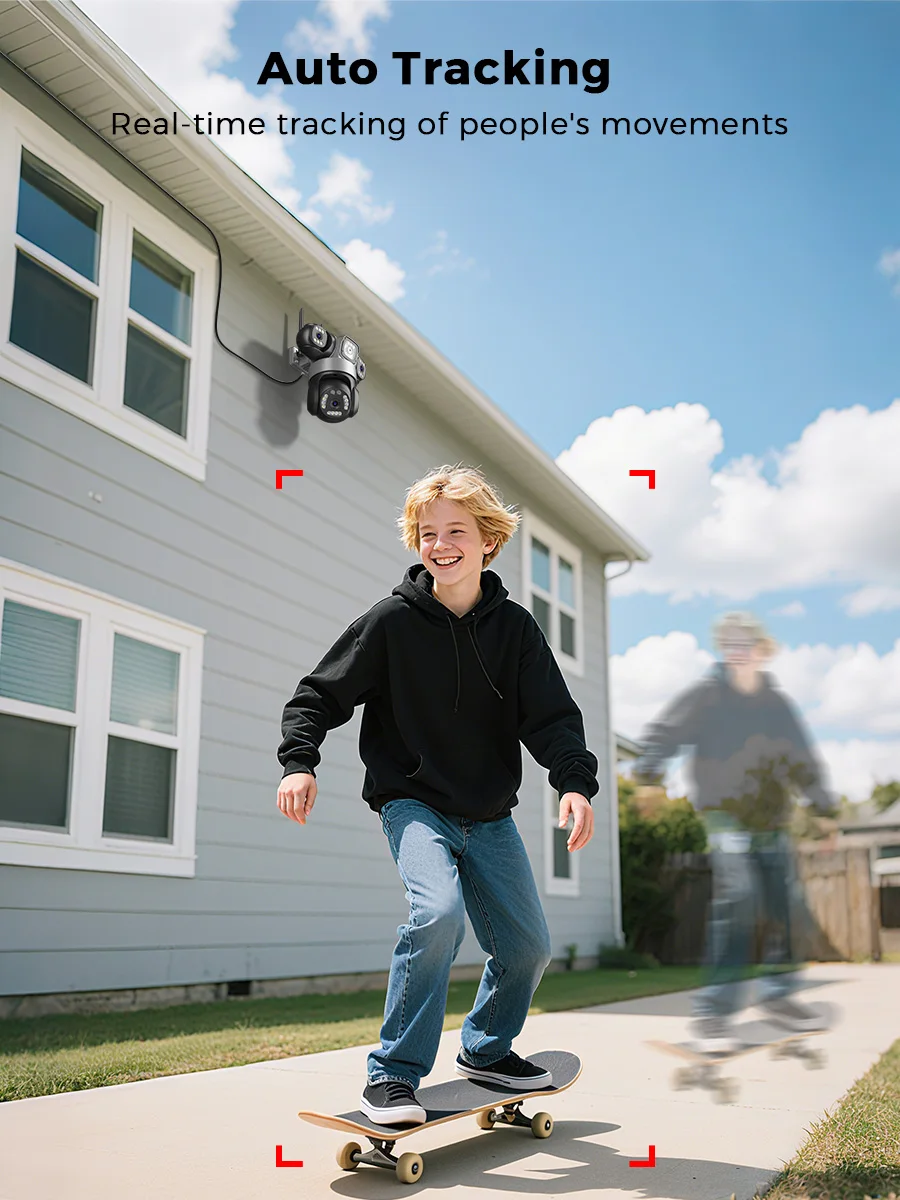
Auto Tracking
The camera supports auto-tracking function, when the camera locks on the target, it will track the movement of the target and move, you can better monitor the target
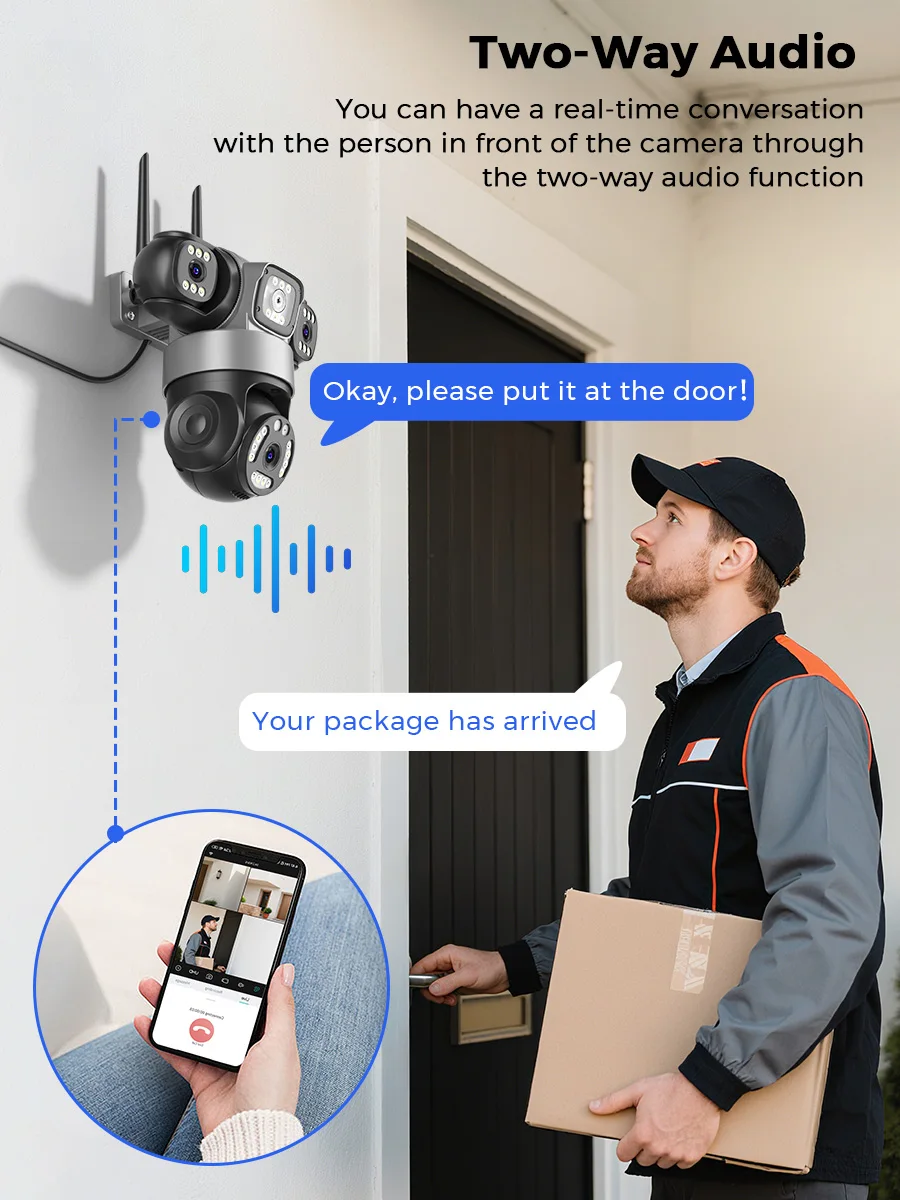
Two Ways Audio
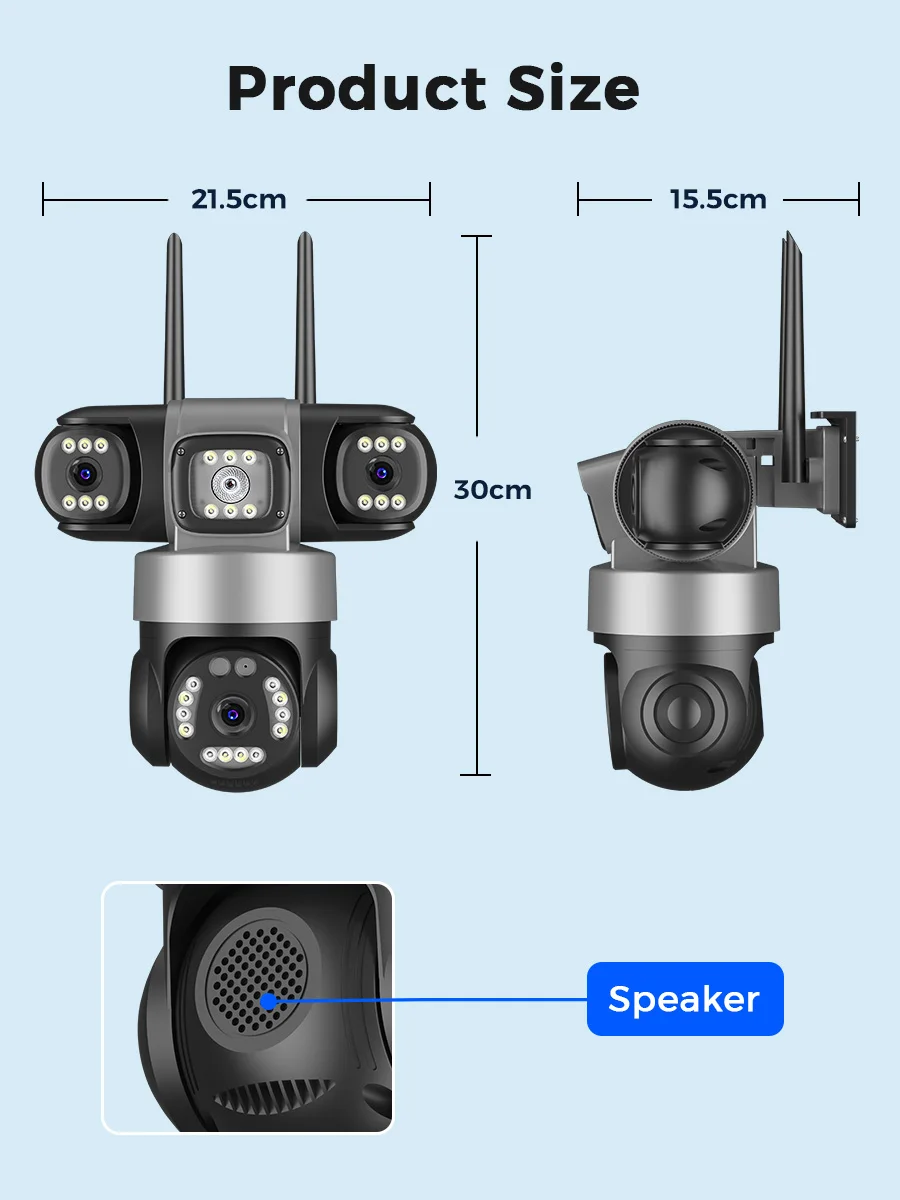
Built-in waterproof microphone & speaker, no matter how far away, allow you to interact with pets and family or dissuade unwelcome guests.
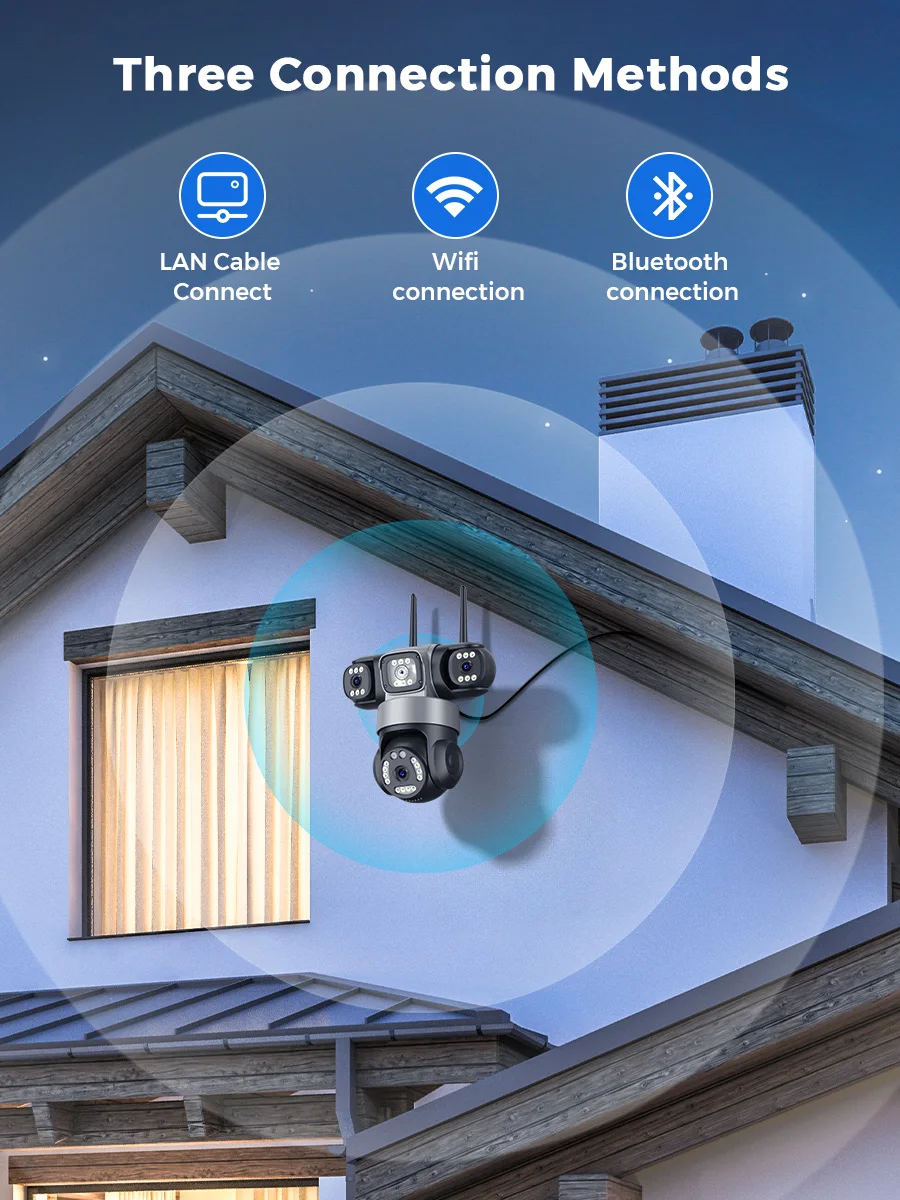
Support Wifi Connection or Network Cable Connection
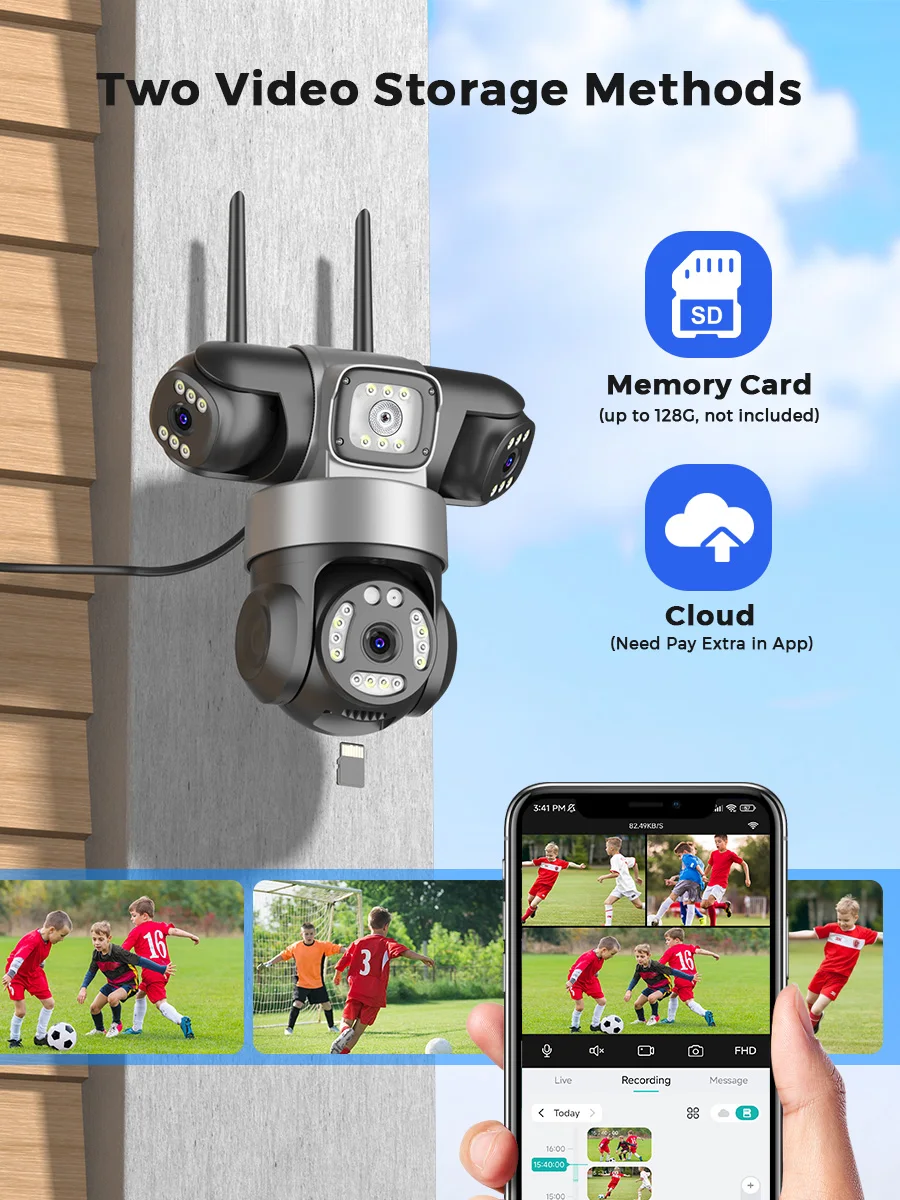
Support SD Card & Cloud Storage
Supports TF storage, up to 128GB memory card. First month cloud storage free experience, support online paid purchase in iCsee App, never worry about losing important videos again.
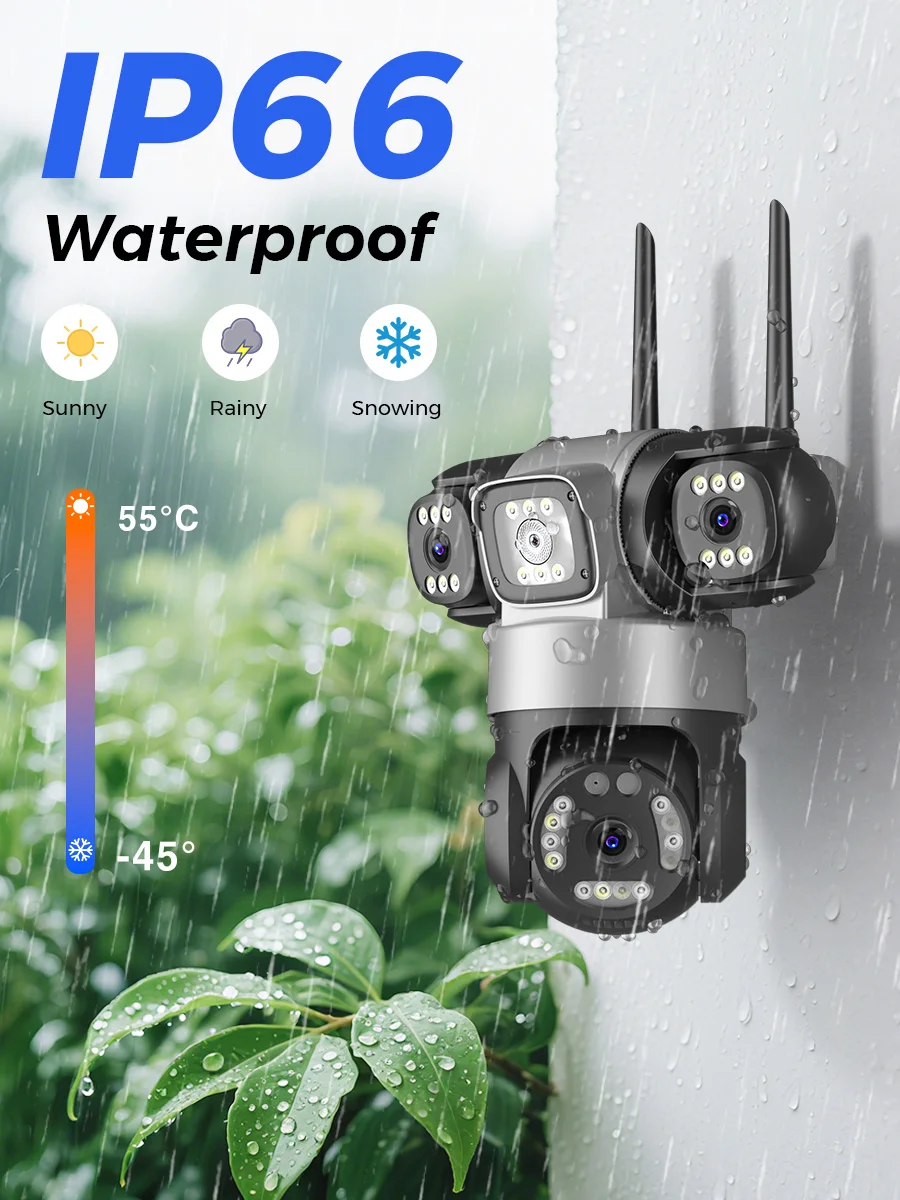
IP66 Waterproof / Dustproof
The camera case is made of high-quality ABS plastic, which is waterproof, sun-proof and dust-proof. It is suitable for any environment.
ICSEE APP Remote Access
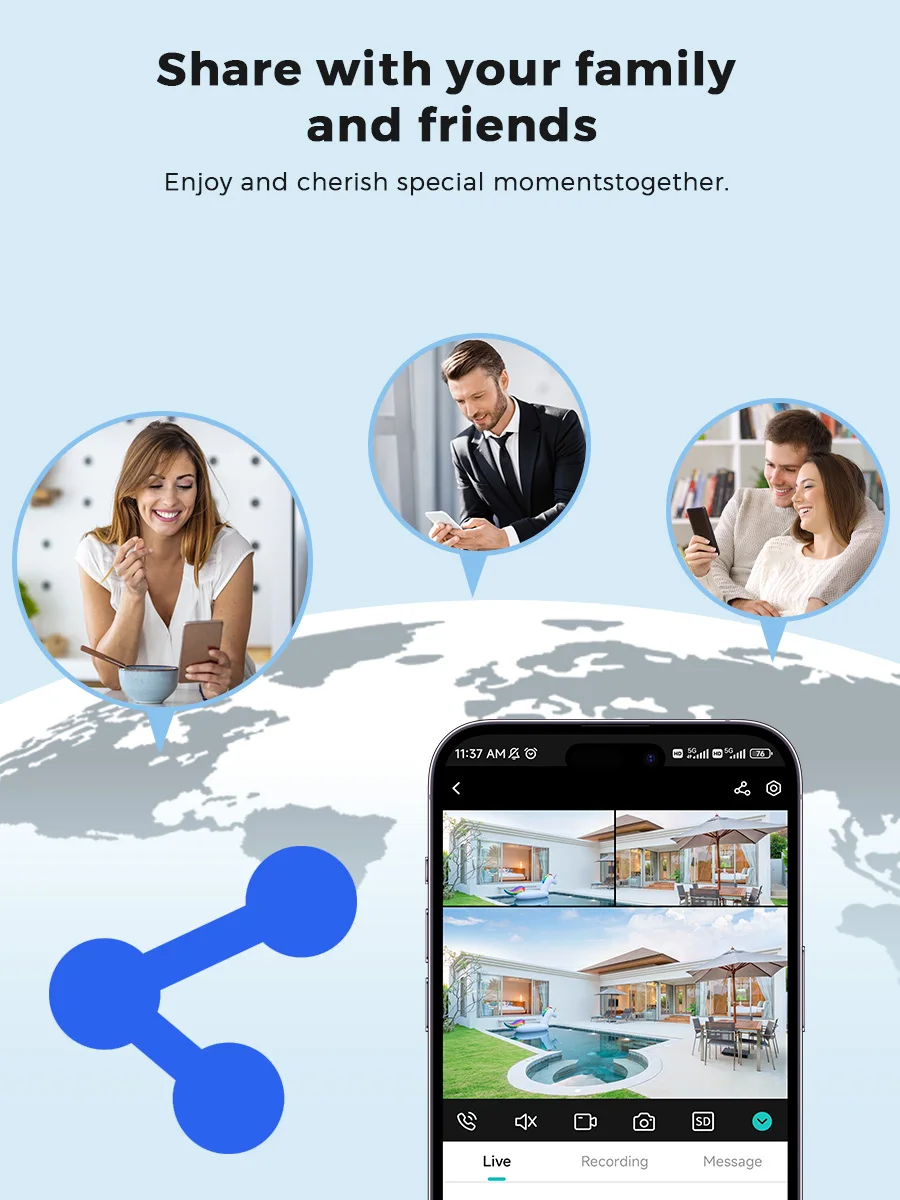
Support ICSEE APP remote, support sharing cameras with family and friends, support 4 people to watch online at the same time
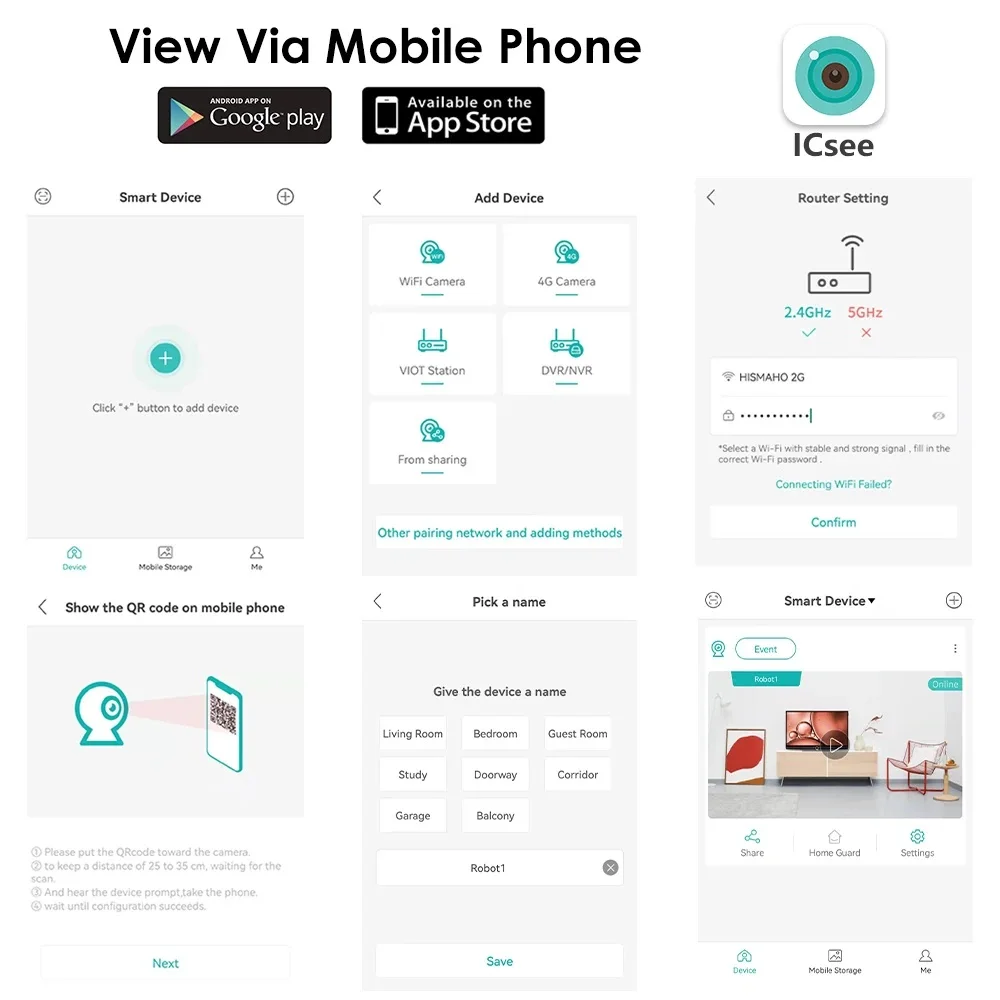
How to Configure the Camera in the iCSee App
① Download icsee app from Google Mall or other software malls
② There is a reset button at the bottom of the camera. Press and hold the reset button for 10 seconds. When you hear the sound of a successful reset, the camera has been reset successfully.
③ Connect the camera through the 2.4G HZ Wifi network band, follow the 6 steps in the picture to connect, and you can configure it successfully.