
[Function]:
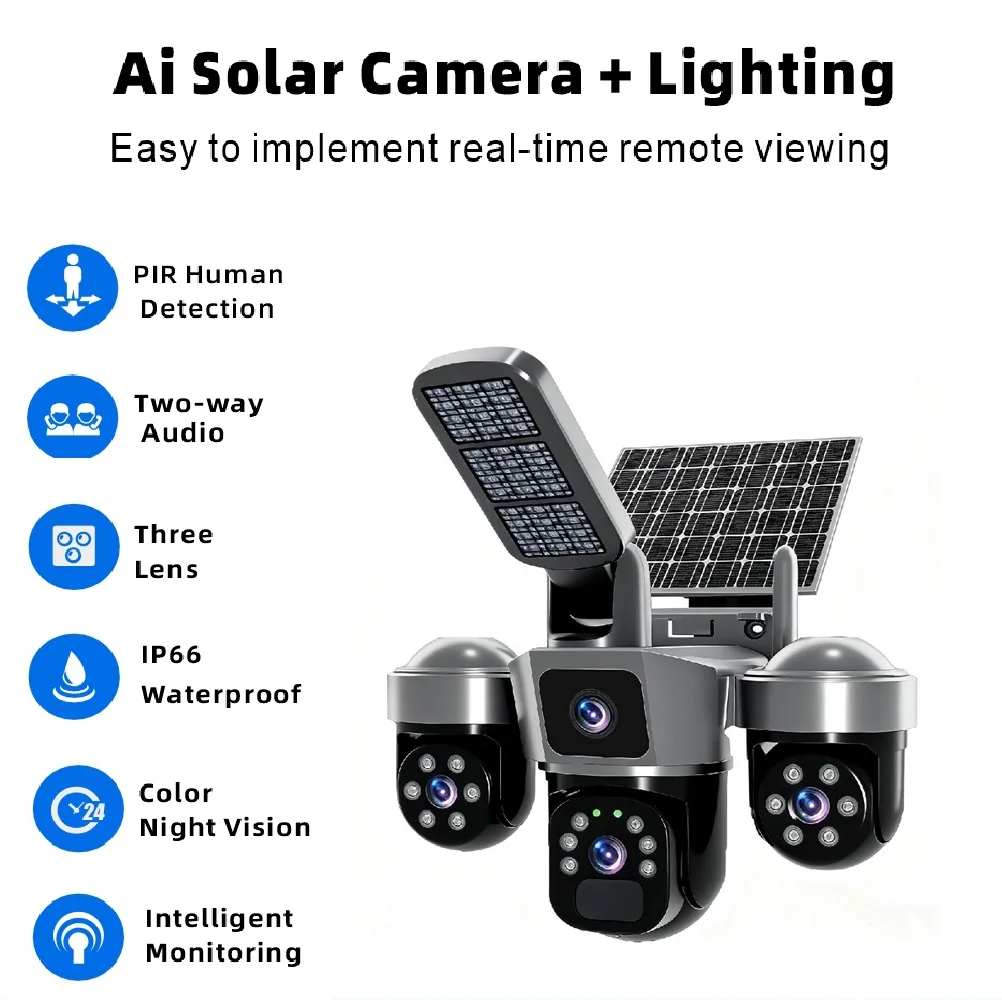
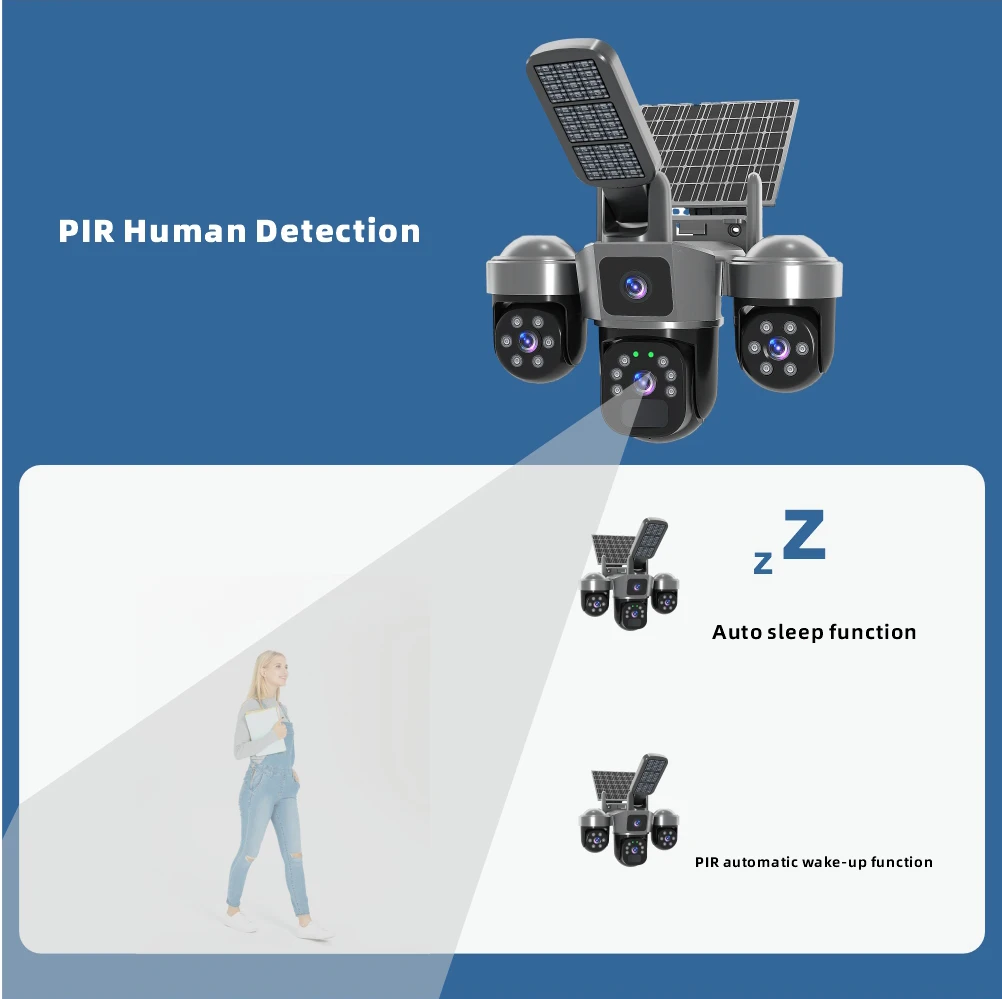
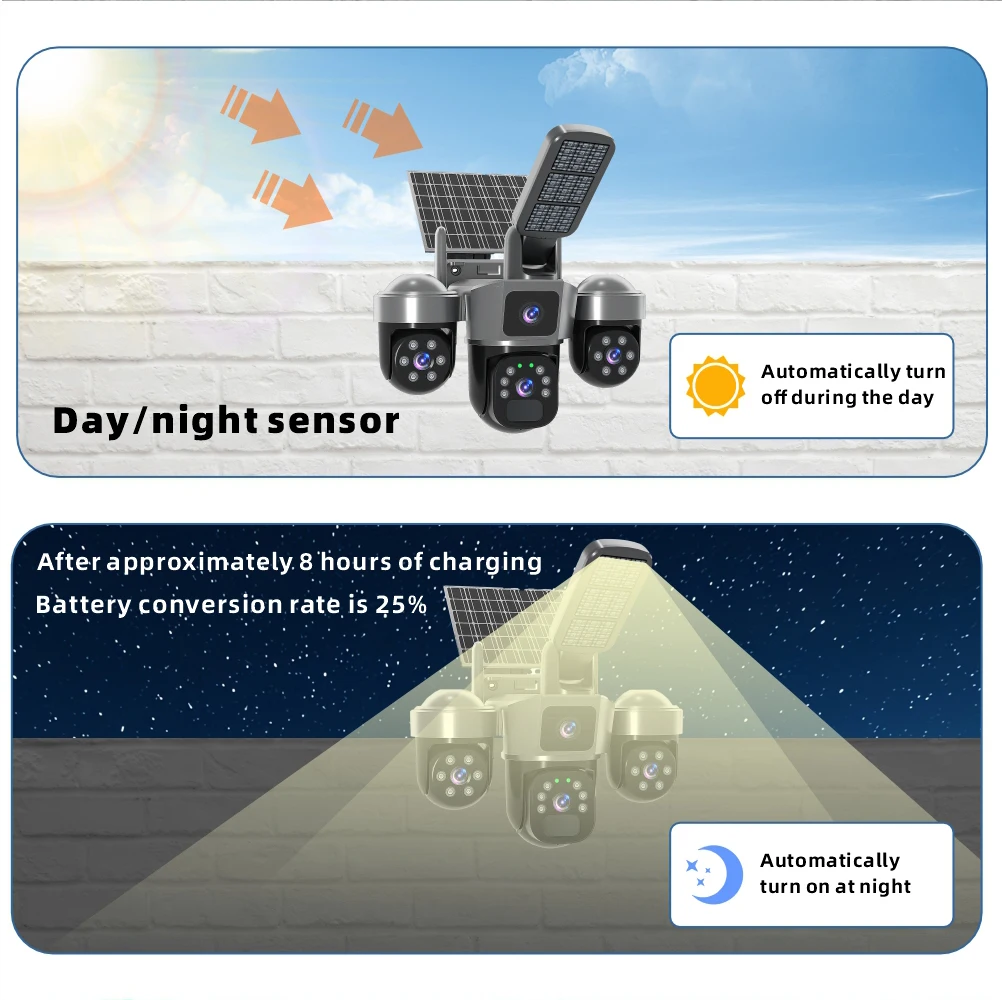
The street light turns on when someone approaches and stays off when the person leaves.
Night vision supports full-color and infrared modes
World's Exclusive Private-Mold Product
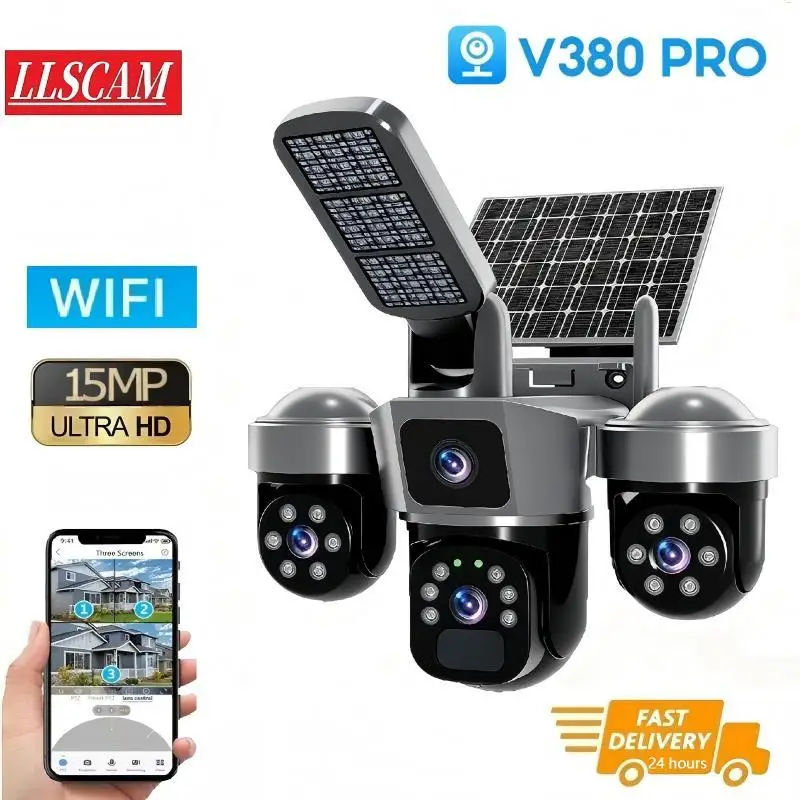
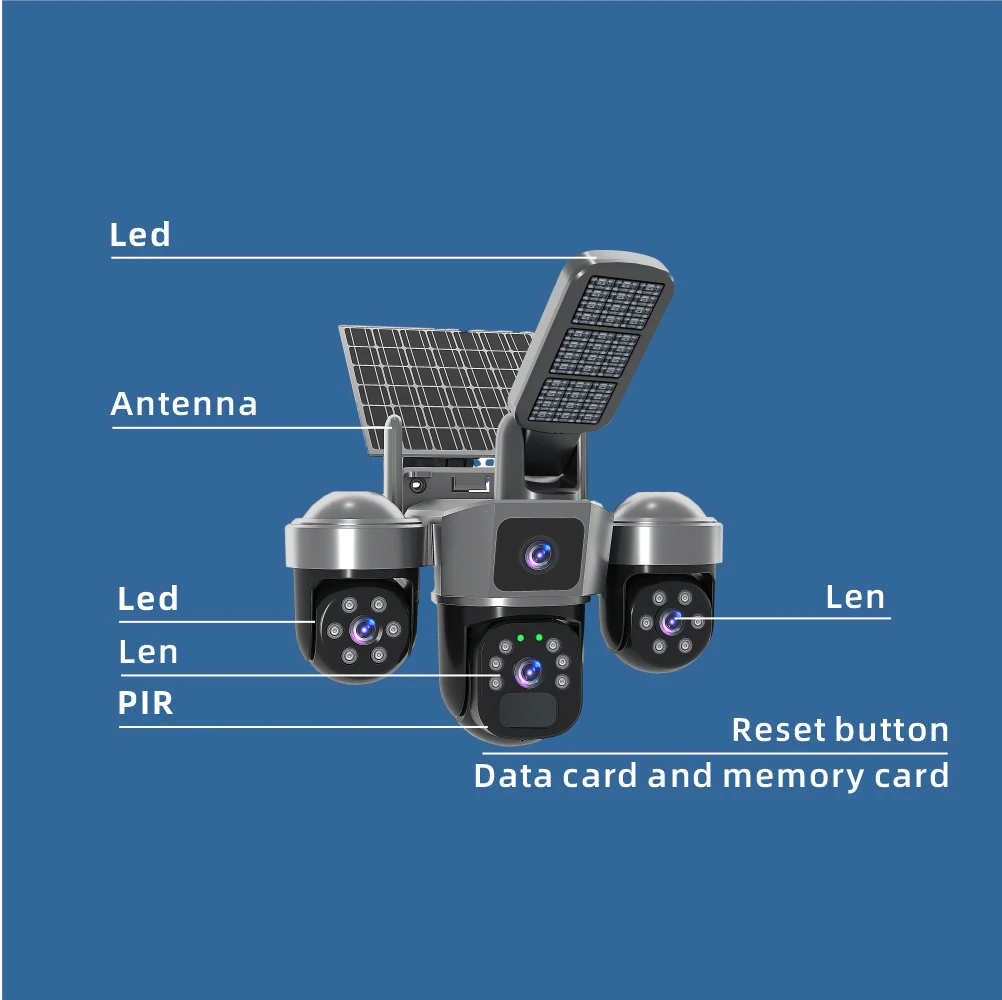
1. Three Lens Three Screen
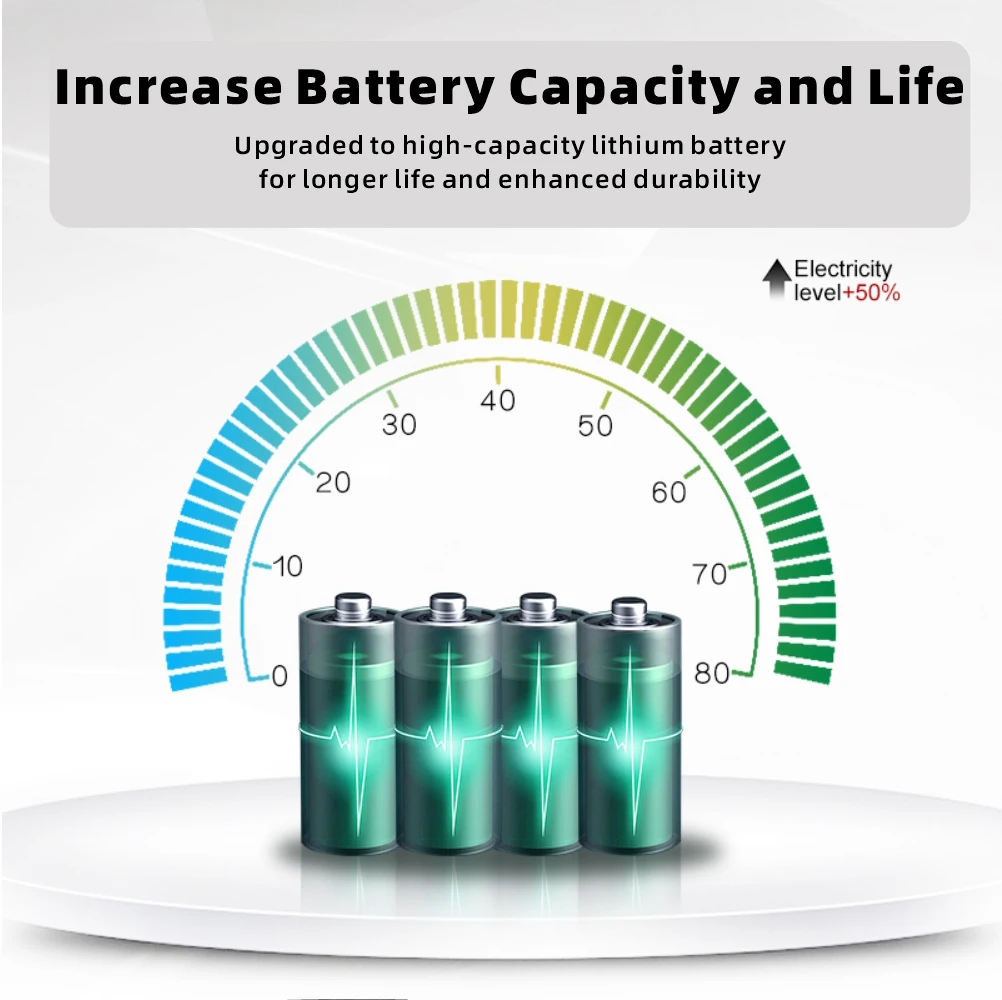
2. 365 Days Of Continuous Work
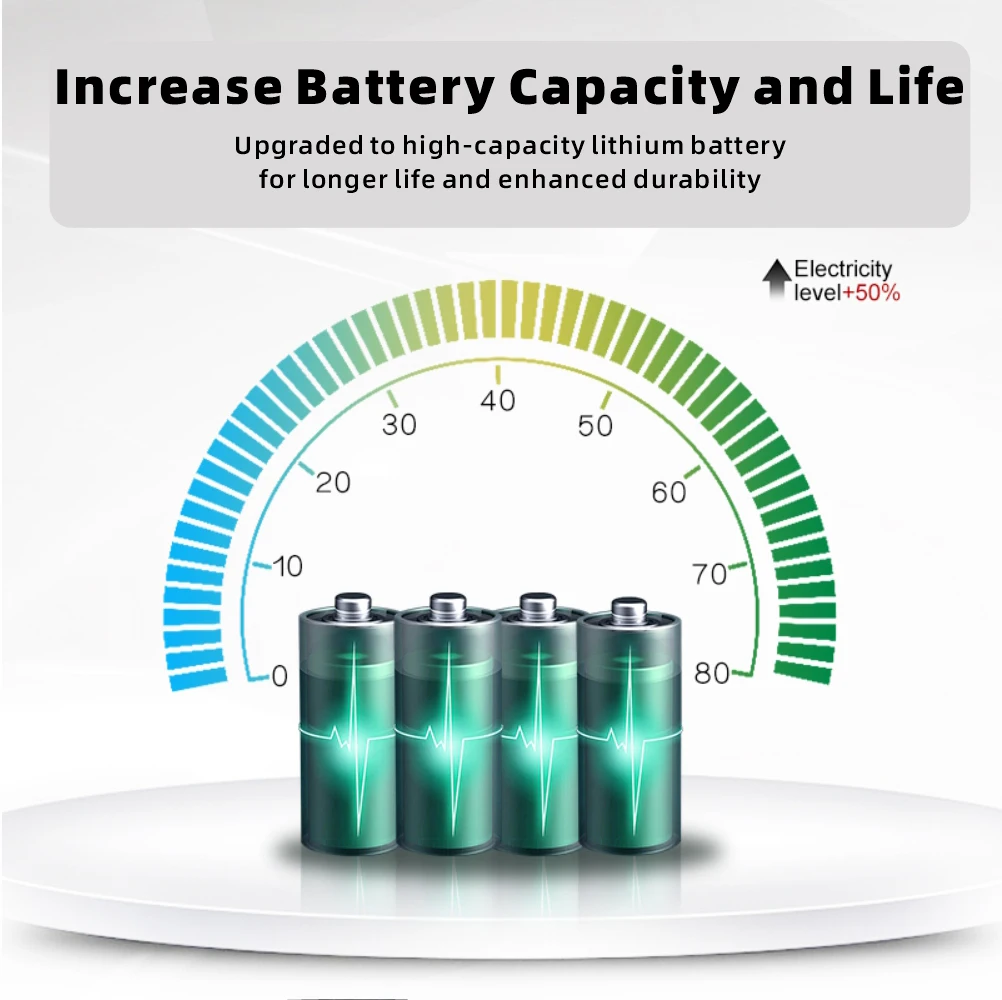
batteries are built into the camera. 8000HA
7W solar panel to charge the battery.
Can also be charged via USB cable
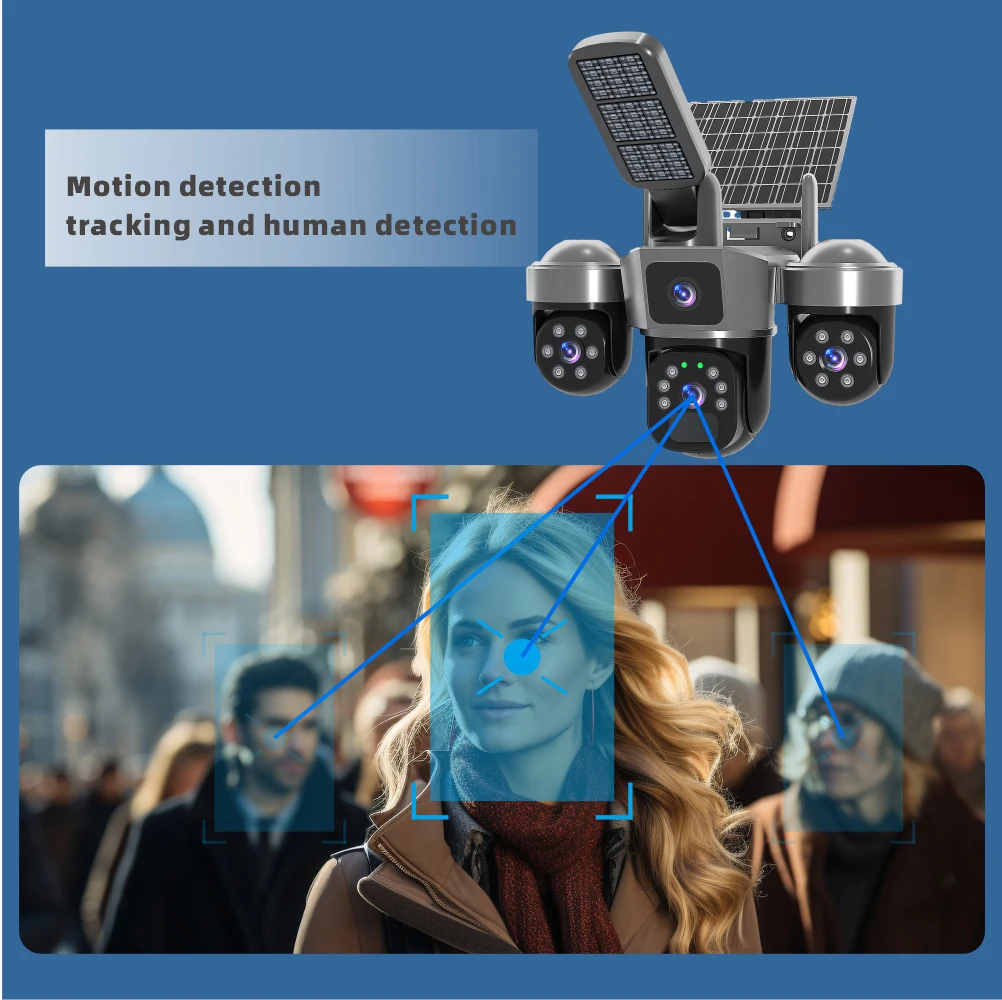
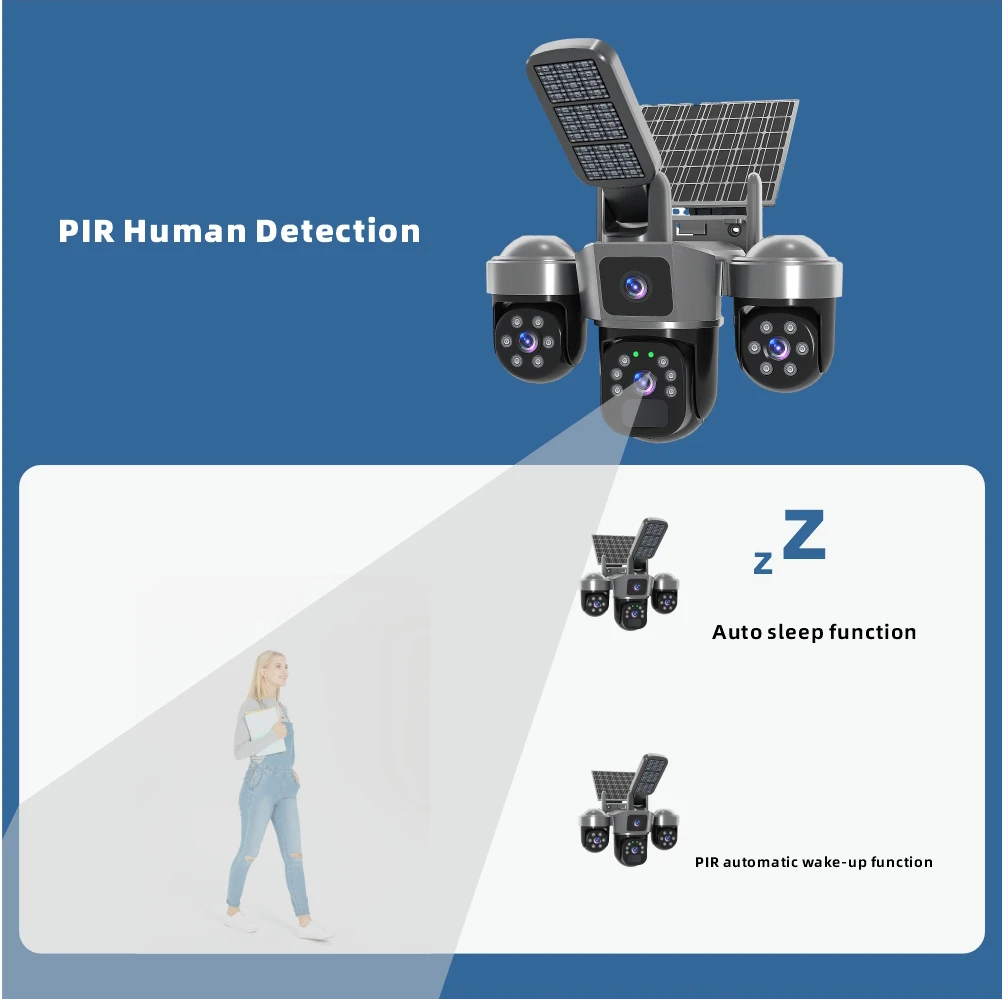
3.Human Detection – Auto Tracking And Alarm
Quickly finds human targets and immediately sends a notification to your phone
4. Smart Three Light Modes
Built-in White LED and IR LED
① full-color mode
② infrared mode
③double-light alert mode
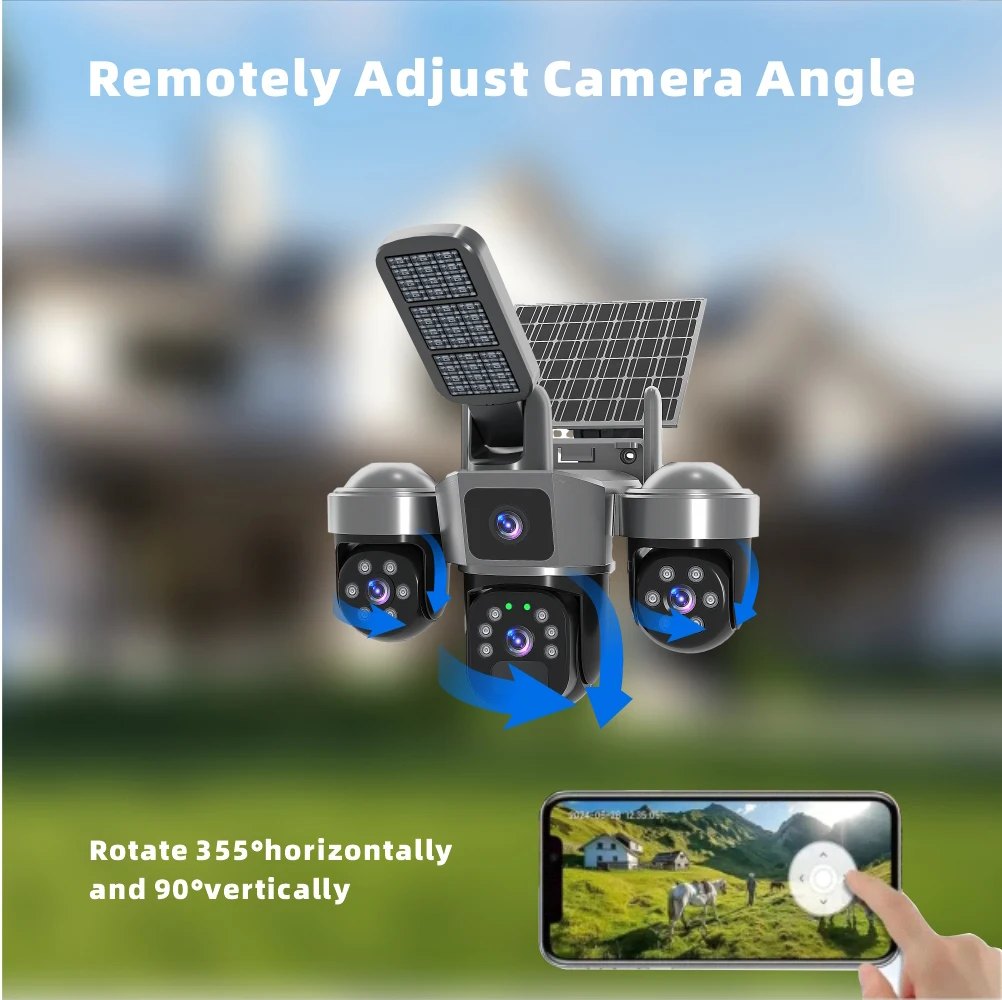
5. PAN & TILT
Big PTZ: Horizontal: 350 °, vertical: 90° (Control rotation via APP)
Small PTZ: Horizontal: 180°, vertical: 90° (Manual rotation)
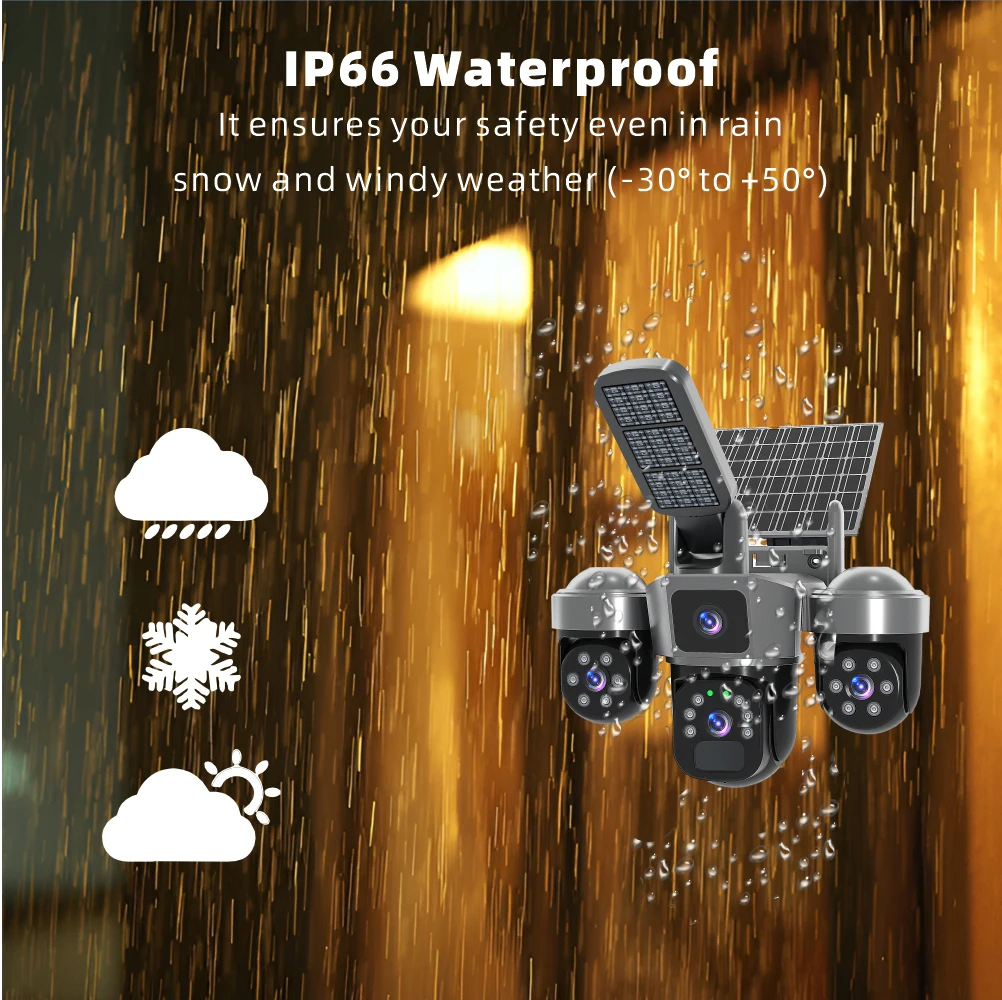
6. IP66 Waterproof / Dustproof
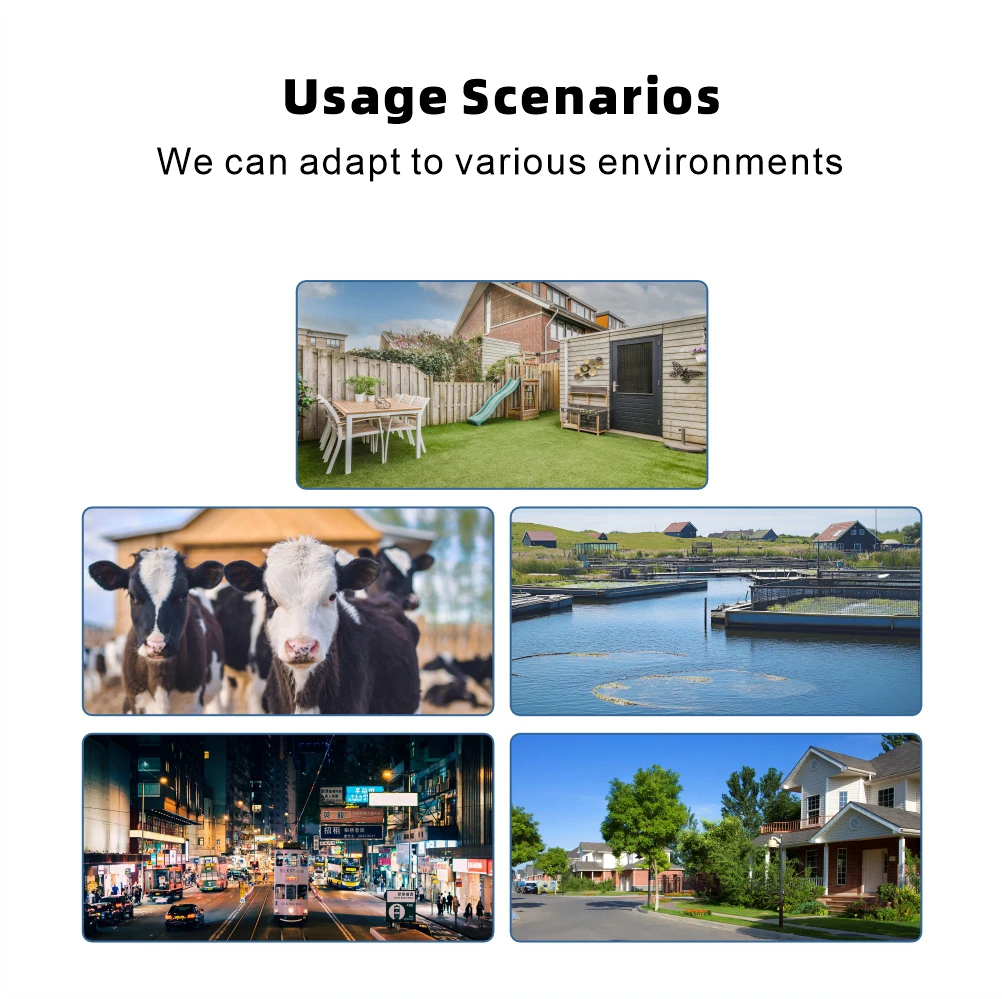
The camera is equipped with IP66 case , which is waterproof, sun-proof and dust-proof.It is suitable for any environment
7. Two Way Audio
Built in microphone and speaker,support real time dialogue
8. Two Storage Modes
Support TF Card Storage(Max 128GB) and Cloud Storage(Need Pay For)
9. 10X Digital Zoom
To slide the phone screen to rotate and watch, 10X Digital zoom to see details of any part of the image
10. Smart Phone APP
Download “V380 Pro” from Google Play or iOS APP Store
11.WiFi Version
The WiFi Version camera supports 2.4Ghz WIFI
AP local area network (LAN) connection allows video recording even without an internet connection, and supports real-time viewing on mobile phones.
App introduction: Note that different products have different features.
Comprehensive Function Introduction of V380 Pro APP
I. Basic Connection & Setup
1. Device Addition (Completed in 3 Steps)
-
Open the APP and complete account registration/login.
-
Tap the “+” icon in the upper right corner, select “Add Device” → “WiFi Device” → “QR Code Networking”.
-
Scan the QR code on the bottom/side of the camera, enter the WiFi password as prompted, and wait for a successful connection (a solid yellow light indicates completion).
2. Basic Settings
-
Device Naming: Name the camera for easy identification (e.g., “Living Room”, “Front Door”) after connection.
-
WiFi Replacement: Re-select the WiFi network in device settings (ensure your phone is connected to the target WiFi first).
-
Indicator Light Meanings:
-
Red light slow flashing: Device ready, waiting for connection.
-
Red light fast flashing: Connecting to the router.
-
Yellow light solid on: Successfully connected to the network.
-
II. Core Monitoring Functions
1. Real-Time Video Viewing
-
Multi-Device Switching: All added devices are displayed on the homepage; switch between different camera feeds with one tap.
-
Clarity Adjustment: Supports switching between Standard Definition/High Definition (720P/1080P) to adapt to different network environments.
-
Full-Screen Mode: Double-tap the screen to enter/exit full-screen for a more immersive monitoring experience.
-
Screenshot Function: Tap the “camera” icon at the bottom of the preview interface to save the current frame to your phone's album with one tap.
2. Remote PTZ Control
-
Remotely control camera rotation by sliding up, down, left, or right on the screen.
-
Horizontal rotation range: 320°, vertical rotation range: 80°, achieving nearly 360° coverage.
-
Pinch in/out with two fingers to adjust the camera focal length (supports zoom-enabled models).
-
Preset Position Function: Save frequently used angles and return to specific views with one tap.
3. Two-Way Voice Intercom
-
Activate the intercom function by tapping the “microphone” icon on the preview interface.
-
Built-in high-sensitivity microphone and speaker for clear voice communication.
-
Suitable for: Talking to elderly/children at home, remotely verifying visitor identities, warning intruders.
III. Intelligent Alarm & Security Protection
1. Motion Detection Alarm (Core Function)
-
Automatic Detection: The camera identifies moving objects in the frame, captures snapshots immediately, and pushes notifications to your phone.
-
Area Setting: Customize monitoring areas (exclude irrelevant areas such as tree shadows outside the window).
-
Sensitivity Adjustment: Three levels (Low/Medium/High) to reduce false alarms caused by light changes or small animals.
2. AI Intelligent Recognition (Pro Version Feature)
-
Human Detection: Accurately identifies “humans” rather than ordinary moving objects, significantly reducing false alarm rates.
-
Motion Track Tracking: Automatically captures the target's movement path and continuously tracks shooting for a more complete monitoring perspective.
-
Abnormal Behavior Alert: Triggers an alarm when abnormal behaviors such as loitering or prolonged stay are detected.
3. Alarm Settings (Flexible Customization)
-
Arm/Disarm: Set scheduled automatic arming (e.g., at night) and disarming (e.g., during the day).
-
Alarm Methods: Optional combinations of APP push, sound alarm, video recording, etc.
-
Custom Ringtones: Set exclusive ringtones for different alarm types to quickly distinguish alerts.
IV. Storage & Playback
1. Dual Storage Solutions
-
Local Storage: Supports Micro SD cards (up to 128GB) with no additional costs; data is not lost during power outages.
-
Installing/Replacing SD Card: Disconnect the camera power first, insert the card, then power on.
-
Loop Recording: Automatically overwrites the earliest videos when storage is full.
-
-
Cloud Storage:
-
Offers 7-day/30-day loop recording plans to prevent data loss due to device damage.
-
View cloud historical videos anytime via the mobile APP, regardless of time and location.
-
No refunds after purchase; recommend choosing a suitable plan based on needs.
-
2. Video Playback Operation
-
Tap the “Playback” button on the real-time preview interface to enter the timeline view.
-
Slide the timeline left/right to select a date, and tap a specific time period to view the corresponding video.
-
Supports filtering by “events” (only displays clips triggered by alarms) for quick location of abnormal situations.
V. Featured Functions
1. Device Sharing (Essential for Families)
-
Tap the “Share” button on the device page and enter the mobile phone number or APP account of family/friends.
-
Set “viewing permissions” (view only/view + control) to flexibly manage the sharing scope.
-
Particularly suitable for: Multi-person family monitoring, shop staff viewing, kindergarten parents checking on children.
2. Night Vision
-
Automatically/manually activate infrared night vision in low-light environments.
-
HD Night Vision Mode: Presents clear black-and-white images even in almost complete darkness.
-
Full-Color Night Vision (High-End Models): Displays color images at night for richer visual information.
3. Scheduled Tasks
-
Supports setting scheduled on/off for the camera, scheduled activation/deactivation of night vision, and scheduled arming/disarming.
-
Example: Turn off monitoring during the day on workdays to save power, and automatically turn it on and arm at night.
-
Executes cyclically by week; set once for long-term use.
VI. Advanced Settings
1. Image Optimization
-
Brightness/Contrast Adjustment: Improve overly dark or bright images.
-
Anti-Flicker: Resolve screen flicker under lights (especially for outdoor cameras).
-
Mirror Flip: Adapt to different installation methods (upright/inverted).
2. Network & Security
-
Onvif Protocol: Enable this function to be compatible with other Onvif-supported monitoring systems.
-
Password Protection: Set an independent access password for individual devices to enhance security.
-
Alarm Notification Settings: Customize push message content and set Do Not Disturb periods (e.g., sleep time).
VII. Practical Scene Applications
|
Scene |
Recommended Function Combination |
Advantages |
|
Home Monitoring |
Real-Time Monitoring + Motion Detection + Voice Intercom |
Keep track of home conditions anytime, interact with elderly/children, and receive immediate notifications of abnormalities |
|
Shop Security |
24/7 Recording + Human Detection + Area Alarm |
Accurately identify intruders, reduce false alarms, and provide legal evidence |
|
Remote Office |
PTZ Control + Scheduled Tasks |
Check office environments anytime, remotely adjust monitoring angles, and start/stop on schedule |
|
Pet Monitoring |
Motion Track Tracking + Voice Interaction |
Understand pet activities, remotely “call” them, and add fun |
Summary: Core Value of V380 Pro
-
Master Security Anytime, Anywhere: Check home conditions with your phone no matter where you are.
-
Intelligent Early Warning to Prevent Risks: AI recognition + motion detection detect potential security hazards at an early stage.
-
Remote Interaction Enhances Experience: Two-way voice + PTZ control deliver a “presence” beyond traditional monitoring.


