
Product Information
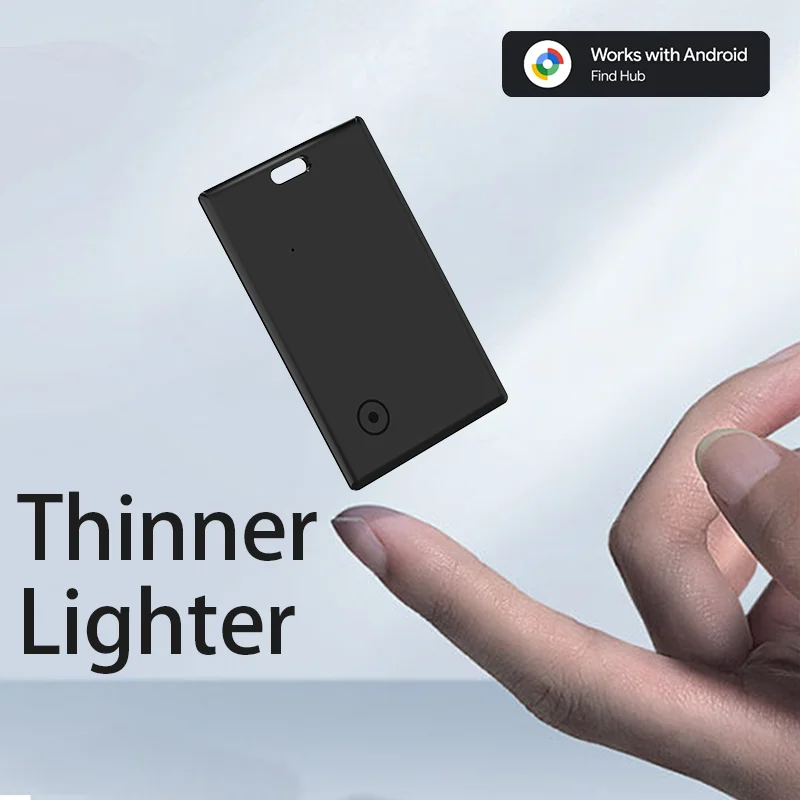
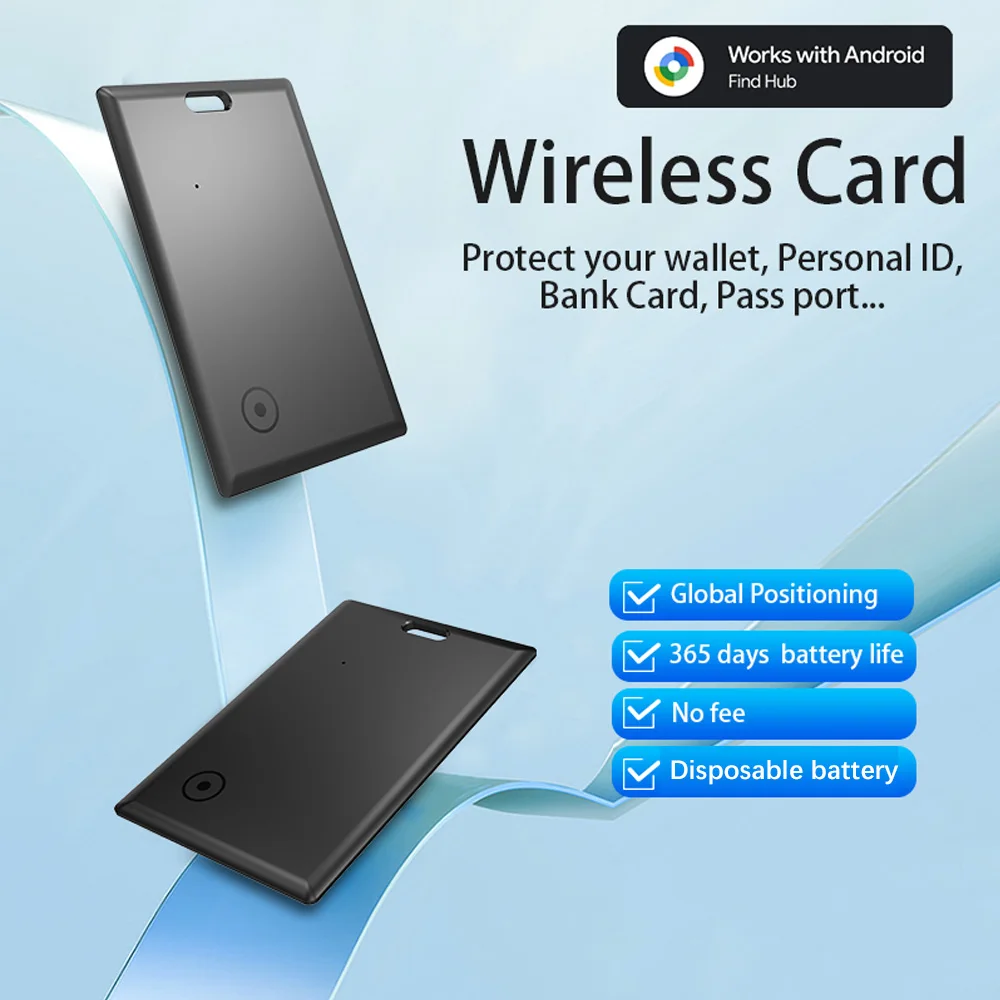
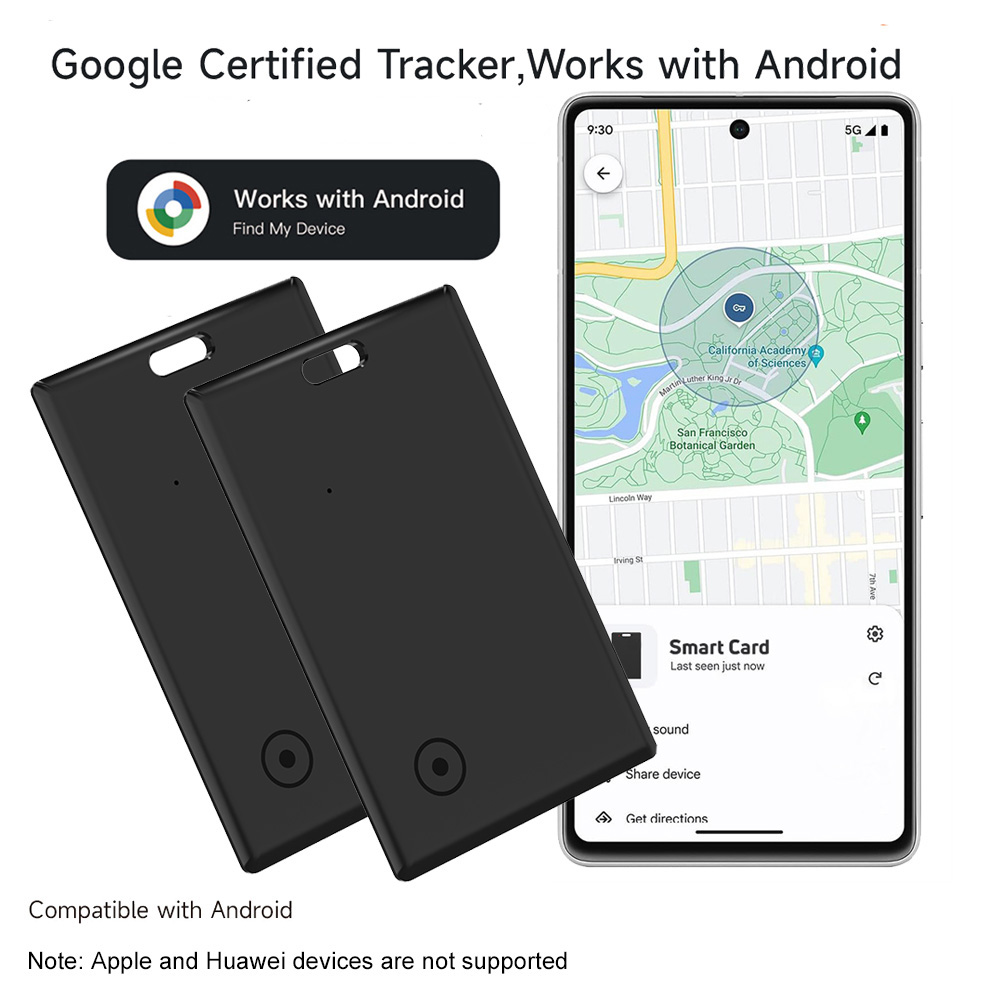
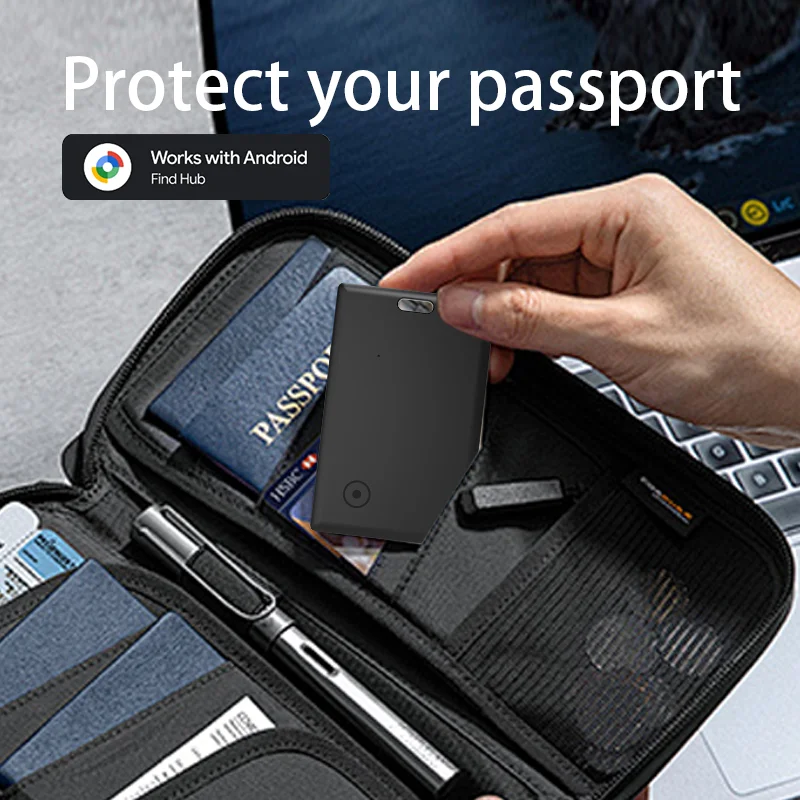
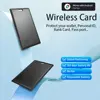
【Android Only】The smart wallet tracker is specifically designed for Android devices (Android 9 and above) and is not compatible with iOS devices. It works seamlessly with the official Google Find Hub app, making it a handy tool for Android users to quickly locate their wallets. (Please note: Not compatible with Apple devices (iOS) and Huawei phones (HarmonyOS).)
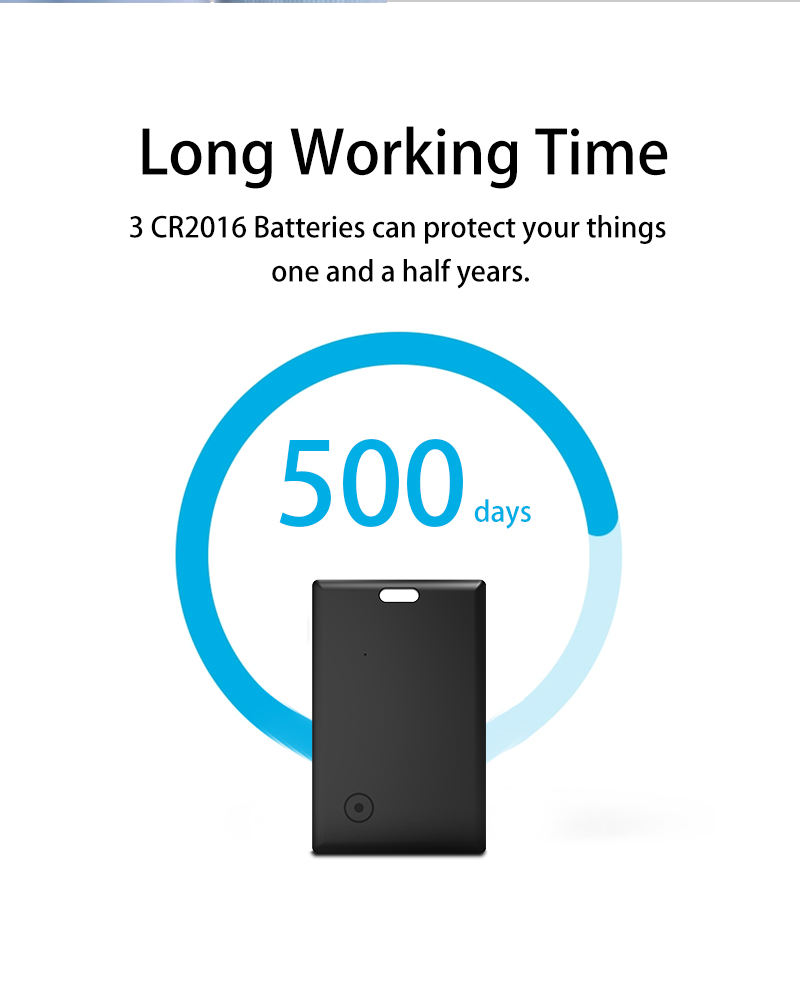
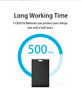
【 Long-Lasting Battery】: Enjoy up to 500 days of use without rechargin.(Note: This product does not support charging)
【Tracker with Tone Signal】Within the Bluetooth range (150 m/500 ft), you can see real-time location updates in the “Google Find My Device” app. In addition to the map guidance, you can activate a tone via the app or voice commands, making the tracking card ring loudly enough to be easily found.
【Global Location Updates】Even outside the Bluetooth range, the last known location of your item will continue to be updated in the “Google Find My Device” app on Google Maps. In busy areas, this may take 2-3 minutes. You can also share the location to allow someone else to help you retrieve it.
【IP68 Waterproof & Dustproof】With an IP68 rating, the card tracker is completely dustproof and can withstand immersion in water over 1 meter deep for more than 30 minutes. Ideal for rainy weather or unexpected dips in water.
【Quick Pairing】Turn on Bluetooth, switch on the tracker, and bring it near your smartphone – the system will automatically detect the device and display a pop-up window to connect. No complicated setup is needed, not even on the first use.
【Sharing Possible】The tracker can be shared with family or friends without the need for each person to have their own device. The location can be displayed simultaneously on both smartphones. (Supports tracking by two devices at the same time)
【Privacy & Security】All location data is transmitted encrypted over the Google network. The device does not store location histories, and your privacy remains always protected.
Common Fixes:
Missed Pop-Up? The tracker may have sent a pairing request that was dismissed.
Try a Reset: Press the function button two times,you can hear one beep,then press the function button four times rapidly and then hold it a fifth time until you hear a ring-ring chime,now the device is reset.
�� Still Not Working?
Visit our Troubleshooting images for step-by-step help.
//www.rexzol.com/support/google/troubleshooting
Quality Assurance
If you still have other questions after receiving the item, Please don't worry!please communicate with the merchant, share product photos and videos, and get an immediate refund for verified quality defects.


