

Q&A
Q:Hello, can it be plugged into a USB port?
A:Hello, our product is a TypeC port. You must use a car charger or the charger we package, which must meet the requirements of 5V1.5A~5V2A. Please do not use a mobile phone charger.Using a charger with an incompatible voltage can cause the device to freeze or crash. If the device freezes after using an incorrect charger, please wait for it to shut down automatically, then use the car charger included in the package inside the vehicle. Do not use a smartphone charger to charge the in-car device.
Please note:
3 lenses: front left and right lenses
4 lenses: front and back left and right lensesPlease order according to your needs, the picture when ordering has all the information of accessories for reference!
2025 4 Channels Dash Cam for Cars

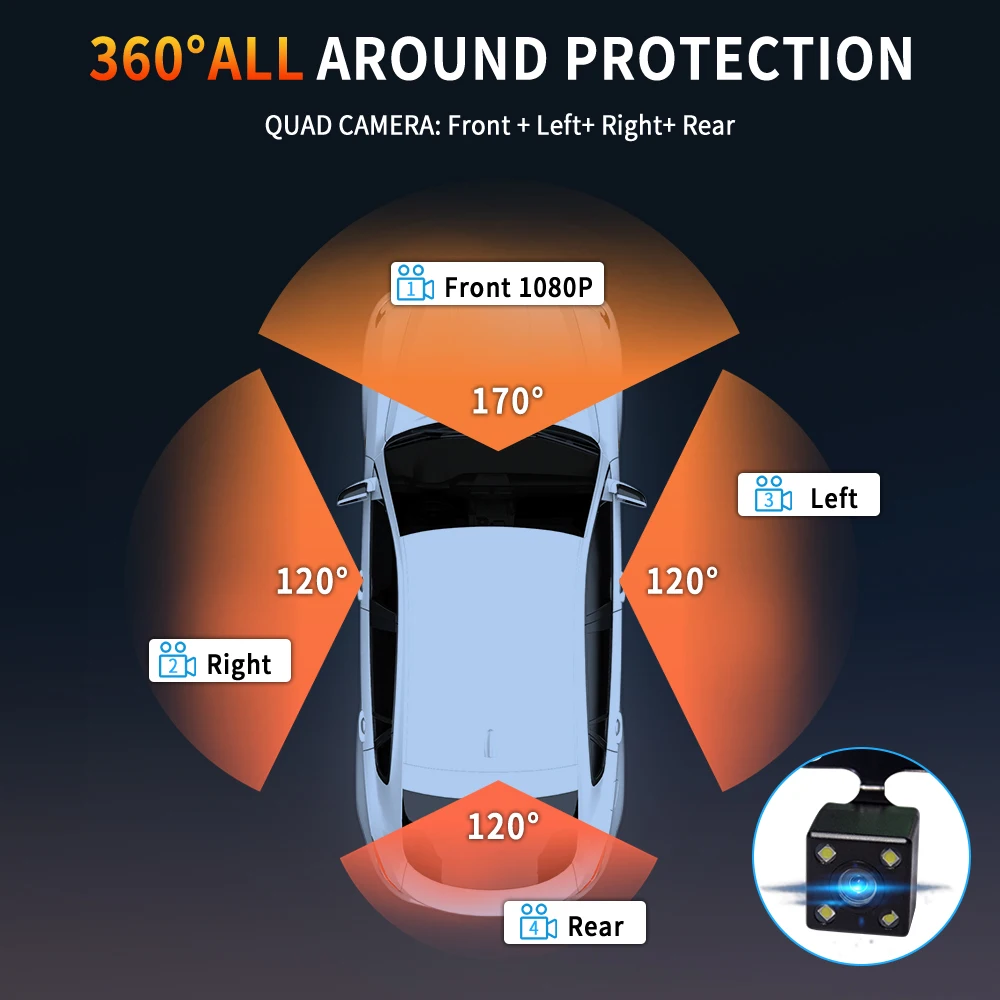
4 Channels 1080P Dash cam 4-camera simultaneous display
ONLY Front Camera: 1080P;
Front &left&rear Camera :1080P+720P+720P
Front &right&left&rear Camera :1080P+720P+720P+720P

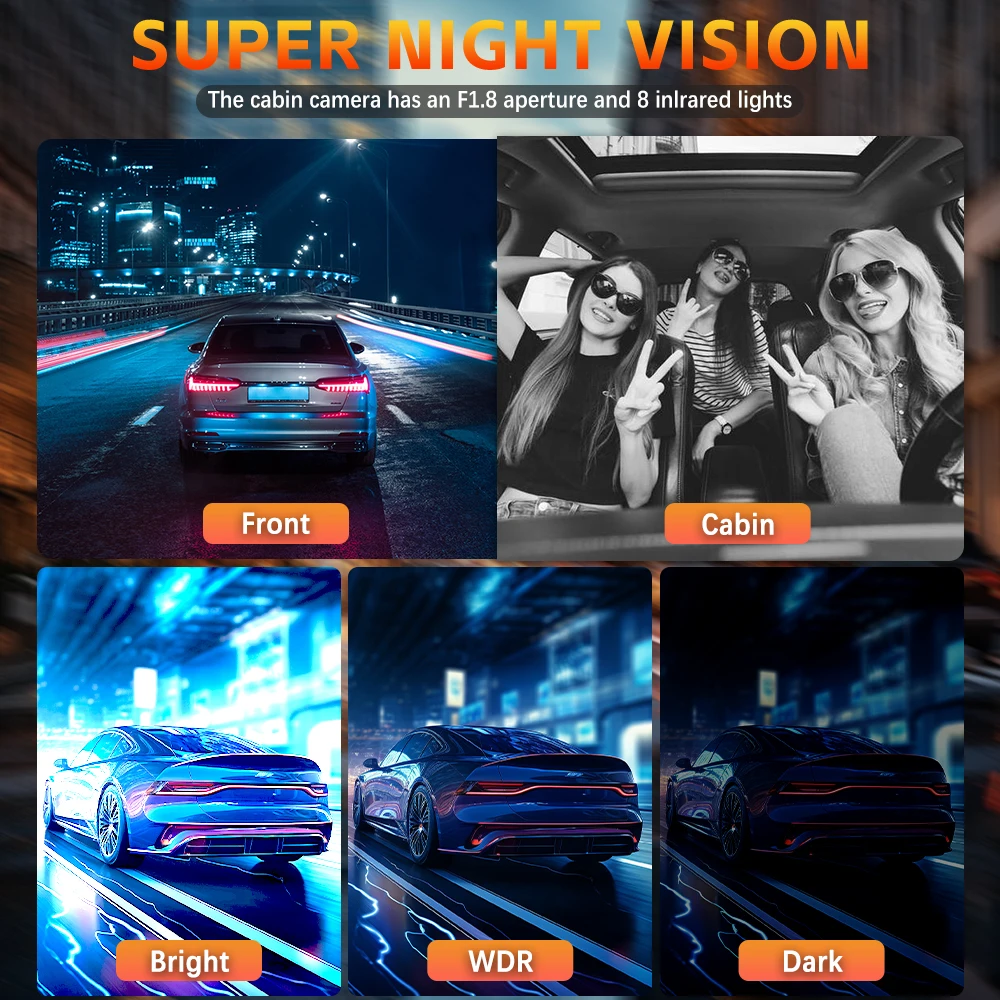
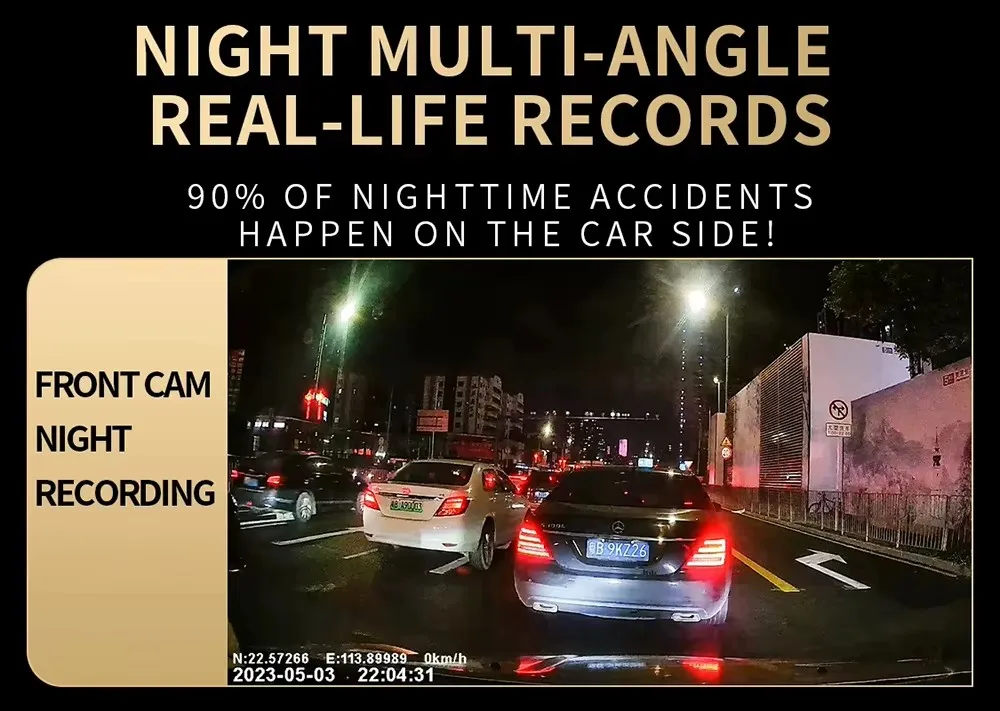
Starlight Night Vision
With the help of F2.0 wide aperture and the decent low-lightperformance of the lens, the car camera is able to capturedetails like license plates at night.
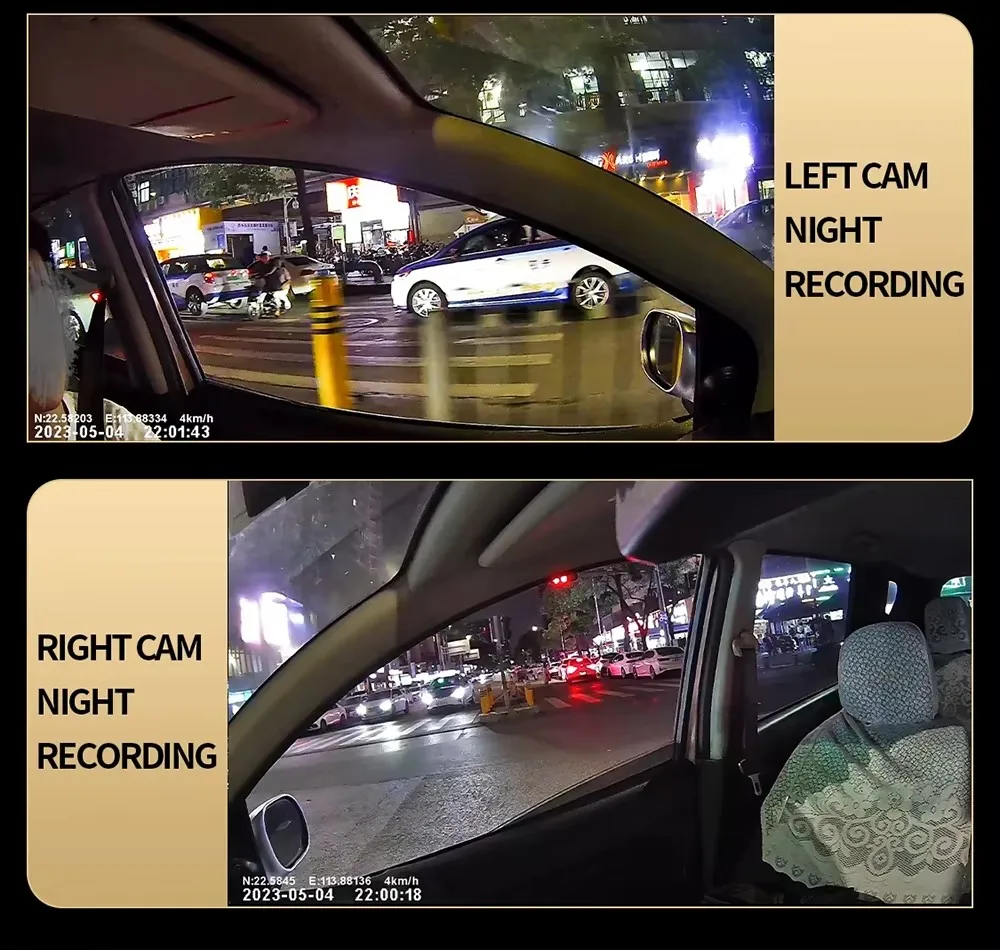
Support reverse camera


Built-in G-sensor
When your car is subjected to an impact or other emergency,the G sensor is triggered, so that the recorder immediately records and locks the video.

Loop- Cycle Recording
When the TF card is full,it will automatically delete former video and keep recording all the time

Installation Diagram
1.Secure the recorder to the windshield of the vehicle , recommended near the rearview mirror area
2.Hide the power cord in the window gap along the red line in the figure above
3.Insert the car charge wire into the cigarette lighter, connect the power supply, and complete the installation

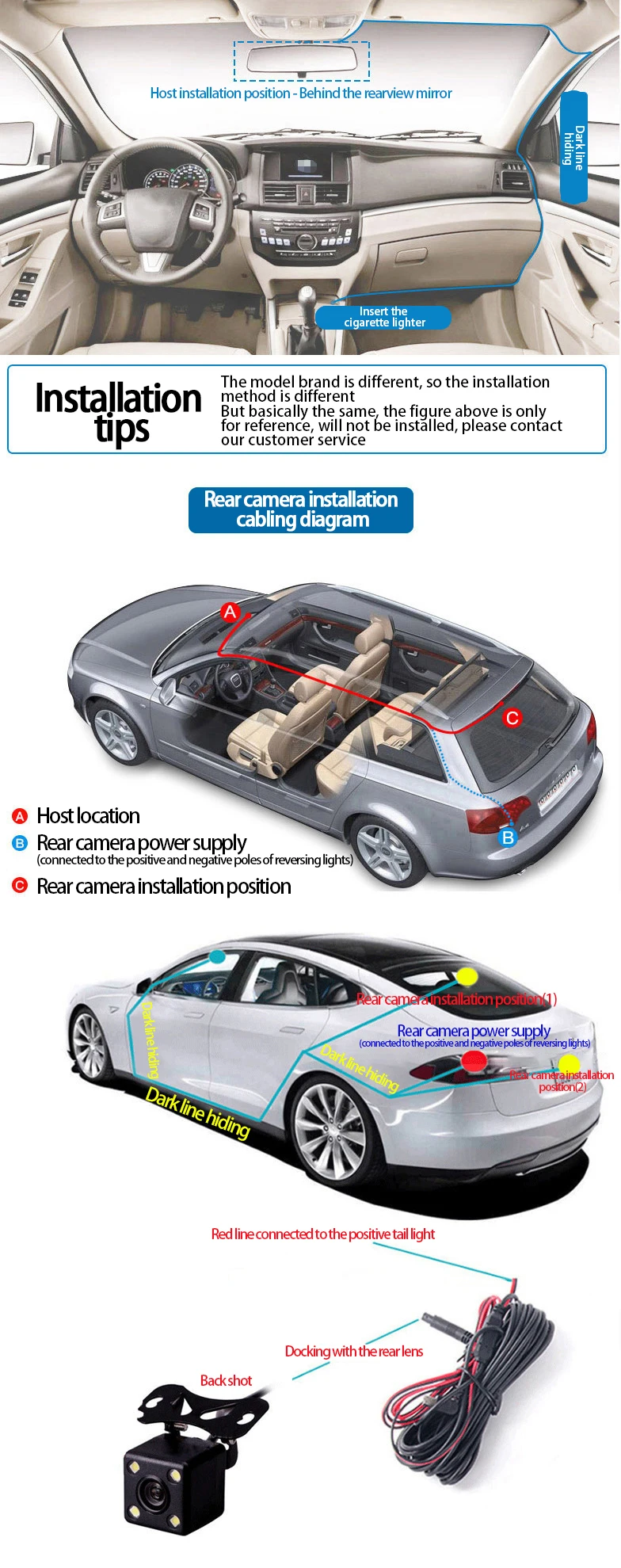
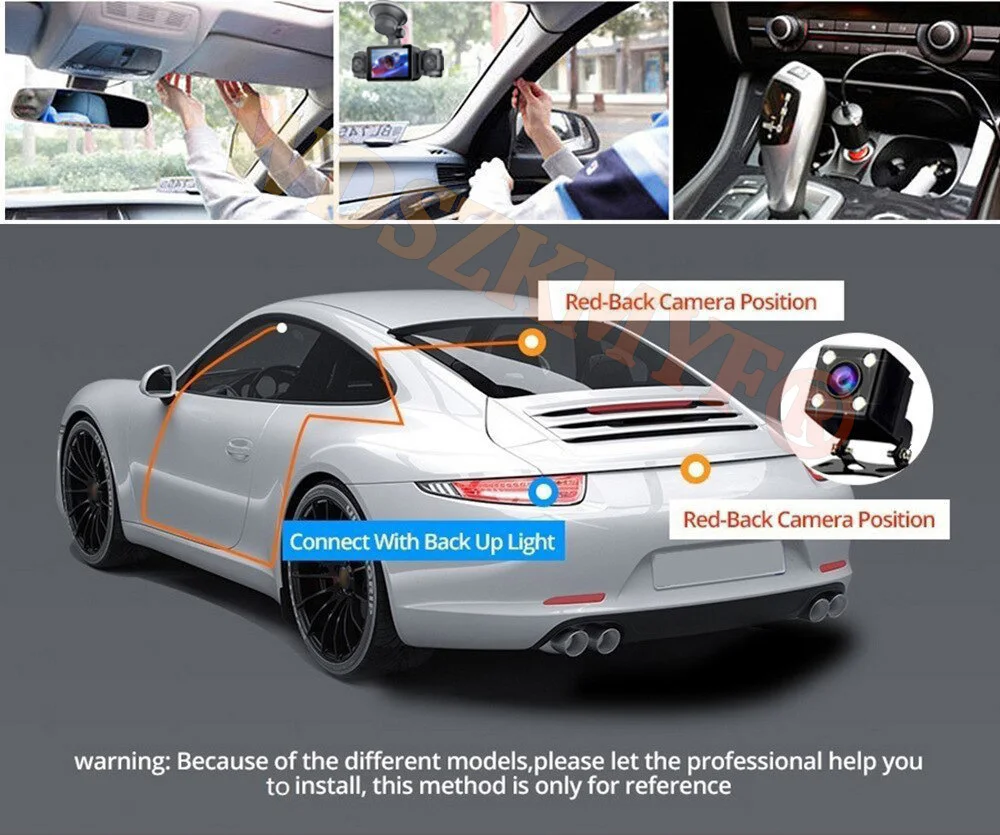
Please note: the test power to use the car charger in the package, please do not use a cell phone charger or rechargeable treasure, when replacing the adapter, please match the car charging voltages in the package, mismatched voltages may lead to failure to work properly.
To protect your privacy, the TF card needs to be formatted for the first time. There are two solutions:
1. Insert the TF card correctly into the dash cam, open the camera settings, find the storage card format, confirm that the formatting is complete, and then restart the camera to use.
2.Connect to the mobile application, search for settings in the mobile application, format the memory card, confirm formatting is complete, and then restart the camera to use it. Sincere wishes to you and your family.
Memory card is a consumable, need regular maintenance, please format 1~3 times a month, please do not pull out when the recorder is on, it may damage the chip, there will be file errors, please replace the memory card when this happens.