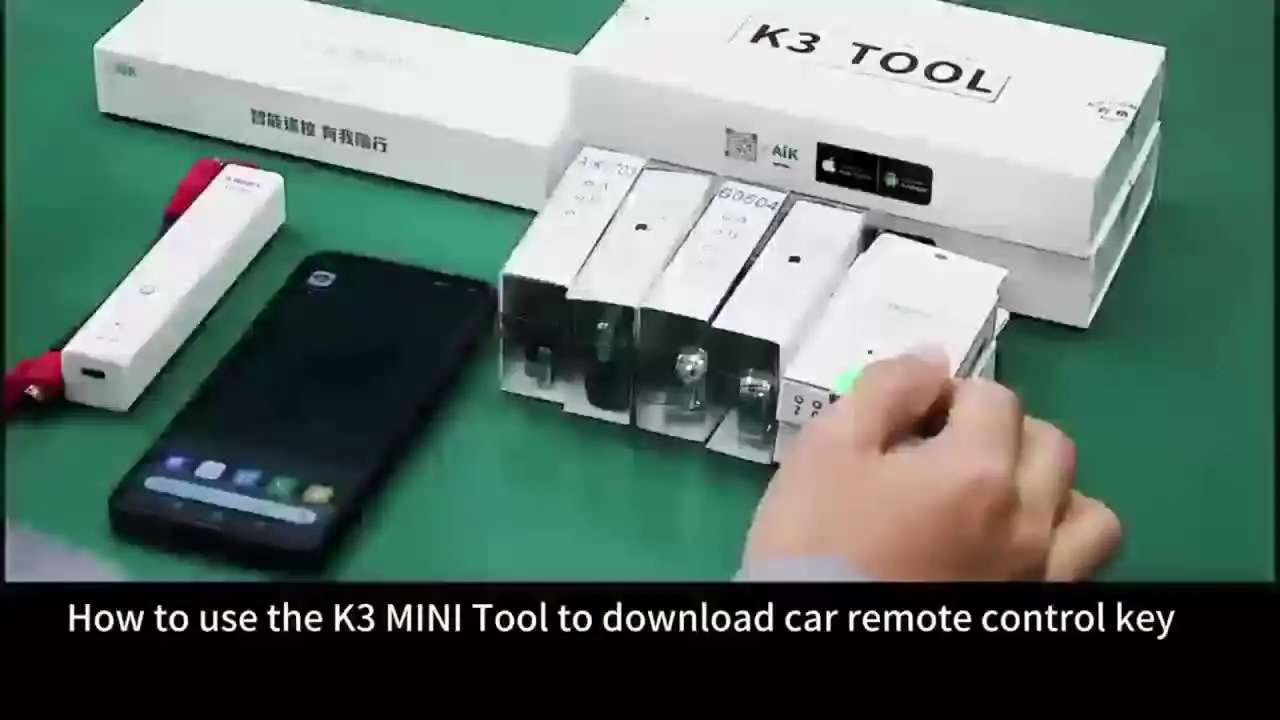


Please note that only the key in K3 mini can be downloaded. please download the app “AIK KEYTOOL”,to check if there is the key you need.
We will according the stock of the product to adjust the key style, maybe will not as the same as the picture , but we will promise the set will include 4pcs A series keys , 1pc B series key. If you can not accept it , please do not buy . Thanks.
Package include
4 * A Series Remote Key
1* B Series Remote Key
1* K3 mini
2* burning line
1. Function introductions
(1) Connect the device via Bluetooth to generate the remote car key fob.
(2) Connect the device via Bluetooth to generate a remote control.
2. Operation introductions
Power on: Press and hold the power button for 1 second, the device light flashes, and the device is now powered on.
Shut down: Press and hold the power button for 2 seconds, the device light goes out, andit has been shut down at this time.
Bluetooth connection: Keep the Bluetooth of the mobile phone turned on, open the “AlKKEYTOOL” APP and click the “+ sign in the upper right corner, click Bluetooth connection, andturn on the automatic connection setting. At this time, the K3 MINl Bluetooth name will appearin the Bluetooth “Available Devices” of the mobile phone, click to connect.
Generation: After the Bluetooth connection between the mobile phone and the device issuccessful, select or search for the car model, and click the “Generate”
Note
– Scan QR code to download the app ’AIK KEYTOOL’. Then go to personal center open bluetooth and connect ’K3 MINI’(Please keep generator power on before open bluetooth), then you can start to burn the key fob, the sucess light will keep on if burn successfully.
-The device uses four 1.5V batteries.