Follow Me And Connect The Camera!!!
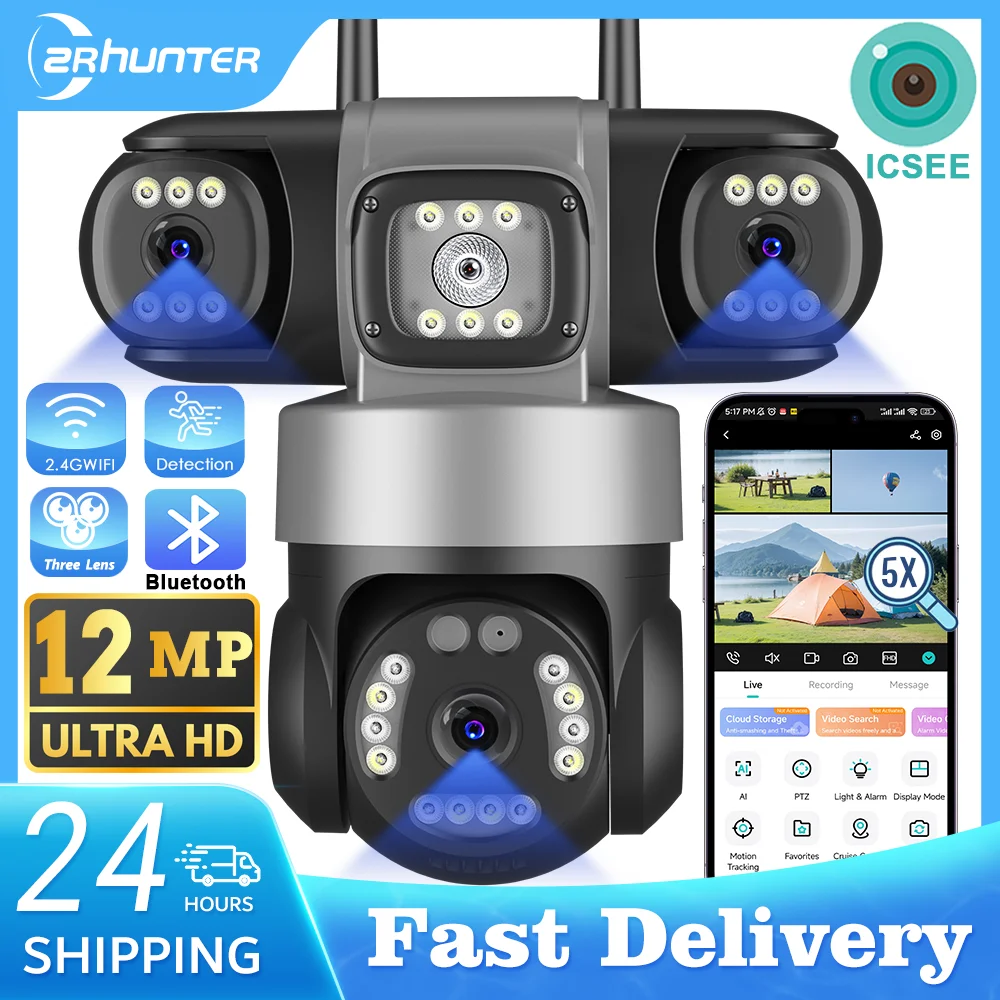
12MP Outdoors Wifi Camera 6K HD Triple Lens Triple Screens PTZ IP Security Camera Human Auto Tracking Waterproof CCTV Cam ICSEE
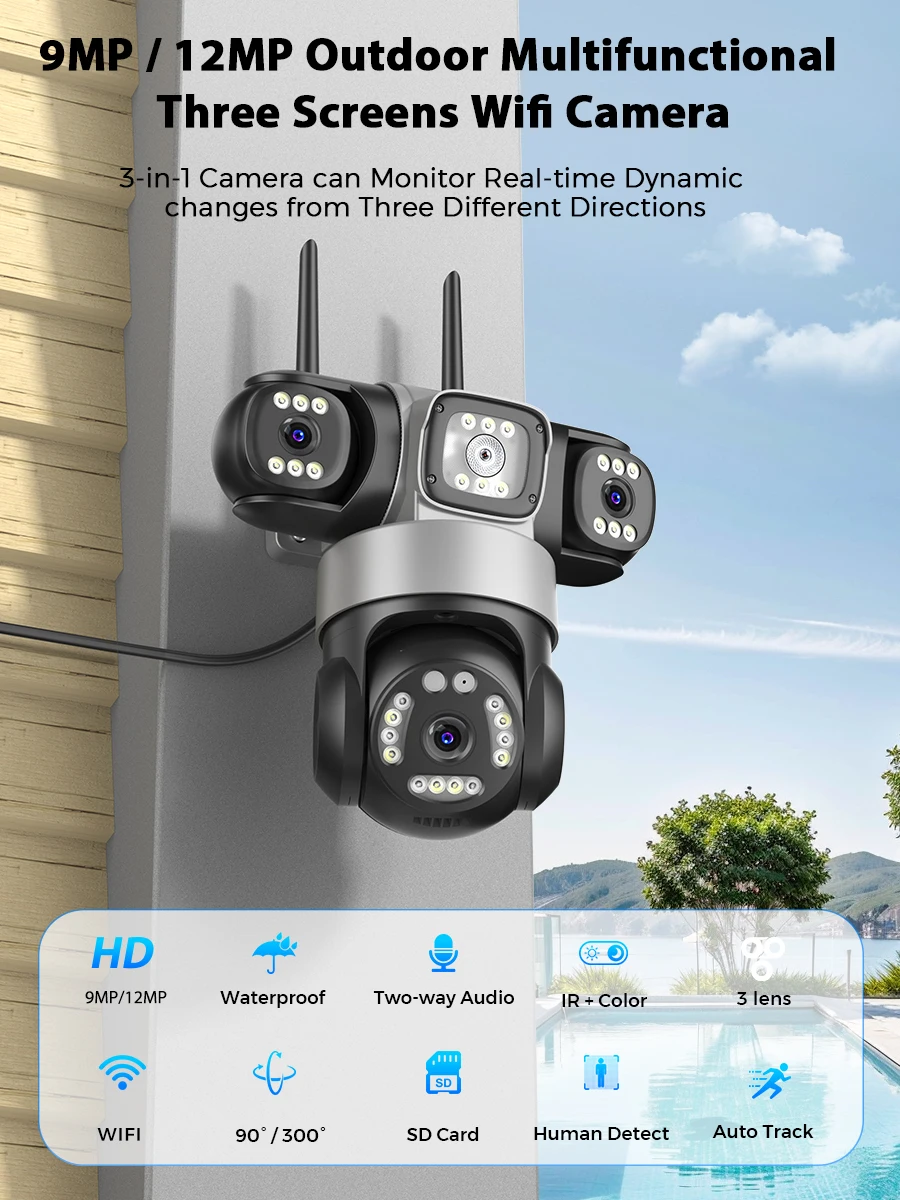
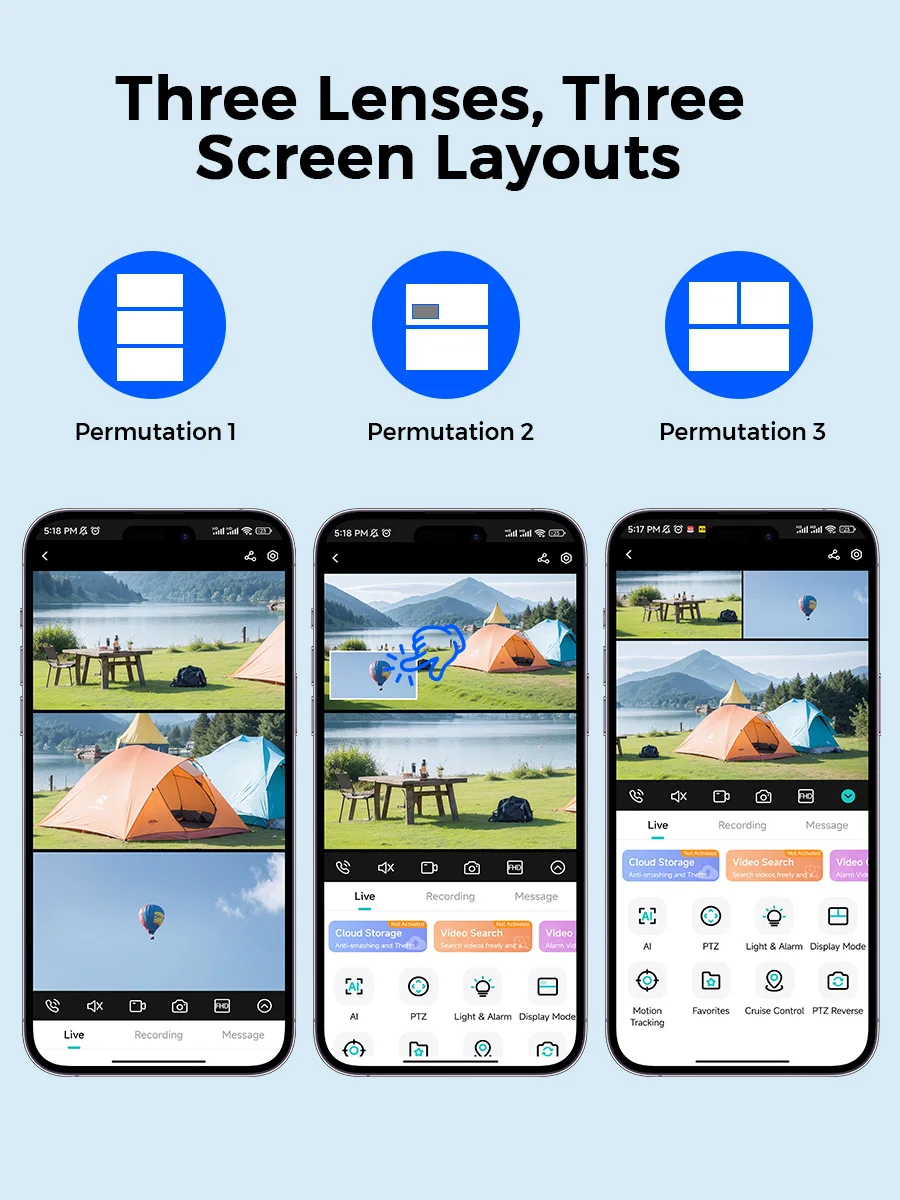
●Threel-lens camera monitors three areas at the same time and displays three images on the mobile app.
●Remote PTZ control
●Two-way Audio
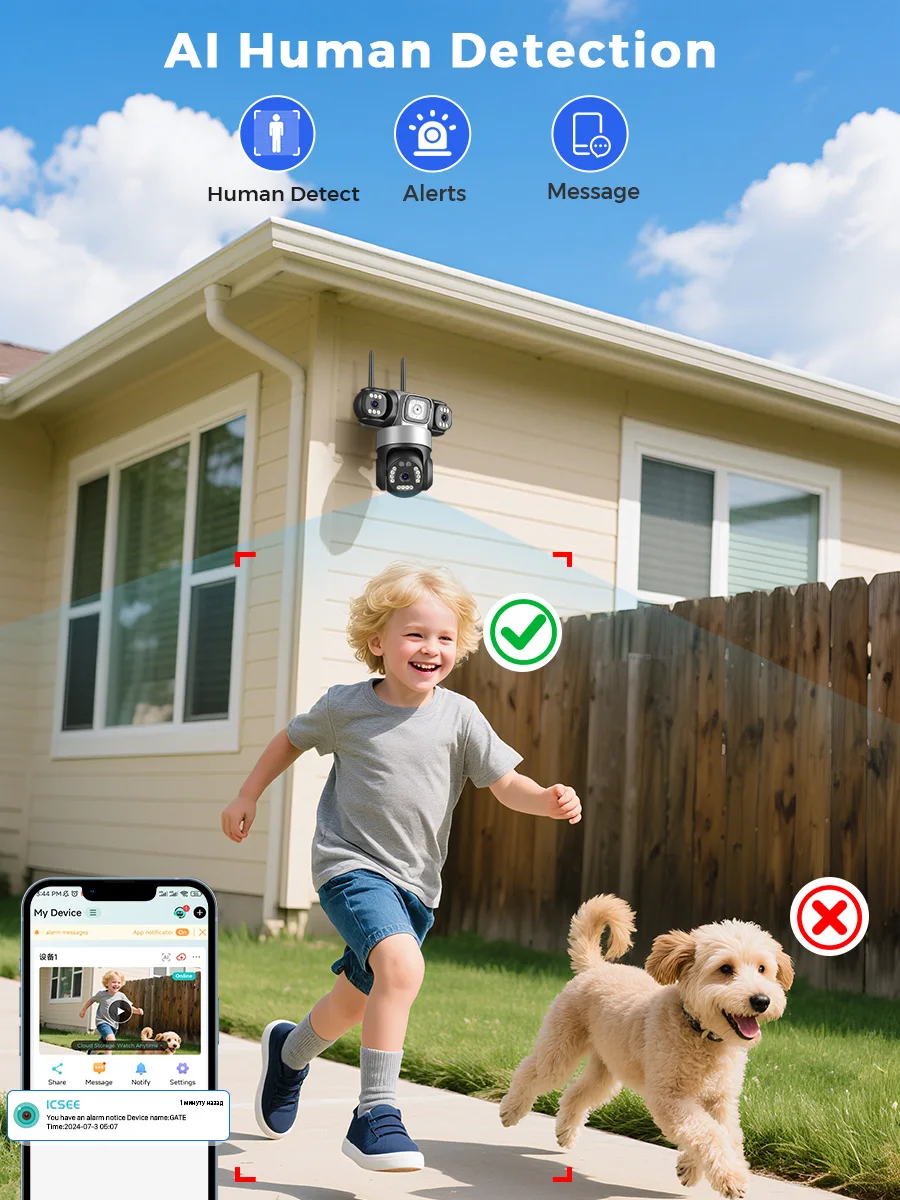
●Human/Motion Detection
●Local storage(tf card) and Cloud storage(not free)
●Real-time viewing by multiple users
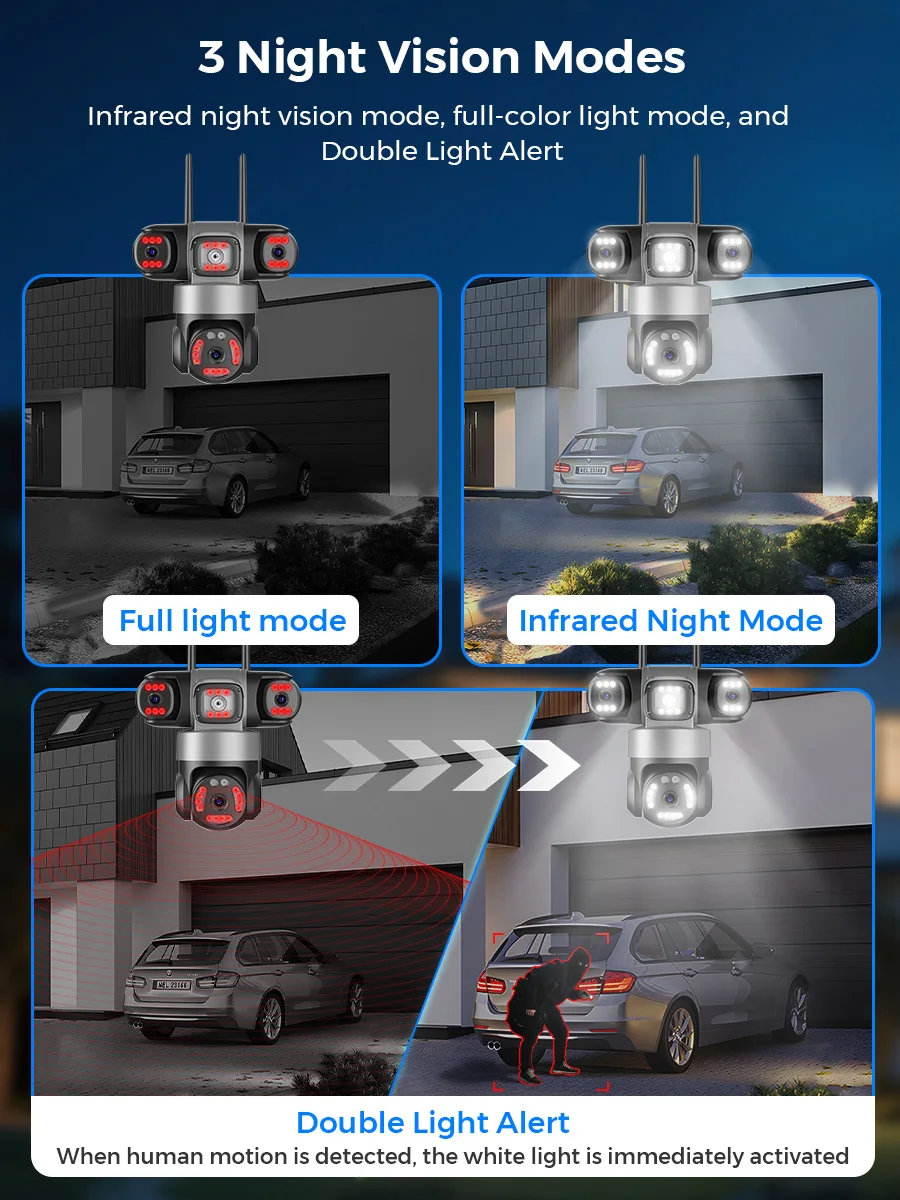
●Infrared/Color Night Vision
●IP66 dustproof and waterproof
●Supports PC and mobile app remote control
●The single lens resolution is 3MP / 5MP, the Three lens resolution is 3MP(5MP)+3MP(5MP)+3MP(5MP)= 9MP(15MP)
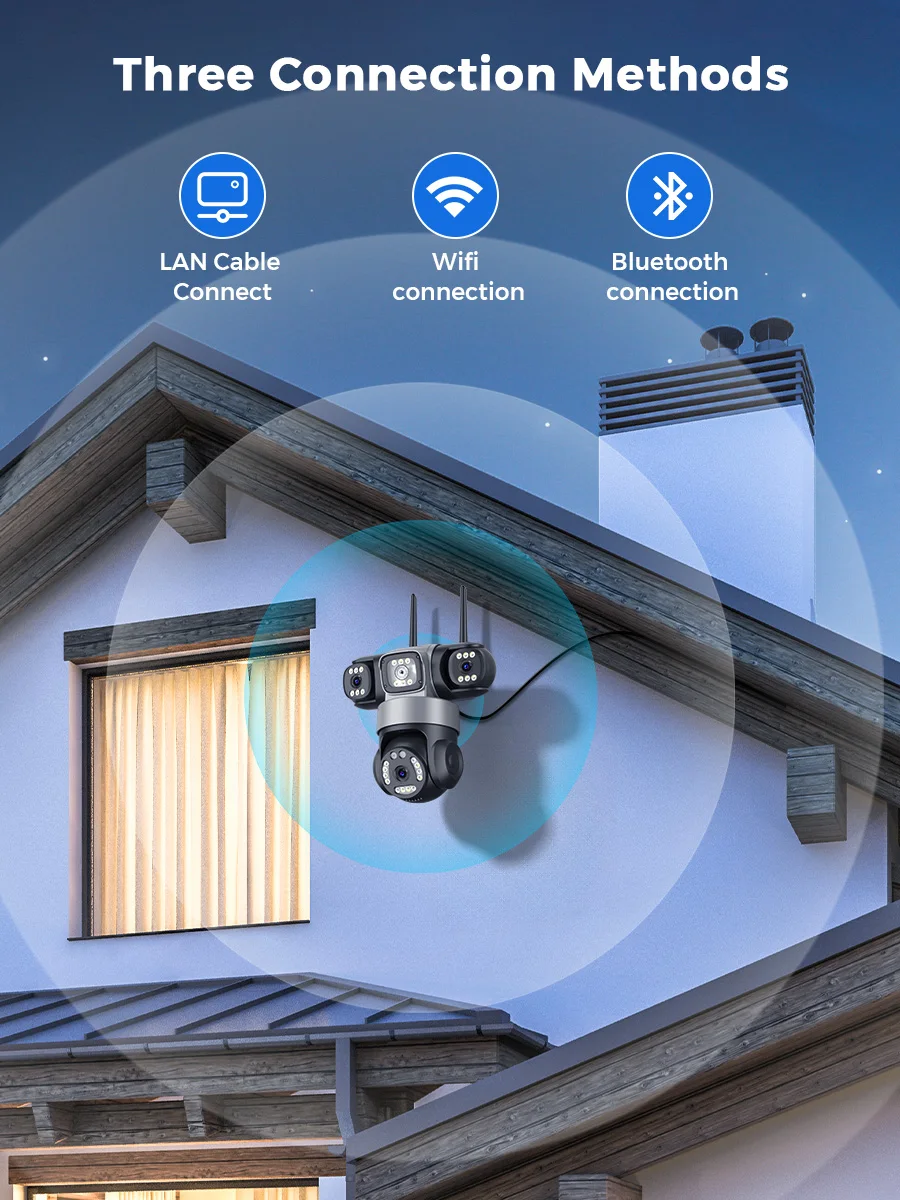
●Supports RJ45 wired networking
●Shipping time: Within 24 hours on working days.
●App: iCSee
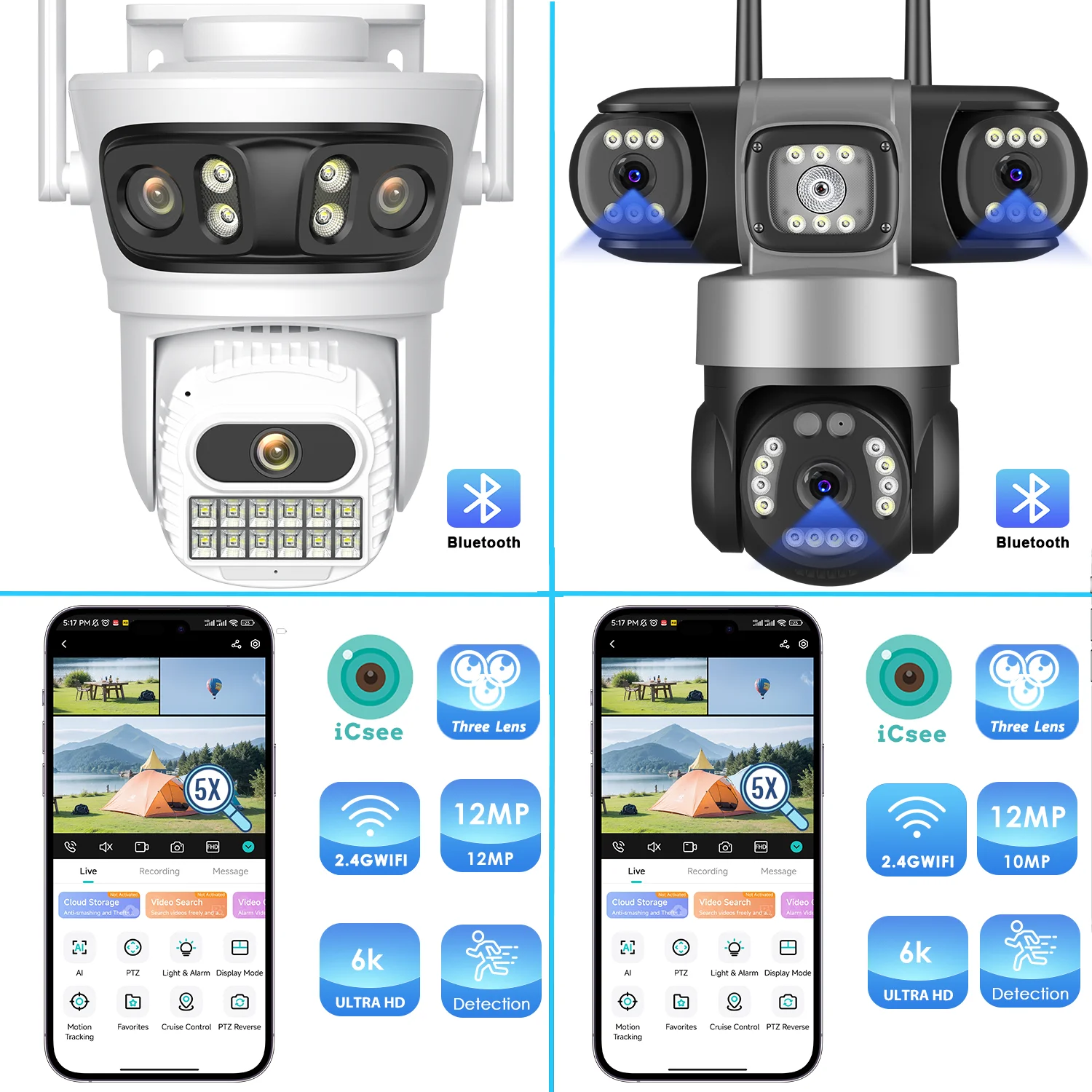
Product Show
1x PTZ Camera
1x User Manual
1x Power Supply
1x Screw Bag
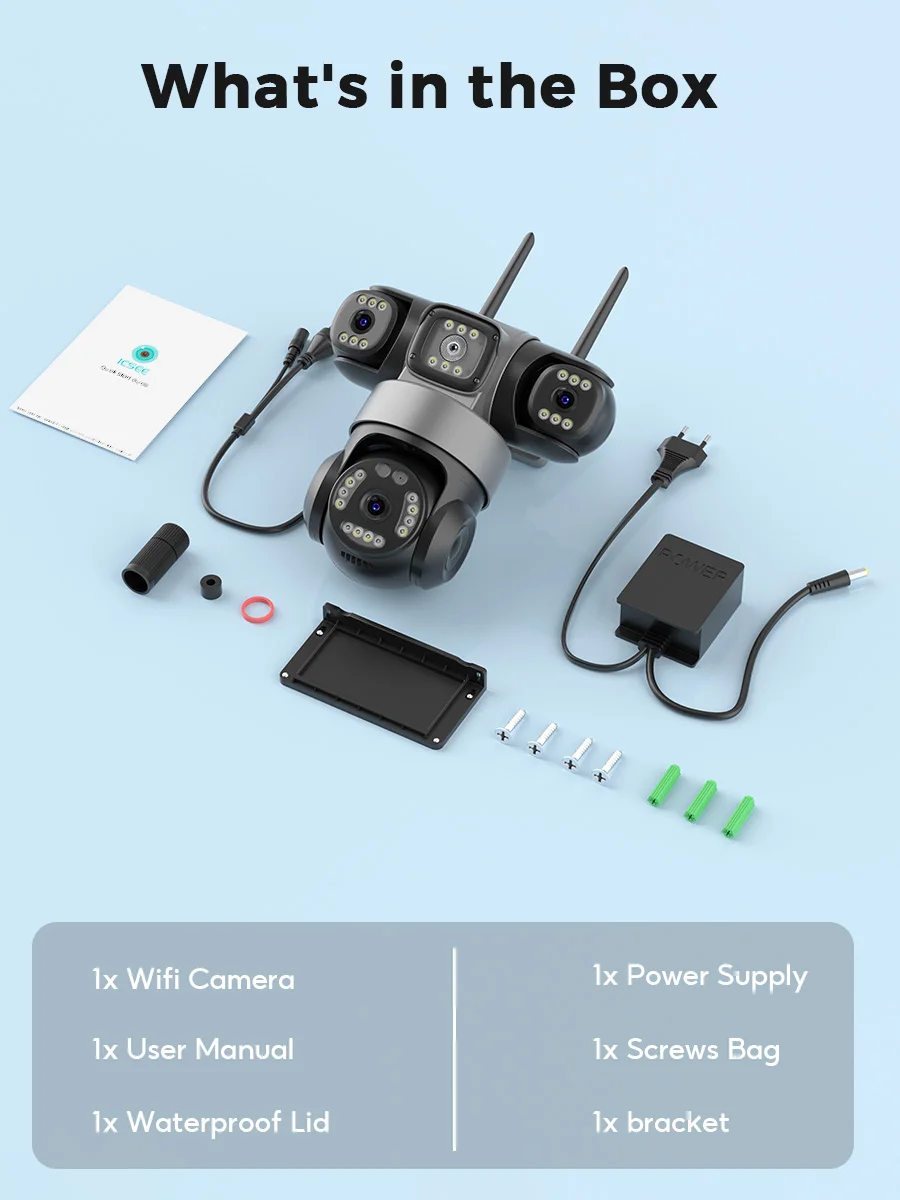
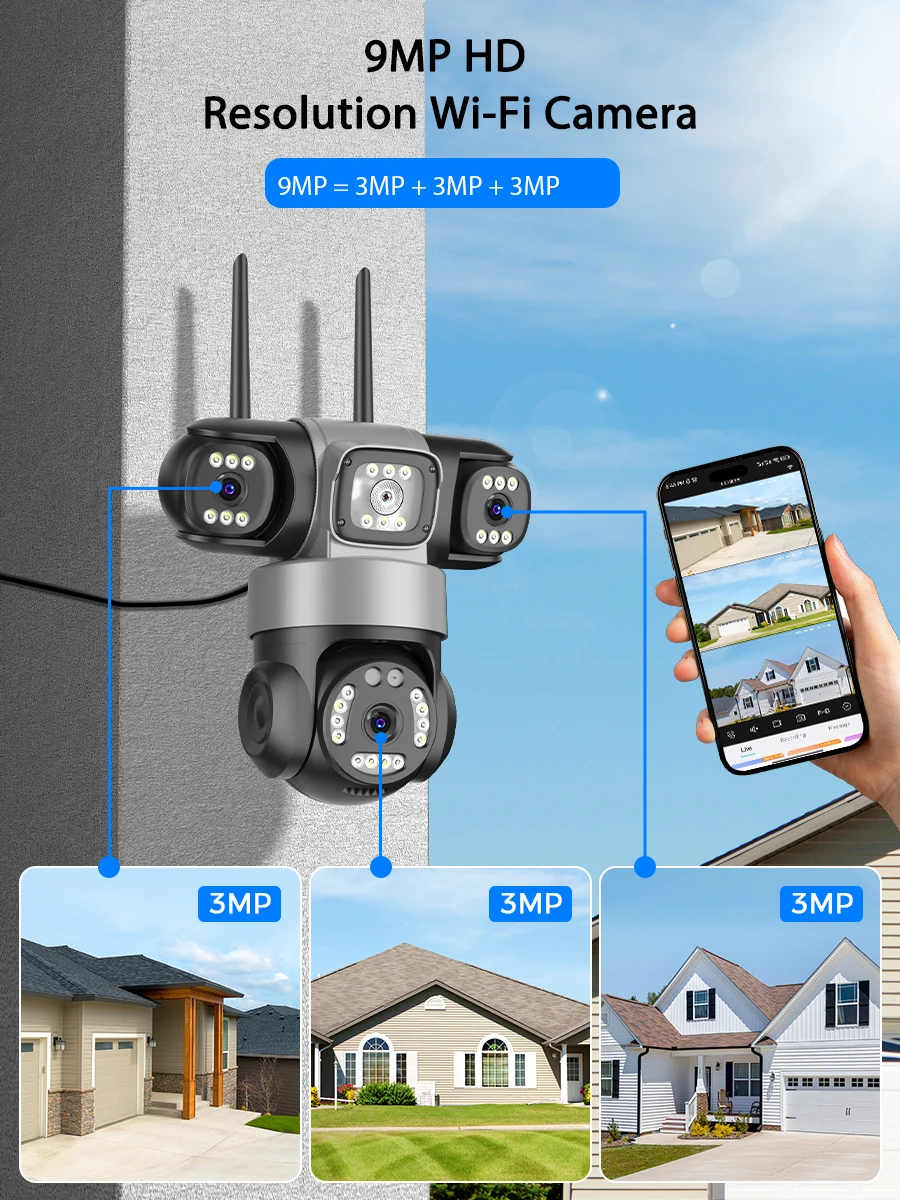
9MP Version
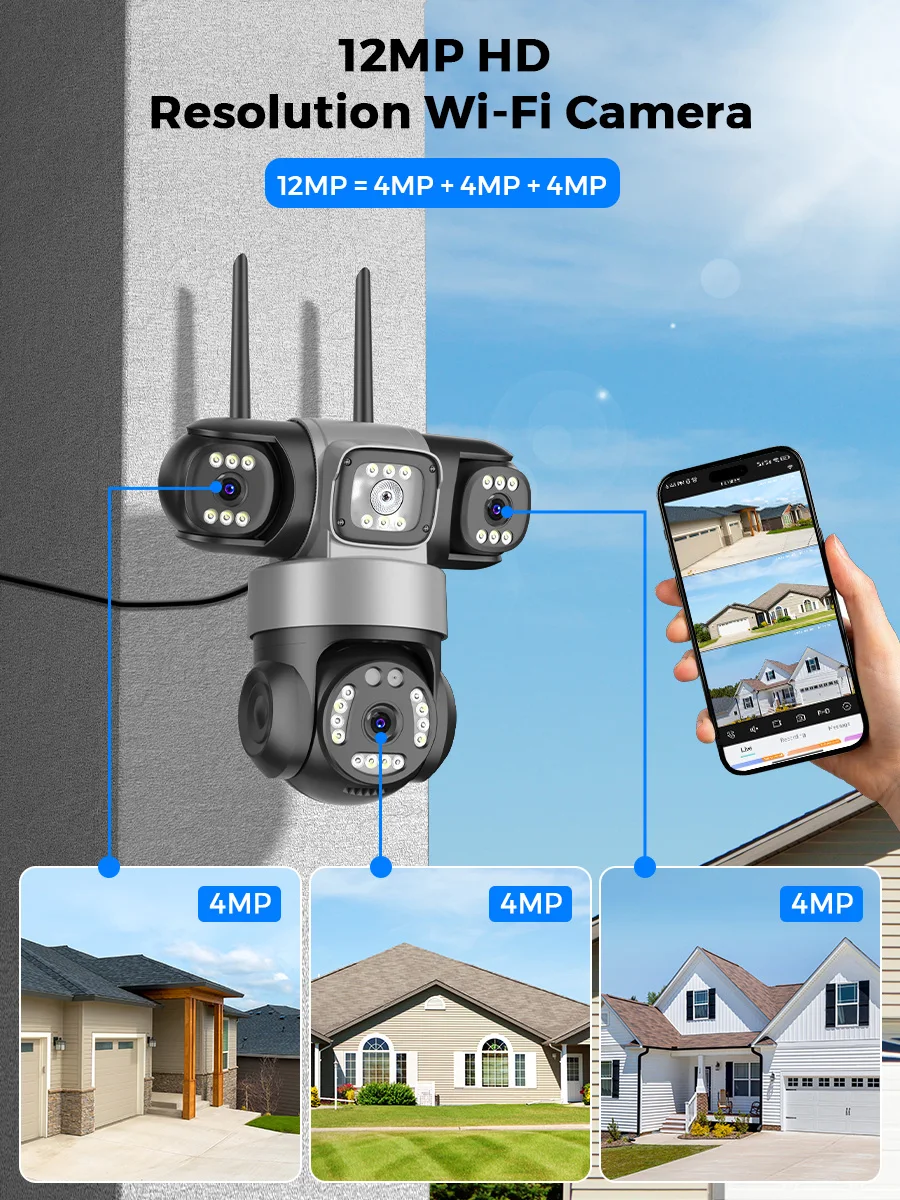
9MP Camera = 3MP Lens + 3MP Lens + 3MP Lens
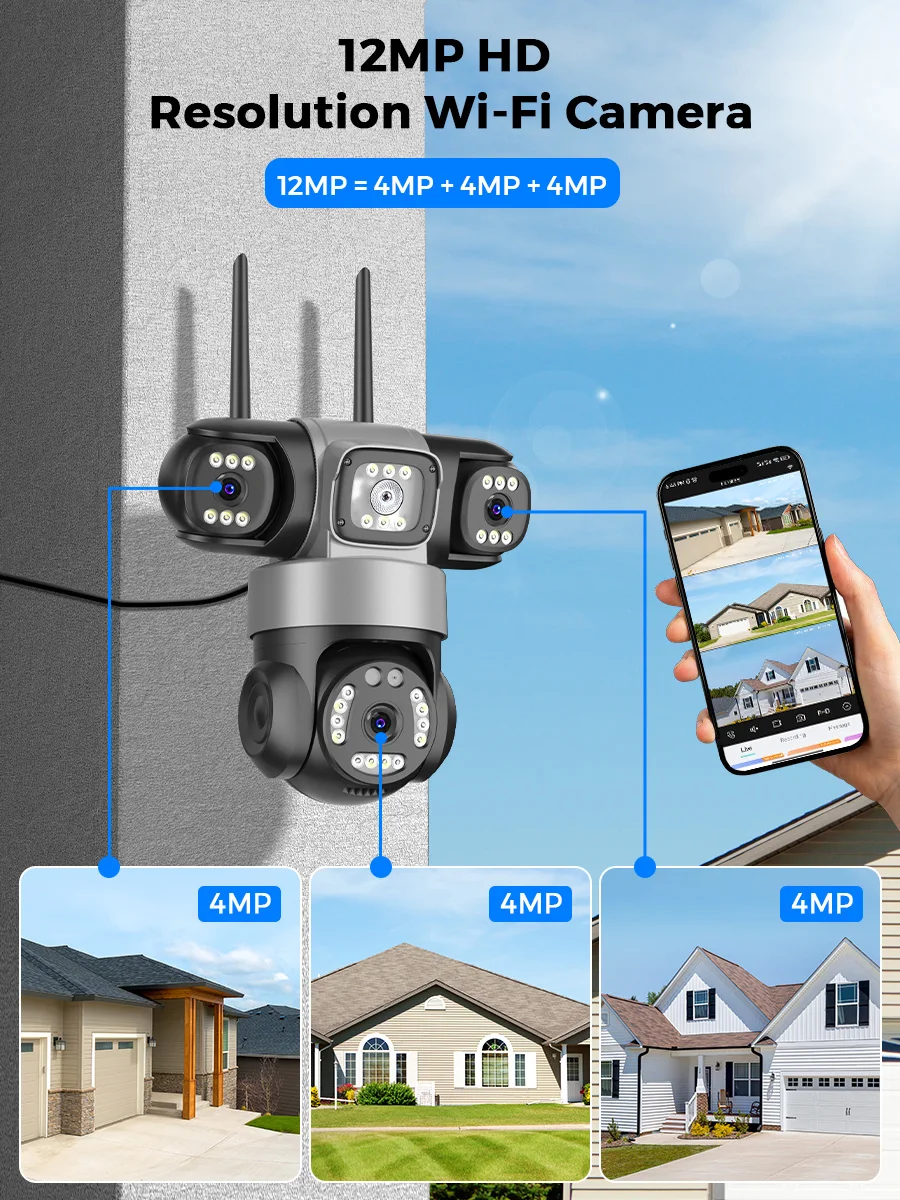
12MP Version
12MP Camera = 4MP Lens + 4MP Lens + 4MP Lens
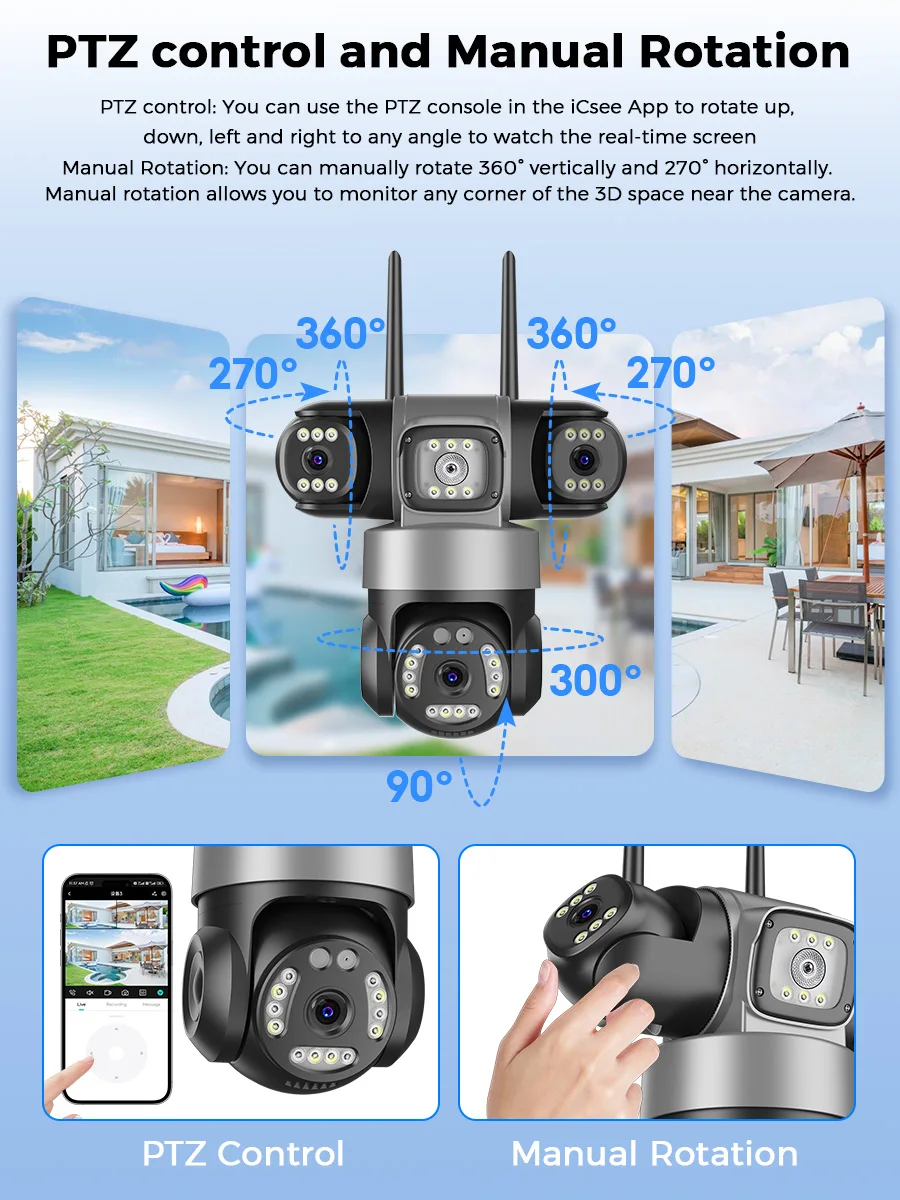
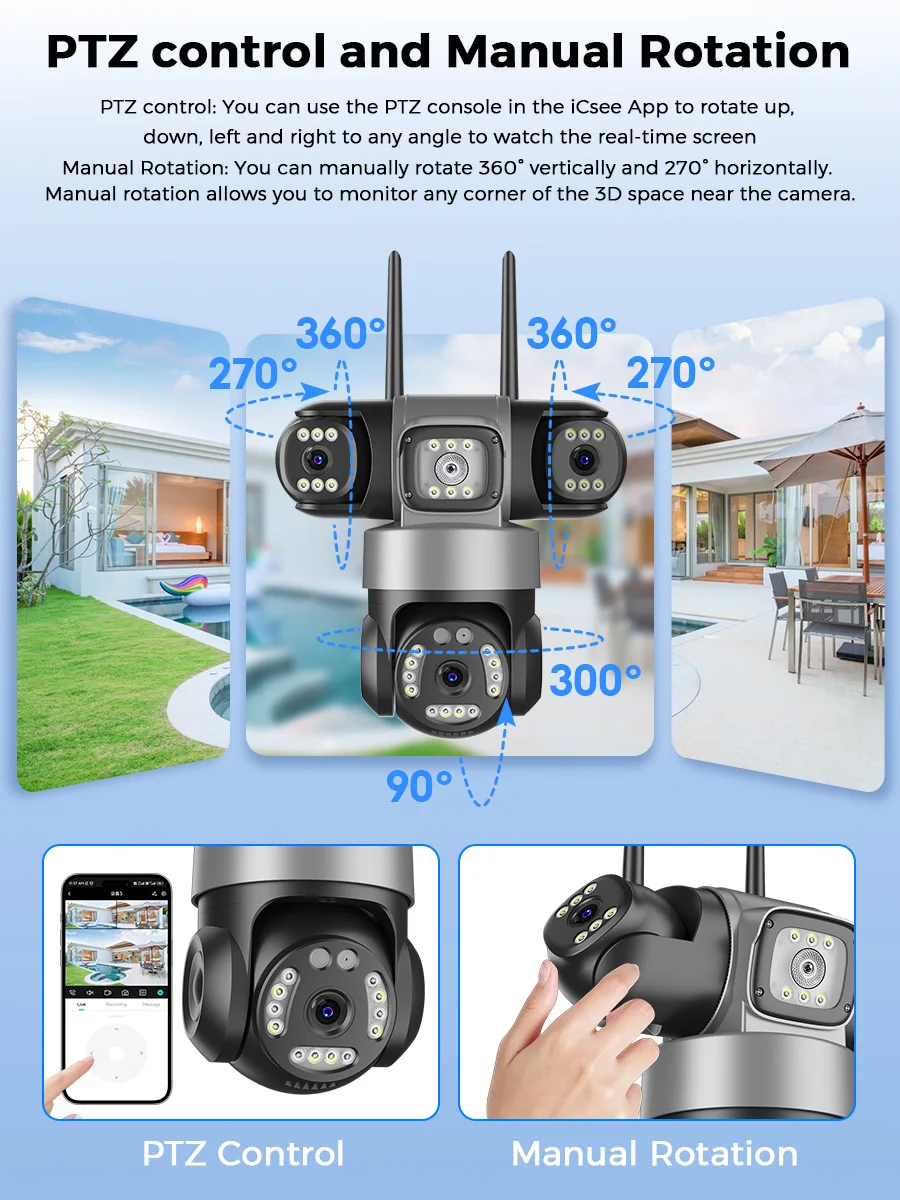
PTZ Control by APP
The dome part of the Lower camera can be controlled and rotated by the app. Pan 355°& Tit 90°,
Kindly Note:
The bullet cameras can be manual adjusted to monitor more area.
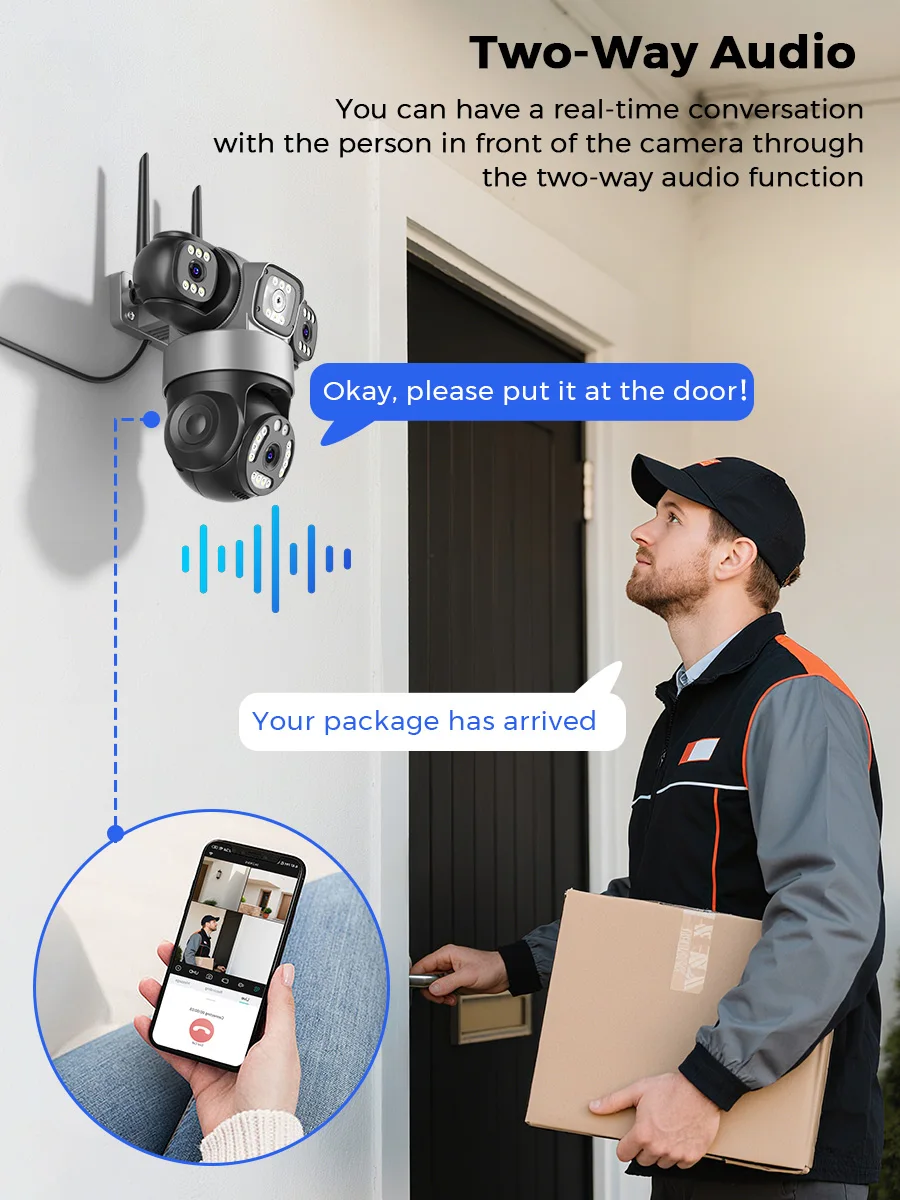
Two Way Audio
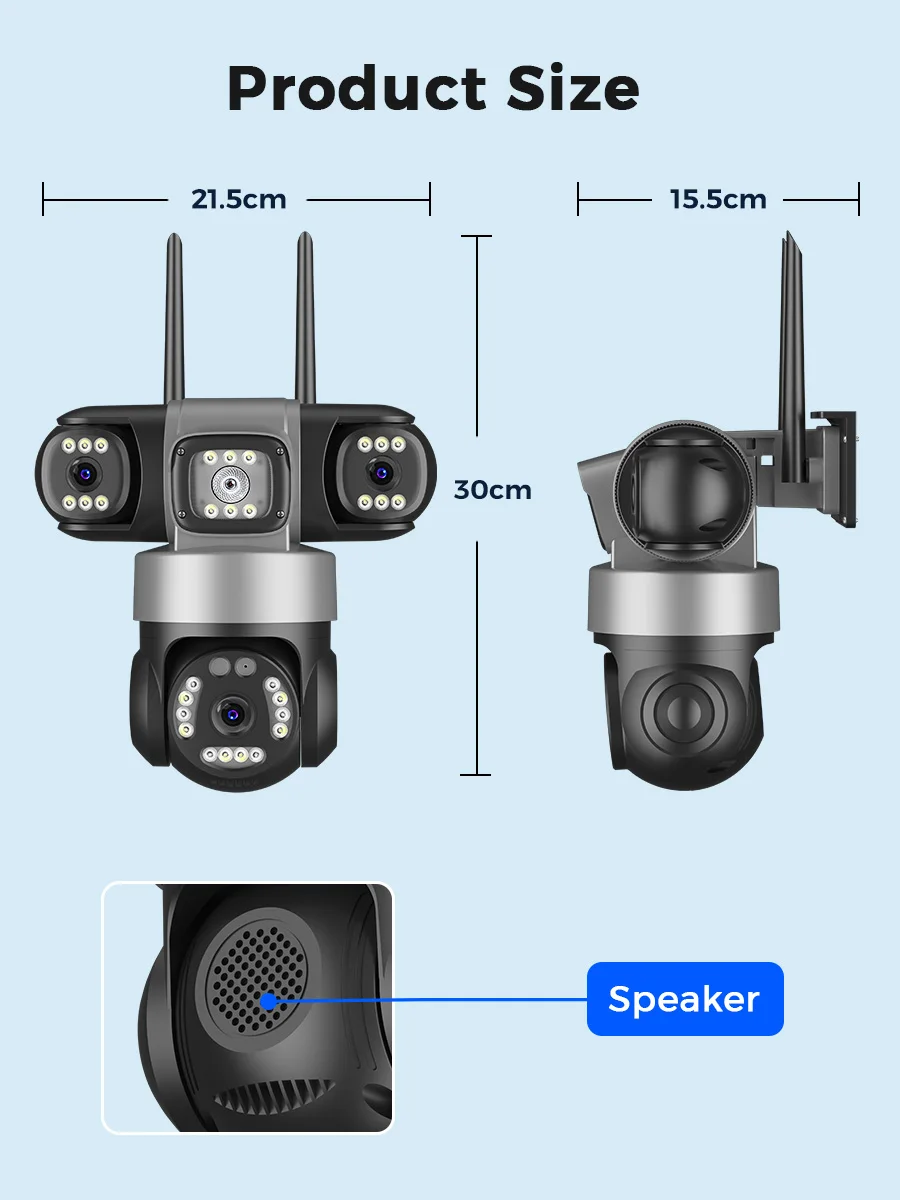
Camera is built with microphone and speaker. So you can talk to others via your Smartphone remotely whenever you want.
Smart Night Vision Mode
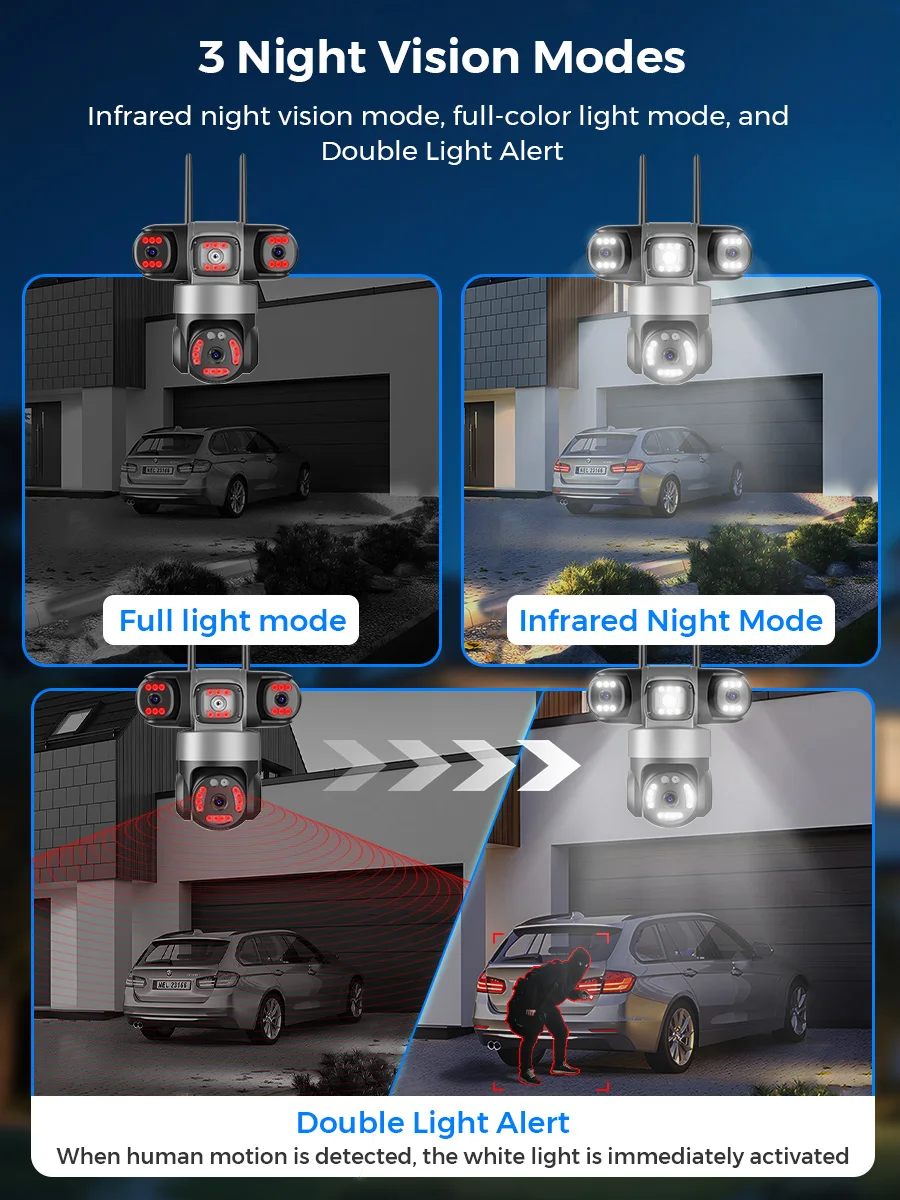
The camera will automatically switch to infrared/full-color night vision mode to give you the best night vision experience. (You can adjust it yourself in the settings)
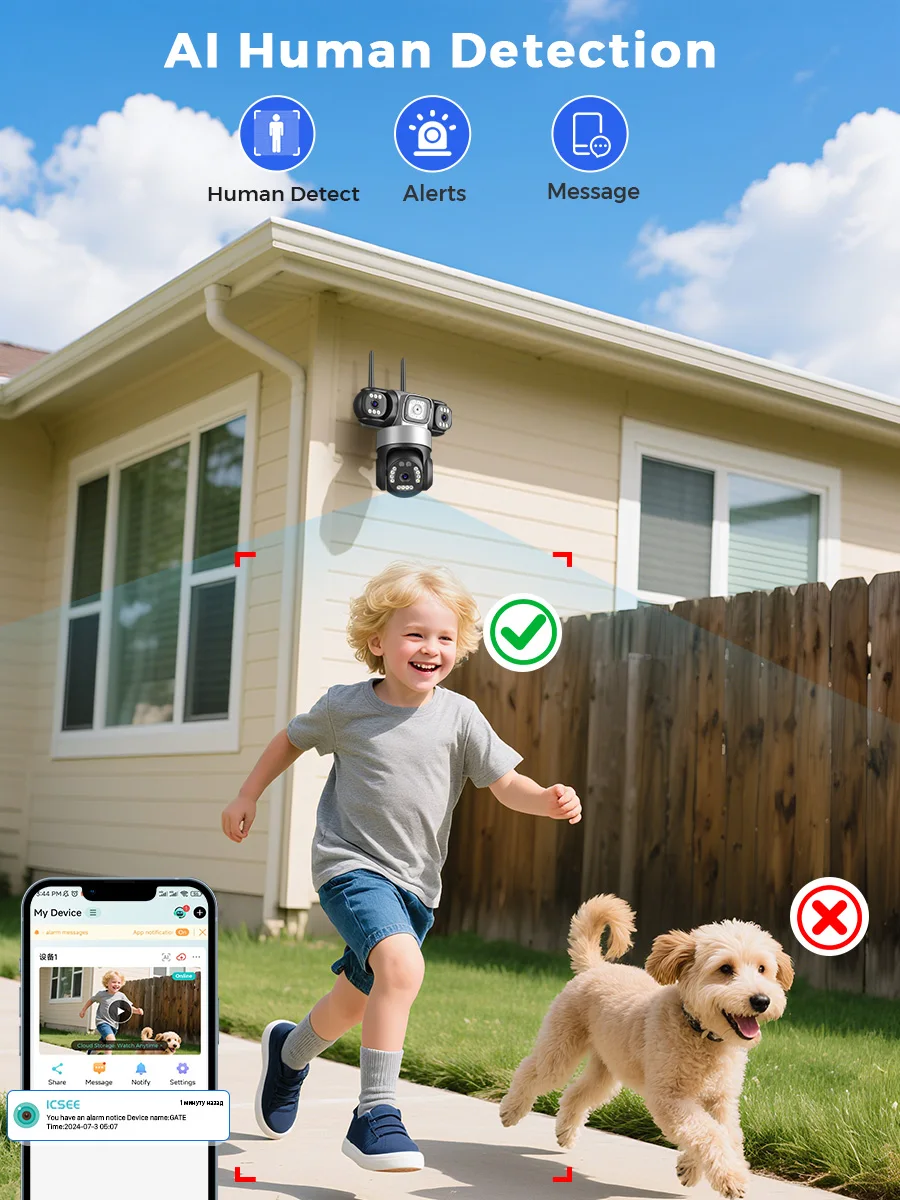
Ai Human Detection
24/7 AI human body recognition and detection, automatic motion tracking; Real time push to protect your family safety;
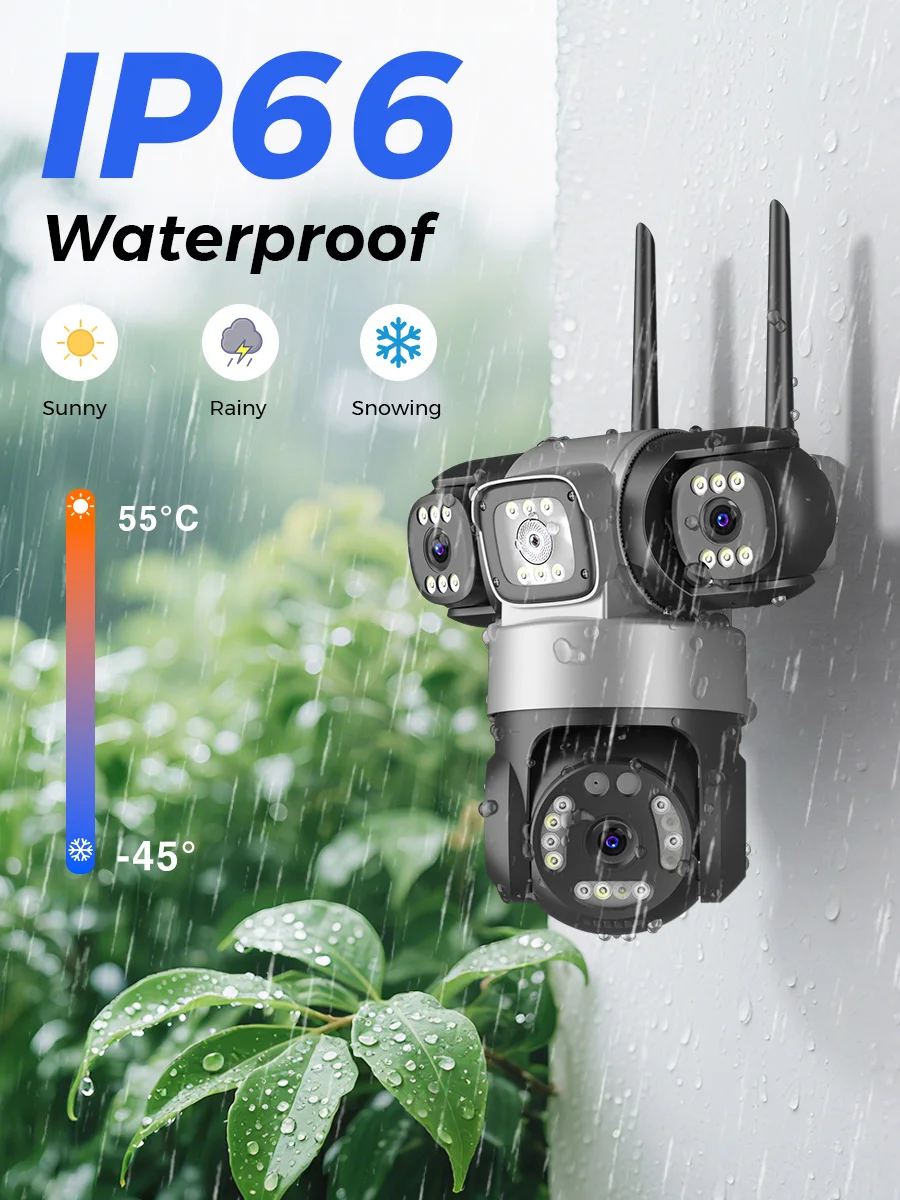
IP66 Waterproof / Dustproof
The camera is equipped with IP66 case , which is waterproof, sun-proof and dust-proof. It is suitable for any environment.
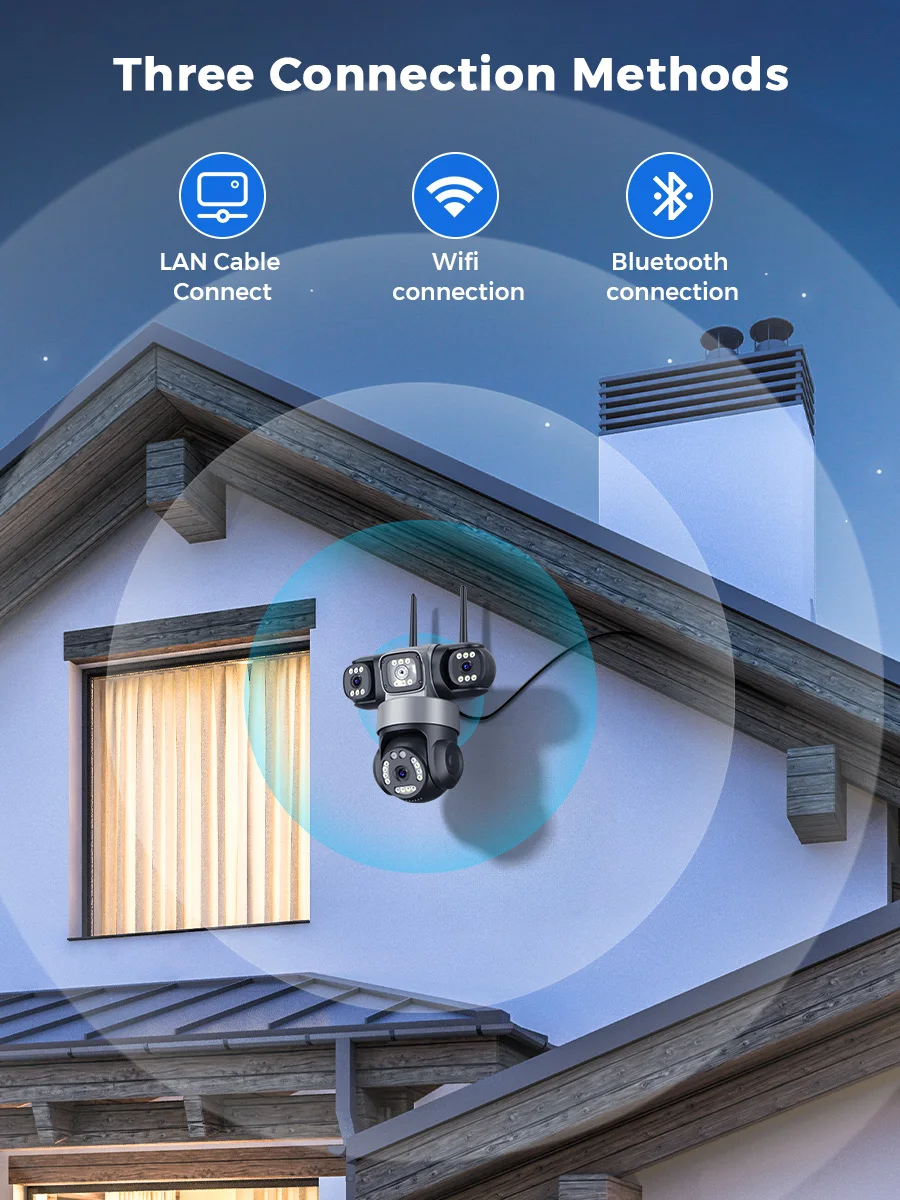
Wireless/Wired Connection
According to your needs, you can choose wireless connection or network cable connection.
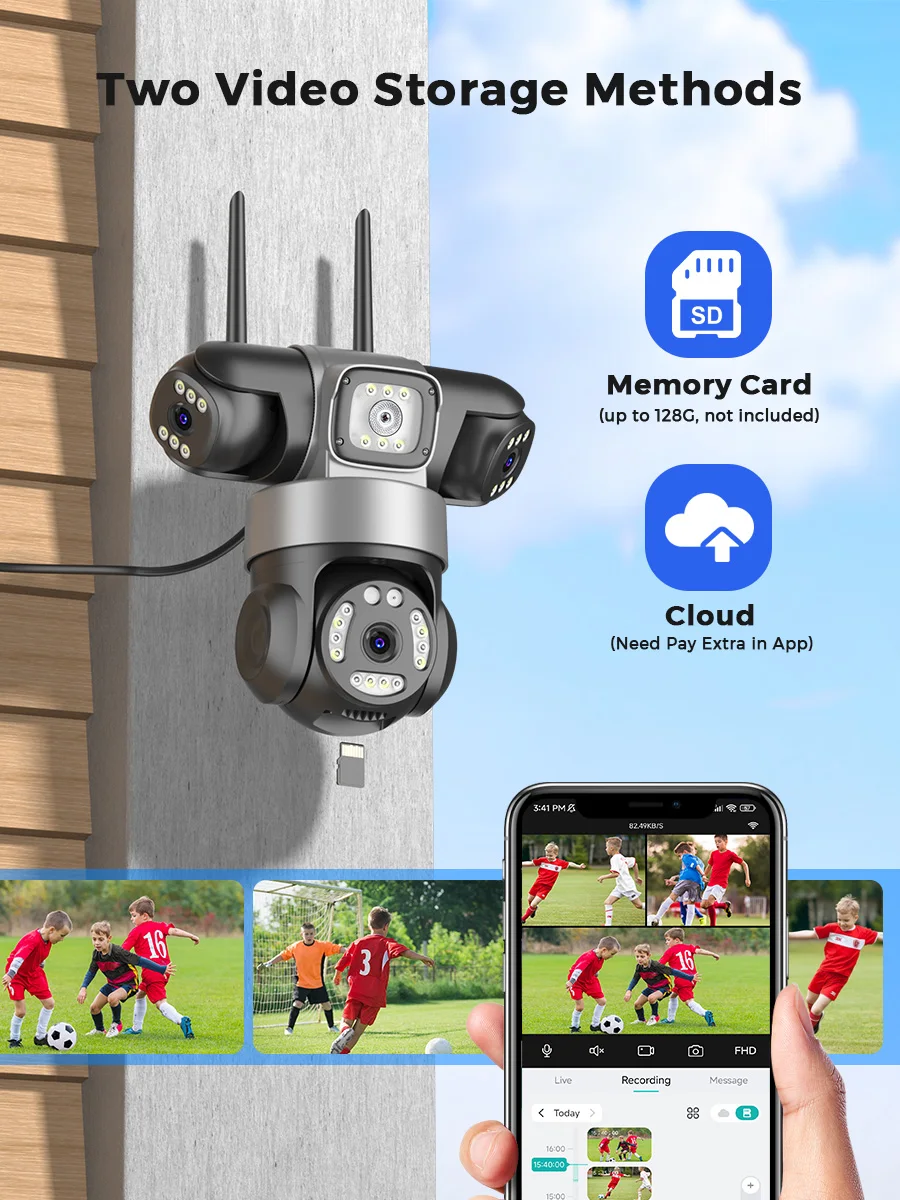
Flexible&Secure Storage Options
The camera supports up to 256GB TF card local backup and also provides cloud storage service(Need to pay extra cost)
Various Installation Methods
Camera supports side mounting and ceiling mounting, you can install it according to your needs.
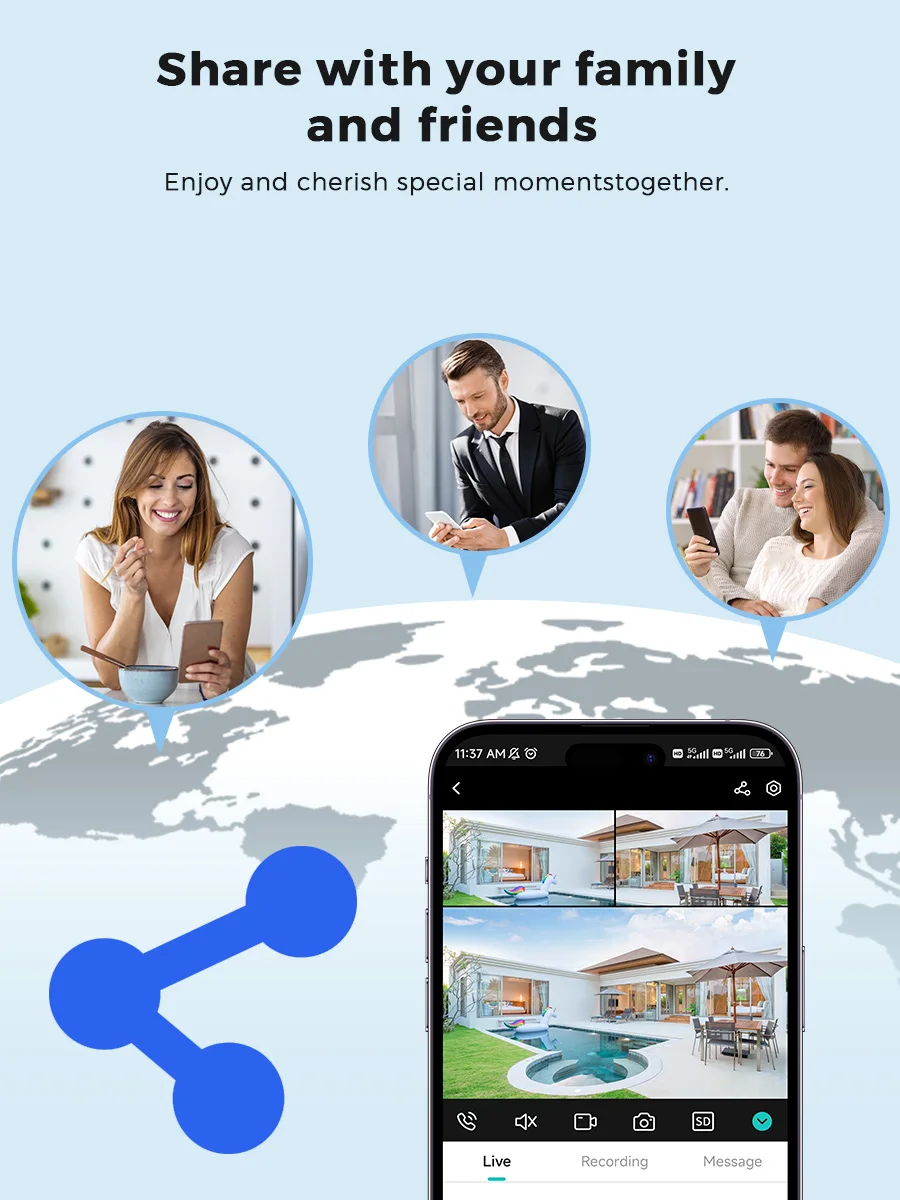
Multi-user and multi-view
-Your camera supports multiple users to view on their iPhone/Android phones at the same time. You can share your camera with your friends and family and share great moments.
How to Configure the Camera in the iCSee App
① Download icsee app from Google Mall or other software malls
② There is a reset button at the bottom of the camera. Press and hold the reset button for 10 seconds. When you hear the sound of a successful reset, the camera has been reset successfully.
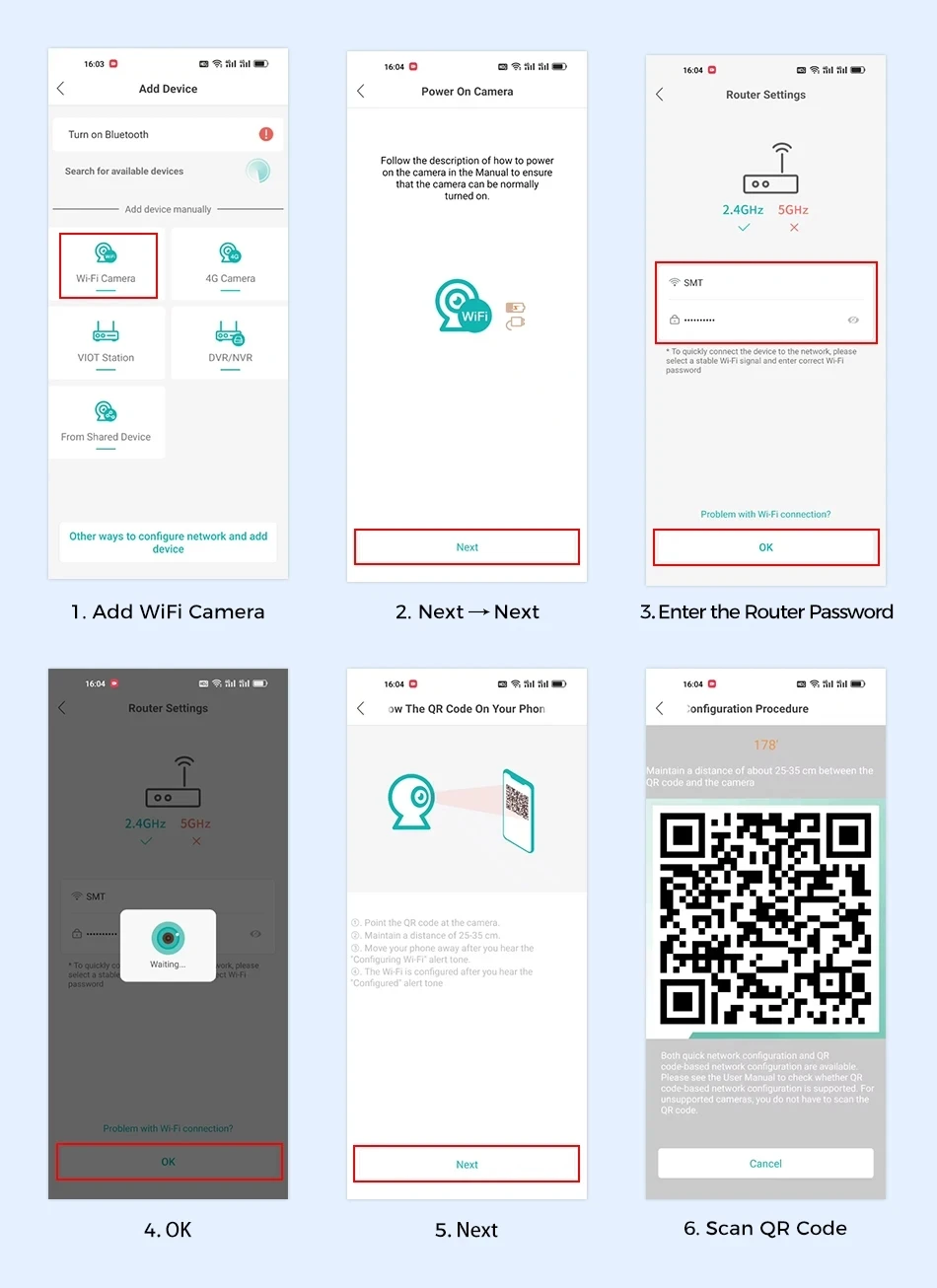
③ Connect the camera through the 2.4G HZ Wifi network band, follow the 6 steps in the picture to connect, and you can configure it successfully.
③If your connection is not successful, please contact us, we have a professional technician and video for you to solve the connection problem.