
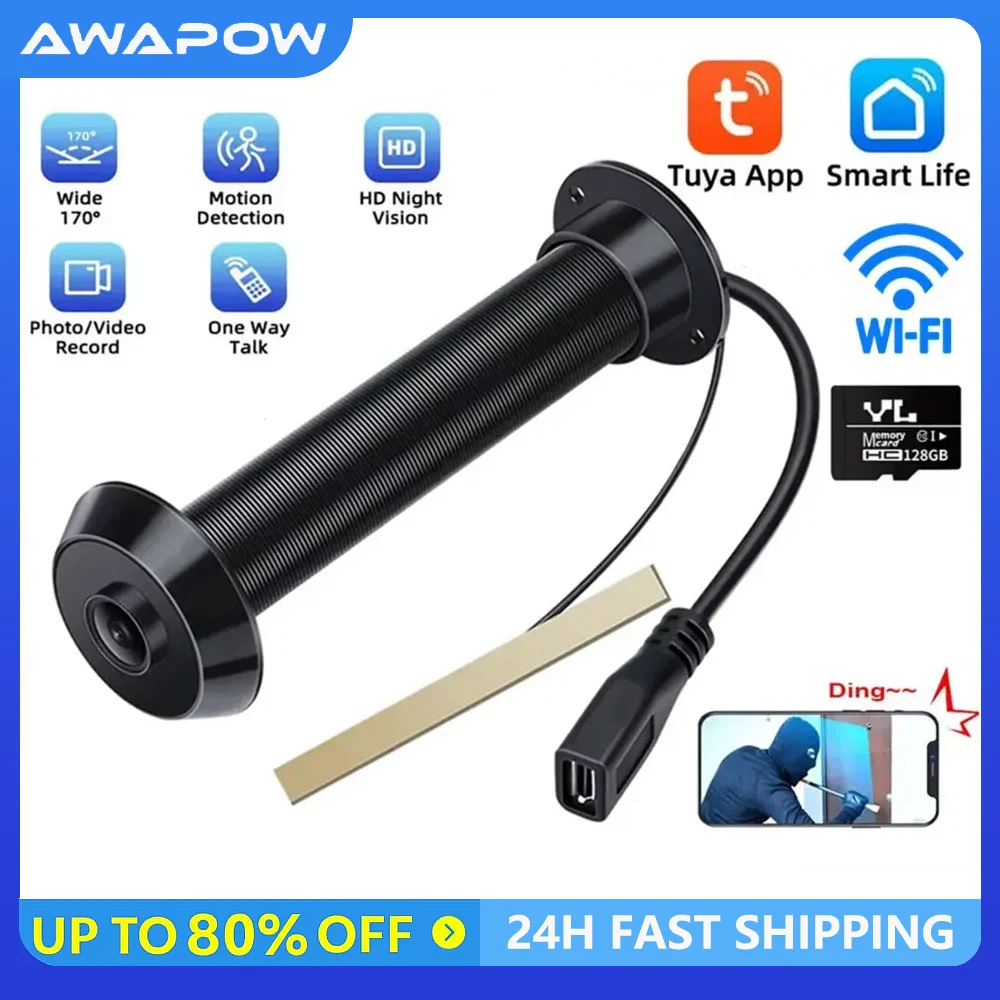



Awapow Tuya Peephole Camera 2.4G&5G Wifi Mini Door Viewer 1080P Motion Detection Smart Home Security Night Vision Auto Record

Attention:
1. Please use a 5V/1A charging head for charging,do not use fast charging heads for power supply
2. The storage card format used for the doorbell is FAT, and the transmission rate needs to reach C10
3. There is no battery inside the peephole, and the peephole camera requires DC power to work
4. If there is any problem with the use of the product, please do not worry, you can first carefully read the product details, product instructions, or leave a message to online customer service, we will solve your problem.
Product highlight:
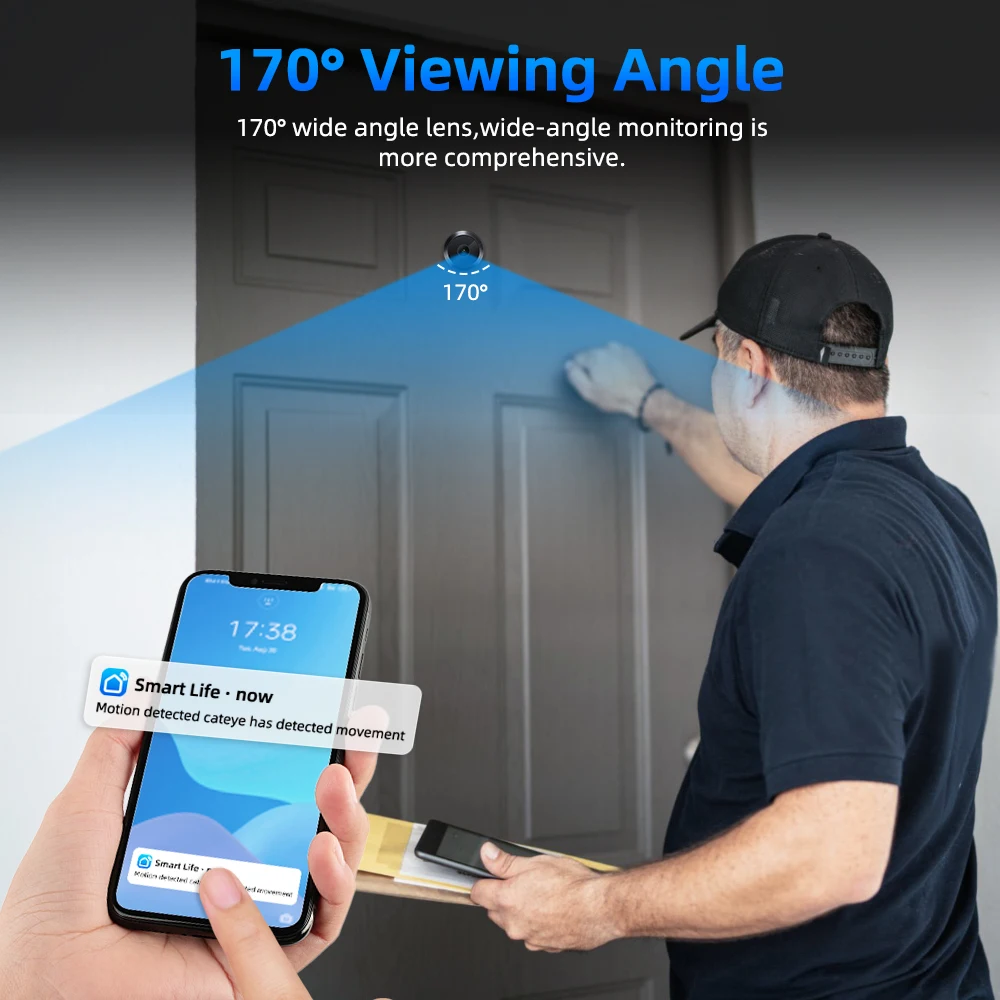
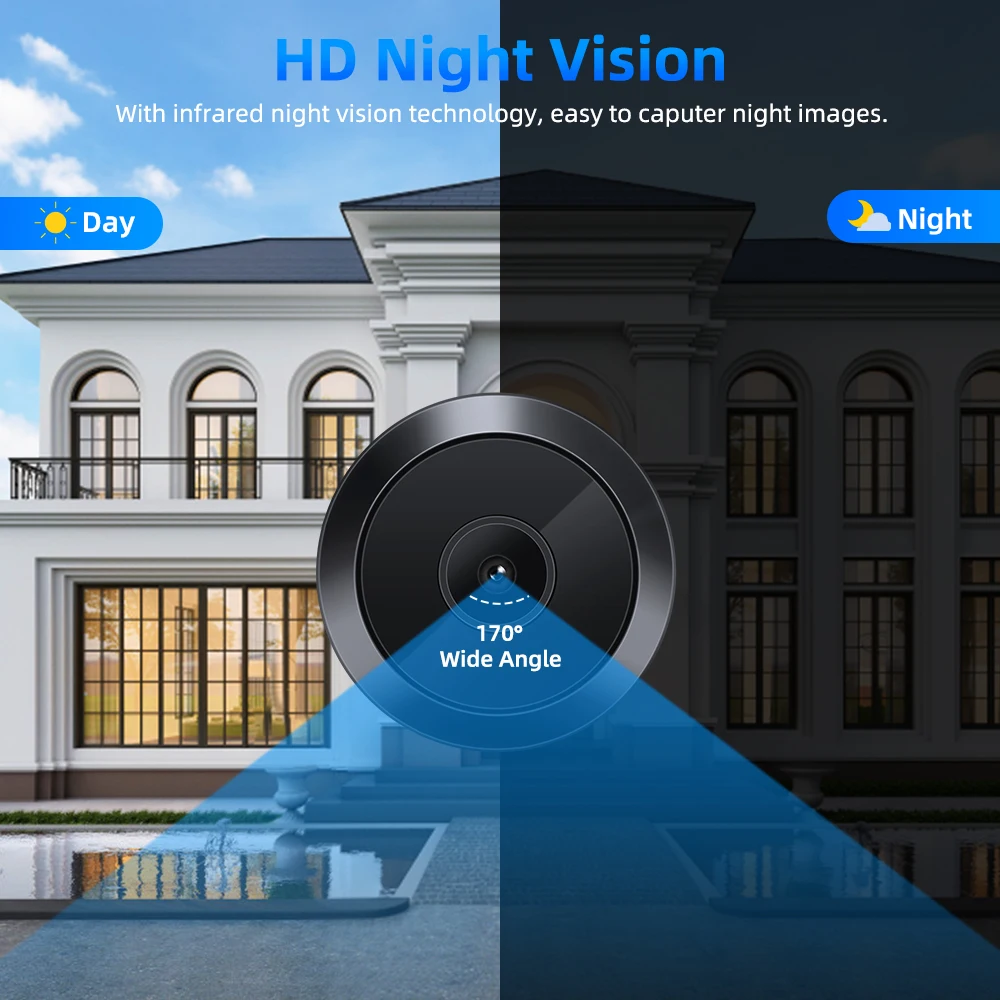
–170° Viewing Angle
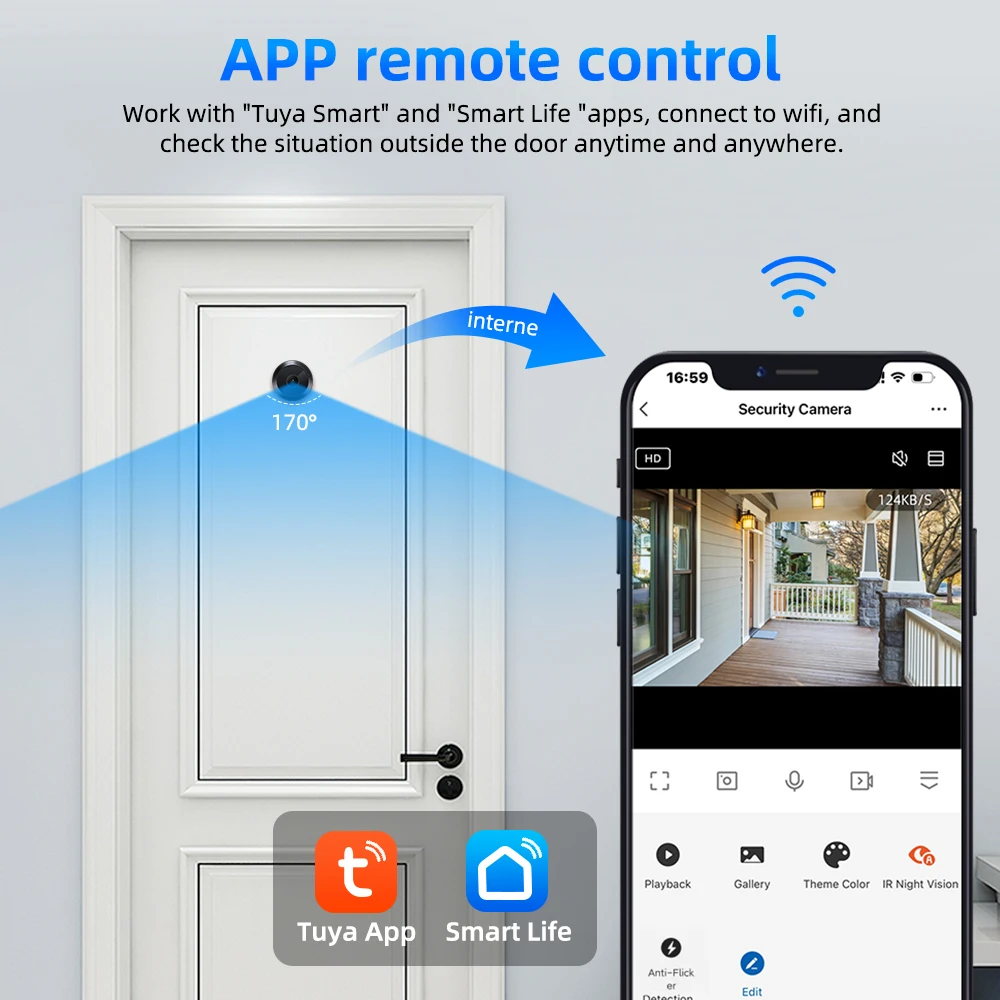
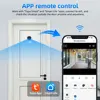
–APP remote control
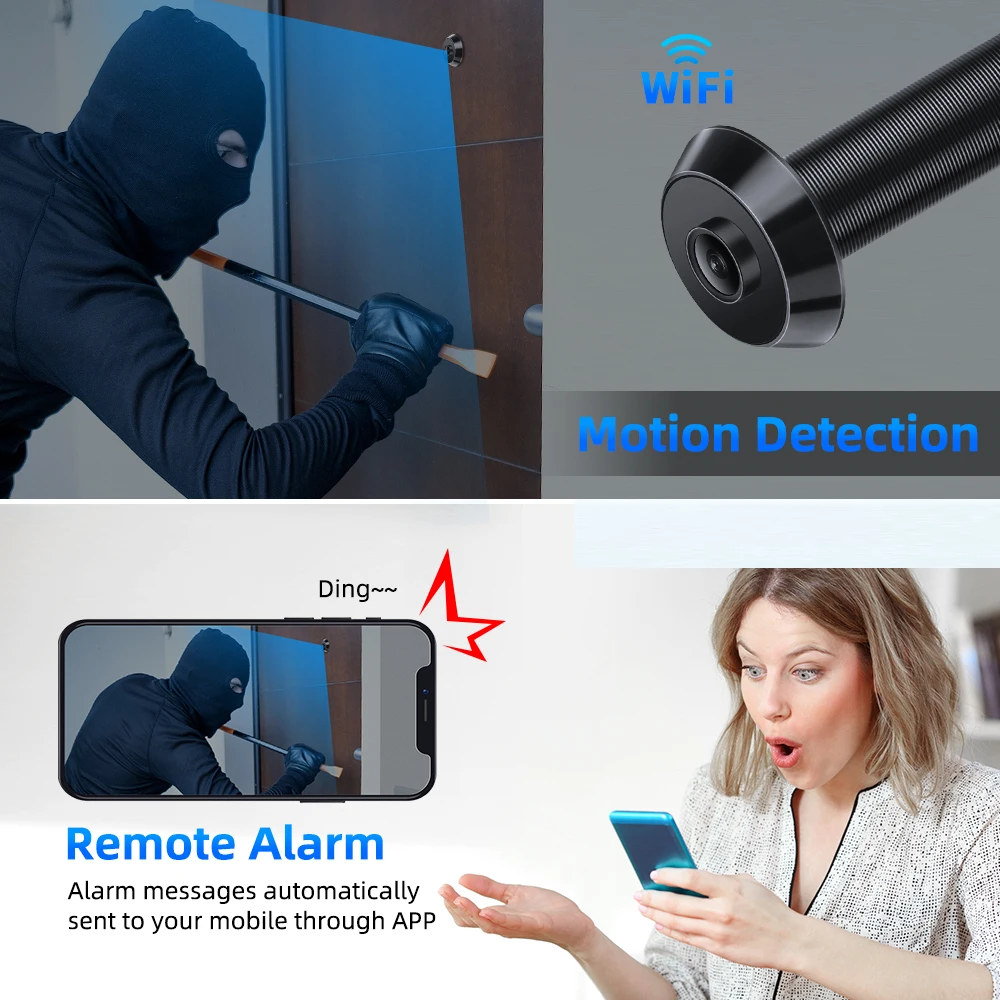
–Motion Detection
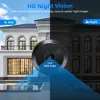
–HD 1080P with Night Vision
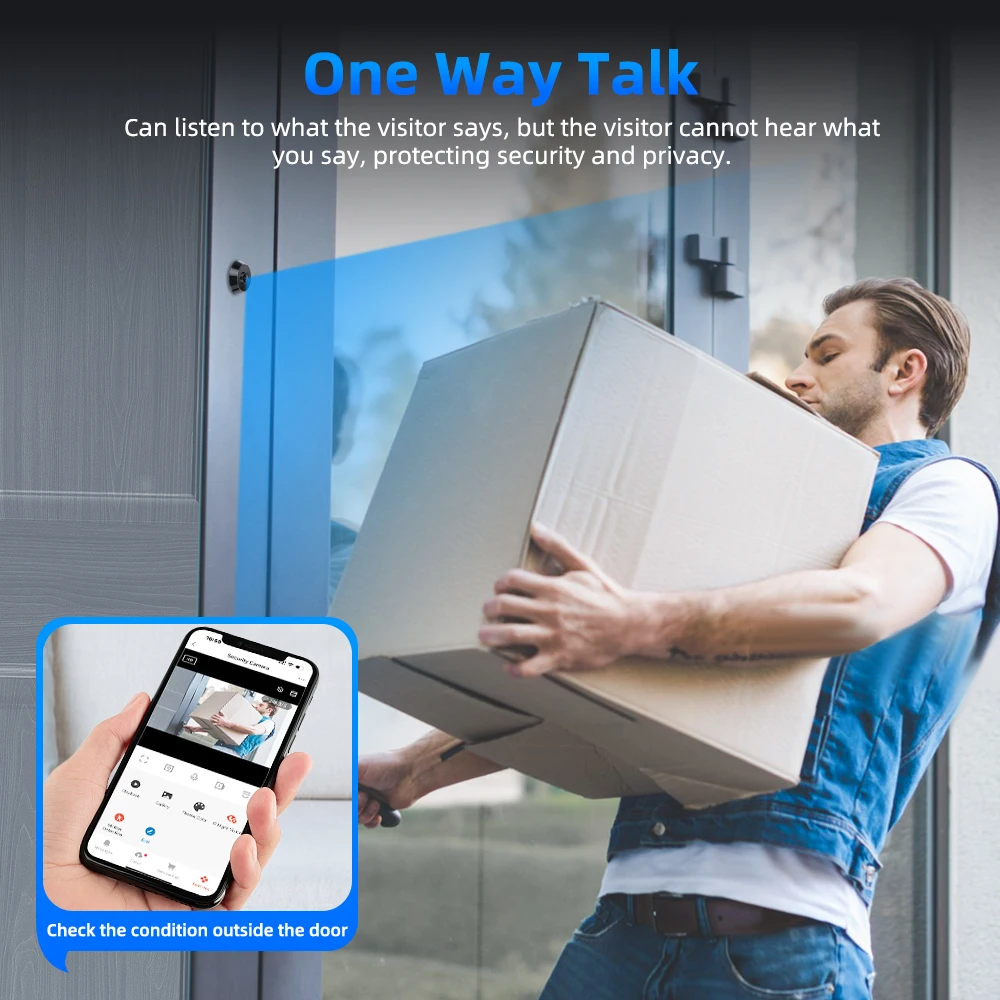
–One Way Talk
–Photo/Video Recording
–Alarm Sensitivity Adjustable
–Variety Of Applications
–Two Storage Methods
Product description:
APP: “Smart Life” or “Tuya Smart”
Camera perspective: Wide angle 170 °
Memory card: supports up to 128Gb
WiFi mode: 2.4G&5GWiFi
Input: 5V/1A
Charging cable: 2m Micro cable
Applicable door thickness: Supports a maximum door thickness of 87mm.
Applicable door aperture: 15.9mm.
Packaging size: 10 * 7.5 * 5.5cm
Certification: CE、FCC
APP remote control
Work with “Tuya Smart” and “Smart Life “apps, connect to wifi, and check the situation outside the door anytime and anywhere.
The “Tuya Smart”or“Smart Life” app can be downloaded directly from your cell phone or by scanning the QR code in the manual (page 5).

Motion Detection
Remote Alarm
Alarm messages automatically sent to your mobile through APP

HD 1080P with Night Vision
With infrared night vision technology, easy to caputer night images.
Resolution: 1080P
1920*1080
Pixels: 2 million (dpi)


One Way Talk
We can listen to what the visitor says, but the visitor cannot hear what you say, protecting security and privacy.

Photo/Video Recording
When someone stays at the door, the camera will capture and record a video.(need a memory card )

Alarm Sensitivity Adjustable
Select the appropriate sensitivity for different situation

Variety Of Applications
For apartment,home,office and store etc.
1:Monitor home
2:Look at children
3:Look at elder
4:See pet
5:Monitor company
6:Monitor store

Two Storage Methods
Support STF card
Up to 128G TF card,durable and efficient.you can save images and videos for later viewing.
Support cloud storage
Cloud storage is more secure,and provide a password for more.It is convenient for many people to participate.

About charge:
The device is equipped with a 2M Micro cable, which needs to be connected to the power supply for use.
(Note: Please use 5V/1A plug, can not use fast charging plug, to avoid equipment burned out!)

Product detail
In the box:
Peephole Camera*1
English manual*1
2M Micro power cable*1

How to connect devices:
After hearing “please connect to the network”, click” I heard a Prompt”.
note:If there is a problem connecting the camera, you can contact customer service.
The video that comes with the product link is one of the connection methods. The product manual shows both connection methods.

Statement:
Because tuya 's system is constantly updated,the model of the manual may be different from the actual operation,please contact us if you have any problems. Thank you very much for using our company's products,
wish you a happy day!
RTSP and ONVIF
RTSP
Enter your RTSP adress(Please refer to the images in the instruction manual (page 10) for details
ONVIF
This camera supports the ONVIF protocol. lf the camera is connected to the network,you can connect the camera with NVR that supports the ONVIF protocol.
(Figure 13) Connect NvR interface, support xmeye, Hikvision, dahua and other mainstream manufacturers of NVR
About QR code
Please do not scan the QR code on the camera shell or box !
This QR code is used to open alexa and Google services,these services are required to pay,please contact the sales staff to open
FAQ:
Q1: SD card without video?
As:After installing the TF card,please select enable video recording in APP. The new TF card may need to be formatted
Q2: Work with Google home/Amazon echo
As:Please tell our sales people that we can sell this version, but it will add some cost
Q3: Cloud storage
As:Support Cloud storage,This service is paid for
Q4: How many GB TF memory cards are supported?
As:Supports up to 128 GB of TF card storage
Q5: Movement detection not working
As:Please check whether motion detection is enabled in APP,IP cameras have latency,so the photos obtained by motion detection will be delayed,and only records from the middle to the end of the event are obtained. It is recommended to enable 24-hour video recording
Q6: The camera is off line
As: Check whether the power adapter works properly, whether the interface is loosened, whether the router wifi signal is normal, delete the camera in the APP and connect again
Q7: Camera prompt language recognition
As: When you hear “Please connect to the network”, you start toconnect After hearing “Camera online” wait for the application to display aconnection success screen. If the camera only says one sentence,it may malfunction
Q8: The camera image is blurred and not clear
As:Switch the screen from SD to HD mode. If it has been switched,please check whether the lens is loose,loosen the screws holding the lens,and slowly twist the lens until the picture is clearest. Please refer to the images in the instruction manual (page 13) for details


