
The difference between two cameras
4MP camera version:
Means that the single lens is 4MP,Single Screen
8MP camera version:
Means that the single lens is 4MP, so the dual-lens is 4MP+4MP=8MP.Dual Screen
Besides, all other functions are the same.

8MP 4MP Version Comparison
4MP camera version:
Means that the single lens is 4MP
8MP camera version:
Means that the single lens is 4MP, so the dual-lens is 4MP+4MP=8MP.
Working principle of solar cameras:
Cameras are usually in standby mode. When the camera detects a person, it will automatically wake up and turn on monitoring. If you need to view the camera, you can wake up the camera through the app and start viewing
Main Features:
①8MP 4K Dual Lens Dual Screens
4MP 2K Single Len Single Screen
②AI Human Detection,IR/Color Night Vision(Up to 30Meter),ICSEE APP P2P Remote ACCESS,Alarm Push,SD Card Video Surveillance,Two ways Audio.IP66 Waterproof,4X Digital Zoom,Wireless Wifi Solar Camera,Cloud Storage(Need to pay)
③2.4Ghz wifi connection
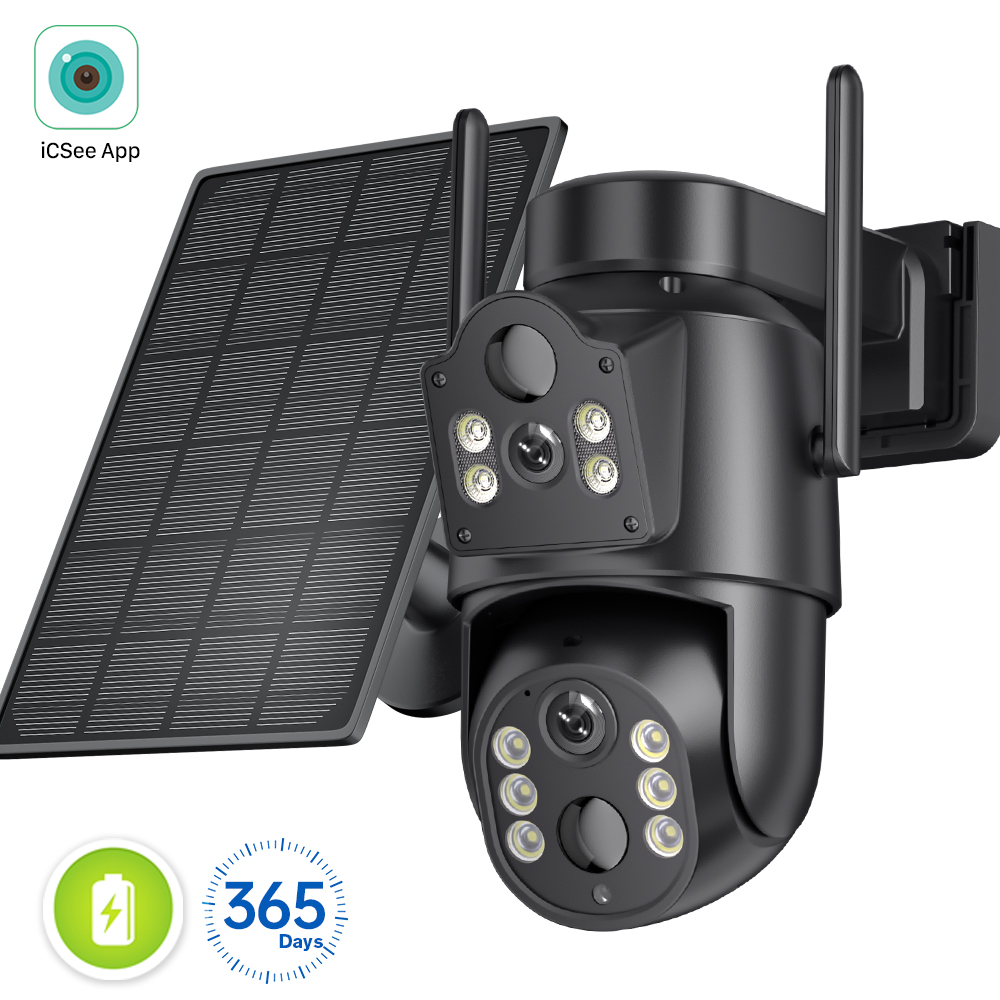
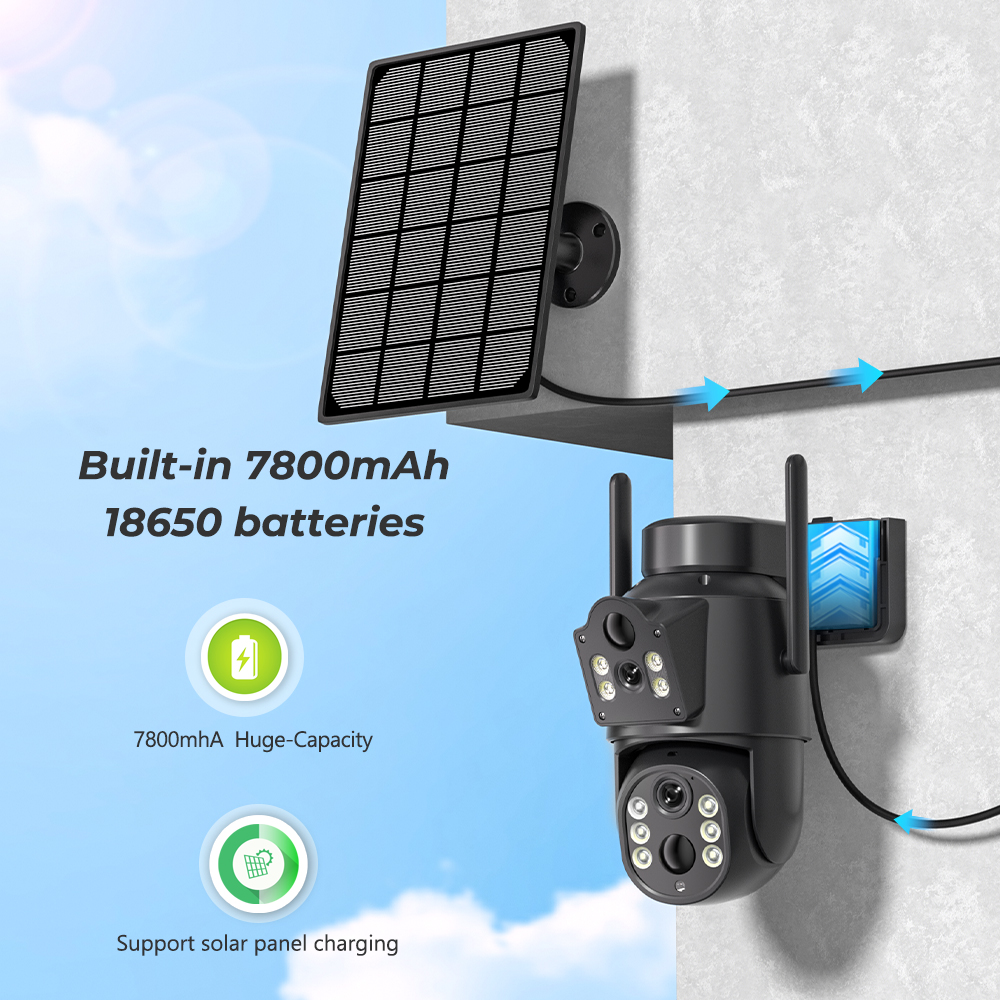
④Battery 7800mAh lithium battery with 5W solar panel ,up to 365 days stand-by
⑤APP:ICsee APP(Android/IOS)
⑥IP66 Waterproof Camera(Working temperaute -40°-50°)
⑦Fast Delivery and Quickly Reply:If you buy now,we will send to you within 24 hours
Package Listing:
1 x Wireless Wifi Solar Camera
1 x Solar Panel
1 x Solar Panel Bracket
1 x User Manual
3 x Rechargeable Battery(Bulit-in the camera)
Dual Lens Dual Screens
Wifi surveillance camera have 2pcs lens,the top len is fixed.the second len is ptz lens
① fixed len is the left/top screen in icsee app
② ptz len is the right/bottom screen in icsee
Dual lens camera=one Dome camera + one Bullet Camera,help you save money
NO charging cable & networking cablE required
Our wireless outdoor security cameras are totally wire-free and work with 2.4GHz WiFi (Not support 5GHz)
Solar Energy Long Standby
Connect the camera to the solar panel,and it will get uninterrupted power all day and all nigh.
320° Pan & 90° Tilt Rotate
Due to the horizontal 320° and the vertical 90 °, you can remotely control the wifi outdoor camera to view every corner via your mobile phone.
IP66 Waterproof / Dustproof
The camera is equipped with IP66 case , which is waterproof, sun-proof and dust-proof. It is suitable for any environment.
Real Two Way Audio
Built in microphone and speaker,support real time video,which allows you talk with your visitor in real time wherever you are.
AI Human Detection Alerts
Quickly finds human targets and immediately sends App notifications to your phone so you can see what's happening anywhere.
Smart Night Vision
Built -in White LED and IR LED, you can choose color night vision or infrared black and white night vision.
Support TF Card Storage and Cloud Storage(Need Pay For)
The camera supports up to 128GB TF card local backup and also provides cloud storage service(Need to pay extra cost).
2.4Ghz Wifi Connection & LAN Connection
Powered by DC12V adapter, you can connect the camera to Wi-Fi network. you can setup wifi connection of the camera or LAN Search with network cable connected to router, work with 2.4G wifi only (Does not support 5G).
ICSEE App Remote Access
You can get a live broadcast of the capture video anytime, anywhere. Supporting Multiple Users watching live video at the same time via phone APP.
How to Configure the Camera in the iCSee App
① Download icsee app from Google Mall or other software malls
② There is a reset button at the bottom of the camera. Press and hold the reset button for 10 seconds. When you hear the sound of a successful reset, the camera has been reset successfully.
③ Connect the camera through the 2.4G HZ Wifi network band, follow the 6 steps in the picture to connect, and you can configure it successfully.