

ADAS Function
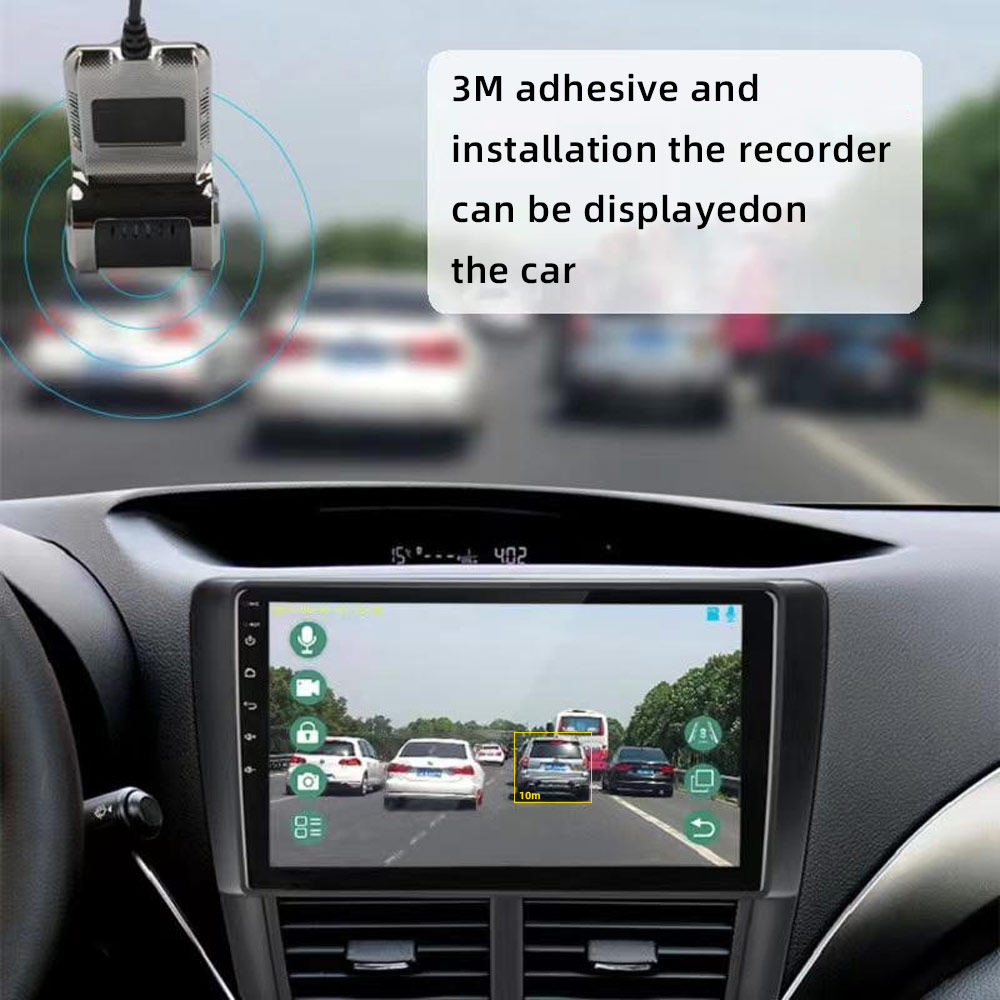
When the device detects the vehicle in front to close, it will alarm to remind motorists to pay attention to road conditions or abnormal
vehicle.
LDWS Function
The device driver unconscious deviate from the original lane when the lane departure alarm is automatically triggered.
Easy to install:
Use USB cable connection car Android Multimedia player,simple and convenient (Android 4.0 or above, need to install APP
Basic Function Loop recording
New recordings will automatically overwrite oldest recordings when the memory card is full, yet locked videos will be safe from being
overwritten.
ADAS Plus Make Driving Safer Advanced Driving Alarm Systems (LDWS/ FCWS) , it is useful alarm systems to keep your driving safer.
>> Lane Departure Warning System (LDWS)Drowsy or distracted driving greatly increases the chance of an accident on the road. The LDWS will alert the driver with English voice when the vehicle goes off lane in a speed over 50 km/h.
>> Forward Collision Warning System (FCWS)
Accidents can be avoided by maintaining a safe following distance. Road Safety Warning System in the calculates the real-time distance between your vehicle and the vehicle in front of you, while driving above 30 km/h in expressways or under 30 km/h in a busy city, and issues a 3-level early warning with English voice to the driver depending on the danger of collision.
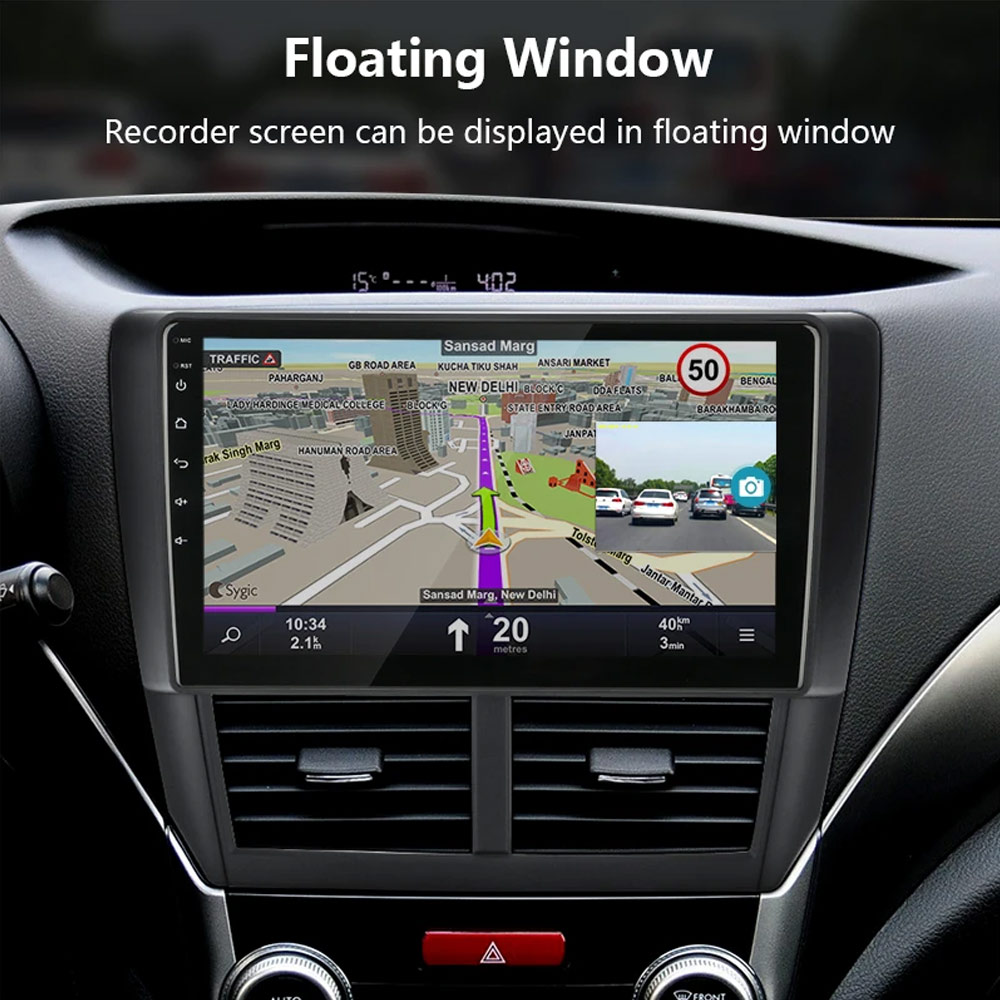
Floating window function:
In the case of a floating display, other applications can be used
Q: How do I install the DVR application?
A:We have reinstalled the application in dvr, just connect to your car radio, enter the file manager, find the Buildwin USB drive, click to enter, and then click to run “DVR.apk” to install and then complete;
Q: How to make ADAS work properly?
A:Enter the settings of the DVR application, find ADAS, and turn on all functions. It may be necessary to update the software. It is easy. Just connect to the wifi and click Update;
Q: Can dvr be connected to a phone or have wifi / Bluetooth capabilities?
A: No, not all of them are supported;
Q: How to watch the video recorded by DVR?
A:DVD is just to watch the video in real time. If you want to watch the video, please remove the SD card and then use a card reader to connect to the computer to watch;