

GSM Specification
GPRSClass 12, TCP/IP
Memory32+32Mb
Phase errorRMSPE<5,PPE<20
Max outputGSM 850/GSM 900:33±3dBm
GSM 1800/GSM 1900:30±3dBm
Max frequency error±0.1ppm
LTE Specification
Operating bandLTE Cat-M1/NB2: B1/B2/B3/B4/B5/B8/B12/B13/B18/B19/B20/B26/B28/B66
Data transmissionLTE Cat M1: Max. 588kbps (DL), Max. 1.119Mbps (UL)
LTE Cat NB2: Max. 127kbps (DL), Max. 158.5kbps (UL)
EGPRS: Max. 296kbps (DL), Max. 236.8kbps(UL)
GPS Specification
GPS chipsetMTK high sensitivity chip
FrequencyL1,1575.42MHz C/A code
GPS channel66
Location accuracy<10 meters
Tracking sensitivity -165dBm
Acquisition sensitivity-148dBm
TTFF (open sky)Avg. hot start≤1sec
Avg. cold start≤40sec
Interfaces
Cellular antennaInternal only
GNSS antennaInternal patch antenna
LED indicatorsCEL,PWR
Micro USB interfaceUsed for charging and debugging
Others
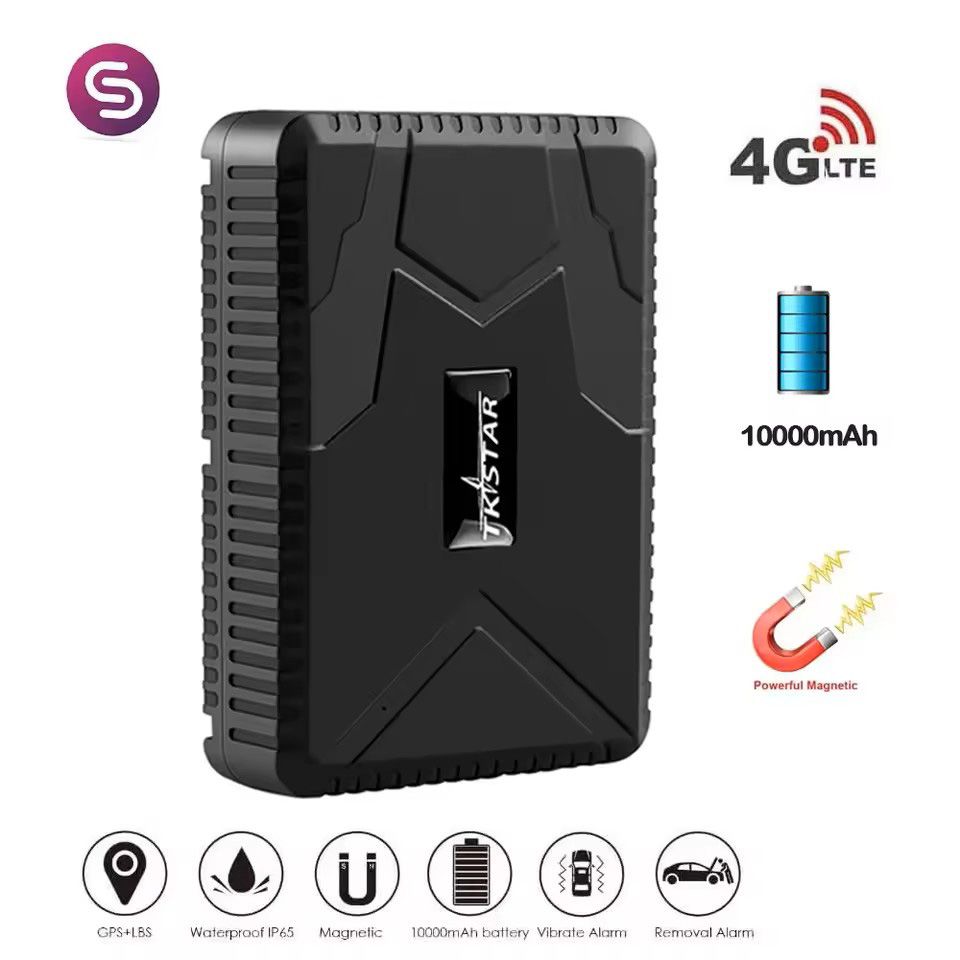
Battery10000 mAh, 3.7V Li-Polymer battery
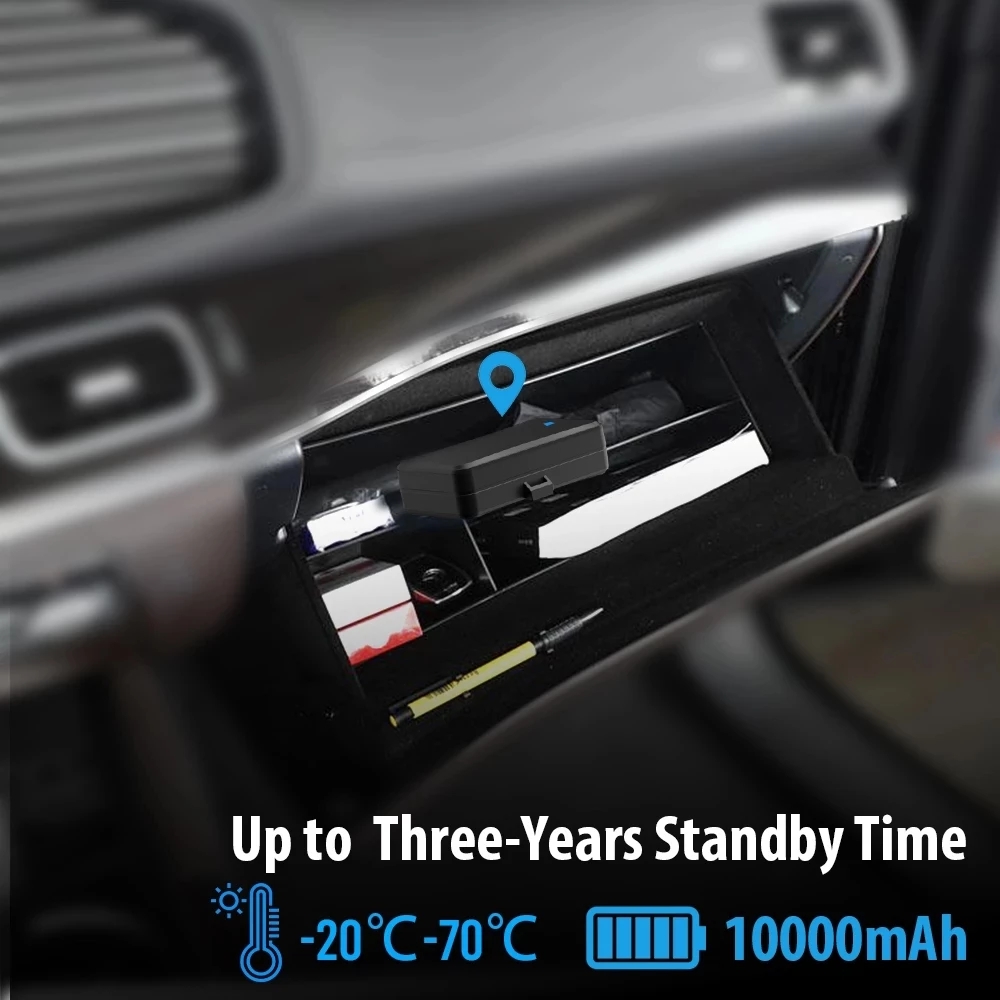
Operating temperature–20℃ to +70℃
Device dimension112 X 77 X 27mm
Device weight 300g
Operating voltage4.5V-5.5V DC
Overview:
Working based on existing GSM/GPRS network and GPS satellites, this product can locate and monitor any remote targets by SMS, APP and Internet. It adopts the most advanced technology of GPS and AGPS dual positioning.tracker
Features:tracking device
1.Long Standby Time:It has built-in 3.7V 10000mAh Li-ion battery, can standby up to 120 days.
2.Powerful Magnetic:It has 6pcs built-in magnets,with super strong powerful magnetic,can be very easily installed.
3.Overspeed Alarm:This alarm works only under continuous positioning mode.When the unit speed is exceed the speed you presetted, it will send message “speed alarm!” to the admin number every 5 minutes.
4.Shake Alarm:After you did the shake alarm setting,please keep the tracker being stationary for 5 minutes, then this function will start working. It will send SMS “sensor alarm!” to the admin number when the unit get shocked.
5.Sleep Mode:
* Sleep by time mode: After did this setting, tracker will only work for 5 minutes after being waked up, and back to sleep mode, GPS will shut off and GSM will works in low consumption mode. SMS, call will can wake up the tracker.
* Sleep by shock sensor mode: After did this setting, if no shock for 5 minutes, the tracker will work under “sleep by shock” mode, GPS will shut off, GSM will works in low consumption. Vibration, SMS, call will can wake up the tracker.
7.History Route Playback:You can track the history route of the device up to 6 months via both the web platform and APP !
8. Loosing Alarm
There is anti-removal induction sensor on the back of device. if this covered induction sensor is not covered again.it will send “Loosing alarms!” to admin number and SOS number by SMS.car tracker
Specification:gps locator
* Dim:112 * 77mm * 27mm (4.41″*3.03″*1.06″)
* Weight:300g
* GPS sensitivity:-159dBm
* GPS accuracy:5m
* Wall charger:110-220V input5V-1A output
* Battery:Chargeable 3.7V 10000mAh Li-ion battery
* Stand by:120days
* Storage Temp.:-40°C to +85°C
* Operation Temp.:-20°C to +55°C
* Humidit:5%–95% non-condensing
About Web tracking platform:
Free Web tracking software,no charge fee,login page : www.mytkstar.net
Select “Log in by IMEI” on the bottom of screen
IMEI No. : on the back side of cover
Password: 123456
About Mobile APP Android/IOS Tracking:
Scan the QR Code to install the applications on your cell phone.Register and add account.
Search “TKSTAR GPS” in the Apple App Store/Google Play Store or Scan the QR Code to install
the applications on your cell phone.
Note: GSM SIM CARD INSTALLATION GUIDE: Only GSM SIM card works in this model
3.TURN ON THE DEVICE
Open the rubber cover, insert the SIM card(chip up) to the slot, the device auto starts.
The indicator light is on when SIM card is inserted.
The device gets GPS location when there is GPS signal and gets LBS location when there is no GPS signal.
The device automatically turns off when the SIM card removed.
4.SMS TRACKING
4.1. Call the SIM card phone number in tracker,you will receive a Google Maps link of position,
or sending message “G123456#” to SIM card phone number in tracker .
E.g:
4.2. Admin number setting (After admin number setting, all SMS operations to the device are under this number only.)
Command: admin123456 phone number(This phone number is your own mobile phone number , not the SIM card number in tracker .)
Reply admin ok
E.g admin123456 13265790180
When the unit is in over-speed alarm, shake sensor alarm, or low battery alarm, it will send alert to the admin number.( 13265790180 )
Admin number Canceling:
Command noadmin123456
Reply noadmin ok
4.3. Over-speed Alarm setting( It works only in continuous positioning mode.)
Over-speed Alarm setting:
Command speed123456 070 (Suppose speed is 70km/h)
Reply speed ok
E.g
When the unit speed is over 70km/h, it will send message “speed alarm!” to the admin number every 5 minutes.
Over-speed Alarm canceling
Command nospeed123456
Reply nospeed ok
4.4. Shake Alarm setting
Command shock123456
Message Reply shock ok
E.g
Note:Pls keep the tracker being stationary for 5 minutes, this function will work.
The tracker will send SMS “sensor alarm!” to the admin number when the unit get shocked.
Shake alarm Canceling:
Command noshock123456
Reply noshock ok
4.5. Device working mode setting
Sleep by time mode setting
Command sleep123456 time
Reply sleep time ok
E.g
(Tracker only works for 5 minutes after being waked up, and back to sleep mode, GPS shut off, GSM works in low consumption mode. SMS command, calling tracker can wake up the tracker.)
Sleep by shock sensor mode setting: (Factory setting is “Sleep by shock mode“)
Command sleep123456 shock
Reply sleep shock ok
E.g
(No shock for 5 minutes, the tracker will work in “sleep by shock” mode, GPS shut off, GSM works in low consumption. Vibration, SMS, calling can wake up the tracker.)
4.6 Terminal (local) Time Setting(factory setting GMT 0)
Command :timezone123456 local time zone Rep:time ok!
E.g: timezone123456 +1 timezone123456 -1 Timezone123456 0
4.7Reset Hardware
Command:begin123456
Reply:begin ok
E.g:
5. EXPLANATION OF PARAMETERS/CODES IN SMS MESSAGE
Pic 1:Replied real-time tracking information under GPS satellites signal.
Lat:22.63952 lon:114.17122 Positioning of the latitude and longitude values.
Spd:000 This refers to the device moving speed. The unit is km/h.
T:24/09/15 16:00 real-tracking time, the Default is London time. You can set language and time zone in APP.
Bat:100% The battery value is between 10% and 100%. Once it is less than 30%, it alarms.
2015070203: Device IMEI No. to log in APP and platform.
Google Link: This is the link to the Google map showing the position of the device.
Pic 2:Replied LBS tracking information without GPS satellites signal.
Lac:27a4 1223: Real-time LBS positioning data.
T:24/09/15 15:17 LBS positioning time.
Bat:100% The battery value is between 10% and 100%. Once it is less than 30%, it alarms.
Last:T:25/09/15 03:04 This is the time when tracker got last GPS signal
Google Link: This is the position of last gps signal appeared
6. 0 START ONLINE TRACKING
Pls activate GPRS by sending command “gprs123456” when the tracker is on, and set APN by following steps.
Every sim card carrier has own APN content, we have two methods to find out apn content : check sim card carrier on internet or put sim card into cell phone to find out APN
Two steps to set apn:
1), Turn on gprs function by sending command “gprs123456”
2),Set apn by sending command “apn123456 content” , “apnuser123456 content” ,“apnpasswd123456 content” pls note the content is from SIM card carrier , there is small blank after 123456 in every command.
6.1 WEB ONLINE TRACKING
Platform : www.mytkstar.net
Select “Log in by IMEI” on the bottom of screen
IMEI No. : on the back side of cover
Password: 123456