
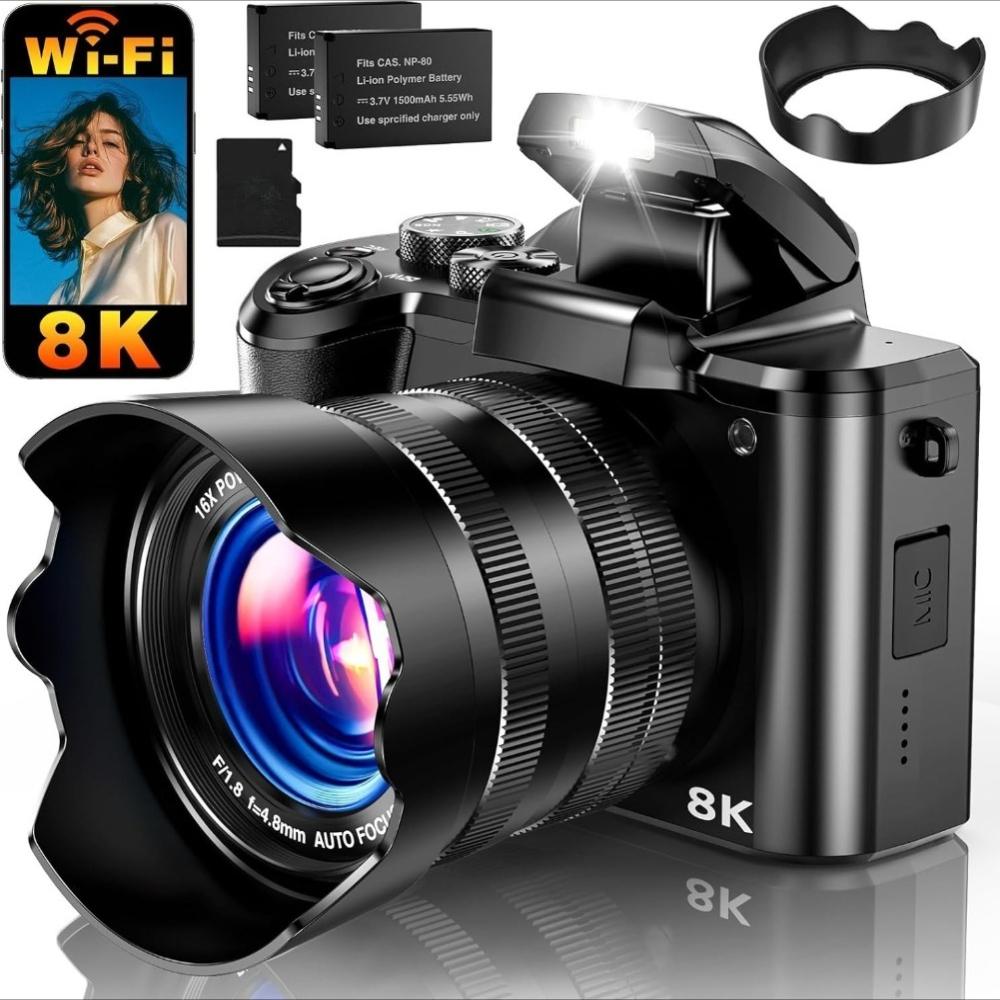
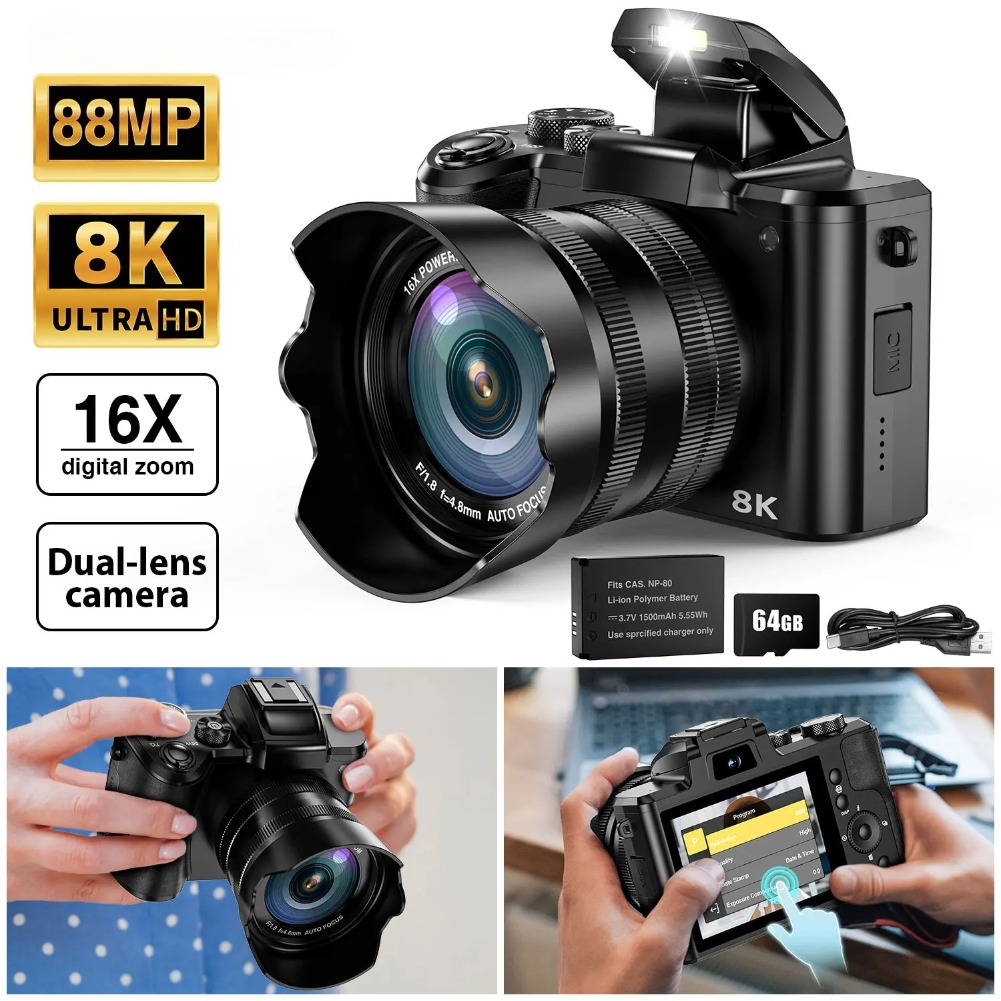
8K UHD & 88MP Autofocus Camera – Capture ultra-sharp photos and 8K videos with one-touch autofocus. Perfect for vlogging, travel, and daily moments.
Dual Lens + 3.2″ Touchscreen – Front & rear cameras for selfies and vlogs. Large IPS touch screen makes framing and shooting easy with just a tap.
WiFi Transfer & 6-Axis Stabilization – Instantly share to Instagram/YouTube via “iSmart DV2” app. 6-axis anti-shake ensures smooth, steady videos anywhere.
360° Rotary Dial for Easy Control – Switch modes in seconds: Timelapse, Slow Motion, Portrait, Landscape, Filters & more. Ideal for beginners and creators!
16X Zoom, 2 Batteries & 32GB Card Included – Shoot longer with dual batteries. Features flash, slow motion, continuous shooting & built-in 32GB storage (expandable).

How to Connect the Camera to Your Phone via Wi-Fi?
1. Download “iSmart DV2” app.
2. Turn on the camera, press MENU.
3. Go to System > Wi-Fi, select ON, press OK.
4. On your phone, connect to camera Wi-Fi ( 5K-76BF6E) with password 1234567890.
5. Open the app, tap Add New Camera > Wi-Fi Connect.
How Can I Get the Best Charging Speed And Battery Performance?
*Keep the camera warm in cold weather to maintain charging efficiency
*Use the original charging cable for more stable charging
*Turn off unused functions to extend battery life
*Use the included dual batteries for longer, uninterrupted shooting
How Can I Make My Photos Clearer?
Factory Settings: Photo: 48MP Video:4K 30FPS.
For higher clarity, please switch to Photo: 88MP Video: 8K 15FPS
How Do I Take Clear Close-up Photos of Small Objects?
Keep the object about 10 cm from the lens, use bright lighting, and hold the camera steady. Good light and proper distance help ensure sharp focus
Q2: Why Are My Close-up Photos Blurry?
A: Likely you're too close (less than 10 cm) or isn’t steady
Why Can’t My Phone Connect To the Camera Via Wi-Fi or Control It Through the App?
1. Restart the camera and re-enable Wi-Fi mode
2. Make sure the app is connected to the camera’s Wi-Fi, not home Wi-Fi
3. Stay within 5 meters of the camera to avoid interference
4.Allow the app to access local network, photos, and location