
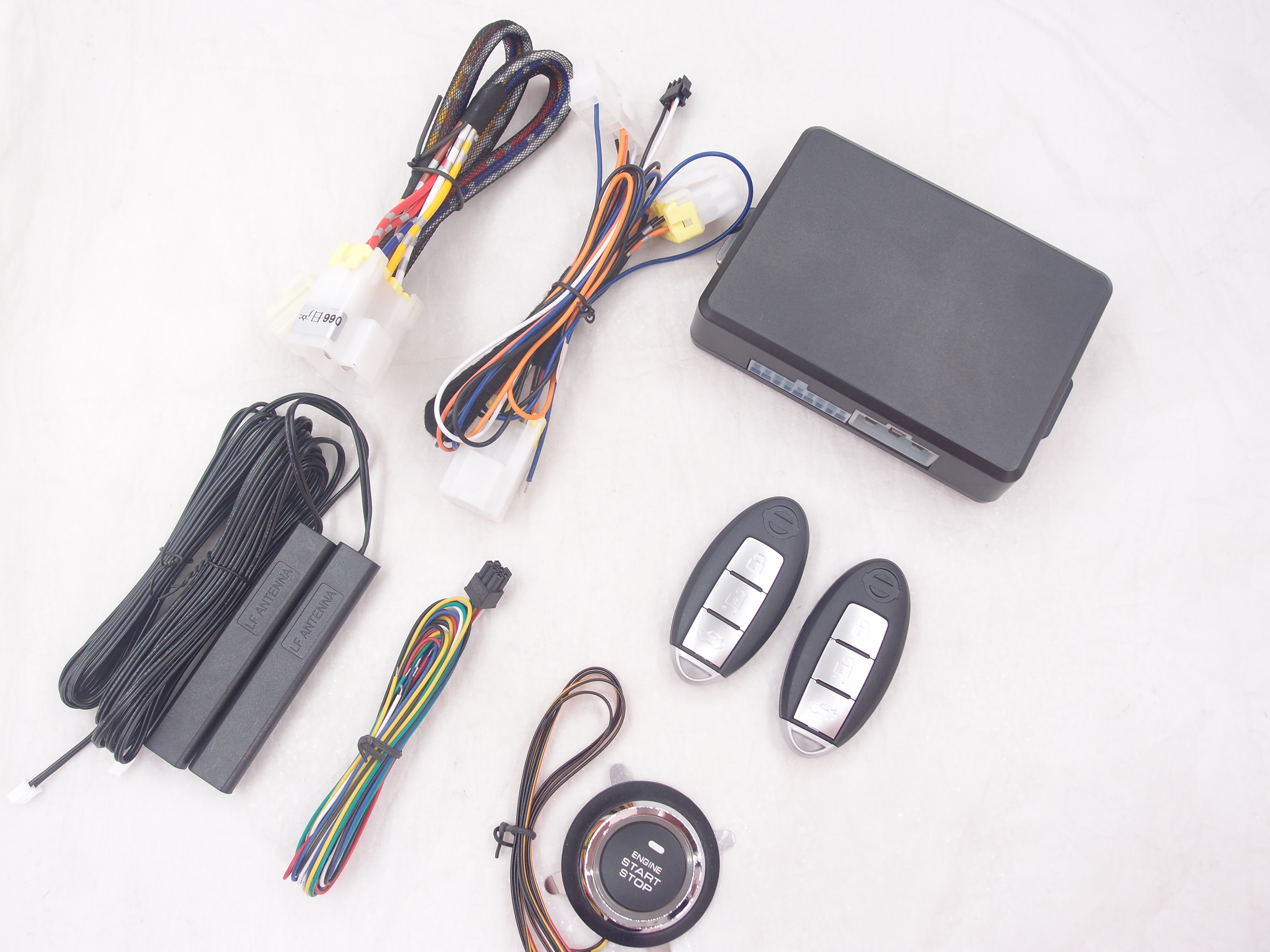
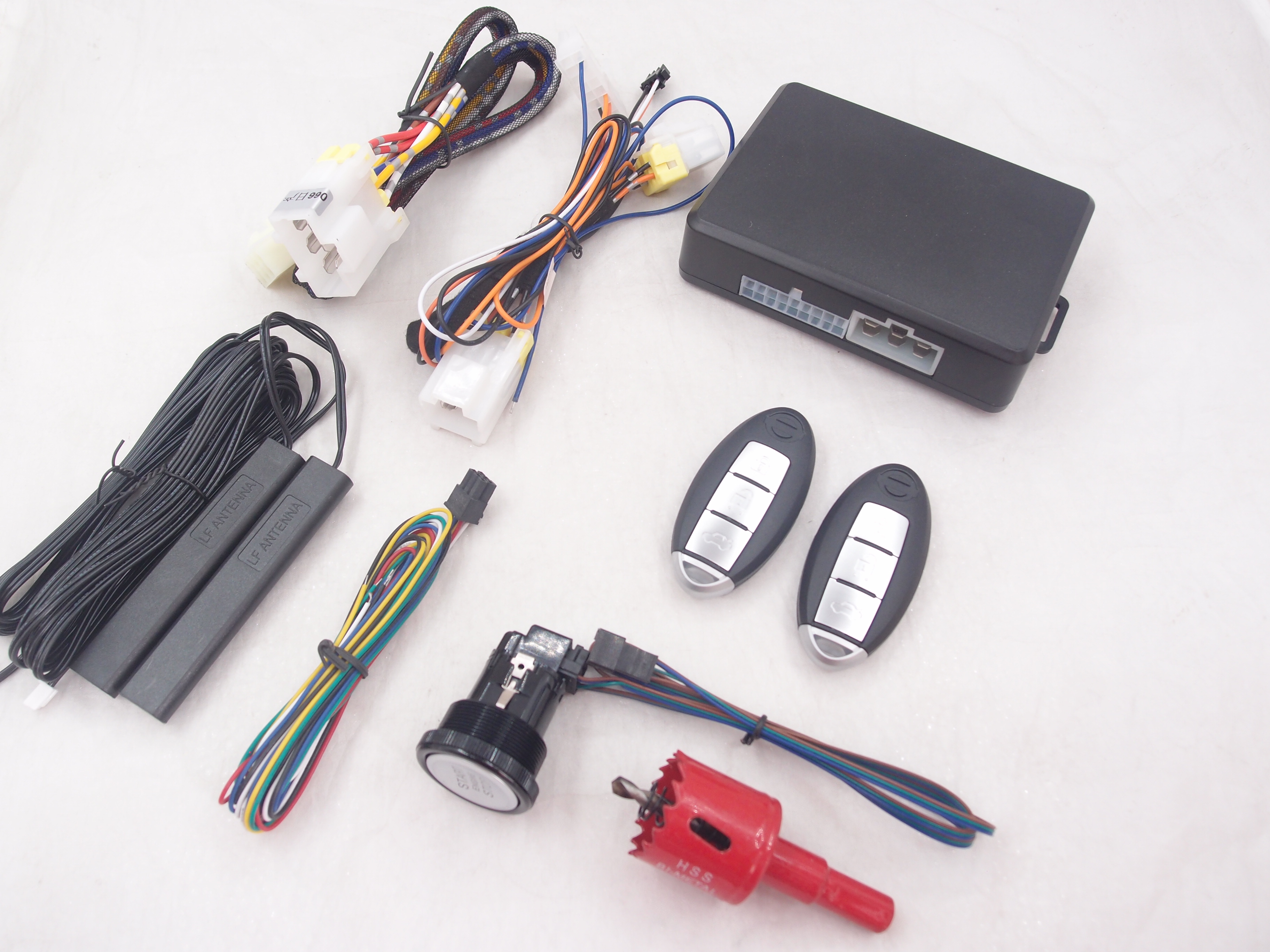
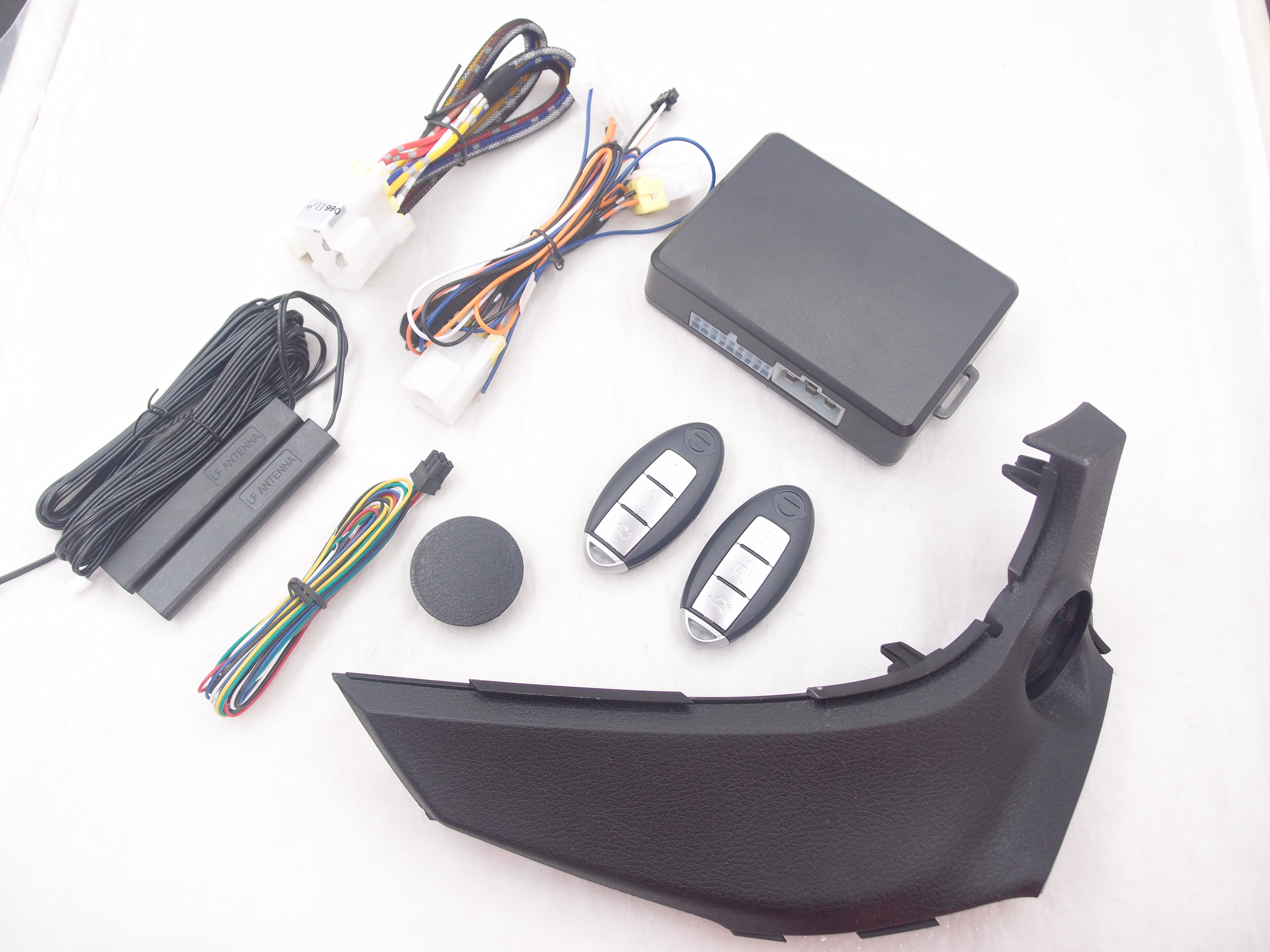
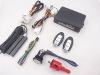
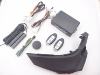

Push start stop system remote start stop and Keyless Entry
Fits for a Nissan car which ignites by key blade
Features of car remore starter/turns off system:
1.Remote Start Vehicle EngineTo Cool Or Warm Your Car before Driving. it will feel more comfortable in cold winter and hot summer.
2.install Note:please ask for professional engineer for install, should put one of your remote key inside of the car when install, and it also need to welding lock. we will give 2 remote key. after install,pleasee fix it tight in case of loose.
3. Control with your our remote key(2 piece), before use it,make sure:
a. all doors, windows, trunk, engine cover must be close or locked when using remote control.
b. how to use remote start: press our remote key ” unlock”button 1 time,then long press 'lock'” within about 5 seconds.
c.The air-conditioner have to be pre-set before using remote control.
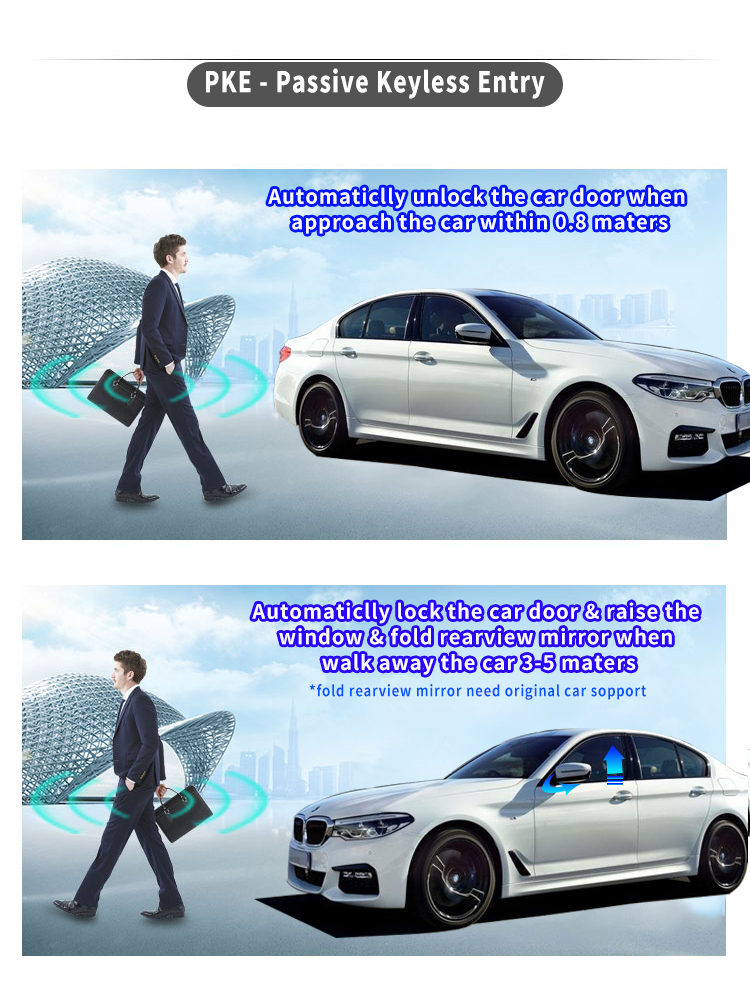
4.Passive keyless entry
5.Special harness for installing


It is easy to install
1.The system fits for all Nissan start engine by metal key blade
2. Simple installation method:
2.1 To connect special ignition cable ,foot brake cable and Ground .
2.2 Soldering the original remote controller PCB ,and put it nearby the original induction coil. Our keys will control original key to do lock, unlock and trunk. Remove key detecting cable of car , original key can work even if car engine ON.
2.2 If need horn beep reminding when locking , connect horn- wire to horn trigger wire under the wheel. If no need this reminding beep, no need connect this wire


Which cars can be installed ?
All Nissan cars has same ignite connector like as the picture below:
Please check it before buy it , and please contact us if the connector is different

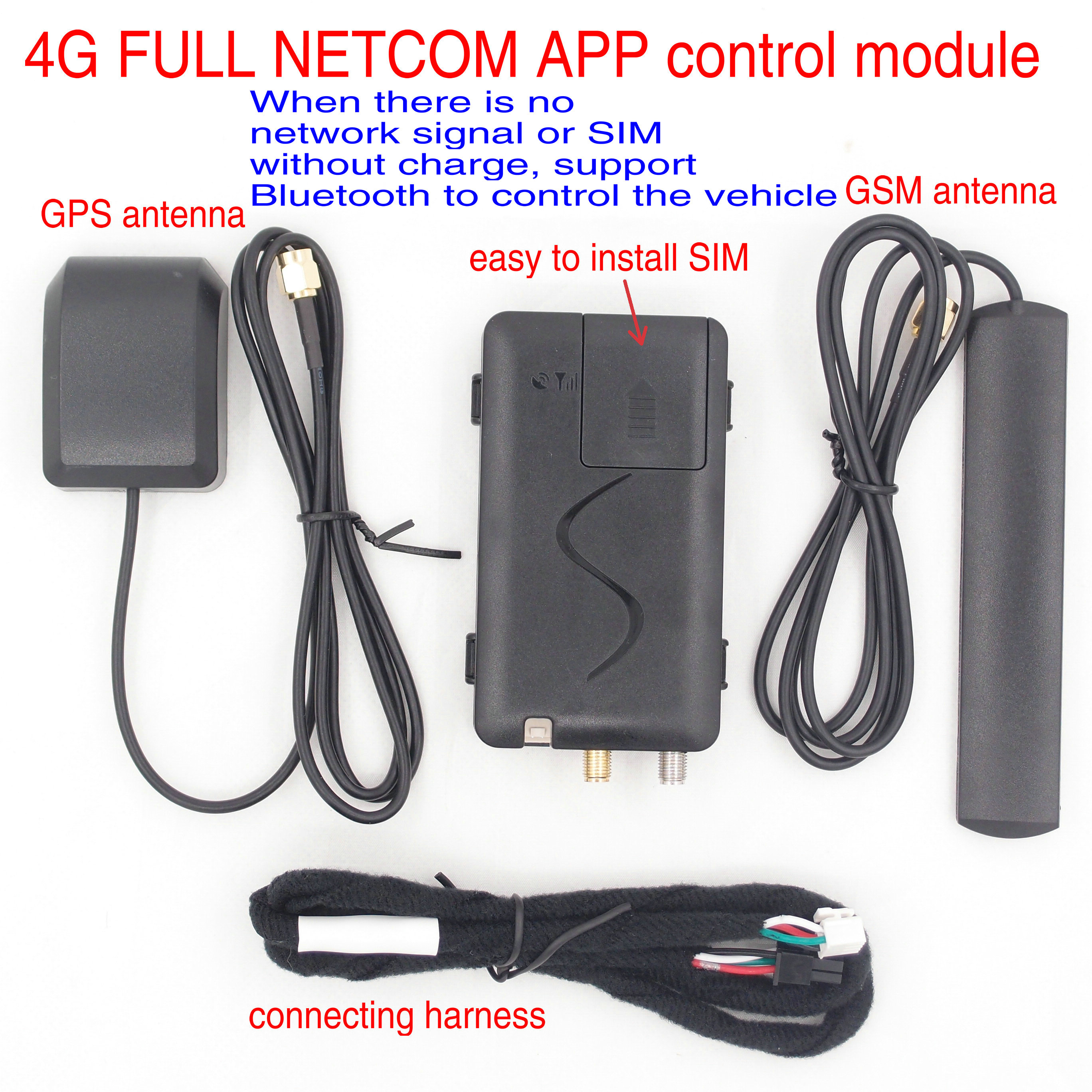
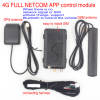
To add APP control car by NFC,4G network or bluetooth
Note :
Bluetooth or 4G network module must work with the remote start device together , it is only for connecting the remote start device to smart phone, so don’t only buy Bluetooth or 4G module
Add bluetooth or 4G to cart and buy it with push start device together if you need it


NFC and bluetooth module
NFC and Bluetooth module
How to use :
1. Swipe NFC card to do lock and unlock
2. For Andriod phone , copy NFC card to phone , swipe phone to do lock and unlock
3. For iphone , add a transportation card and bind NFC card with it
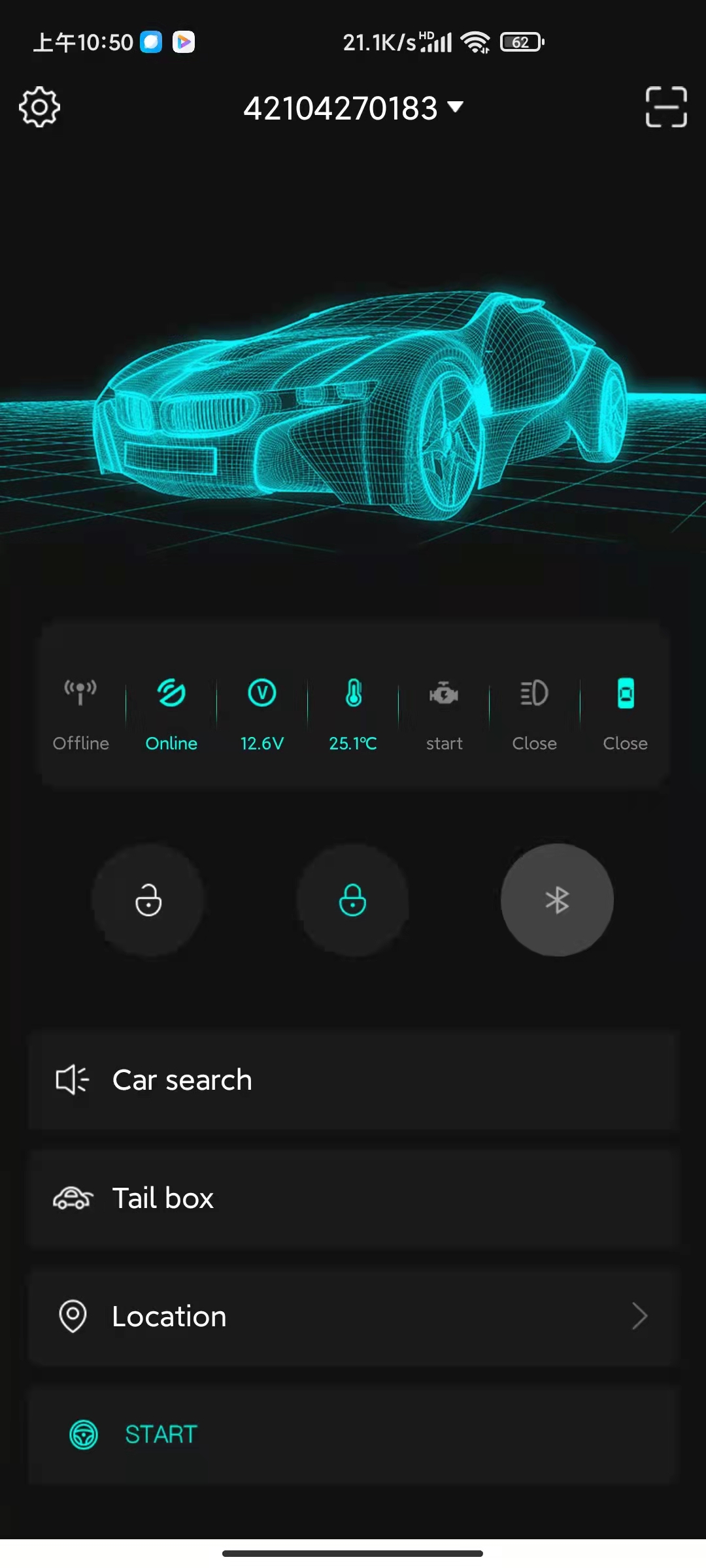
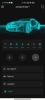
4. Scan QR to down APP , bind our device first , then use APP to do lock, unlock and trunk by Bluetooth.
5. It must work with our remote start device together, do not only buy it. Add it to your cart and buy it with remote start device together.


