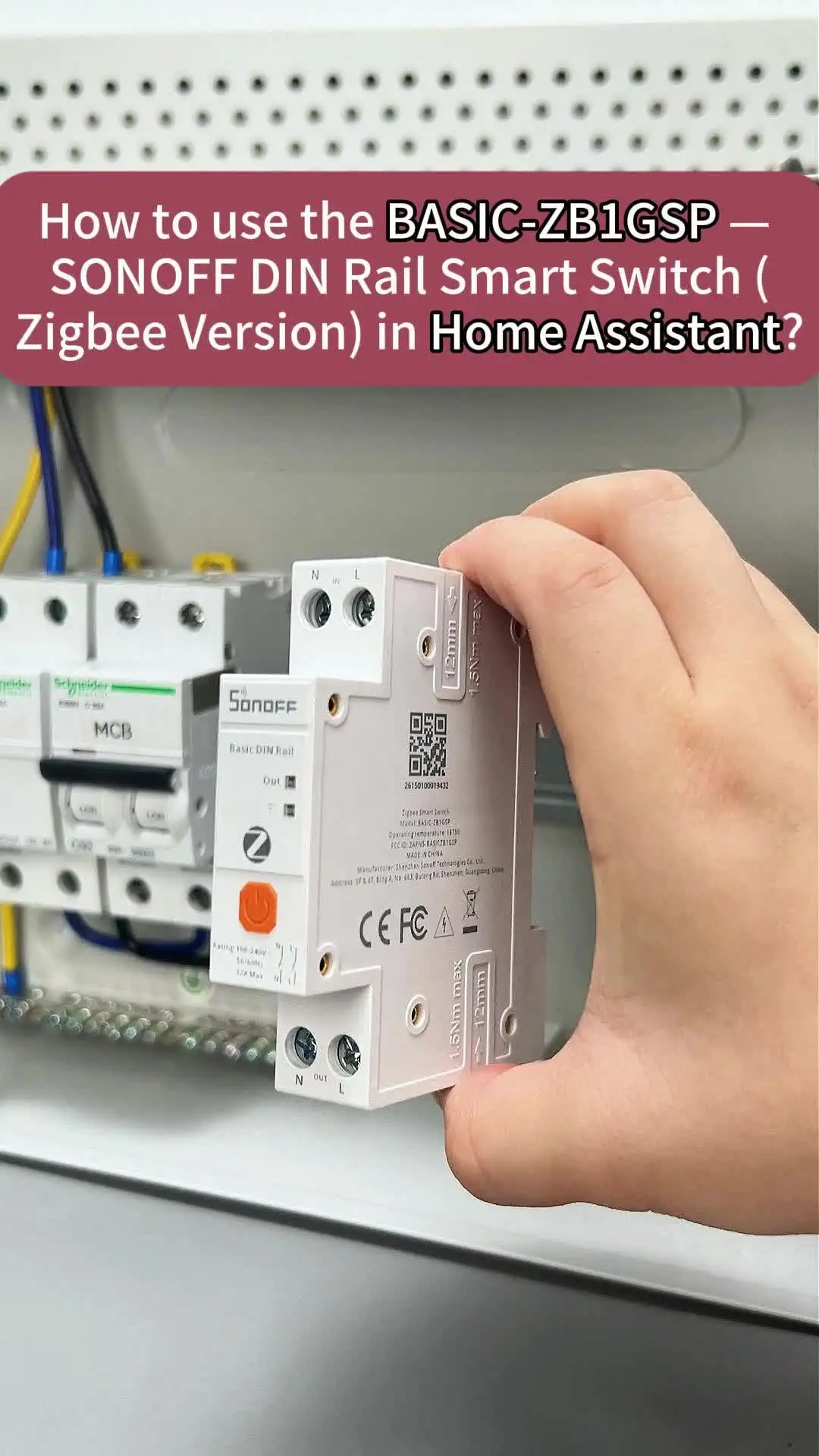


SONOFF BASIC-ZB1GSP Basic DIN Rail Zigbee Smart Switch 32A High-Power Double-Pole Switching Energy Tracking Overload Protection
Basic DIN Rail (Zigbee Version) is a DIN rail-mounted Zigbee smart switch designed for residential and industrial energy management. It installs on standard DIN rails without drilling or modifications. It provides real-time monitoring of voltage, current, power, and energy consumption, with data storage and export capabilities. Supporting loads up to 32A, it is ideal for EV chargers, water heaters, and heating systems. Built-in overload protection and double-pole switching enhance electrical safety. Based on the Zigbee 3.0 standard, it delivers stable connectivity and seamless smart home automation.


Full Electrical Isolation for Maximum Safety
Double-Pole Switching simultaneously cuts both Live and Neutral lines, ensuring 100% physical electrical isolation for safer operation and maintenance.

Safer and Stronger Performance
Strictly tested according to UL94 V-0 standard,
burning stops within 10 seconds after two
applications of ten seconds each of a flame to
a test bar no flaming drips.

Powered by SONOFF New “UniBusbar” Relay
Lower Heat. Higher Current. Longer Lifespan.

Monitor Your Energy Usage
Track daily, monthly, and semi-annual electricity usage with your BASIC DIN Rail (Zigbee Version).
Intuitive charts make it easy to manage consumption and save on your electricity bills.

Overload Protection
Set current (up to 32A), voltage, and power limits to automatically power off the device when thresholds are exceeded.

Integration with Third-party Platforms
Based on the Zigbee 3.0 standard protocol, it seamlessly integrates with third-party open-source platforms, making it perfect for your home automation needs.

Works with Apple Home Via Matter Bridge
All solutions integrate SONOFF Zigbee devices into your Apple ecosystem via Matter Bridge, enabling seamless interconnected device control.


Voice Control Set Timers Inching Setting
You can “speak to” your appliances.
Set a timer to turn appliances on or off.
Automatically turn off devices every time.


4 Steps to Use
Easily set up. Download the APP, scan the QR code to connect with the zigbee hub and control!