
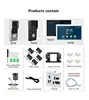
Features
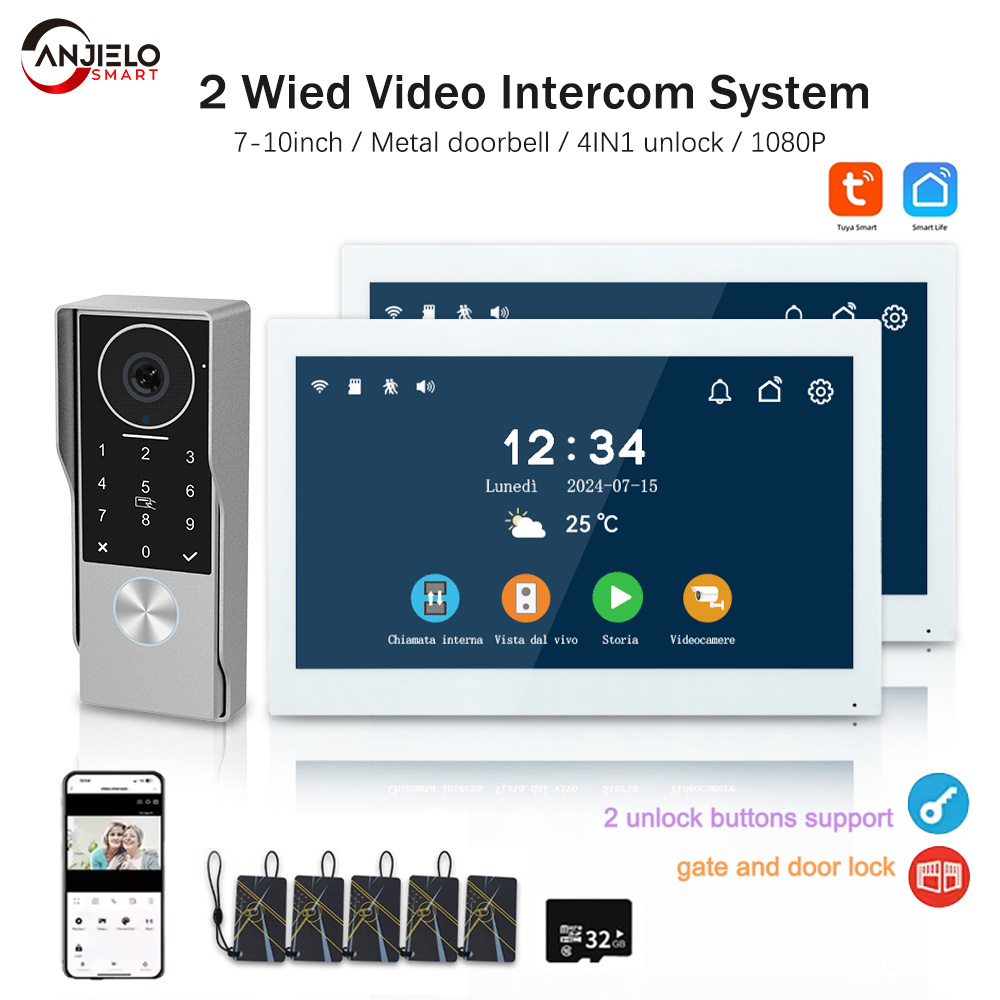
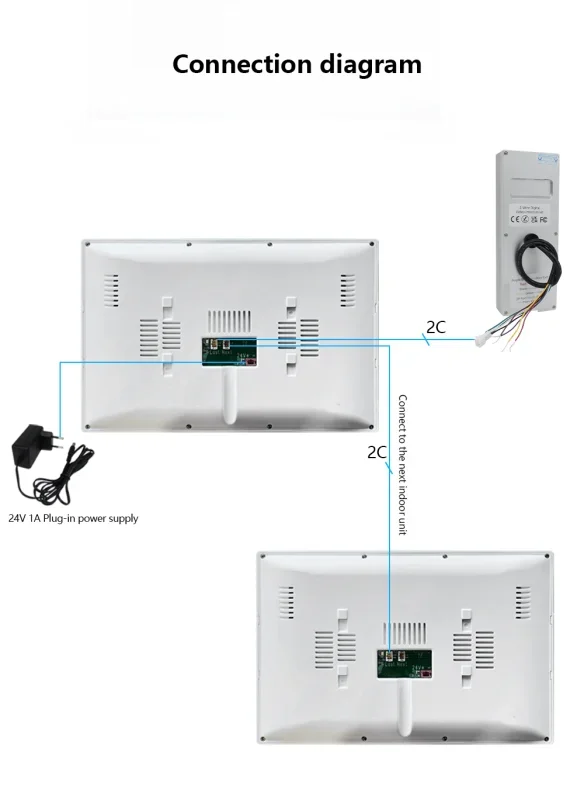
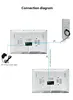
*2-core wired doorbell/monitor connection
*Works with electric locks/switch etc & TUYA /Smart Life App
*4 unlock methods: PIN/IC card/monitor/App
Monitor
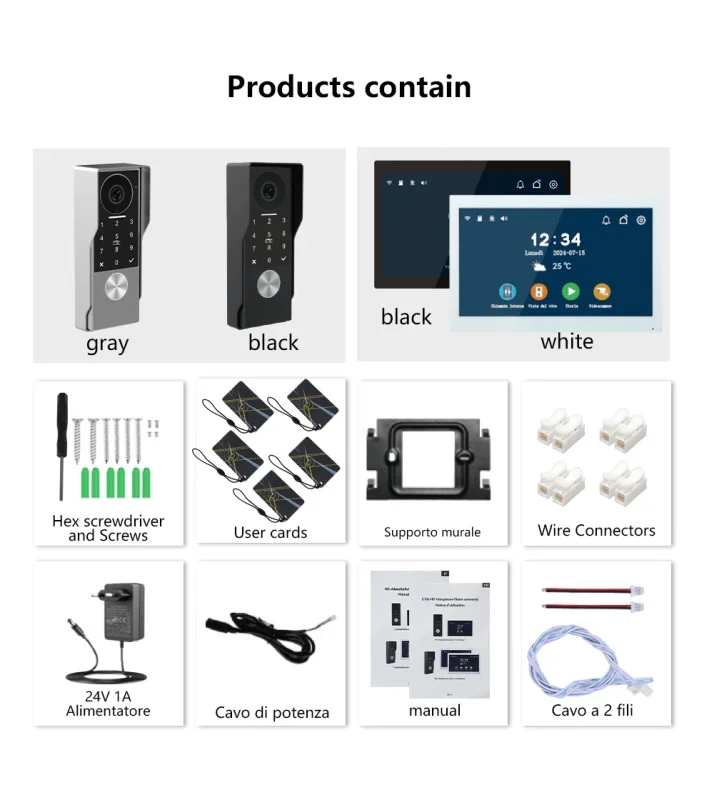
– 7” or 10.1” 1024 x 600px IPS touch screen
– Micro SD card class 10 up to 512GB
– 2.4 GHz WiFi IEEE 8111 b/g/n
– Current consumption: 150mA, Power consumption: 3.5W
– 7inch monitor dimensions: 119 (h) x 188 (w) x 18.5 (d) mm
– 10.1inch monitor dimensions: 158 (h) x 242(w) x 18.5 (d) mm

– Video decoding: H.264
– Take photo or video, twin controls for lock and gate, human detection, weather
– Monitor can talk to another monitor

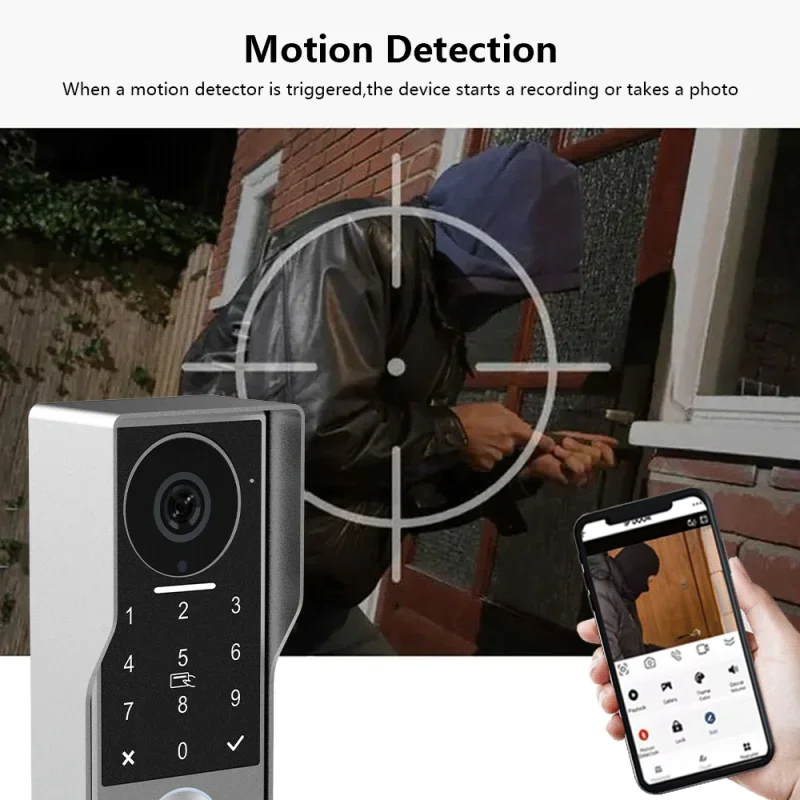
– Video recording or take photo when human detection or call Intercom panel

– CMOS colour sensor 2Mega pixels
– Viewing angle: Horizontal ~130°/ Diagonal ~165°
– Current consumption: 220mA,Power consumption: 5.5W
– IR CUT no color deviation (4 IR LEDs)

– Camera with wide dynamic range
– Camera distortion correction to avoid video stretching and bending
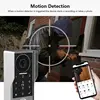
– Human detection and setting Motion zone
– RFID: 13.56MHz – 100 badges max.
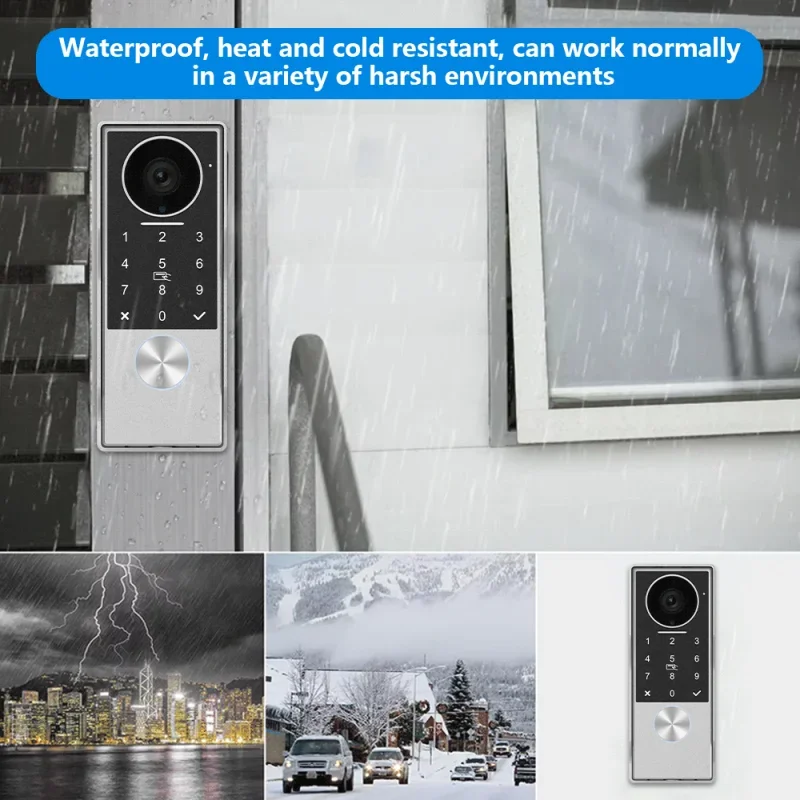
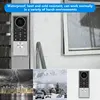
– Operating temperature: -30°C / +70°C
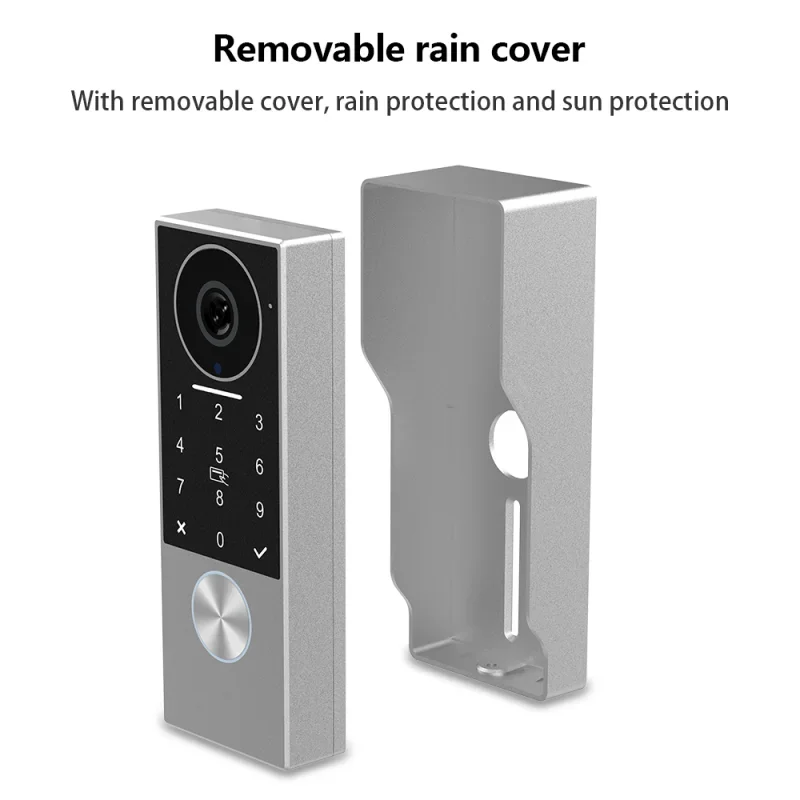
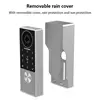
– Dimensions: 147(h) x 55 (w) x 22(d) or 36(d) with weather-proof shield Connect
– 1 Intercom panel and 2 monitors share one power supply
– 2 wires no polarity to conect intercom panel and monitors
– Connect up to 24 Onvif cameras in the same LAN APP
– Main monitor connects to “Tuya Smart” or “Smart Life” App
– 20 App users connect to the APP, users can talk to visitors anytime and anywhere, take photo or video, monitor, unlock lock and gate, cloud storage
– Video recording or take photo when human detection or call

– Search “Tuya Smart” or “Smart Life” from APP store or Google Play

– Scan the QR code on the menu of monitor to download
APP register & login
1. Please register first when using the APP for the first time.
2. After logging into the APP, please create a family and add devices.
In the lower right corner of the APP homepage, click “Me” -> “Home Management” -> “Create a home”, fill in the information.
The user who adds the device will become the family owner and set up a home owner or general member.
3. Once the home owner adds the doorphone, the home members will add the doorphone automatically, home members can open lock and gate, but shared accounts cannot open lock and gate.


