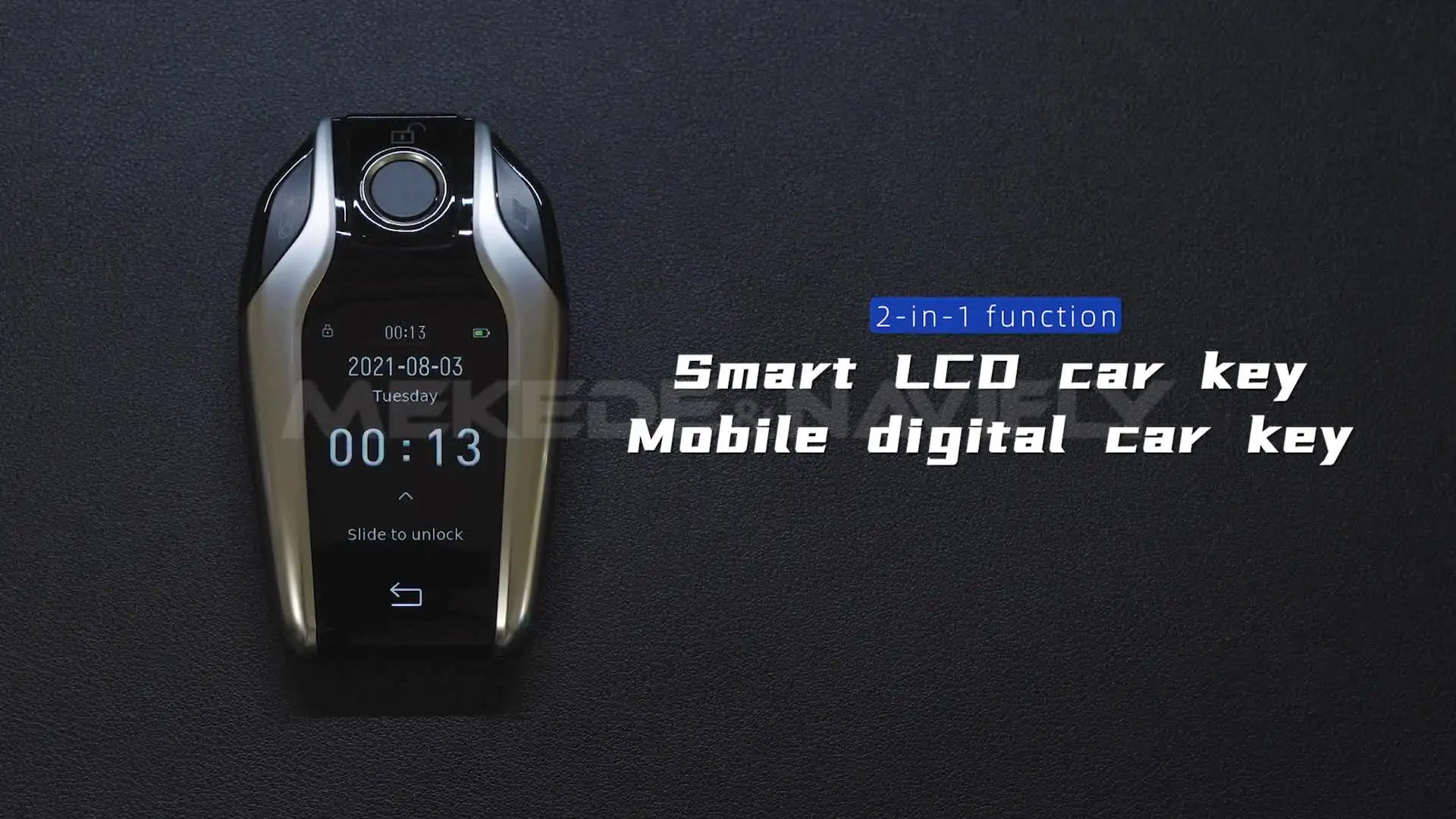


✨PT-OAP100: this without LCD key,just a Car OBD for Tracking + Mobile Device Location
✨warm tips:
1.When you charge the LCD key, please use the correct charging cable andplug to avoid causing the chip to burn out and not turn on after charging.
2.correct method:Please use normal charging cable and charging plug.
!!Do not use fast charging cable and charging plug.Because the fast charging cable and plug will producehigh power,which leads to burn out the chip of the LCD key resultingin not being able to power on the device,and then the LCD key is completely damaged.
3.Can't change Car logo on the Screen display
4.Can't Car Model on the Screen dispaly
5.install video //youtu.be/0vFyNwb_cD4
![]()
![]()
![]()
![]()
![]()
![]()
![]()
![]()
![]()
![]()
![]()
![]()
![]()
![]()
![]()
![]()
![]()
![]()
![]()
![]()
1.When you charge the LCD key, please use the correct charging cable andplug to avoid causing the chip to burn out and not turn on after charging.
2.correct method:Please use normal charging cable and charging plug.
!!Do not use fast charging cable and charging plug.Because the fast charging cable and plug will producehigh power,which leads to burn out the chip of the LCD key resultingin not being able to power on the device,and then the LCD key is completely damaged.
3.Can't change Car logo on the Screen display
4.Can't Car Model on the Screen dispaly
5.install video //youtu.be/0vFyNwb_cD4