

Low Cost, Multi Camera Live Production with Advanced Broadcast Features
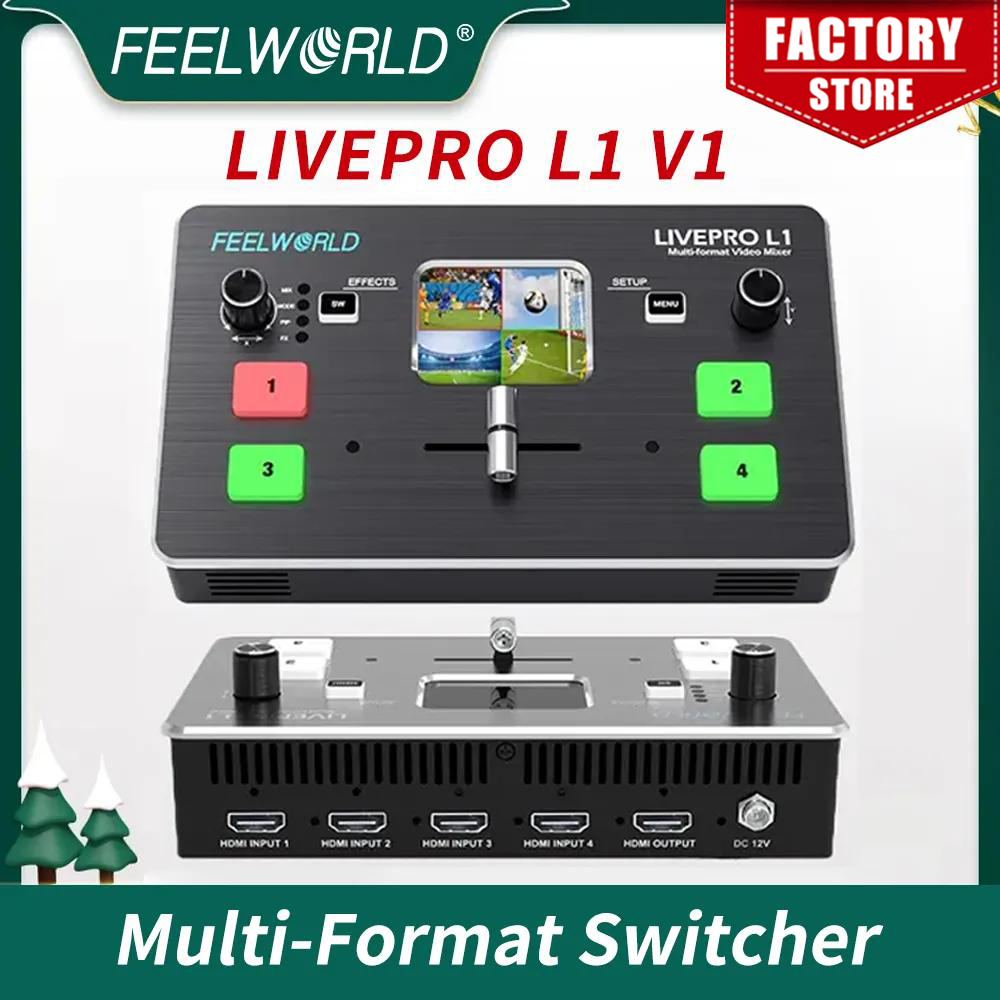
LIVEPRO L1 with 4 CH HDMI inputs and 1 HDMI output, all of them support 1080p.
For live streaming, there is a USB3.0 interface And plus, the LAN port for controlling and upgrading; for audio, it has 2 interfaces, one for input, and the other one for output.
It is able stream any one from the 4 HDMI inputs to any live broadcasting platform via third party live streaming software such as OBS.
Simply connect LIVEPRO L1 and you can switch live between 4 high quality video camera inputs for dramatically better quality images.
Exquisite and Flexible Control Panel
The LIVEPRO L1 has an exquisite and compact control panel.
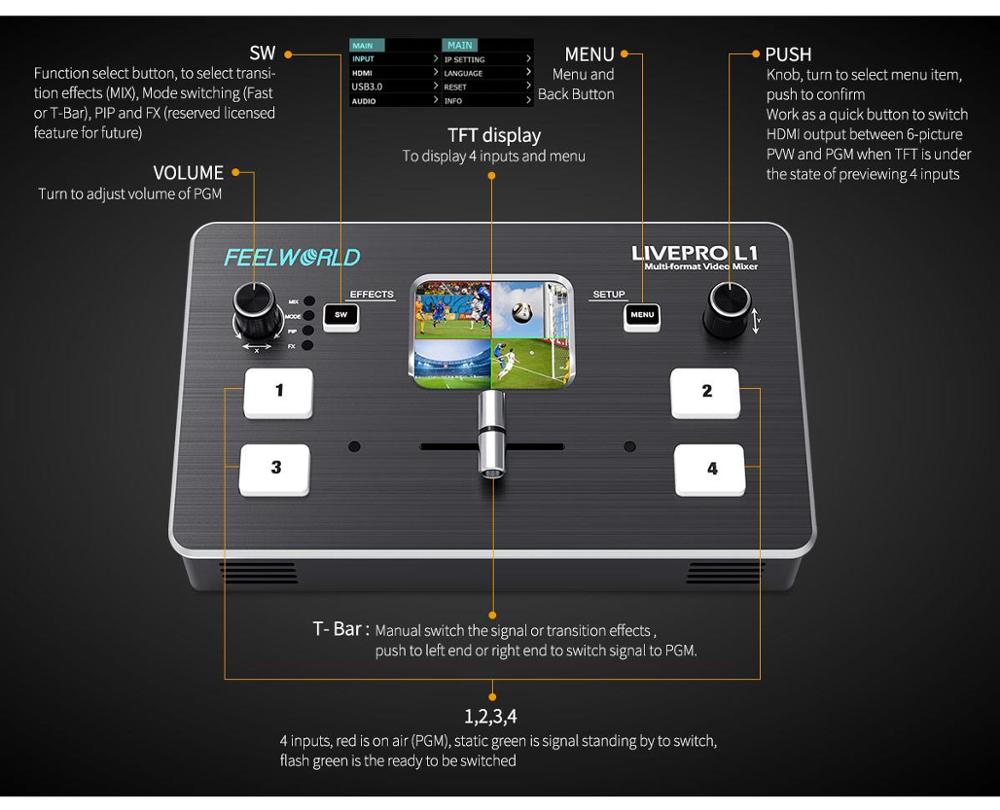
The 4 buttons are for selecting input signals, green flashing means the signal has been selected, then switch the T-Bar, the selected signal will be displayed on the screen seamlessly, the green button changed to red after switched.
The MENU button is for menu setting, the SW button is for selecting different functions such as mixing, PIP, transition time setting and the other functions.
The left knob is for voice volume controlling, the right knob is for menu setting as well. From the TFT screen, we can preview 4 HDMI signals and easily do menu setting.
• When you choose T-Bar to switch signal sources or transition effects, T-Bar must be pushed to left end or right end. When using the menu operation, T-BAR should also be in left end or right end, otherwise it cannot be operated.
• When you would like to connect or embed audio, you must select the external or embedded audio source in the “AUDIO” menu firstly.
Faster Video Production, Plus Live Streaming
Live production is the fastest way to complete a finished program, plus you can stream it to a live global audience via Youtube at the same time.
The USB 3.0 output of LIVEPRO L1 connects to any computer and looks like a built in webcam, so all streaming software for social media platforms work! With up to 4 HDMI inputs you can set up multiple camera angles such as wide shots along with independent close ups of each person in the performance.
Or you can connect to a computer with a PowerPoint slide show, video clip playback, websites or gaming consoles.
All switching is in real time so you can live stream to any social media platform such as Youtube, Facebook, Tik Tok, Douyu TV and many more!
Flexible T-Bar Switching
The T-Bar of LIVEPRO L1 support 14 transition effects and signal switching.
Under T-Bar mode, pushing green button, it will flash and push T-Bar to the end (left or right), the source will be switched with selected transition effect.
After switching, green turns to red. It is very suitable for video special effects switching of small outdoor scenes to meet the needs of video switching such as radio and television, outdoor sports events, school courseware production, etc.
Note: When T-Bar is not in the end position, no source can be selected.