
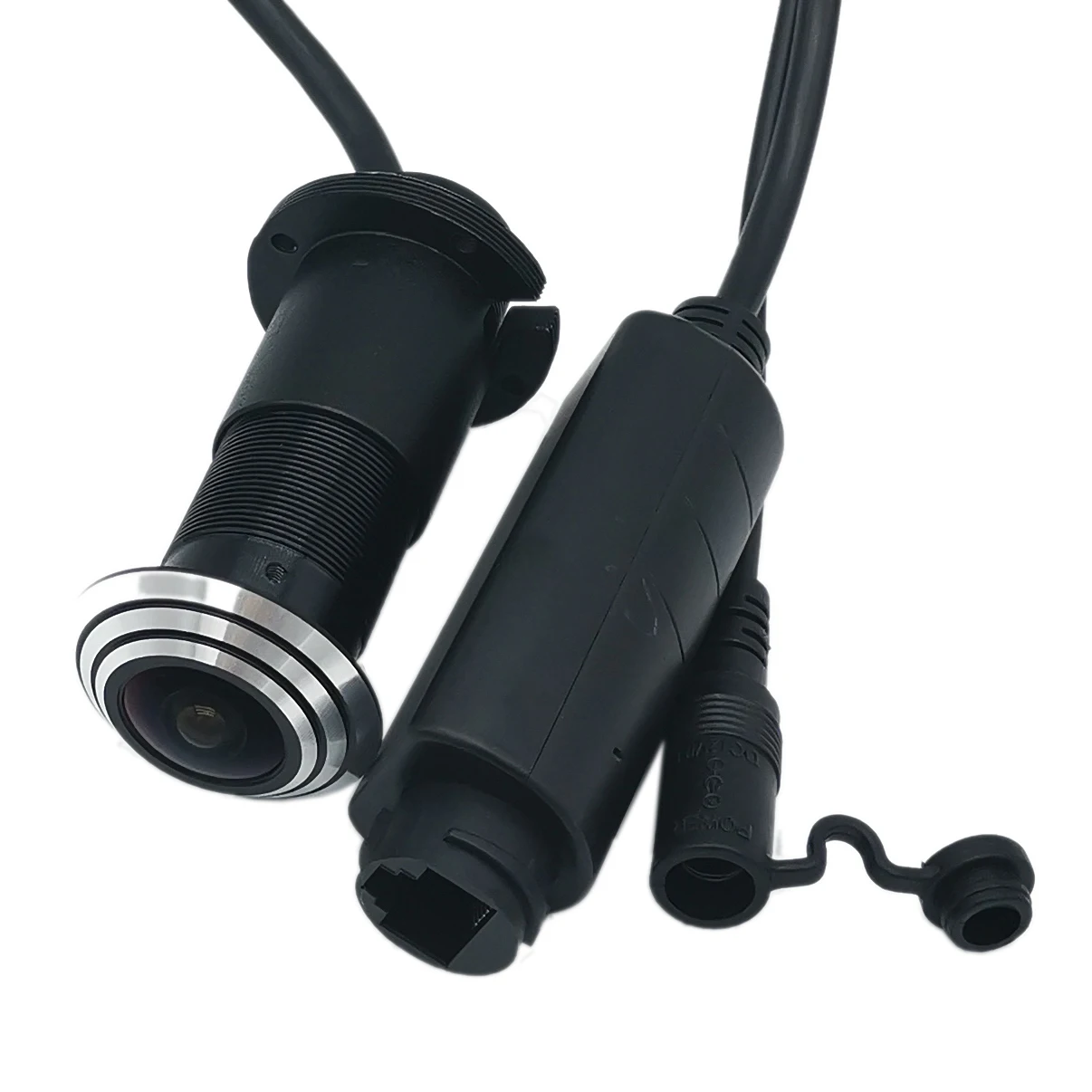
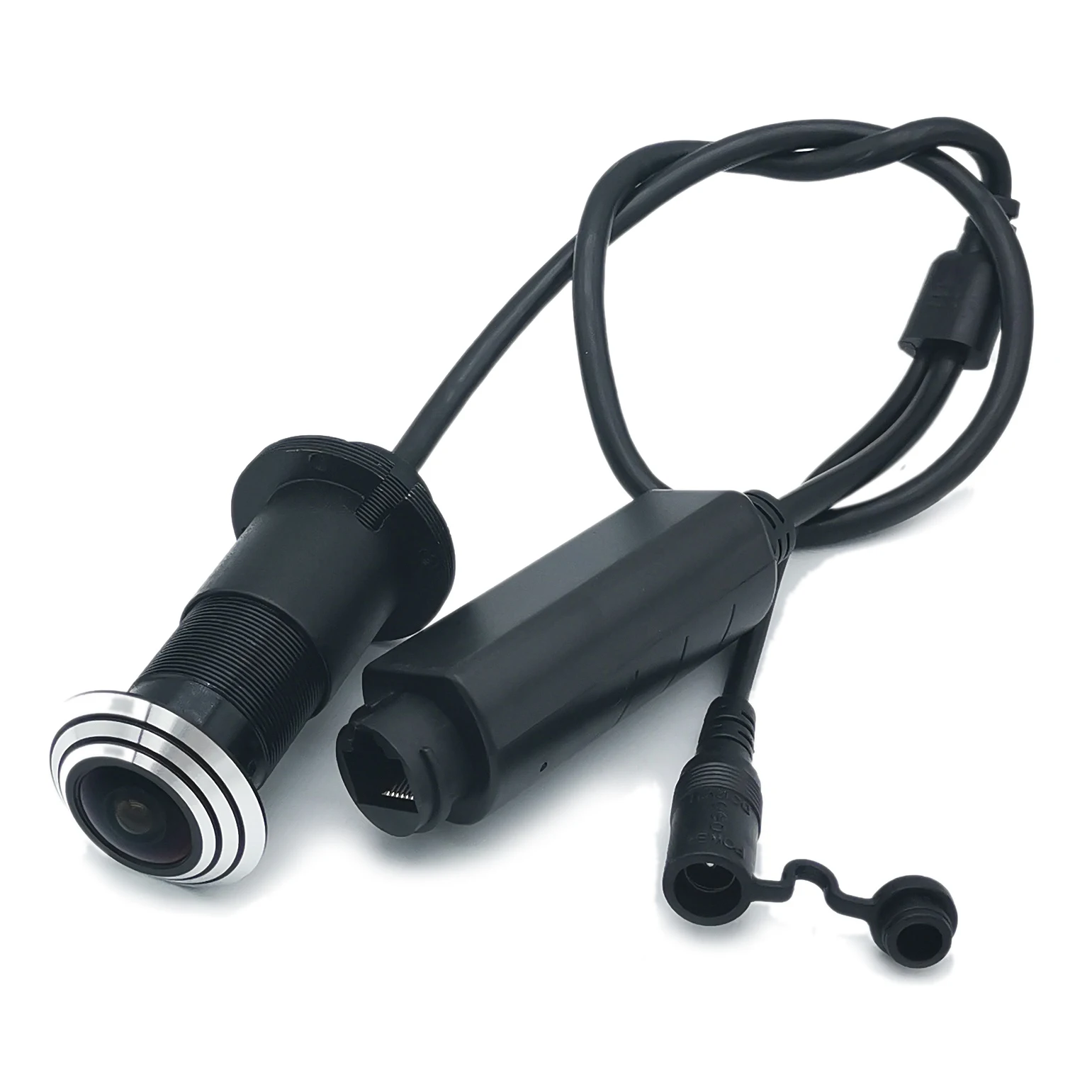
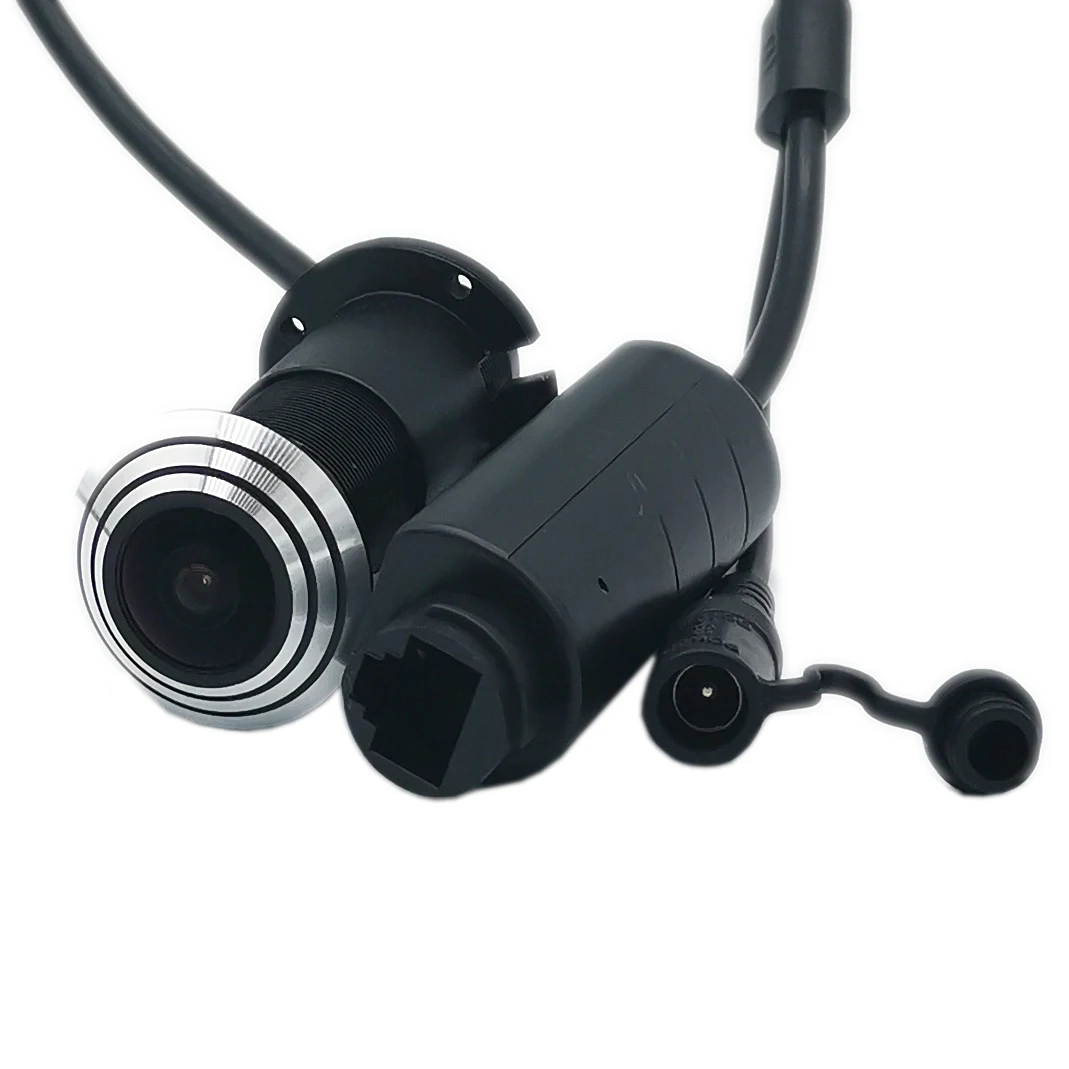
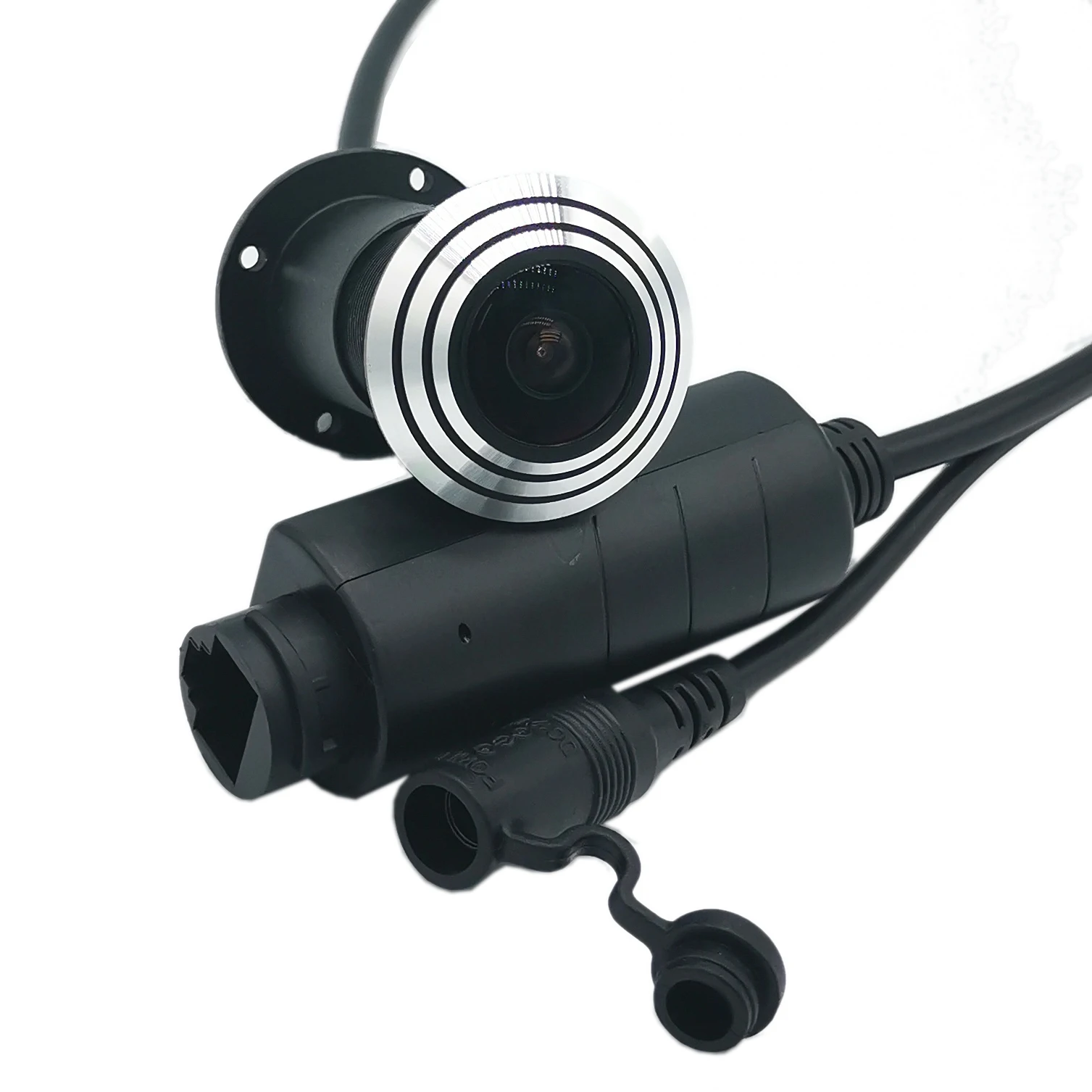
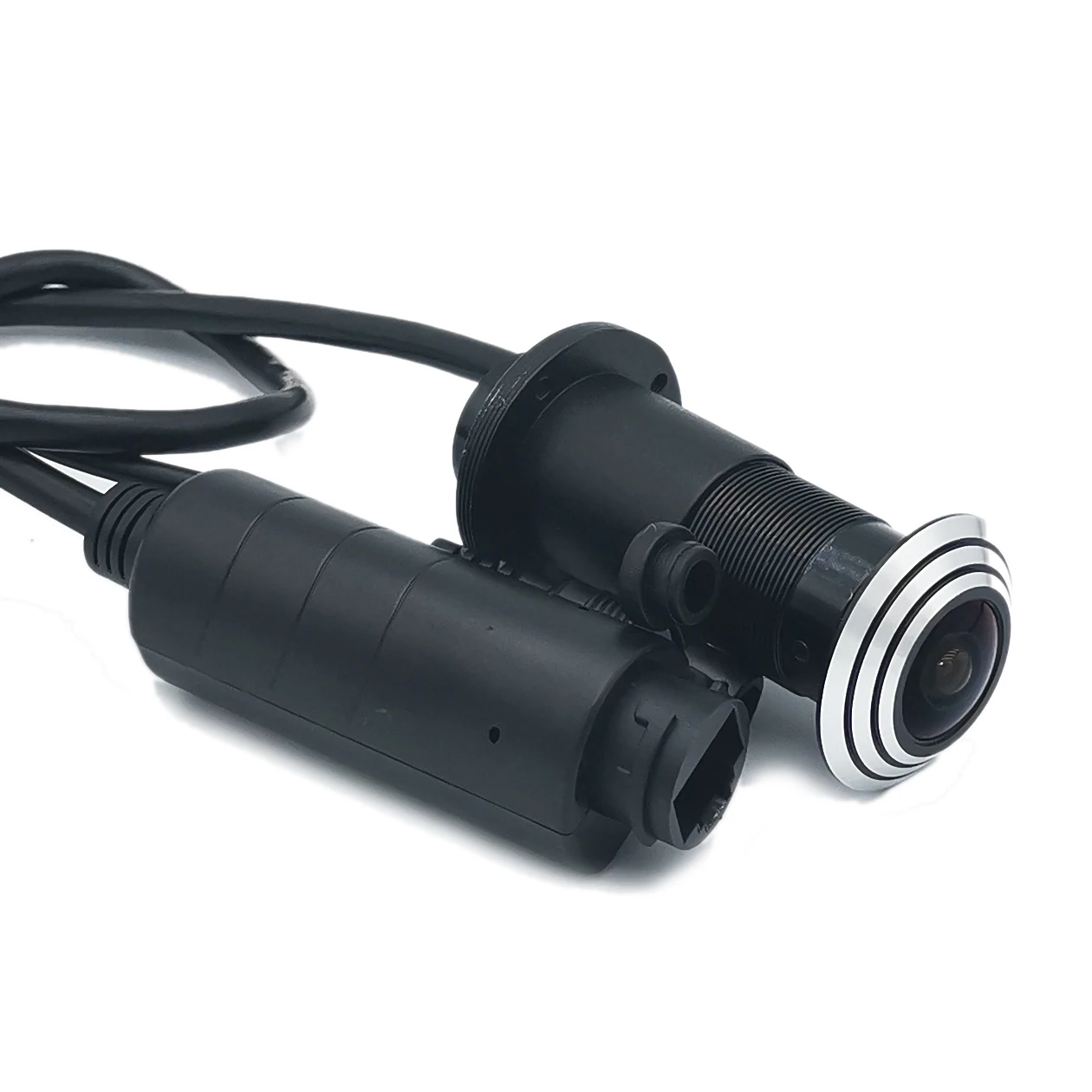

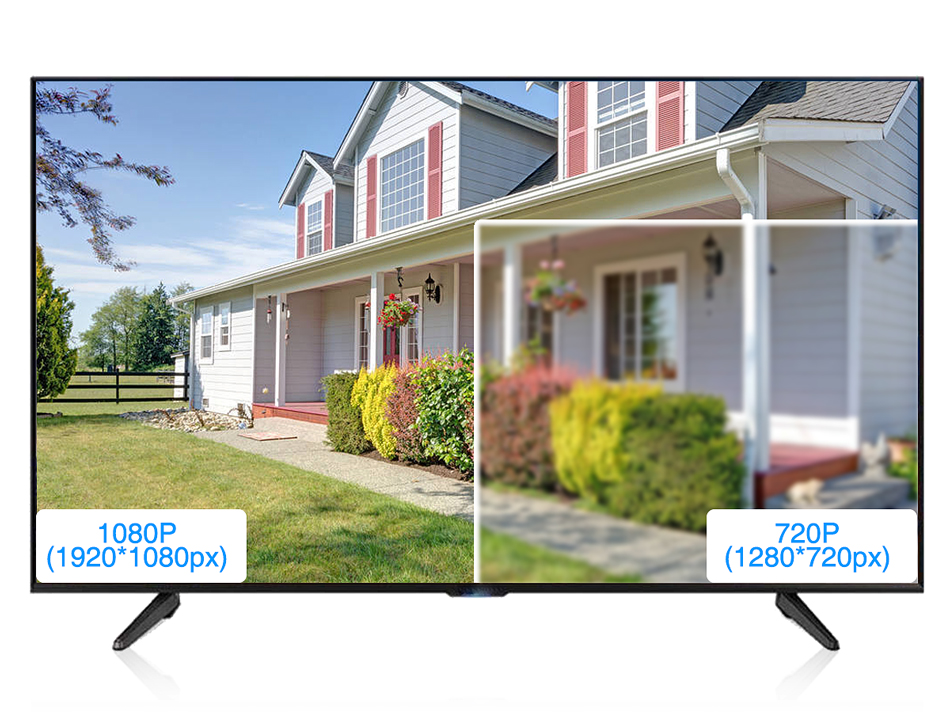
2MP is clearer
Immersive 2MP/5MP Super HD
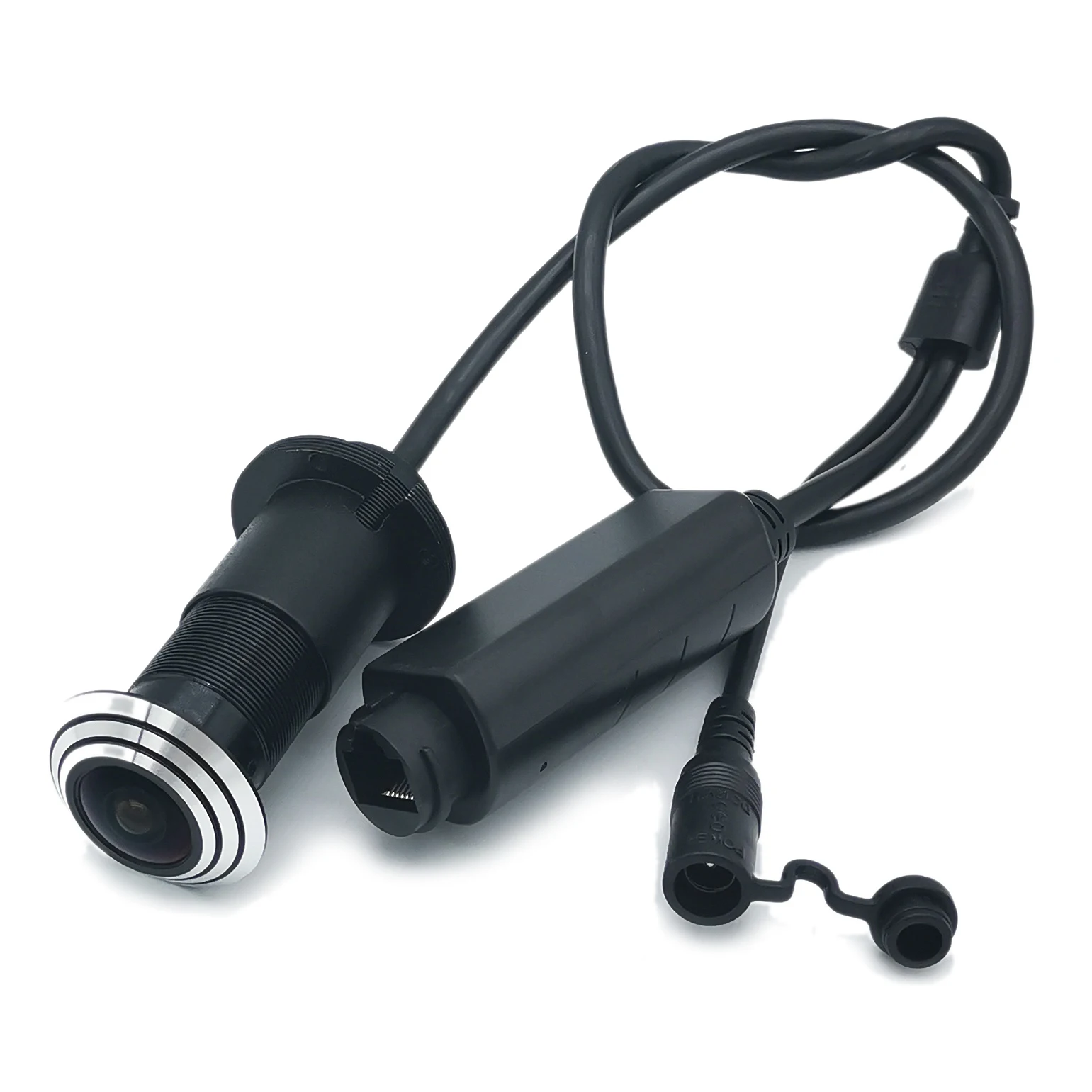
Size
Length 100mm,
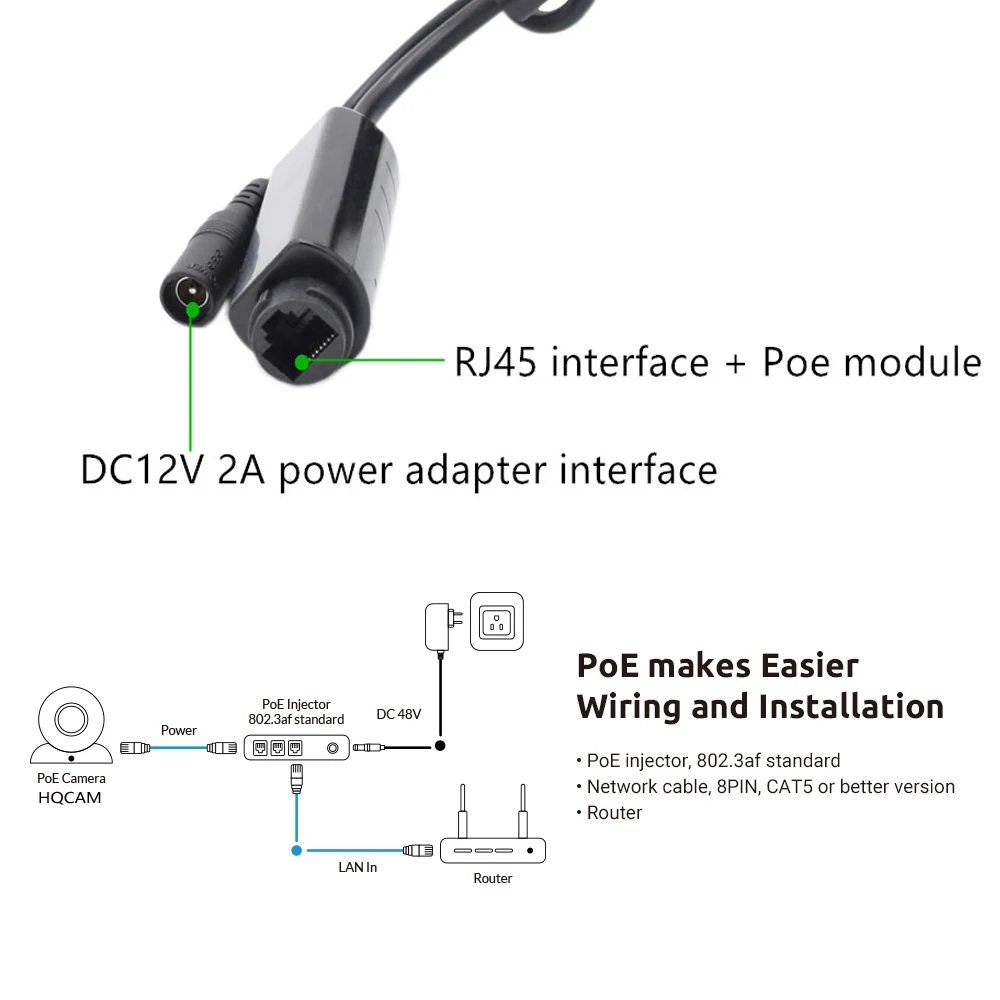
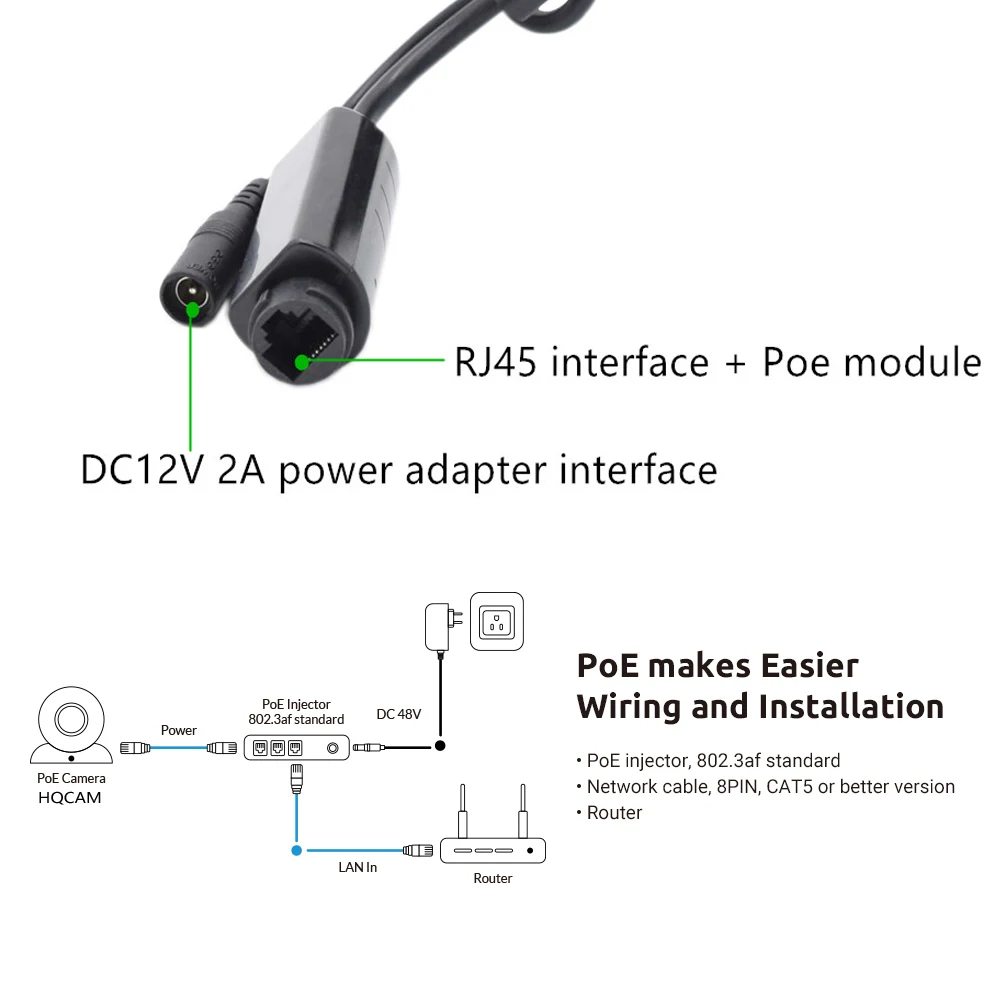
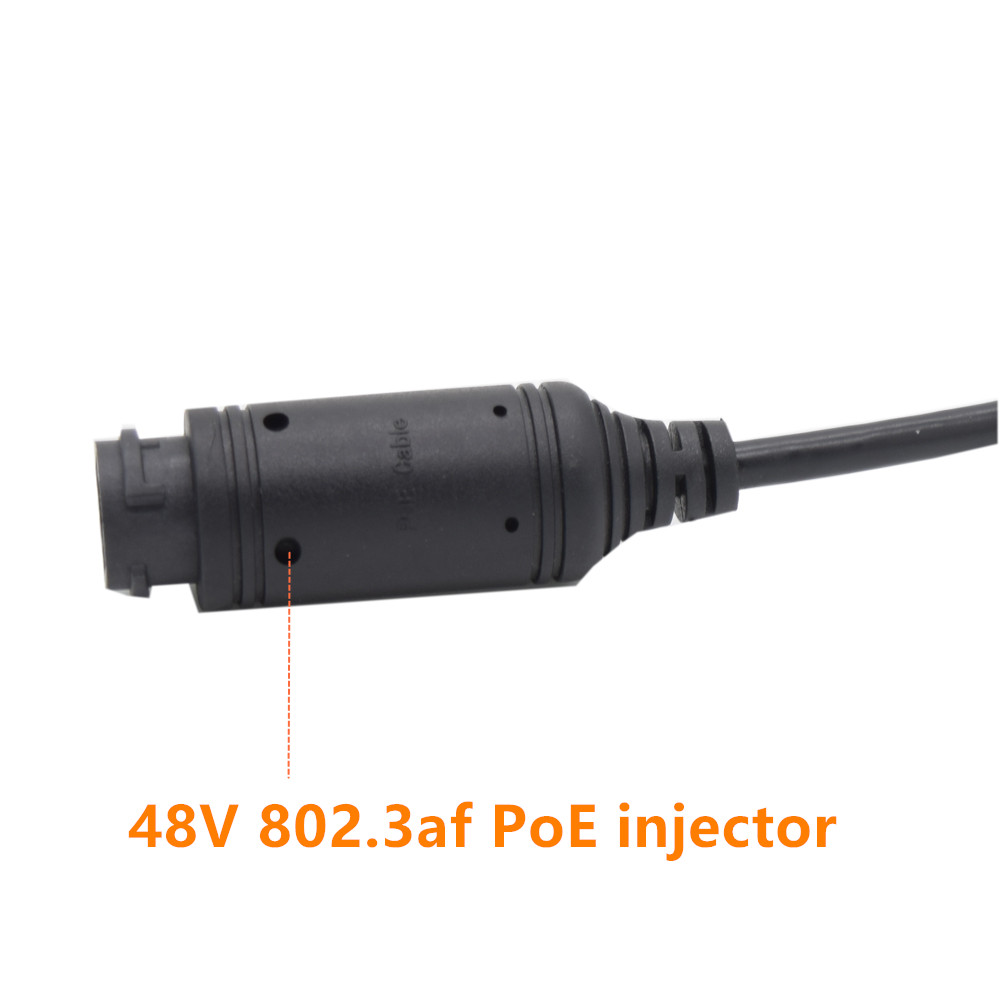
Poe power supply
IEEE802.3af
SD card installation
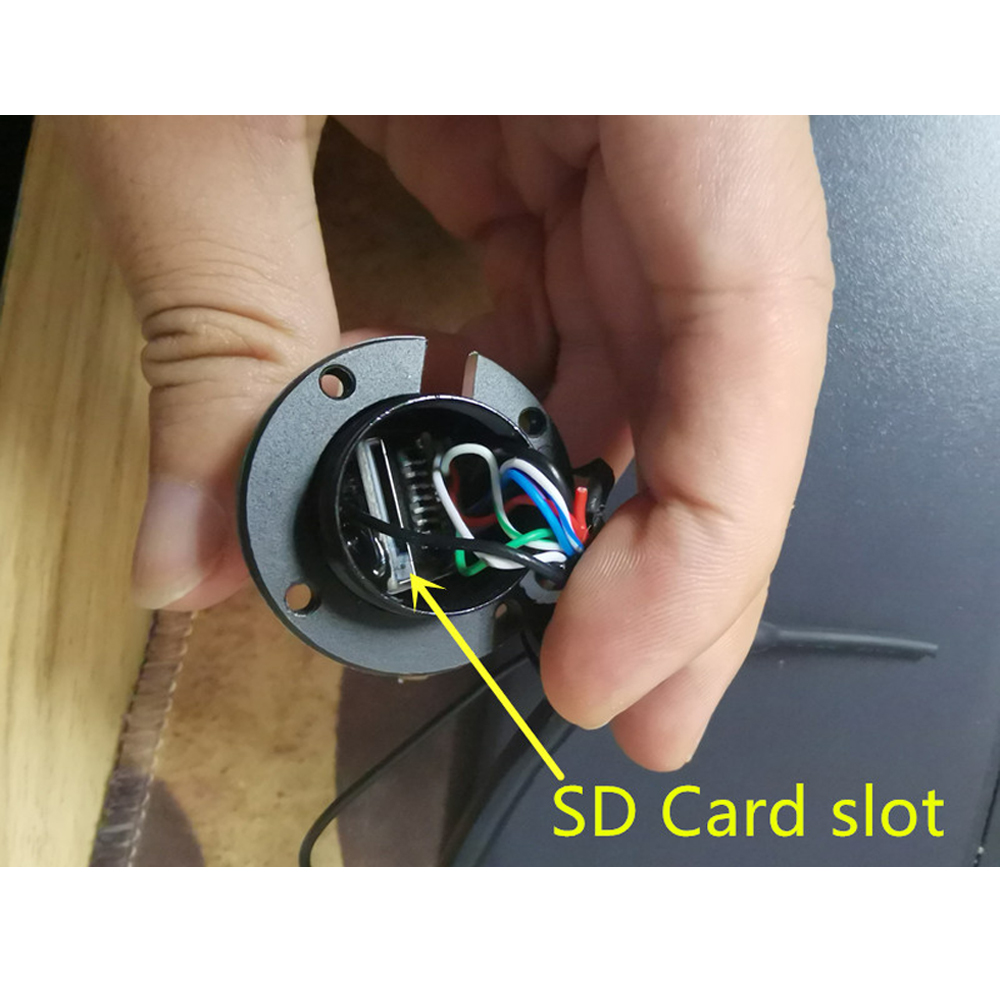
Unscrewing the back cover, you can see the card slot. Please insert the SD card correctly
Real effect display
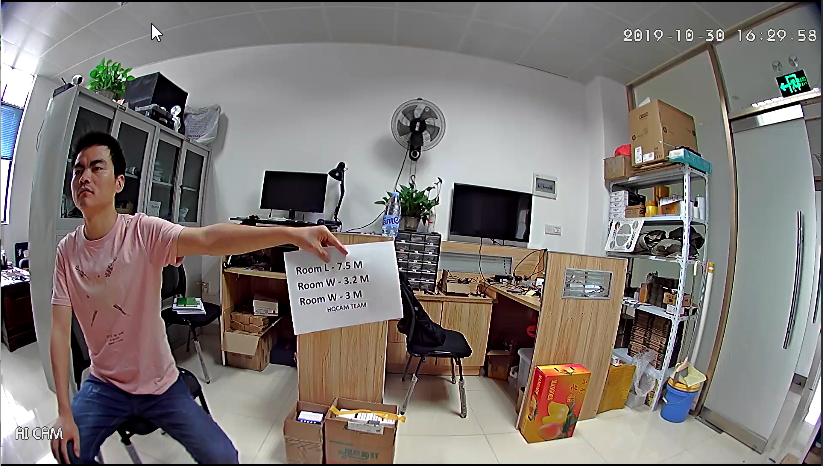
This camera can be installed in the door hole to prevent thieves, strangers from throwing garbage and destroying the door lock, and monitor the actions of neighbors. It can also be used for sewer robots and industrial equipment, with a wide angle of 175 degrees
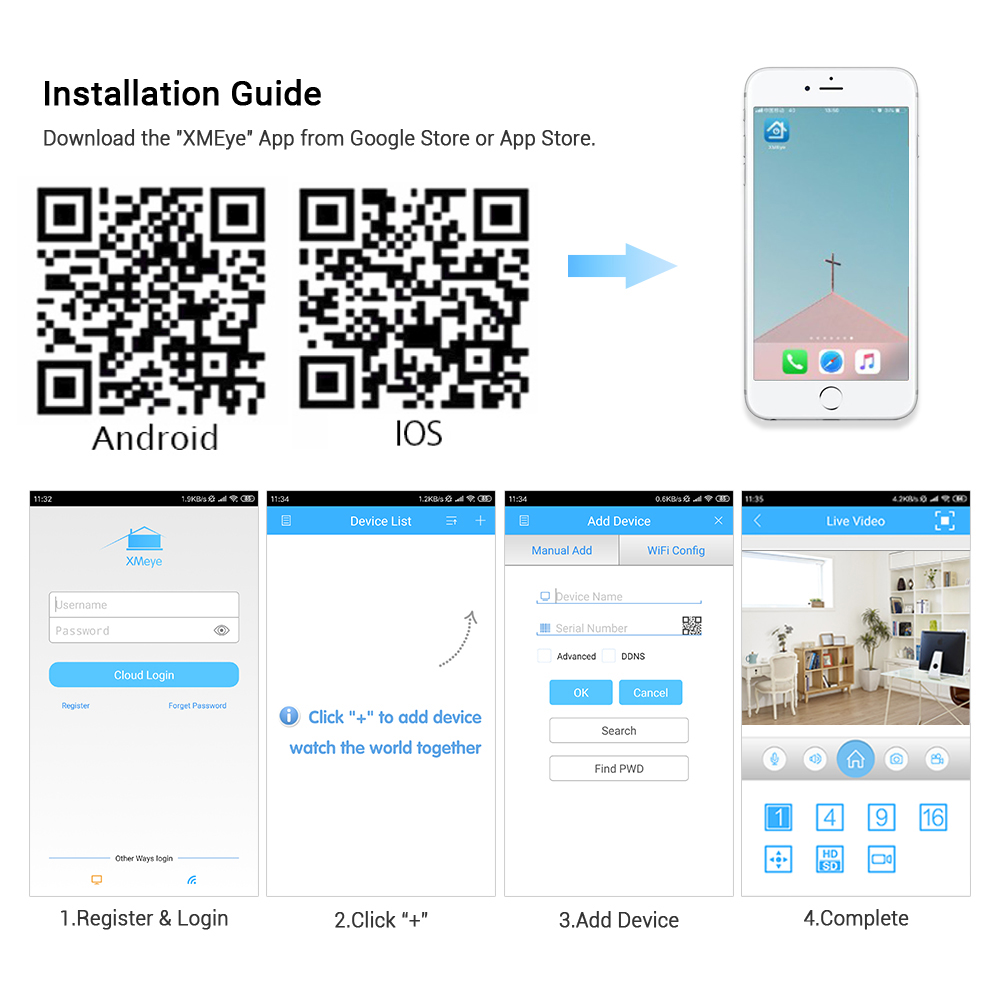
Q & A
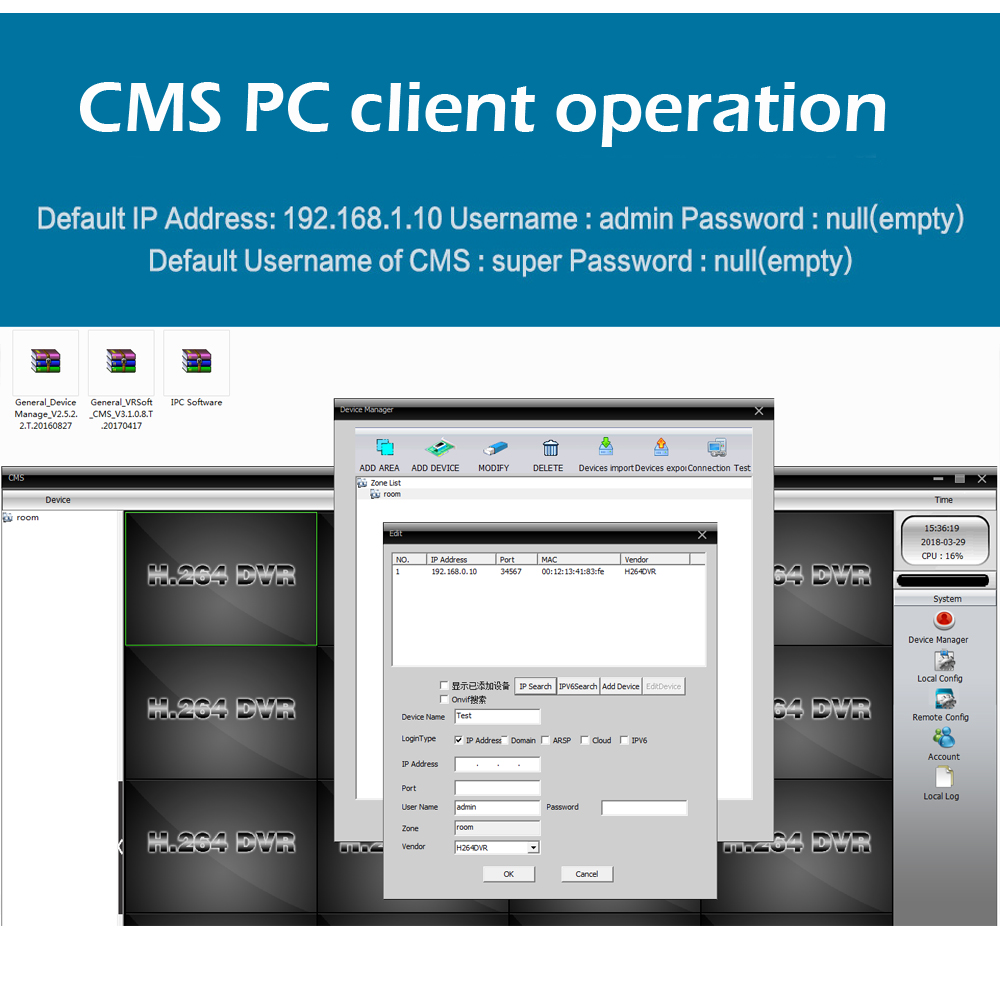
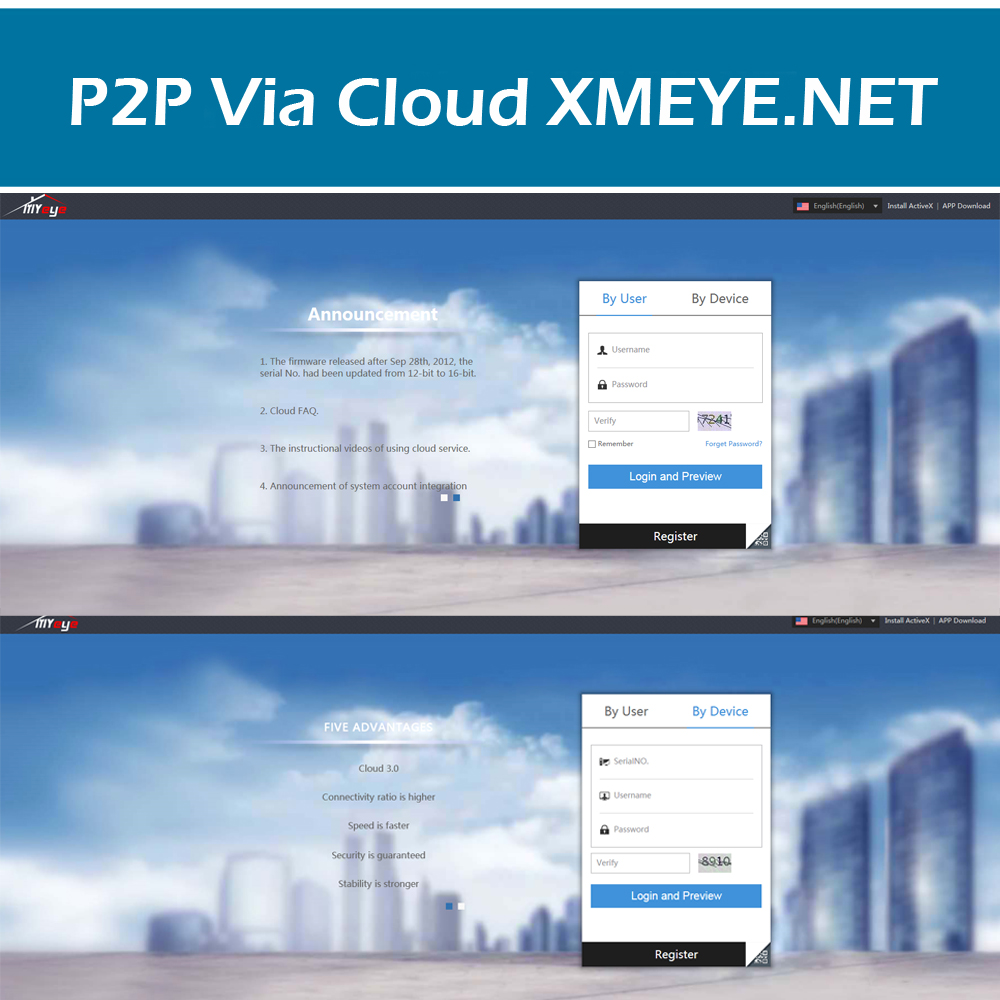
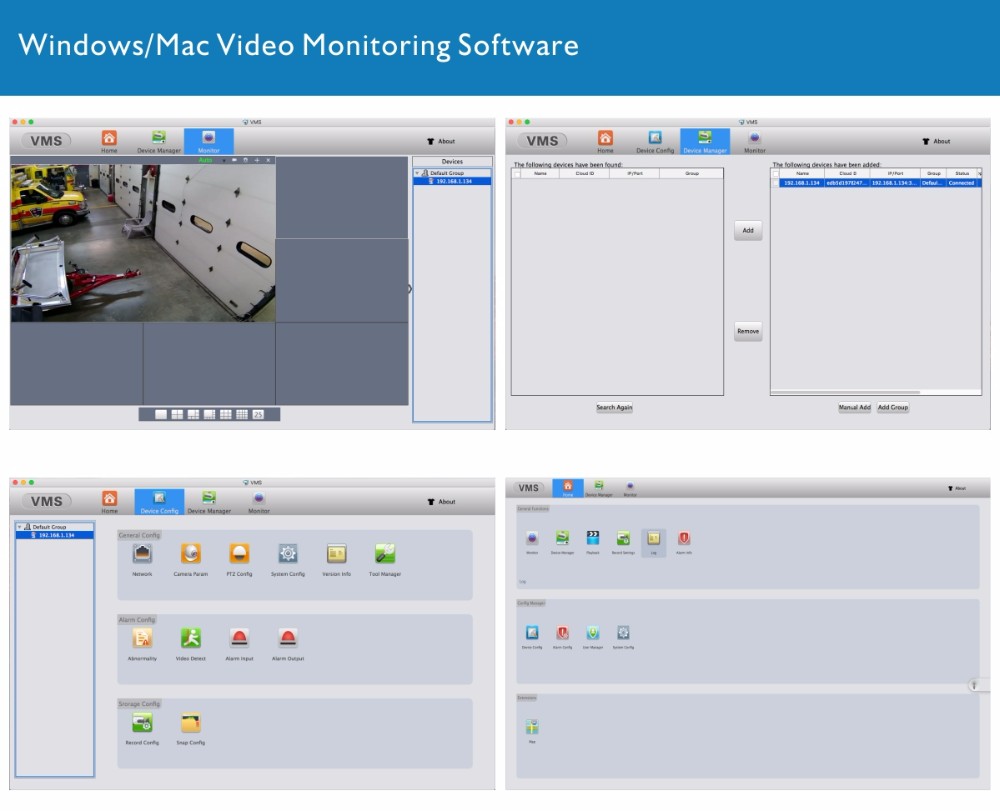
1, IP camera default IP address:192.168.1.10 User name:admin,password:empty(null) If there is a problem with “Can not find the Device”, it is the default ip address is not in the same network segment as your router. Please click “Edit Device” to change the camera’s ip address, For example, if your router’s ip address is 192.168.0.1, then you need to change the camera’s ip address to 192.168.0.XX. “DeviceManage” It can find and change the IP address, upgrade the firmware. 2, P2P website: “www.xmeye.net” ,please use IE and install ActiveX,only IE supports Multi Language.Chrome,Safari just support Chinese . then please input your P2P ID,user name and password to login and preview. Access to the IPC through the web, only one screen can be displayed. There are multiple IPC, please use client software to manage(such as: CMS VMS SNVR) 3,The camera’s port information. ONVIF 2.0 Port 8899 ;RTSP Port 554 ;HTTP Port 80;Media Port 34567;E-mail default port 25; SLL protocol Port 465. 4,Does the cameras can be compatible with other manufacturers NVR? Please confirm whether other manufacturers NVR support onvif protocol. Our camera’s onvif protocol is onvif Profile S, does not support HTTPS protocol; Auto focus camera, other manufacturers NVR can only zoom, can not focus. 5, The camera all supports Motion Detect,FTP,Email alarm, RTSP. A,How to set up motion detection? Access to IPC via IE (or CMS software), device configuration – alarm function – motion detection – on and save. B, About FTP FTP upload video and pictures, pictures will always upload, video files larger, after the alarm, the video file will be completed to upload. We suggest the Sever-U and FileZilla FTP Server to upload the video or image. C,For the Email alarm,please use Email server which supports SMTP ( Hotmail ,Yahoo not support SMTP ,it not supports Gmail temperately since the server problem ) . D, RTSP URL for VLC media Player : RTSP port: 554 rtsp: // (IP): (PORT) / user = (USER) & password = (PWD) & channel = (Channel) & stream = (Stream) .sdp? Real_stream Example: rtsp: //10.6.10.25: 554 / user = admin & password = & channel = 1 & stream = 0.sdp? Real_stream (stream = 0 primary stream 1 auxiliary stream) If it is through the public network need to RTSP port open (default is 554), the port in the network service-RTSP can be set 6, About DDNS Mapped media TCP port: 34567 and HTTP port: 80 (Note: mapping need to be changed to non-80) Note: The two ports in the network settings can be viewed, can be modified What domain names are supported? – CN99 / DynDns / Oray / NO-IP / MYQ-SEE 7. Q:When I finish the steps to add the camera to the CMS list,why it notify ” Can’t find the Device ” even I can see the default ip address 192.168.1.10 in the menu . F: It is the IP Address conflict ,the default ip address is not in the same network segment as your router. Please click “Edit Device ” to change the camera’s ip address to make them in the same network segment ! For example ,if your router’s ip address is 192.168.0.1 ,then you need to change the camera’s ip address to 192.168.0.XX .


