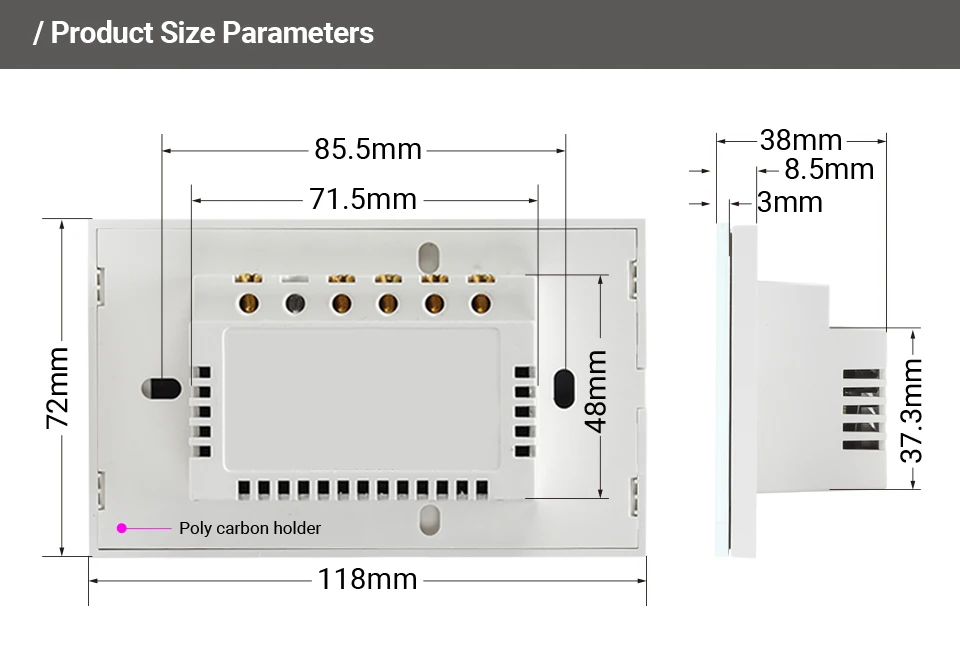
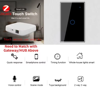

Specifications:
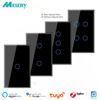
1.Model: Norklmes Zigbee WiFi Touch Switch
2.Voltage:100-240V
3.Wireless Standard:WiFi 2.4GHz
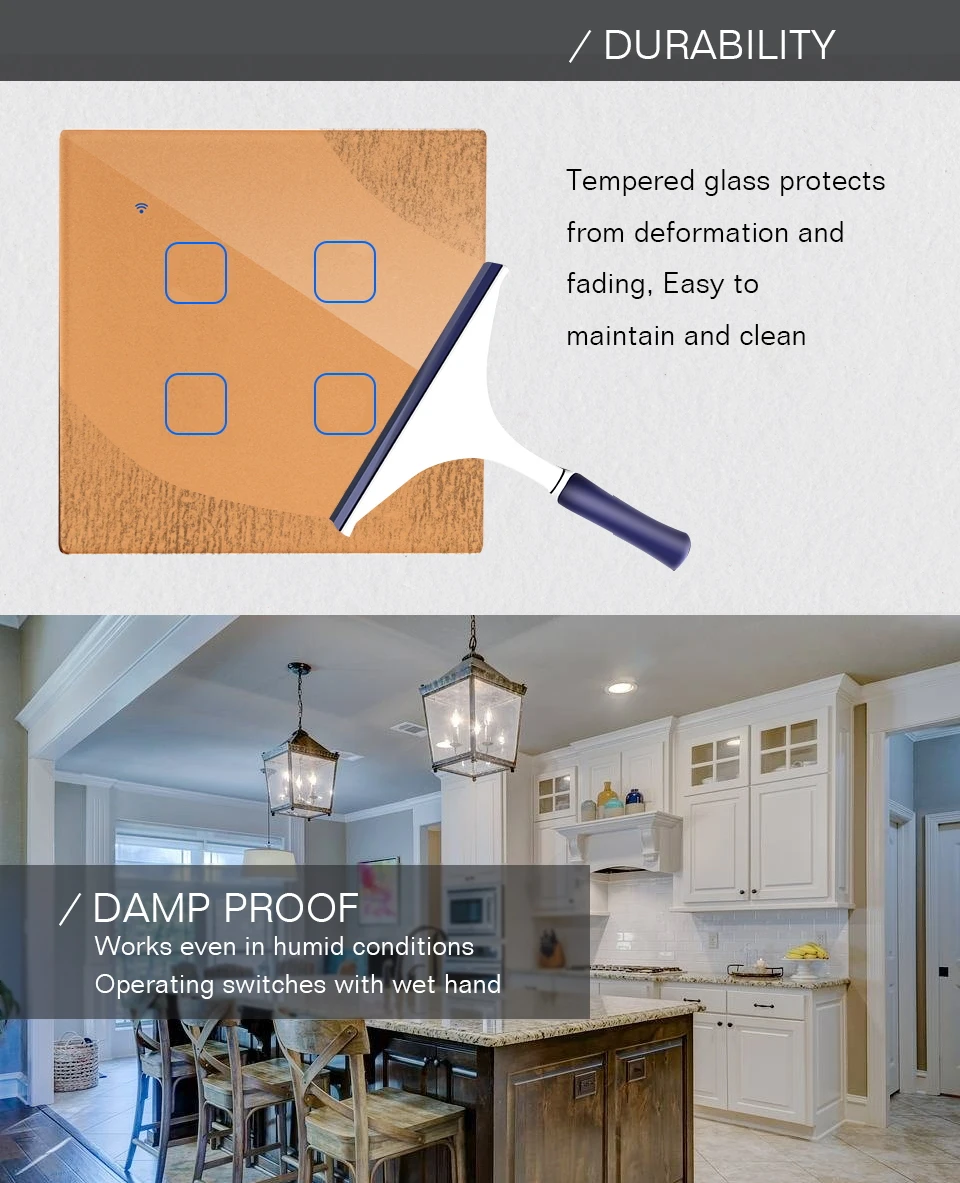
4.Operating Environment: -30~70 centigrade; less than 95% RH
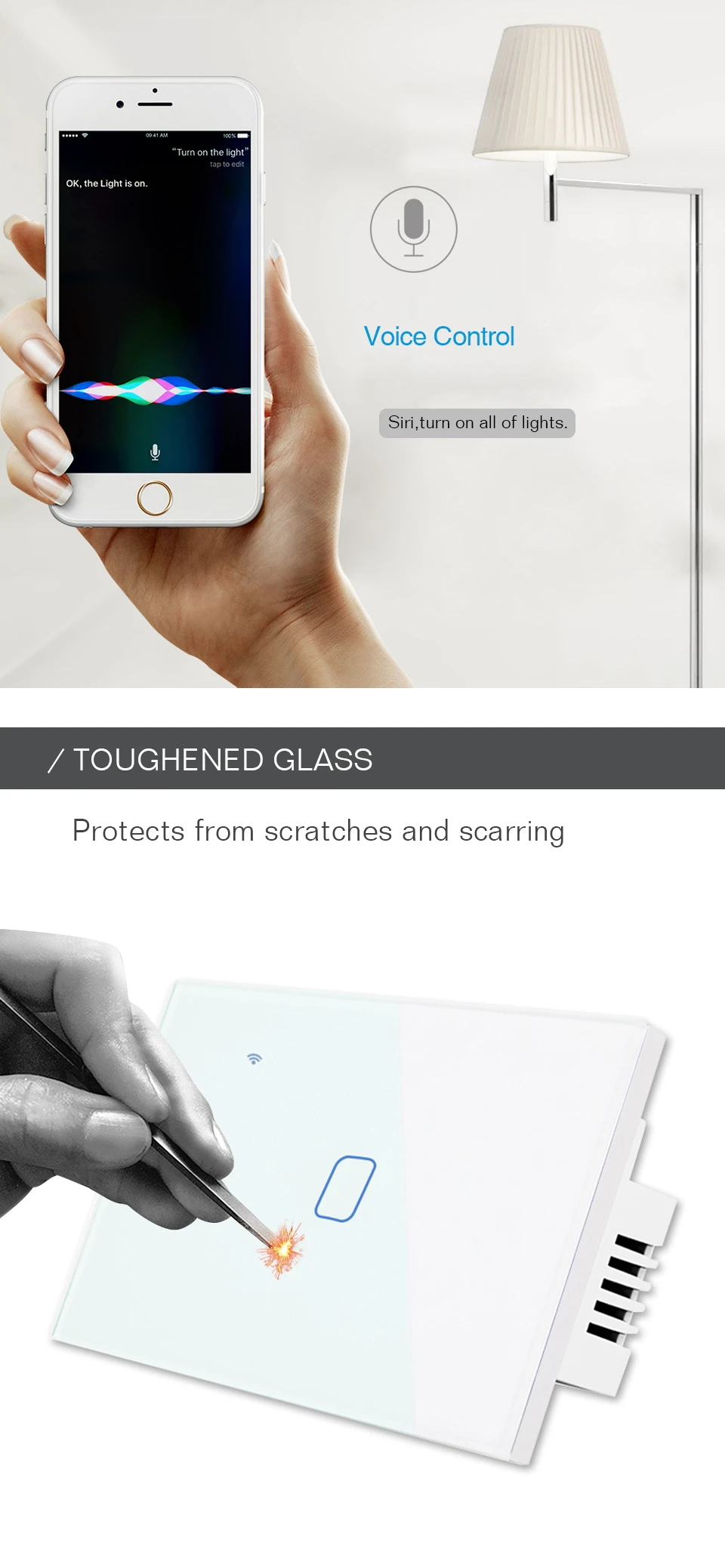
5.Material: Tempered Crystal Glass
6.Base Material:Plastic
7.Mechanical Life:100,000 Times of Operation
Here are the steps to pair the Tuya Zigbee smart plug with a gateway and connect it to Alexa and Google Home, for use in your AliExpress product details:
-
Power on the gateway with a Micro charging cable. Wait until the indicator light enters the setup mode: a slow – flashing red light means it’s ready for pairing. If there’s no response from the indicator, press and hold the reset button for 5 seconds until the red light starts flashing.
-
Connect your smartphone to the 2.4GHz home WiFi, download and log in to the “Smart Life” APP (registration requires a mobile phone number verification code). Enable Bluetooth and location services on your phone to improve the connection success rate.
-
Bluetooth Auto – connection (Recommended):
-
AP Hotspot Connection (When Bluetooth connection fails):
-
Button Trigger: Press and hold the switch’s pairing button for 5 seconds, or quickly press it twice. When the LED indicator light flashes blue rapidly, the switch enters the pairing mode.
-
Power – on Trigger: Power on and off the switch 5 consecutive times (one on – off cycle counts as one time). When the output LED light flashes 10 times, it indicates successful entry into the pairing mode.
-
Open the APP, enter the interface of the paired gateway device, click “Sub – devices” → “Quick Add”.
-
The APP will automatically scan for the Zigbee switches waiting for pairing. Select the device to complete the pairing (when the indicator light stops flashing and “ZB – SWITCH” appears in the APP device list). You can long – press the device name to rename it (e.g., “Living Room Ceiling Light Switch”) for easier control.
-
Ensure that the gateway and switch are properly connected to the network, and the “Smart Life” APP can control the switch status.
-
For Alexa, prepare an Echo series device (e.g., Echo Dot 5th generation), and for Google Home, prepare a Nest series device (e.g., Nest Hub). Log in to the corresponding APPs (Alexa/Google Home).
-
Open the Alexa APP, click “More” → “Skills & Games”, search for “Tuya Smart” or “Smart Life” skills and enable them.
-
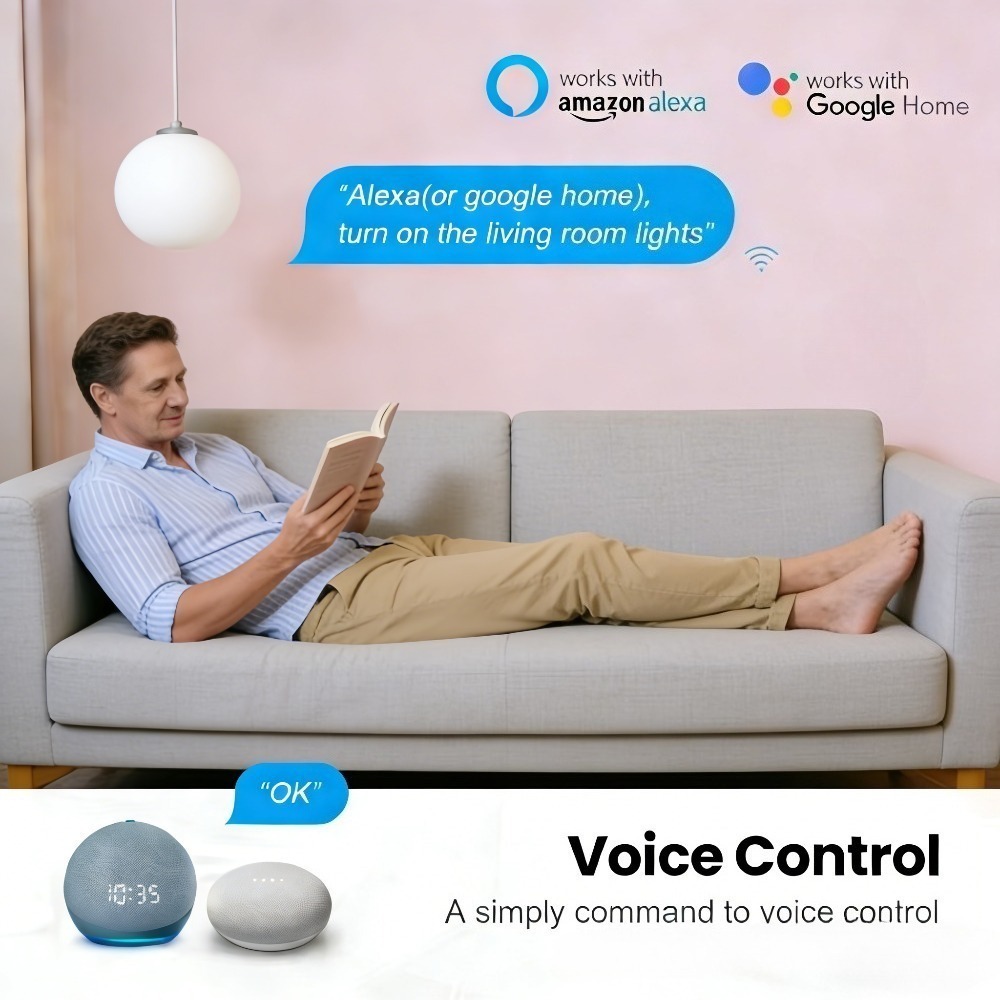
Enter the login account and password of the “Smart Life” APP to complete the account binding. Alexa will automatically synchronize the device list. Voice command example: “Alexa, turn on the living room light”.
-
Open the Google Home APP, click “+” → “Set up device” → “Works with Google”, select “Tuya Smart”.
-
Log in to the “Smart Life” account for authorization. After synchronizing the switch devices, you can control them by voice. Example: “Hey Google, turn off the bedroom switch”.
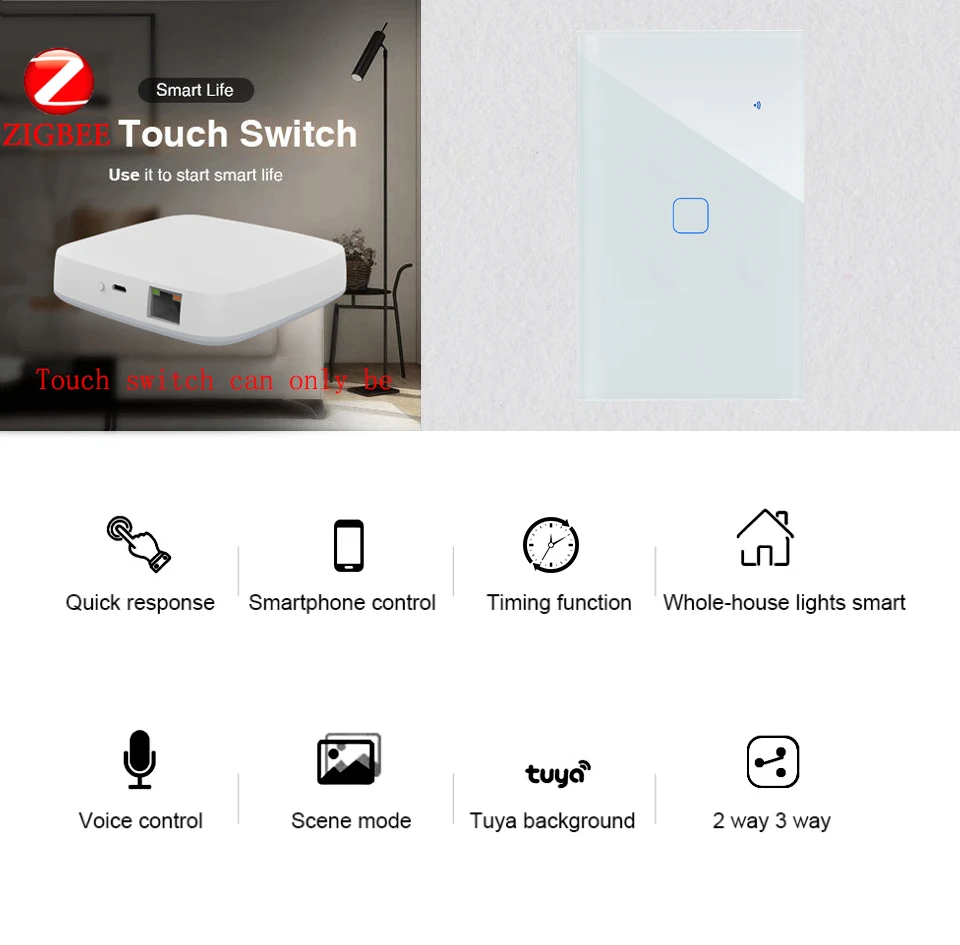
Zigbee Switch:
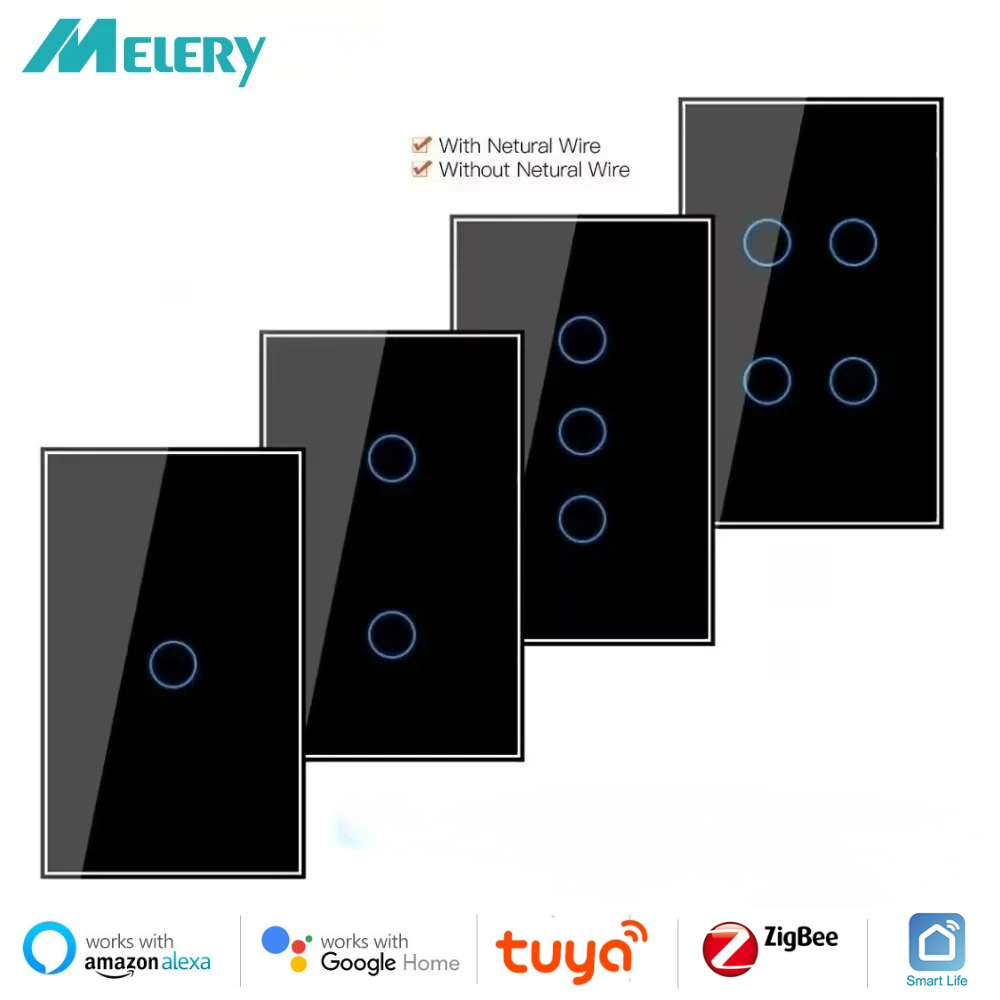
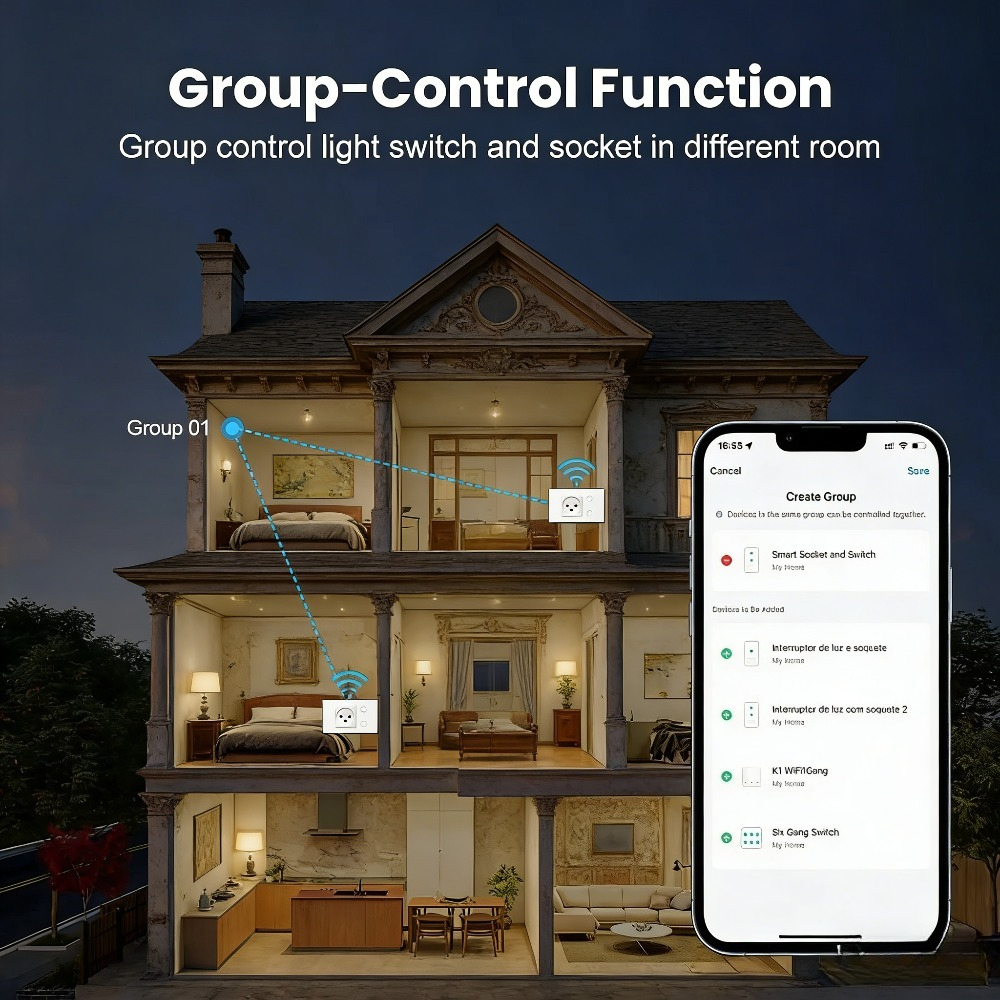
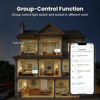
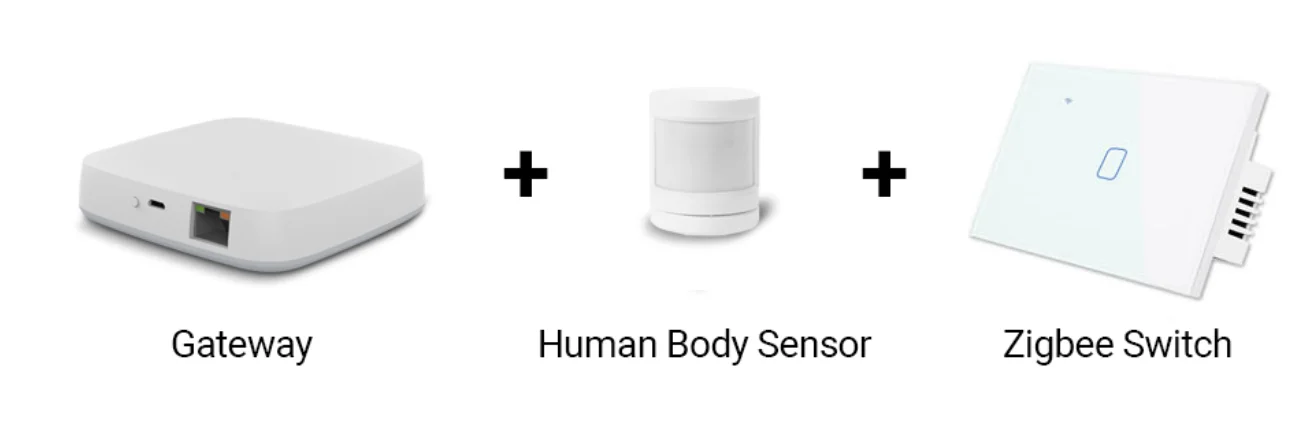
Can be used in conjunction with zigbee gateway, human body sensor, etc., custom control the whole house lighting.
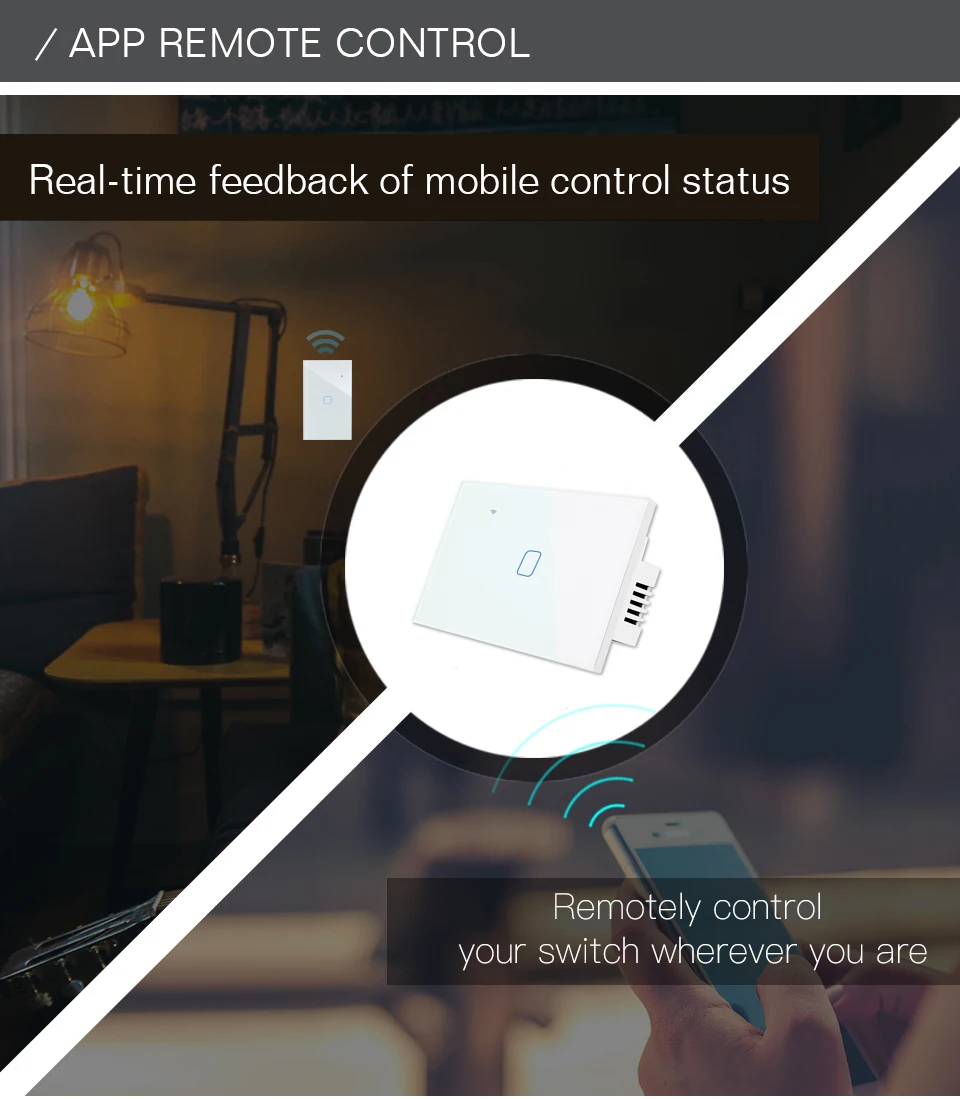
Smart App Remote Control:
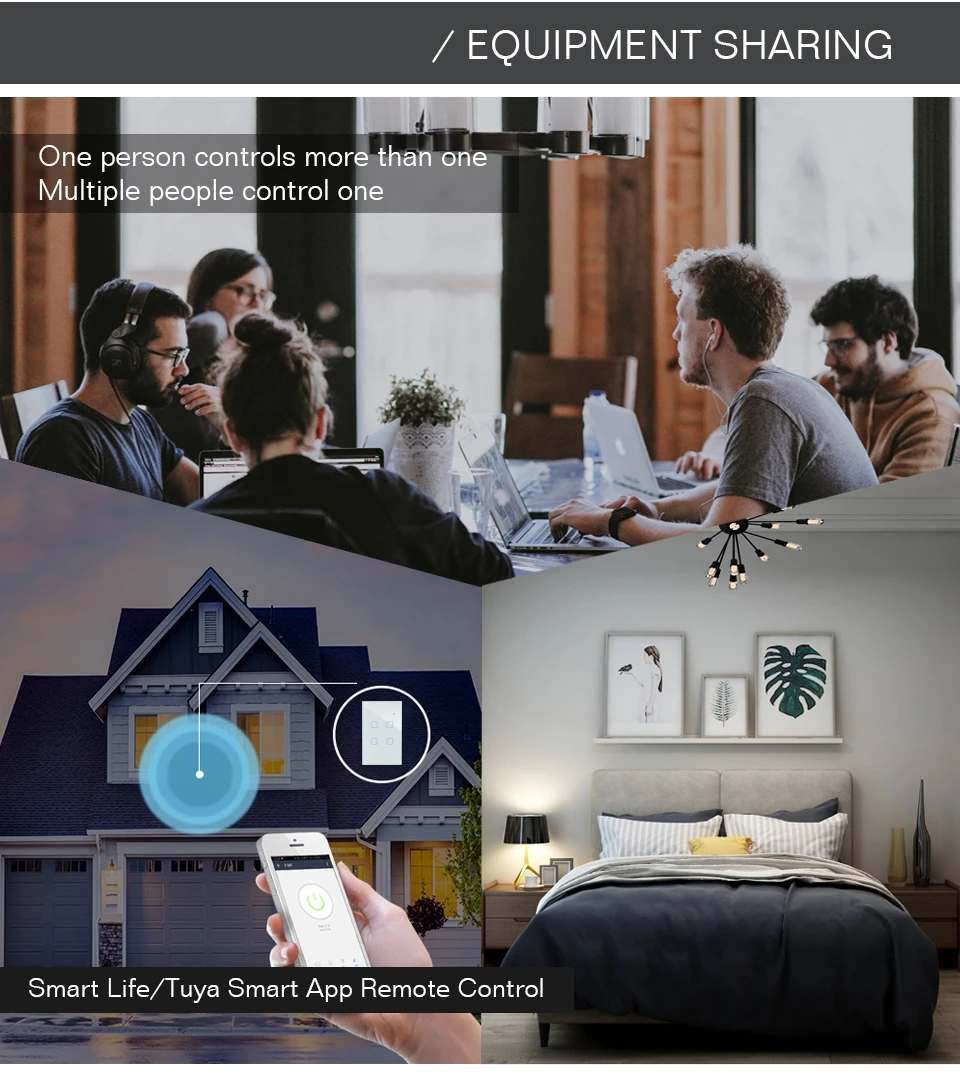
Conveniently control your lights and the backlight indicator with the Tuya App no matter where you are.(Compatible with Android&iOS.)Also,you may easily share it with your family to control your lights together with Tuya App.
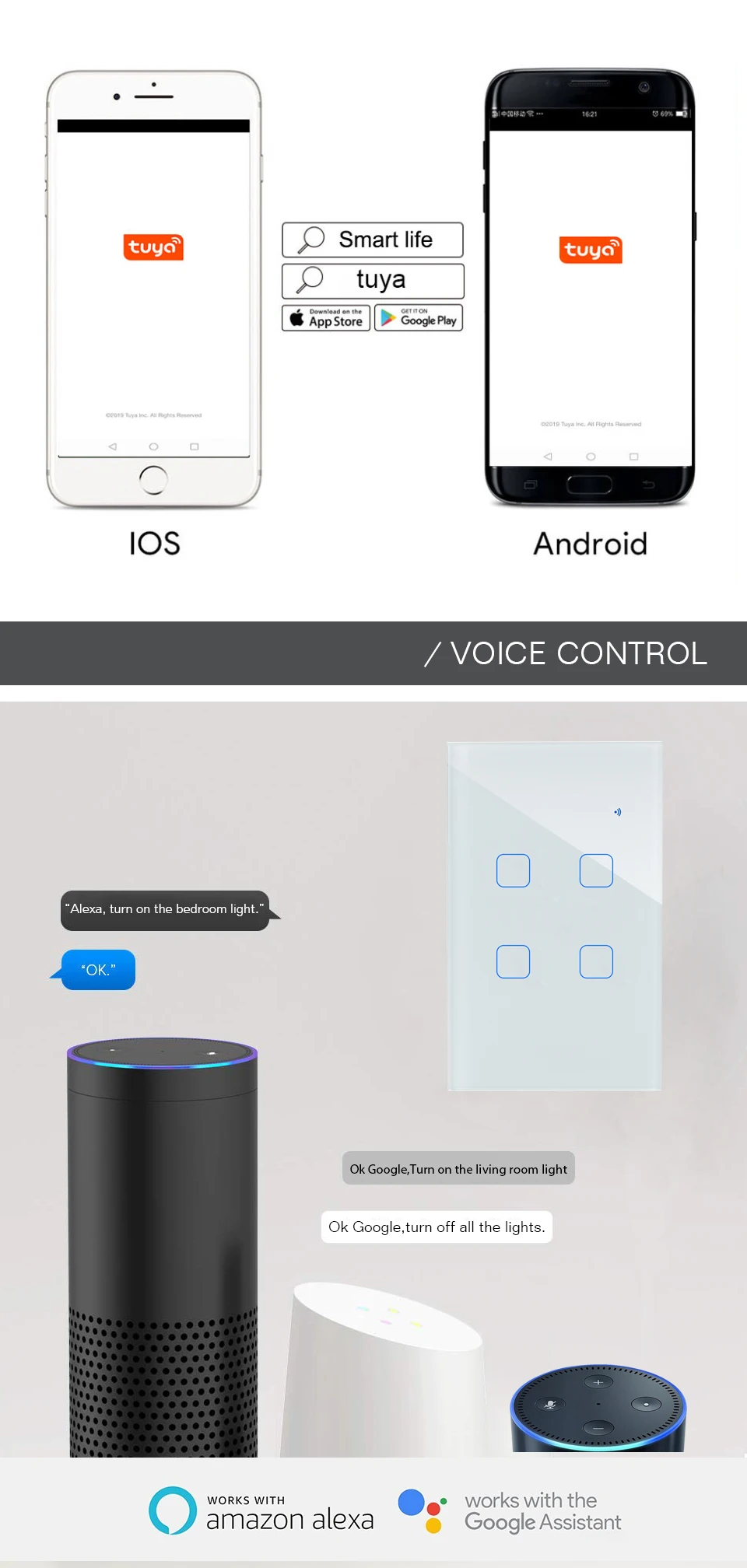
Hands-Free Voice Control:
Compatible with Amazon Alexa and Google Home for easy voice control when your hands are not free,providing your smart life with much more convenience.
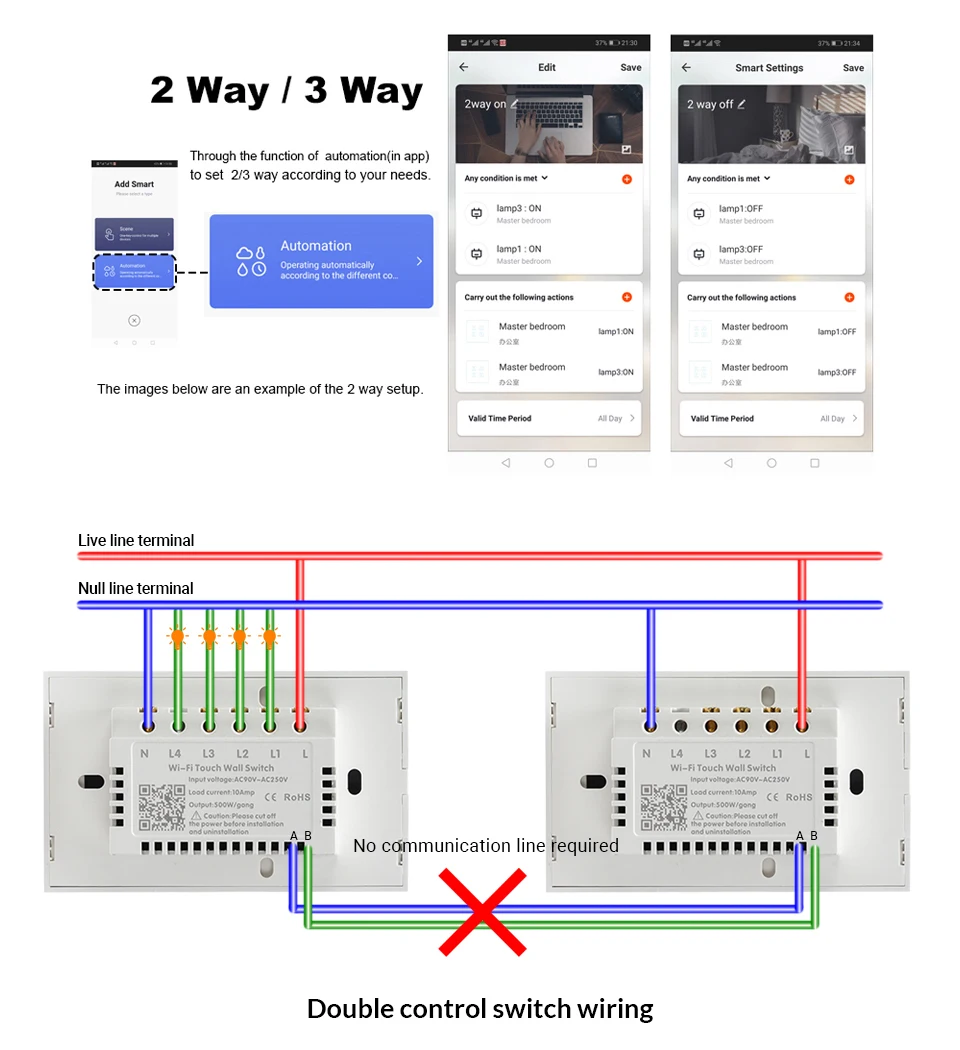
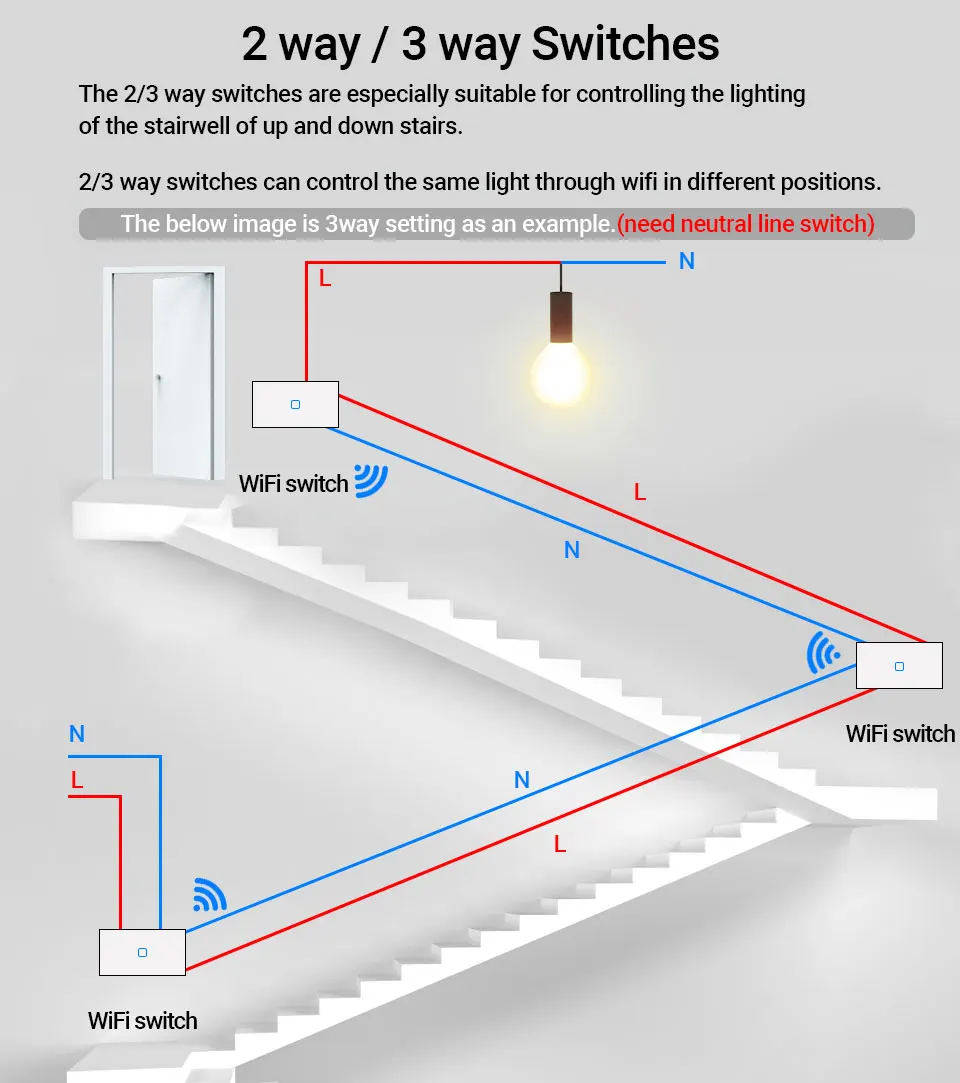
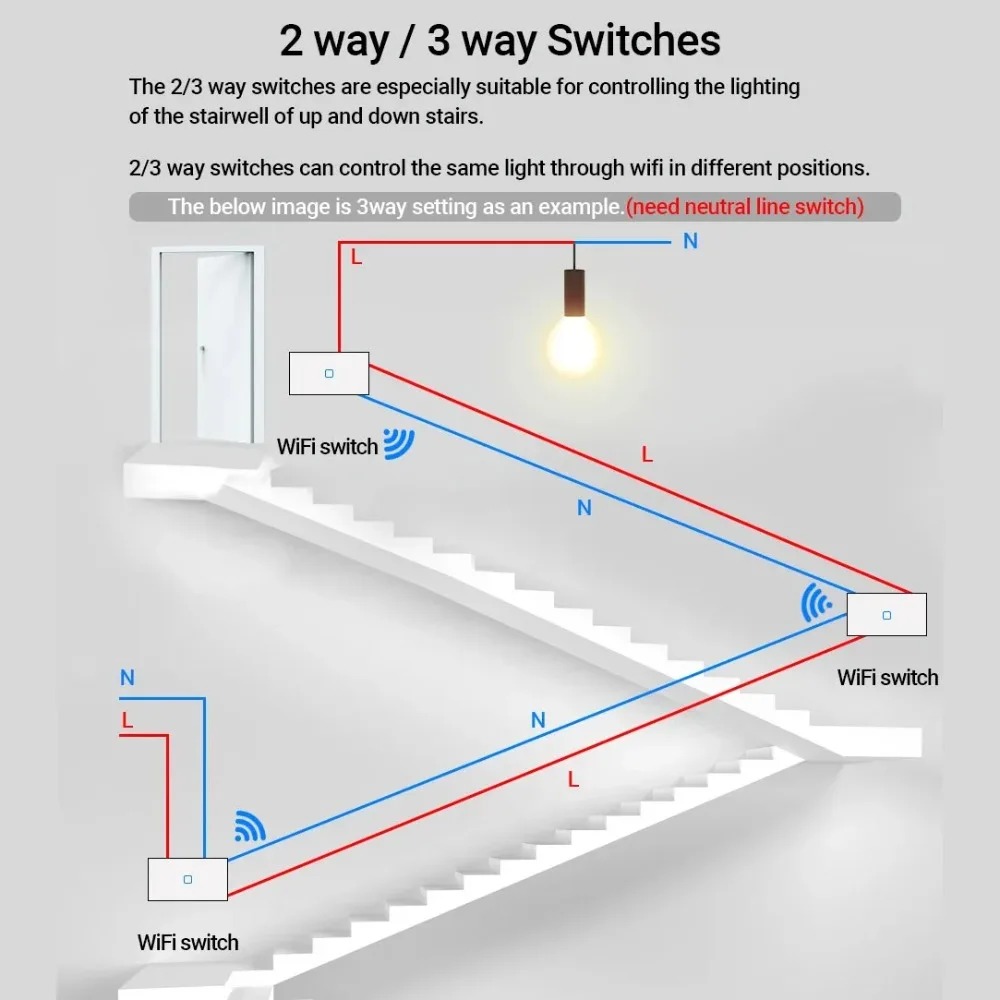
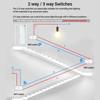
2/3 way:
The 2/3 way switches are especially suitable for controlling the lighting of the stairwell. 2/3 way switches can control the same light through wifi in different positions.And after the linkage setting with the gateway, it can realize the function of 2/3 way when there is no network.
Customize Your Own Scence:
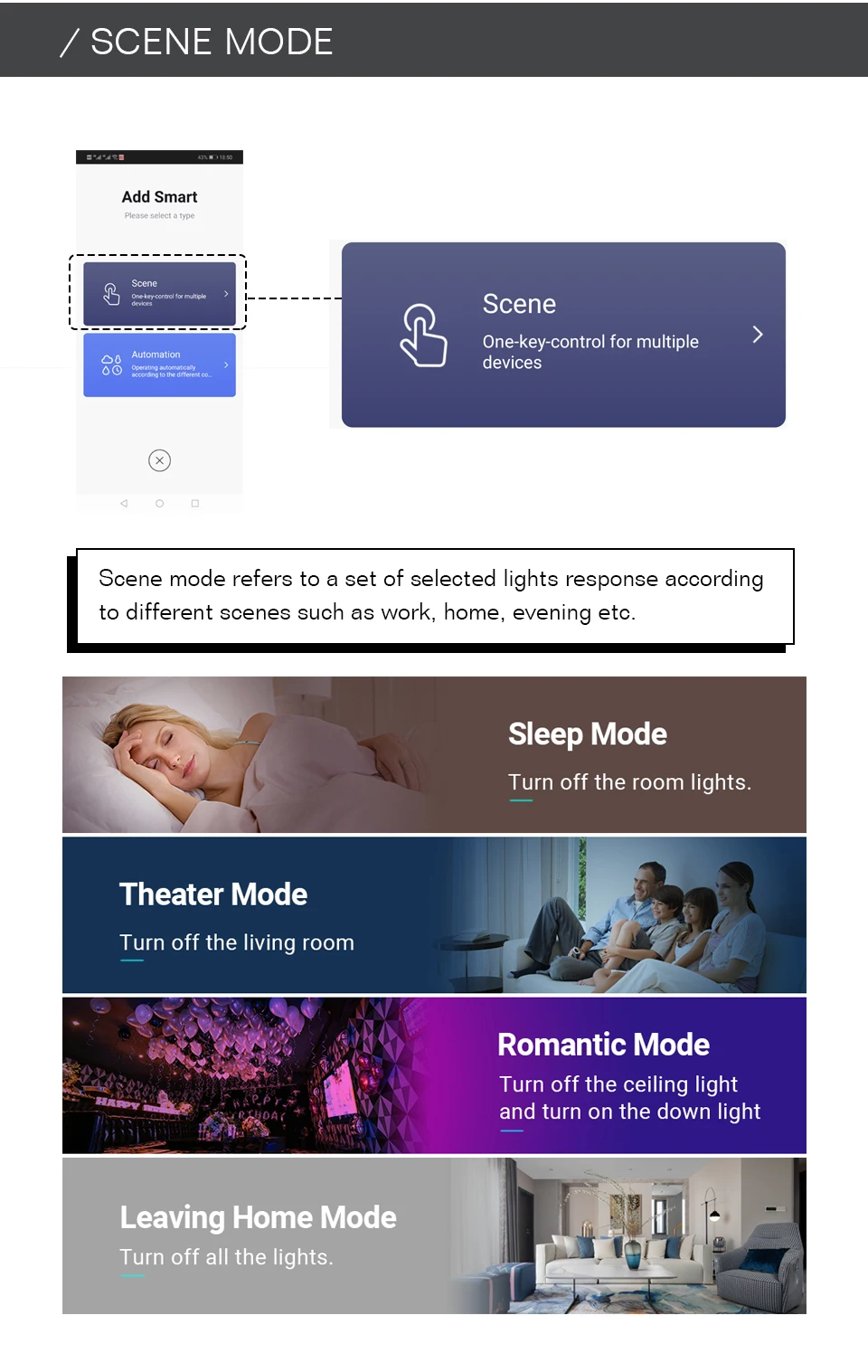
One key controls multi switches. For example, set your home to automatically turn off the switches when you leave home. Save time. 6.Timer Setting:Take full control of your Home&Office lights intelligently with the timer feature on your App.
Packing :
1.Switch(1Pack) 2.2*Screws 3.Quick installation guide
NOTE:
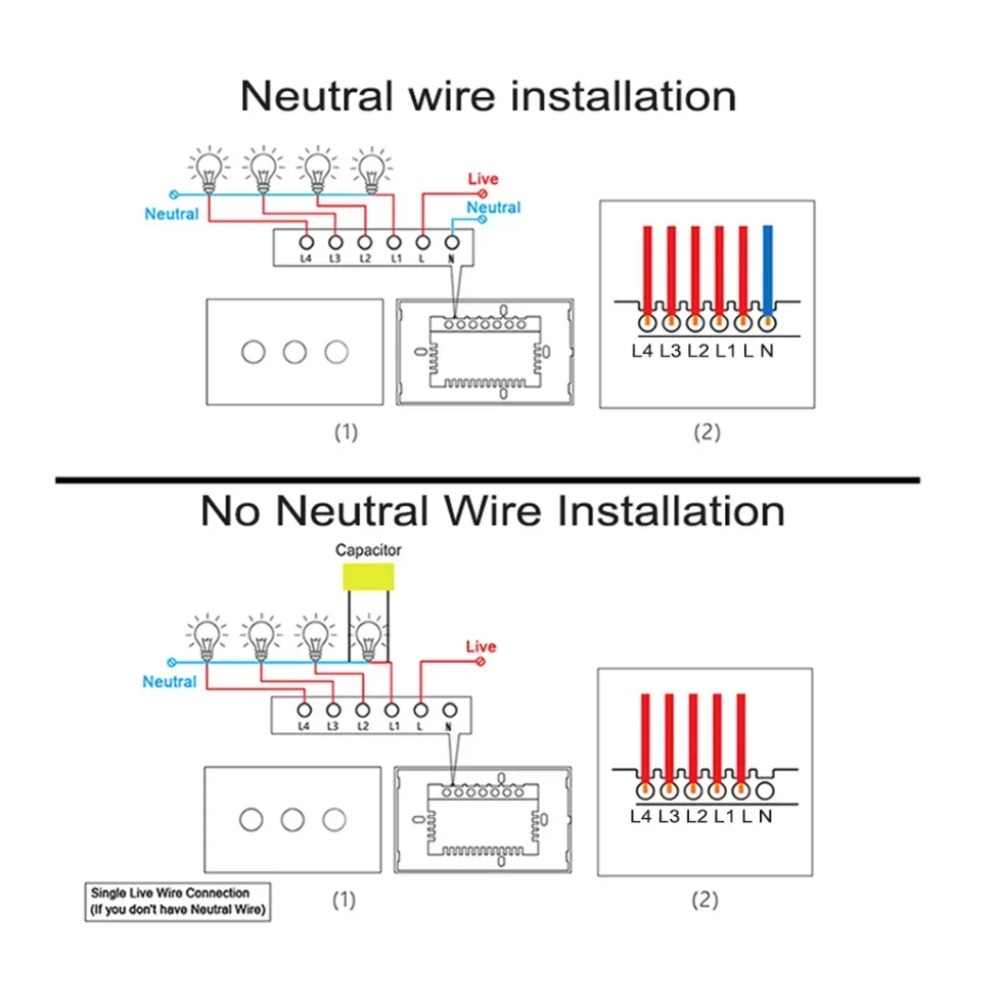
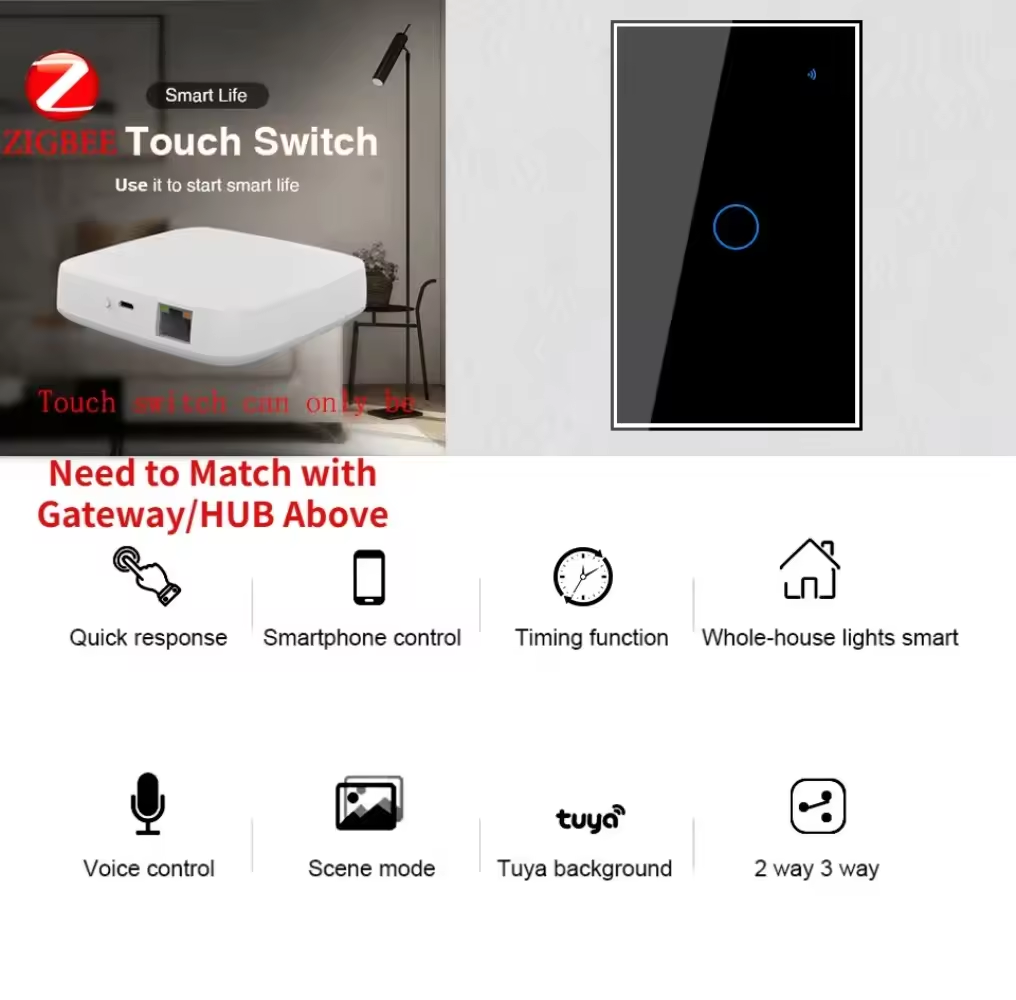
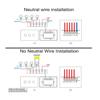
-WORKS WITH TUYA ZIGBEE HUB: switch cannot work alone, must works with tuya zigbee hub (NOT INCLUDE). 2.After the ZigBee switch and gateway are set up, even NO WiFi can achieve 2/3 way.-This switch requires a neutral wire in your switch boxes to operate correctly.
-Before buying, please make sure your box can install switch.
-Different monitors will display different color effects, the product is subject to the actual product received.
-The function display in the description is for reference only, please use and set according to the actual situation.App may be updated, the display effect will be different.

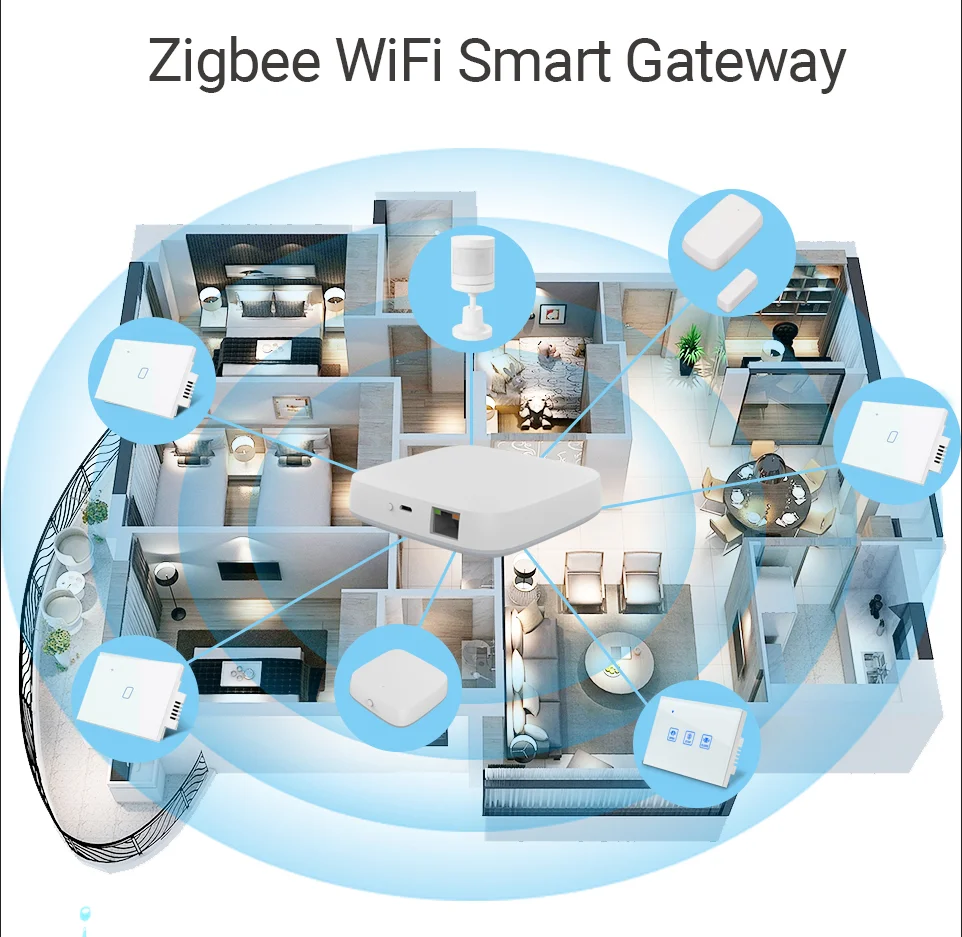
Go home and open the door, the light turns on.
Install the door window sensor on the door and cooperate with the Zigbee switch to set the scene linkage. When you come back home and open the door, the light will automatically turn on.
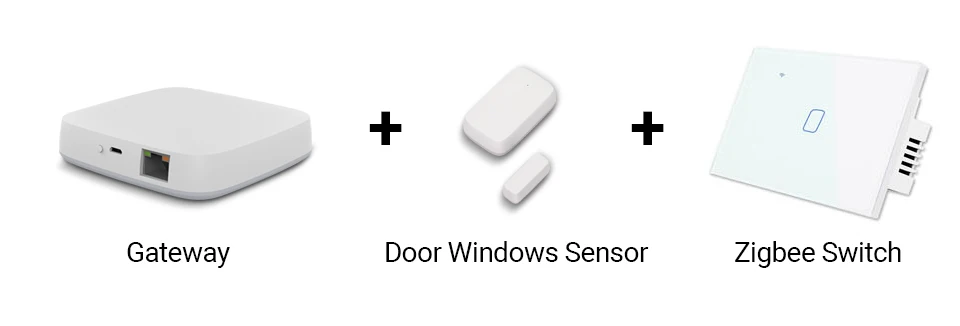
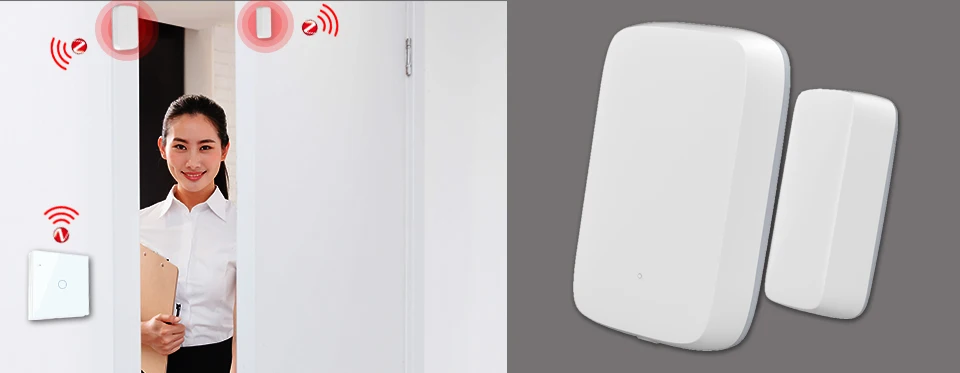
ZigBee switch and human sensor scene mode
Come home at night, the light truns on, welcome you back. Get up at night, automatically turn on the light.
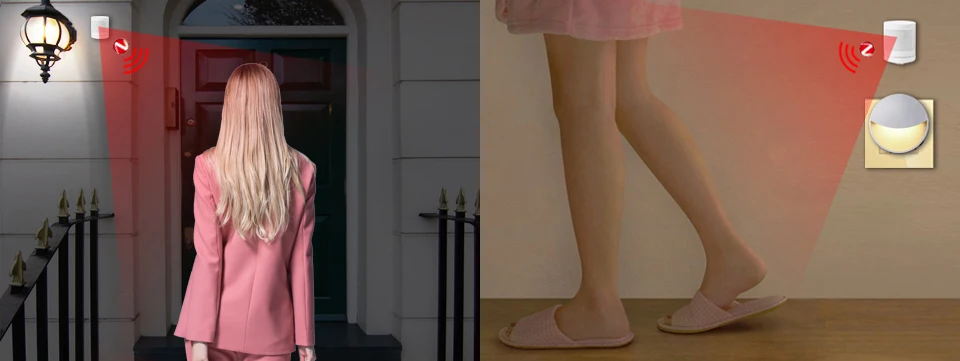
Zigbee WiFi Touch Switch
Use it to start smart life