
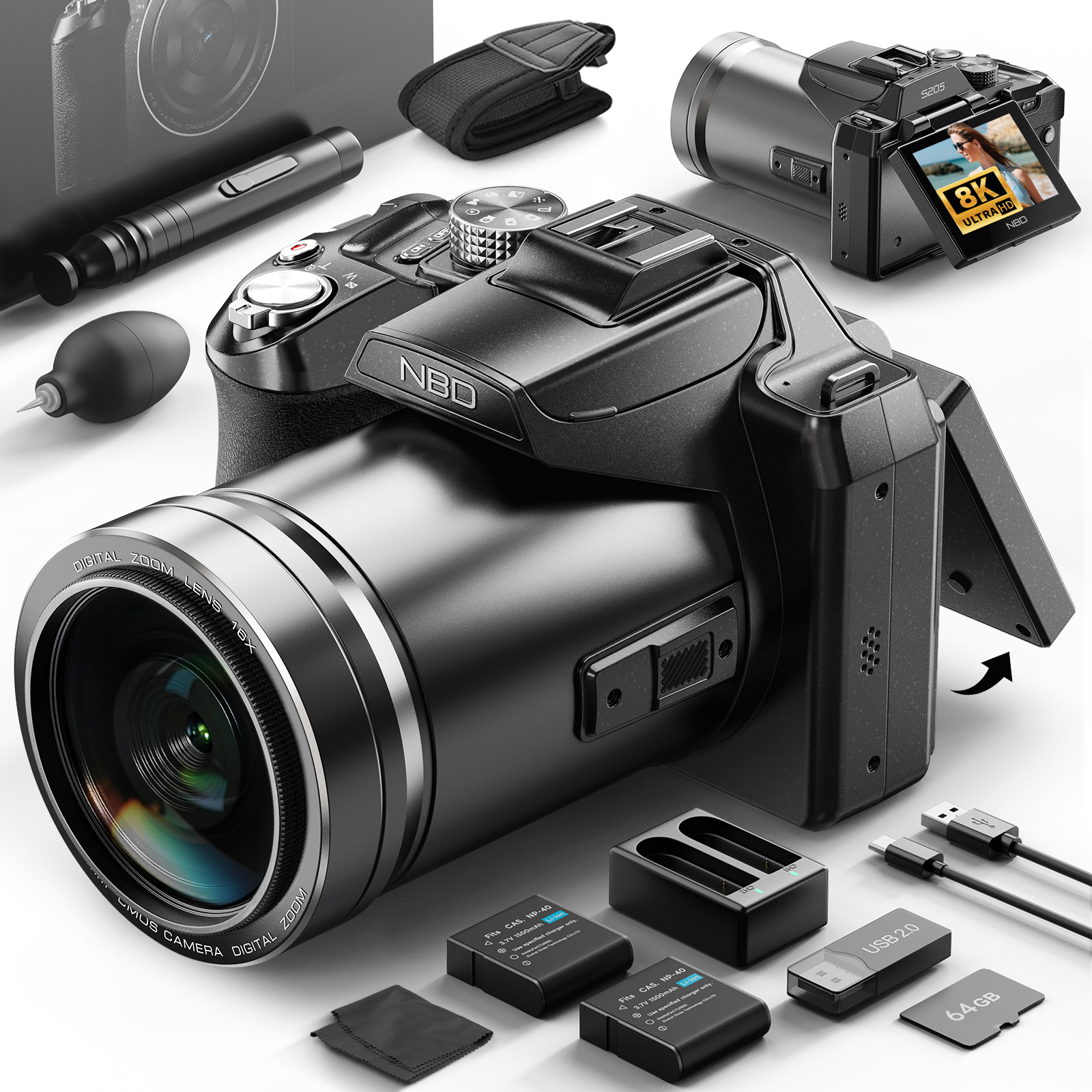
Note: The product and accessories shown in the images are for reference only. Please refer to the product details page for the actual description.

Capture Every Moment in Stunning 8K Clarity
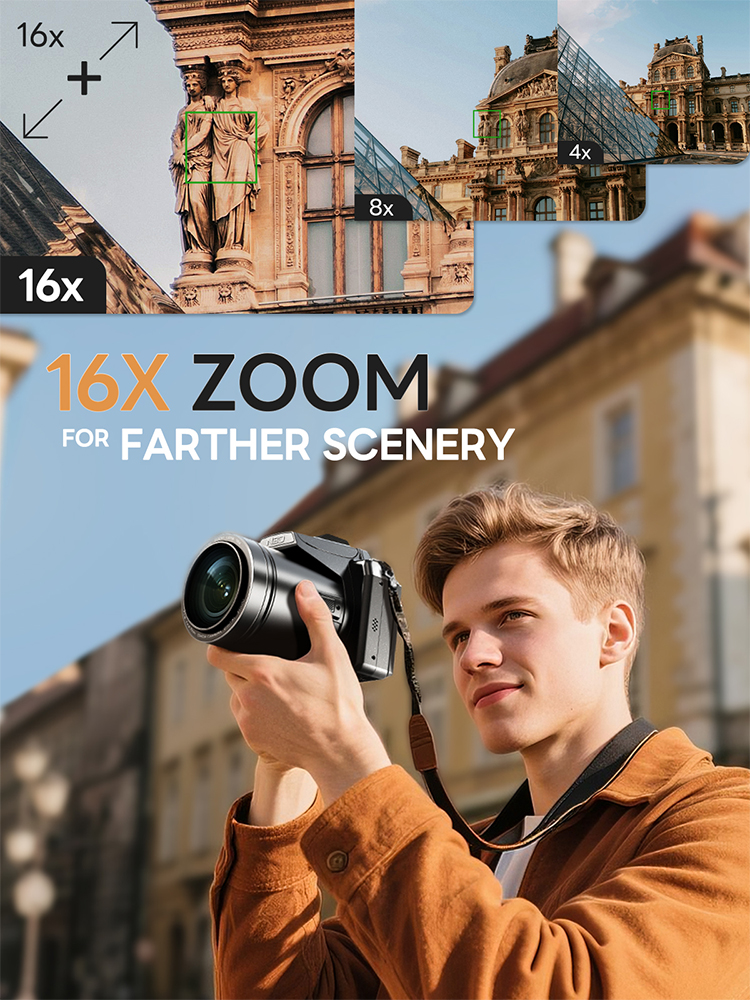
Step up your photography and video experience with this compact yet powerful digital camera. Featuring ultra-clear 8K video and 64MP high-resolution photos, it lets you record every detail with vivid clarity. The 1/2″ CMOS sensor ensures better image quality even in low light, while the 16X digital zoom brings distant subjects closer without missing a moment.
Designed with a flip screen, it's perfect for vlogging, selfies, and content creation anytime, anywhere. Lightweight and portable, this camera is your ideal companion for travel, daily life, and social media sharing.
Package Contents:
Camera*1,
Packaging box*1,
User manual*1,
Lithium battery*1,
32G micro SD card*1,
Charger*1,
Data cable*1,
Card reader*1,
Camera cloth*1,
Cleaning kit*1.
⚠️ Important Notes
-
This camera supports digital zoom (16X), not optical zoom. Image quality may decrease at maximum zoom.
-
The battery is built-in and not removable. Please fully charge the camera before first use.
-
For best performance, we recommend using a high-speed TF (micro SD) card (Class 10 or above).
-
Please format the memory card in the camera before first use to ensure compatibility.
-
Due to lighting conditions and screen differences, actual product color may vary slightly from images.
-
This camera is designed for daily photography, travel, and vlogging, not for professional DSLR-level shooting.
-
Avoid using the camera in extreme environments (high temperature, humidity, or dusty conditions).
-
Please do not drop or strongly impact the device to prevent internal damage.
FAQ:
Q:How do I manually enable the 4/5/8K video mode for the first time using the camera?
A:Switch to 4/5/8K in 2 steps: 1. Rotate the top mode dial to “Video Mode” ; 2. Press the side FN button, select “video resolution” in the pop-up menu, and switch directly to 4/5/8K to start recording.
Q:How do I use the Wi-Fi function?
A:1. Press the “MENU” button, open Settings, find “WIFI” and enable it; 2. Scan the code on the pop-up page to download the dedicated APP; 3. Open the APP and connect to the corresponding “WIFI name” as prompted to use the WIFI function.
Q:How do l install the Memory Card?
A:Locate the memory card slot at the bottom of the camera, insert the included TF card (or your own), and a click sound indicates successful installation.
Q:How to use autofocus while shooting?
A:Half-press the shutter button on the top of the camera, and the camera will quickly autofocus.
Q:How to quickly switch camera shooting modes?
A:Rotate the mode dial on the top of the camera to quickly switch between photo/video and other modes.