
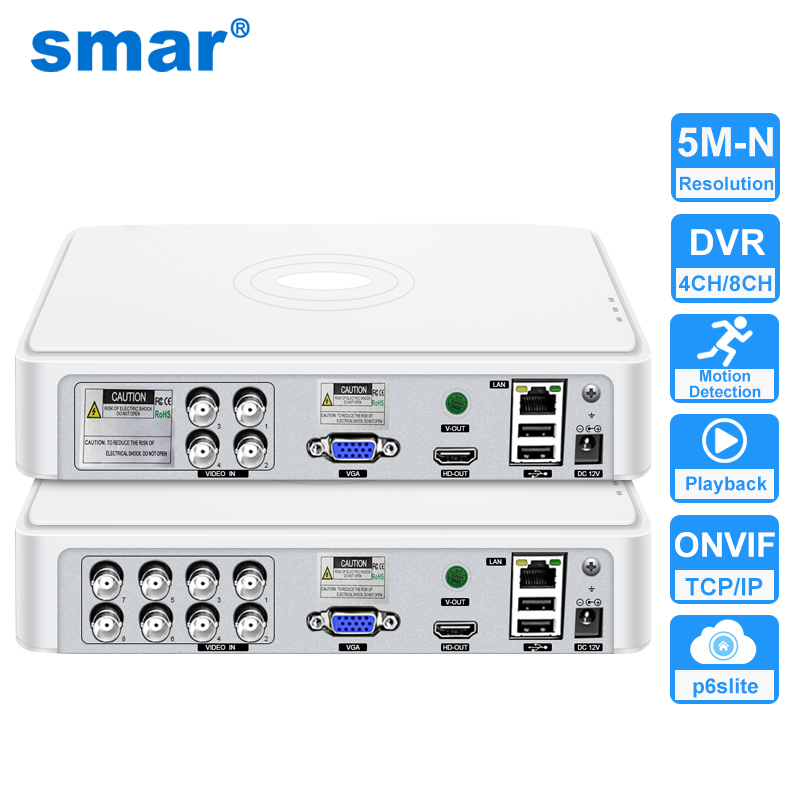







Main Features:
– Support H.265+ encoding, ultra-low bitrates, compatible with H.264 surroundings;
– Support VGA, HDMI-Compatible full HD output simultaneously;
– Support ONVIF; access third party;
– Support multiple cloud technology, network penetration, alarm information pushed to your phone and other functions;
– Support various mobile monitoring (iPhone, Android);
– Remote Access, With DNS (ARSP),easy to monitor remotely
– Support AHD/TVI/CVI/CVBS/IP five signals;
– Support Digital to analog conversion,Instant playback
– Encode ability: 4*5M-N (4CH)/ 8*5M-N(8CH)
– Record mode :Manual>alarm>motion detection>timing
– Video input:4 BNC(4CH)/8BNC(8CH)
– USB:2 USB Port
– Hard disk: 1 SATA(Each maximum support 6T )(HDD is optional)
– Power Supply:12V/2A

Packing List:
1 x 4CH or 8CH Mini Hybrid CCTV DVR 5 in 1 (Not include HDD)
1 x USB Mouse
1 x Power Plug
1 x Fast Operation Manual

High Definition

4CH 5M-N For 4 Channel Hybrid DVR(5 IN 1)


8CH 5MP-N For 8 Channel Hybrid DVR(5 in 1)


Multiple Languages:
Support: Chinese, English, Japanese, Russian, Germany, Italian, Turkish, Polish, Spanish, Japanese,Indonesian,French, Portuguese, Greek, Vietnamese, Indonesian, Czech, Korean and so on…

Motion Detection & Email Alert
When the Detect Motion happened in your home and office. you'll get instant alarming email when the home or office is invaded. You can even ensure that false alarms are avoided by setting the motion detection “mask”to block areas with constant movement.

Advanced H.265+ Video Compression
H.265 (HEVC) doubles the coding efficiency compared with its predecessor H.264. That means H.265+ video saves around 70% of the bit rate at the same quality of coding.

Support ONVIF
You can connect any brand's Onvif IP Cameras to our this NVR;

Connection diagram of coaxial camera system

Remote access via Mobile Phone
Please scanning the QR Code, then intall the P6SLite APP on your phone;
Then follow the steps in the picture to add the device and connect it successfully. You will be able to access videos anytime, anywhere through your phone


