
2024 THINKCAR BD6 Bluetooth OBD2 SCANNER TOOL
Why You need THINKCAR BD6?
1.Read fault Codes For All System ,such as ECM, TCM, ABS, SRS, BCM, IMM, BMS, TPMS, SAS, Fuel System, Light System, Wiper System, etc
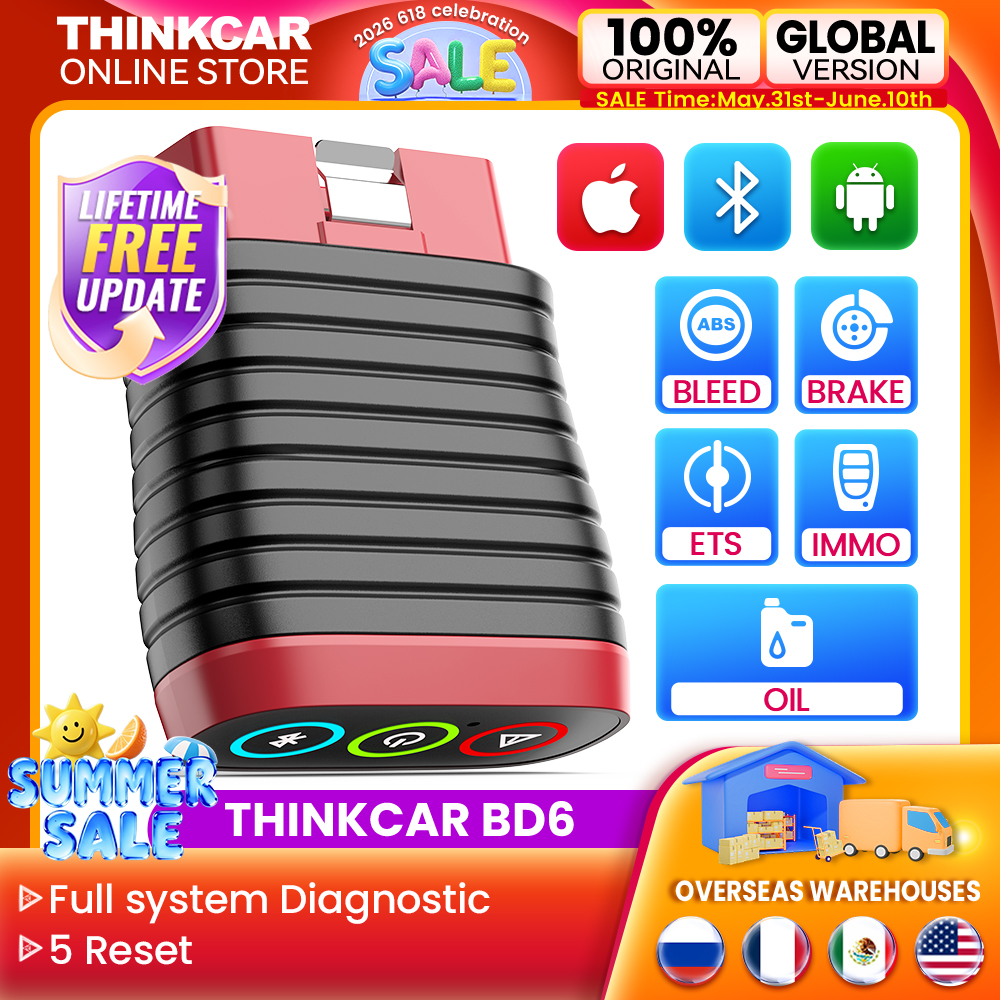
2.5 Reset Function Lifetime free update (BLEED+IMMO+ETS+OIL+BRAKE)
3.Lifetime free OBD2 Scanner + Auto VIN Scan Tool
4.Live Data Stream Graphing + Data Record+Print Vehicle Health Report Print +Remote Diagnostic Car Scanner
5.Wide Vehicle Coverage,Whatever you own an Android or iOS device, you can download APP for direct diagnosis
6.EOBD2, DEMO software free and 115 free Manufacturer Software.After activating the device, you will get 115 free Car Brand software.
7.Multi-language : English, French, Spanish, Portuguese, Japanese, Russian, Polish, Türkiye, Greek, Korean, Hungarian, Dutch, Vietnamese, Arabic, Persian, Khmer, Lao, Burmese, Thai”
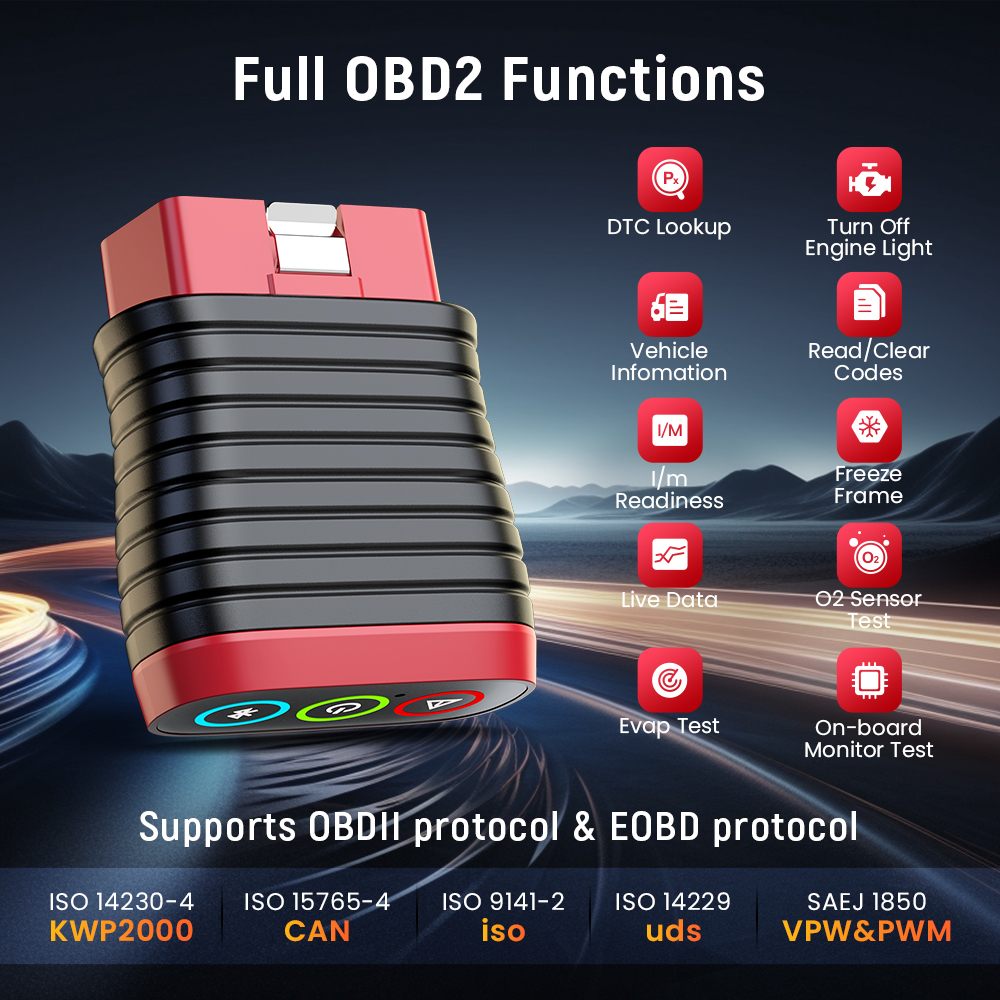
Free Full OBDII Functions
Mode 1:Read live data stream
Mode 2:Read freeze frame data
Mode 3:Read DTCs(diagnostic trouble codes)
Mode 4:Clear dtcs
Mode 5:Oxygen sensor monitoring
Mode 6:System monitoring
Mode 7:Read pending DTCs
Mode 8:Control operation of on-board system
Mode 9:Read vehicle information
Mode 10:Request emissions-related diagnostic trouble codes with permanent status after a clear/reset emission-related diagnostic information.
Full System Diagnostic Lifetime Free For All Supported Cars
ECM=Engine System
IC=Instrument System
ABS System=Antilock Brake System
SRS System=Air Bag Restraint System
TCM=Transmission System
BCM=Chassis System
EPS=Electric Power Steering System
EPB System=Electric Park Brake System
TPMS System=Tire Pressure Monitoring System
AC System=Air Conditioning System
Security System
IMMO System
ETC.
5 Reset Function Lifetime free update
1.Oil Lamp Reset Service
allows you to perform reset for a new calculation of Engine Oil Life system once changed the oil.
2.brake pad replacement
1) When the brake is used to a certain thickness, the brake sensor line will be worn. At this time, the brake pad sensor line will send a signal to the on-board computer to prompt to replace the brake pad. After replacing the brake pads, you need to reset the brakes, otherwise the car will alarm.
2) Situations that require reset:
aAfter replacing the brake pads and brake pad wear sensing line;
bThe brake pad indicator light is on;
c After the short circuit of the brake pad sensor circuit is repaired;
dAfter replacing the servo motor
3.Throttle Adaptation
The throttle body is a tube containing a pivoting flat valve (butterfly) that is used to control the amount of air entering an engine. In an electronically fuel injected car, a throttle position sensor and air flow sensor communicate with the computer, which supplies the corresponding amount of fuel needed at the injectors. It must need re-learning throttle sensor position after clearing or repair.
4.ABS Bleeding
ABS brake bleeding to get a firm brake pad after air exhaustion after repair ABS pump system.
5.IMMO Key Programming
The unique car key programming and read pin code function, it is mainly used to disable the lost vehicle keys and program a new replacement key fob.
(IMMO Function not all car models are supported,please provide Car model and year for customer service personnel to inquire
Support Mobile Phone&Tablet Computer
Android:5.0 or above
IOS:9.0
THINKCAR BD6 OBD2 Diagnostic Tool is suitable for Mobile phones, tablet computer that meet the above version information. When the adapter is connected to the car, you only need to detect and diagnose your vehicle through the mobile phone's Bluetooth 4.2 and APP. It is suitable for most DIY car owners and maintenance and repair car stores on the market.
Cover Up to 115 Major Vehicle Manufacturers, more models are updating:
“For OBDII diagnostics, the obd2 code reader works great for most cars built in 1996 or later, being compatible with following protocols:
-ISO 14230-4 (KWP)
-ISO 15765-4 (CAN)-(11bit lD, 500 Kbaud)
-ISO 9141-2 (iso)
-ISO 14229 (uds)
-SAE J1850 (VPW & PWM)
-Original protocols of makers
For advanced functions as active test, all system diagnostics, and maintenance service, it covers 95% of car models available in the market including:
-Asia:
for Daewoo, for Honda, for JP Isuzu, for Kia, for Mazda, for Mitsubishi, for Nissan, for SGM, for Subaru, for Suzuki, for Toyota,for Hyundai, for Ssangyong
-Europe:
for Aston Martin, for Audi, for Benz, for BMW, for Citroen, for Ferrari, for Fiat, for Land Rover, for Maserati, for Opel, for Porsche, for Renault, for Rover, for Saab, for Seat, for Skoda, for Smart, for Sprinter, for Volvo, for VW, for Peugeot
-America:
for Chrysler, for USA-Ford, for GM
And keep updating.”
Support Multi-language:
English, French, Spanish, Portuguese, Japanese, Russian, Polish, Türkiye, Greek, Korean, Hungarian, Dutch, Vietnamese, Arabic, Persian, Khmer, Lao, Burmese, Thai. in fact,it is support 22 language
How to use THINKCAR?
Step1: Download the “ThinkDiag+” in the APP store or in GooglePlay store.
Step2: Open the THINKDIAD APP, click on”Sign Up”,verification code will be sent to the email you input, if you did not got, please check the spam.
Step3: Click on “Activate” to open the activation page, you need to input the serial number and an 8-diagit activation code is on the first page of the Quick Start Guide.
Step4: Plug THINKCAR BD6 into the vehicle's OBDII port, there will be a red light which indicates the device is powered on.
Step5: Open the THINKDIAG APP, it will automatically search for activated devices, select your device and connect to it via Bluetooth in the APP. The indicator will turn to flashing blue.
Step6: In the “Diagnostics” interface of the App, you will need to download the corresponding diagnostics software when first apply”All System Diagnostic”and”OBD Functions”.
Read Live Data Stream and Support Vehicles Diagnostic Report
Show the information of continuous data stream from a vehicle in live graphic (waveform) display.
1.Generate diagnostic report in THINKCAR APP
2.Download the diagnosis report and transfer it to the computer to print the diagnosis report
3.Share your diagnosis report with your partner or car owner