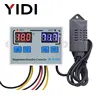
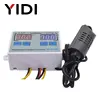
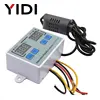
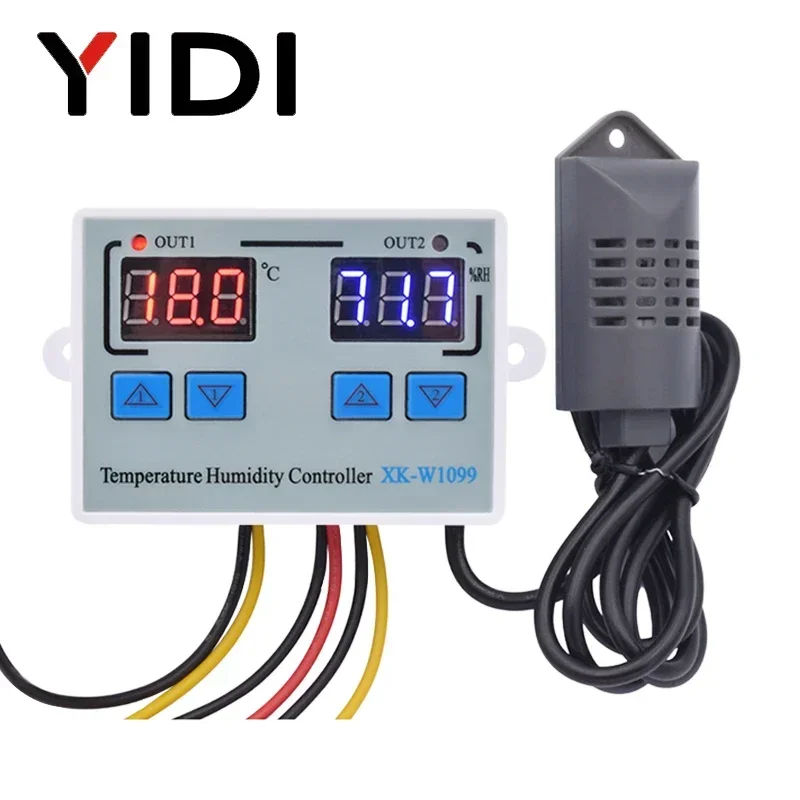
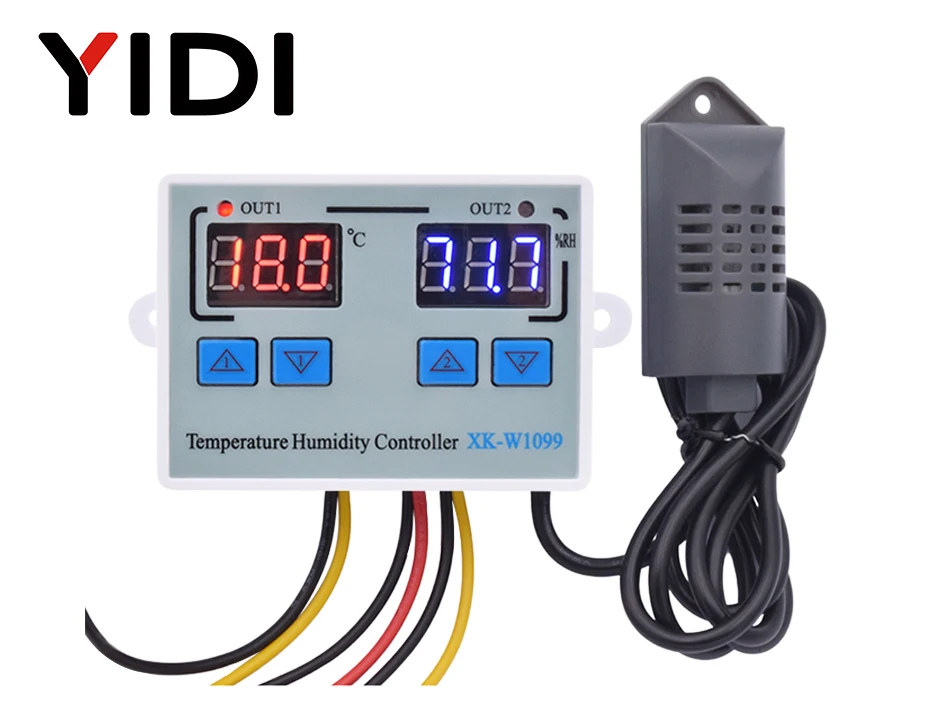
YIDI W1099 Digital LED Temperature Humidity Controller For Incubator 12V 24V 110V 220V Thermometer Hygrometer Meter Sensor Thermostat
Be able to control temperature and humidity at the same time.
Be able to connect with humidifier and dehumidifier equipment at the same time.
Be able to connect with refrigeration/ heating and humidifier/dehumidifier equipment at the same time.
Heating/Cooling function could be set separately for refrigeration and heating to protect temperature controller from violent change.Same as humidity Control.
Supporting Temp and Humidity Calibration
[Dual Display Window] Be able to display measured temperature/humidity and set temp/humidity at the same time
Specification:
Model: XK-W1099
Shell Material: PC + ABS Fireproof
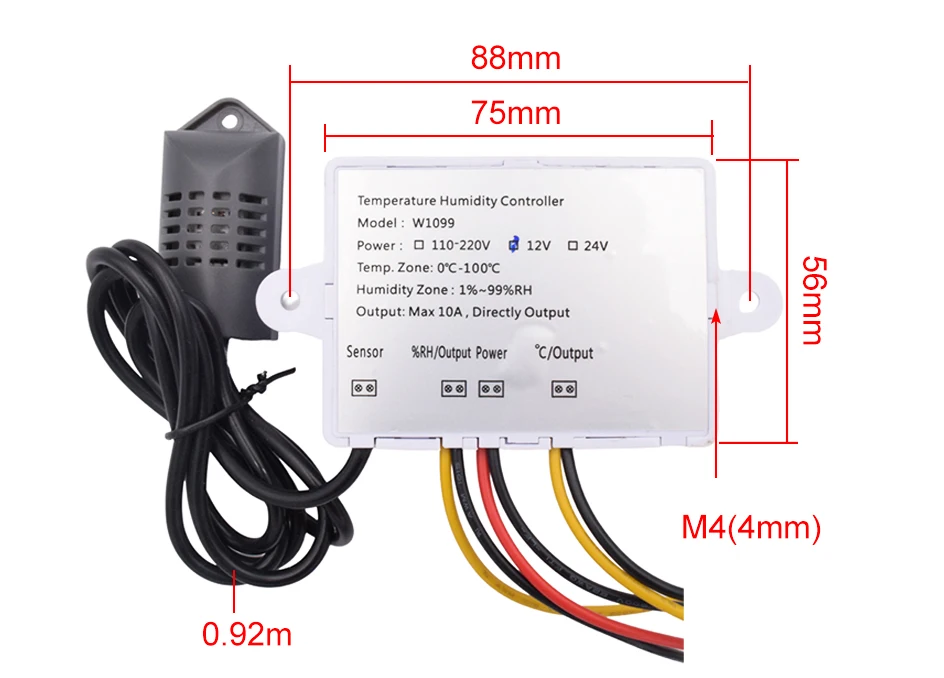
Input Voltage: AC110V-220V, DC24V, DC12V
Measuring Temperature Range: 0°C~100° C
Measuring humidity range: 1~ 99%RH
Accuracy: ±1°C, 0.1%RH
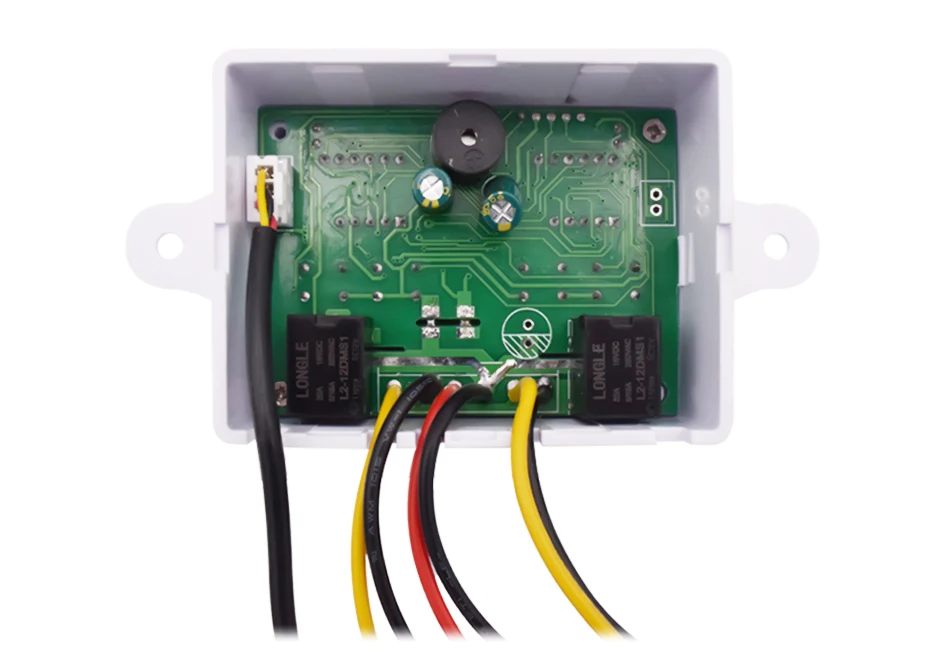
Relay Output Contact Capacity: Two Relay Max10A
Output Type: Direct Output
Sensor Length: 1m
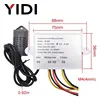
Size: 75*56*31mm
Packing List:
1 X Temperature Humidity Controller + 1 X Sensor
|
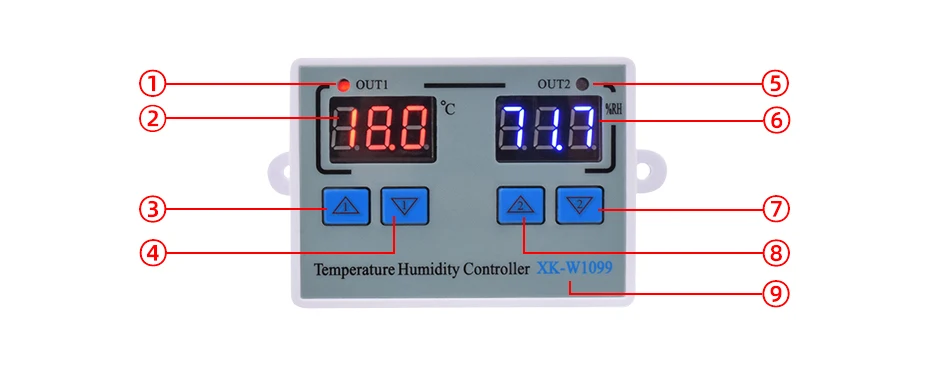
① Temperature indicator |
②Temperature value |
③Start temperature |
④Stop temperature |
|
⑤Humidity indicator |
⑥Humidity value |
⑦Stop humidity |
⑧Start humidity |
|
⑨Item NO. |
Operation instruction:
Set Starting Temperature:
Press the Up① button once to display the starting temperature.
Long press the Up① button for about 3 second until the starting temperature number flashes. The required temperature can be set by the Up① and Down① buttons.
Set Stop Temperature:
Press the Down① button once to display the stop temperature.
Long press the Down① button for about 3 seconds until the stop temperature number flashes. The required temperature can be set by the Up① and Down① buttons.
Set Starting Humidity:
Press the Up② button once to display the starting humidity.
Long press the Up② button for about 3 second until the starting humidity number flashes. The required temperature can be set by the Up② and Down② buttons.
Set Stop Humidity:
Press the Down② button once to display the stop humidity.
Long press the Down② button for about 3 seconds until the stop humidity number flashes. The required humidity can be set by the Up② and Down② buttons.
Temperature ( Humidity) Correction:
Press Up① and Down① buttons at the same time for 3 seconds to display 0.0, and then set the value by pressing the Up① and Down① buttons.
Positive Value = Measured Value + Corrected Value(Humidity correction is the same method, by pressing Up② and Down② buttons. )
Reset:
When the power is on, long press the Down① and Down② buttons at the same time for 3 seconds. The reading shows 888, and then the controller automatically jumps to the detected temperature( humidity).
Heating Cooling Method:
Operation Method
|
|
Wiring Way
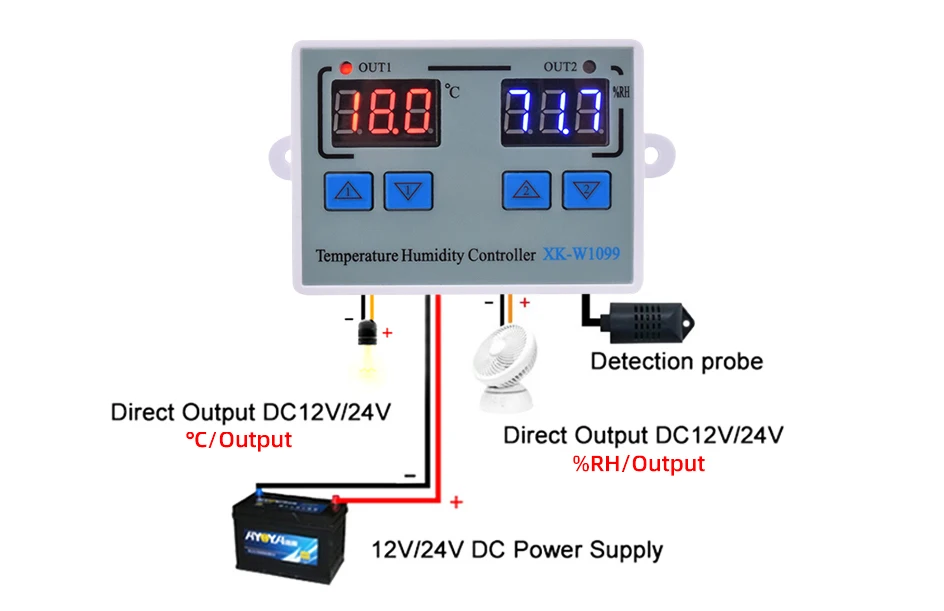
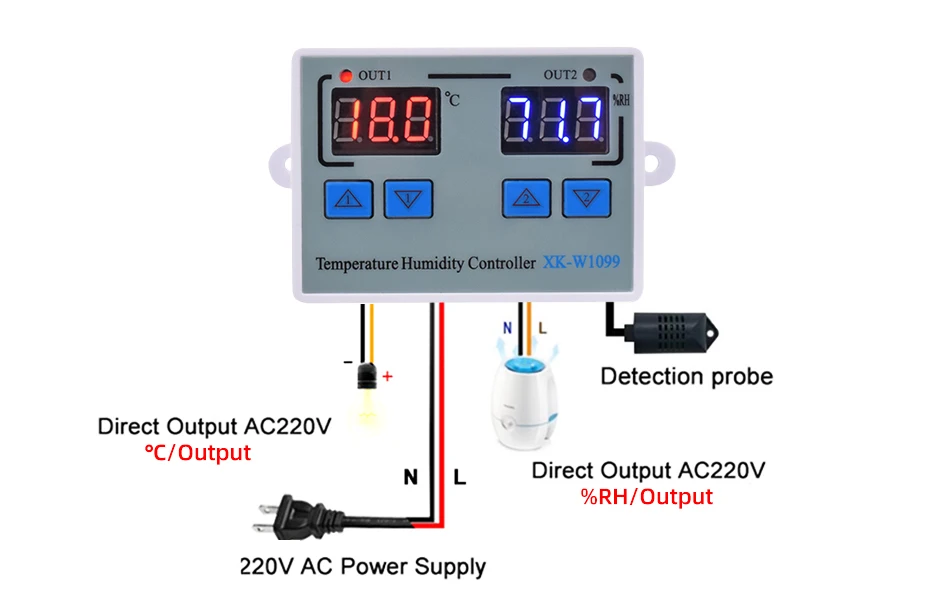
Note:
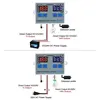
1. 12V/24VDC W1099 can use the transformer or 12V/24V DC Power Supply.
2. W1099 is Direct Output: The output and input voltage are synchronized.
When the Temperature Humidity Controller is working ( the indicator light is on), the output voltage is the same as input voltage;
When the Temperature Humidity Controller is off (the indicator light is off), the output will do not have voltage.