


How do you configure the connection to the camera?
You just need to click on the “Camera Connection Configuration Explained Video” below, hope it can help you~~~
Friendly Reminder:
①Charge the camera for at least 10 hours before first use;
② Insert the SD card correctly;
③After turning on the power switch, press and hold the reset button for 8 seconds to restore the camera to factory settings before connecting;
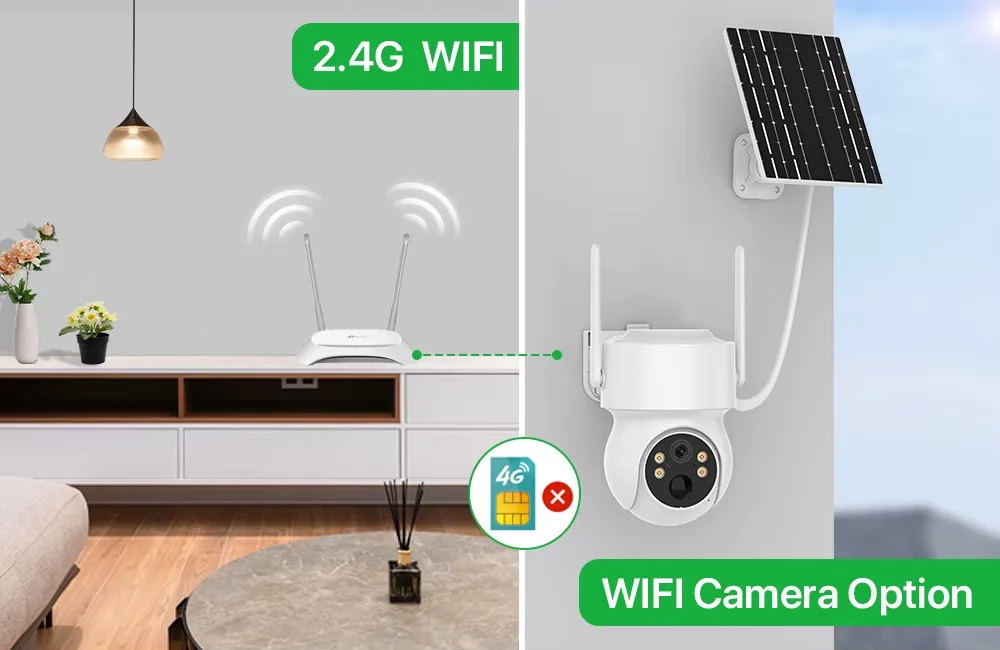
④Please note that this camera requires a 2.4GHz Wi-Fi connection to the iCSee platform and does not support 5GHz Wi-Fi.
①Charge the camera for at least 10 hours before first use;
② Insert the SD card correctly;
③After turning on the power switch, press and hold the reset button for 8 seconds to restore the camera to factory settings before connecting;
④Please note that this camera requires a 2.4GHz Wi-Fi connection to the iCSee platform and does not support 5GHz Wi-Fi.
PTZ WIFI Solar Camera iCSee

Solar Panel Powered

Smart Night Vision

PIR Human Motion Detection Alarm

Pan Tilt Rotation & Horizontal 355 ° Vertical 90°

Waterproof design enables excellent outdoor surveillance

Stereo two-way audio

WiFi Camera
Cloud Storage or SD Card Recording

Product Size

What's in the box


